
App Information
| Category | Travel & Local |
| Developer | U.S. Customs and Border Protection |
| Version | 4.2.2 |
| Content Rating | Everyone |
| Price | Free |
| Min Android | 7.0 |
| Updated | Apr 1, 2026 |
Description
Important Notes:
- MPC does not replace your passport; your passport will still be required for travel.
- MPC is only available at supported CBP entry locations.
- MPC is a voluntary program which can be used by U.S. Citizens, certain Canadian Citizen Visitors, Lawful Permanent Residents, and returning Visa Waiver Program applicants with an approved ESTA.
More information regarding eligibility and supported CBP entry locations can be found on our website: https://www.cbp.gov/travel/us-citizens/mobile-passport-control
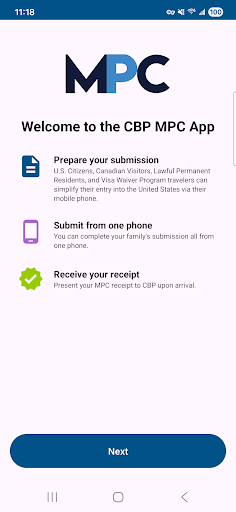
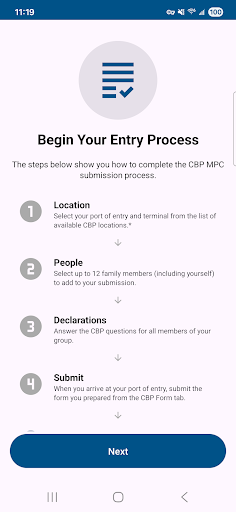
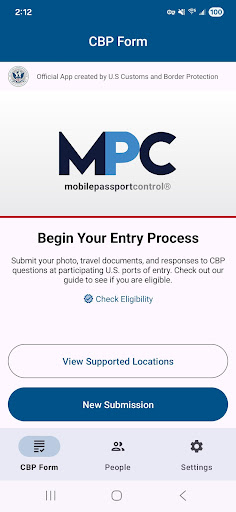
MPC can be used in 6 simple steps:
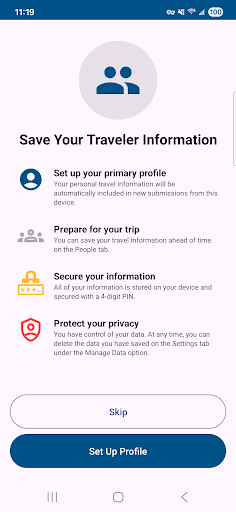
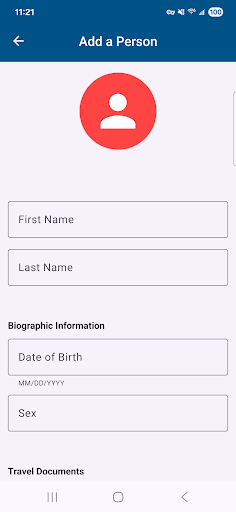
1. Create a primary profile to save your travel documents and biographic information. You can add and save additional eligible people to the MPC app so that you can submit together from one device. Your information will be securely stored on your device to be used for future travel.
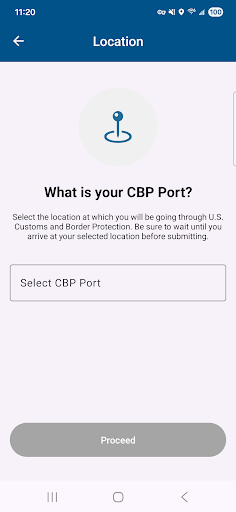
2. Select your CBP port of entry, terminal (if applicable), and add up to 11 additional members of your group to include in your submission.
3. Answer CBP inspection questions and certify the truthfulness and accuracy of your answers.
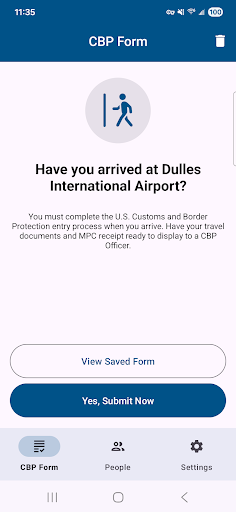
4. Upon arriving at your selected port of entry, tap the “Yes, Submit Now” button. You will be asked to capture a clear and unobstructed photo of yourself and of each other person that you included in your submission.
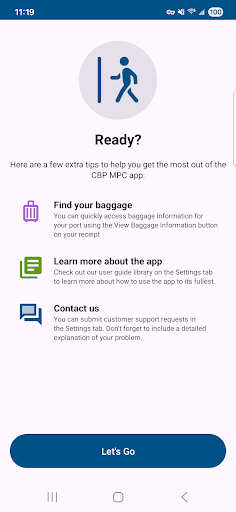
5. Once your submission is processed, CBP will send a virtual receipt back to your device. Follow the instructions on your receipt and be prepared to present your passport and other relevant travel documents.
6. The CBP Officer will complete the inspection. If further information is required, the CBP Officer will let you know. Please note: The CBP Officer may ask to capture an additional photo of you or your group members for verification.
User Reviews

weve encountered an error

App not working

very helpful. had to skip the long queue because of this app.

Leaving Boston Logan, it puts you in the "MPC Delegates" line with priority over seemingly everyone including staff. A+ 👍

difficulty adding travel document. says it needs my document then when I scan it it says it is a duplicate.

app work great process sucks. mpc line at sfo was longer than regular line. they took photos again and asked same questions as the app. dont see any benefit from it. other countries the apps are great fill it out and walk thru.

wonderful experience

good

very good

Smooth
You Might Like

Turo — Car rental marketplace
GPS Camera Map

Royal Caribbean International

Trip.com: Book Flights, Hotels

Capital One Travel

Enterprise Car Rental

Southwest Airlines: Travel App

Upside: Gas & Food Cash Back

Skyscanner Flights Hotels Cars

UK ETA