
App Information
| Category | Travel & Local |
| Developer | Southwest Airlines |
| Version | 13.8.0 |
| Content Rating | Everyone |
| Price | Free |
| Min Android | 8.0 |
| Updated | Apr 20, 2026 |
Description
Southwest app features:
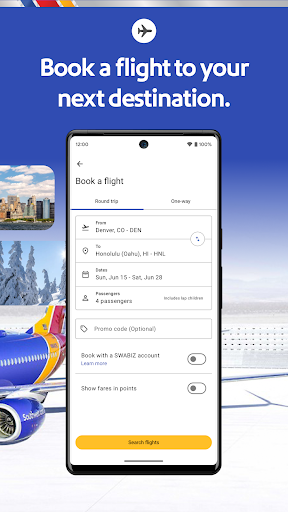
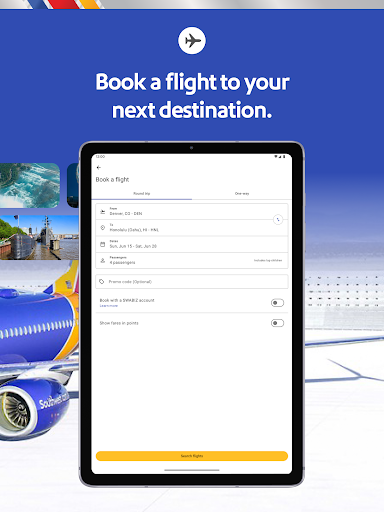
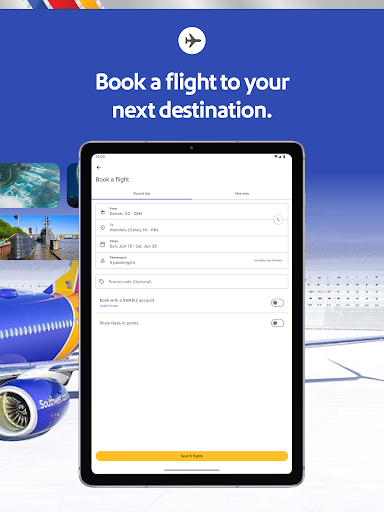
Book a flight and day of travel
- Travel with ease as you search, book, and manage your flight
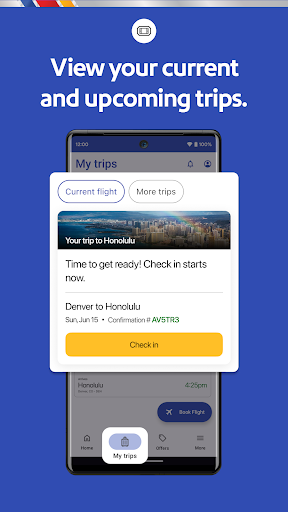
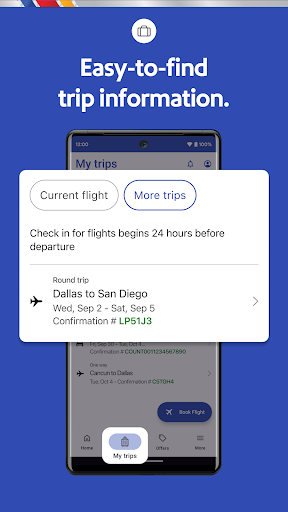
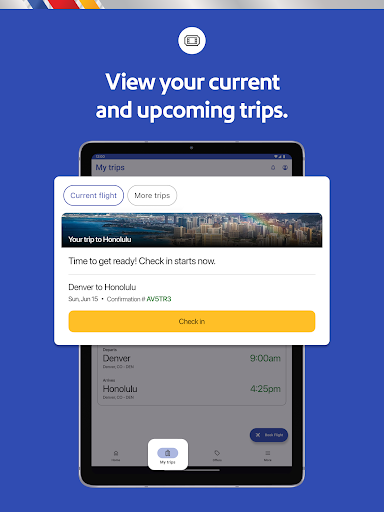
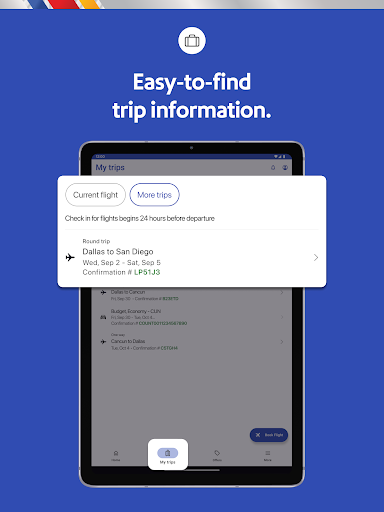
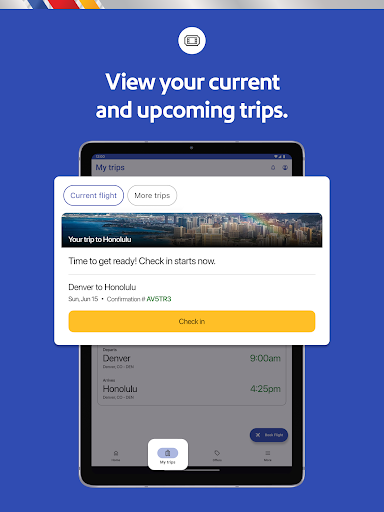
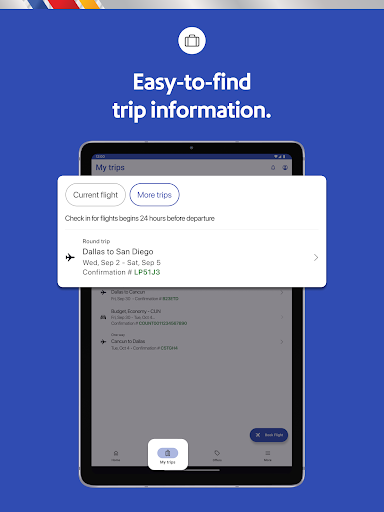
- View your gate information, boarding position, flight status, and more in the “My Trips” tab
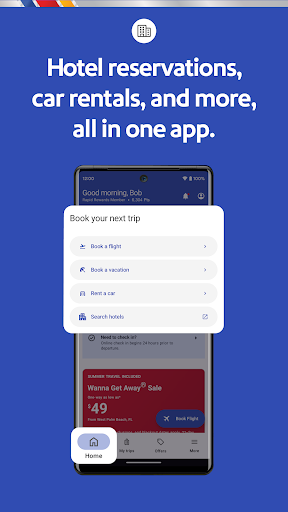
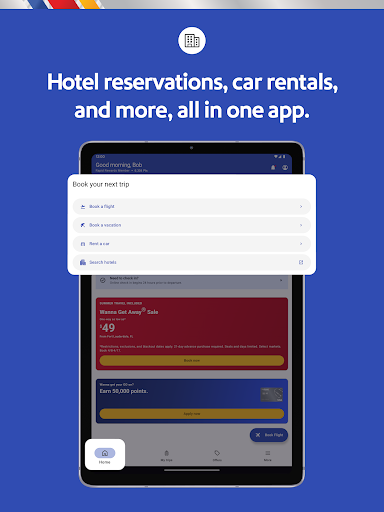
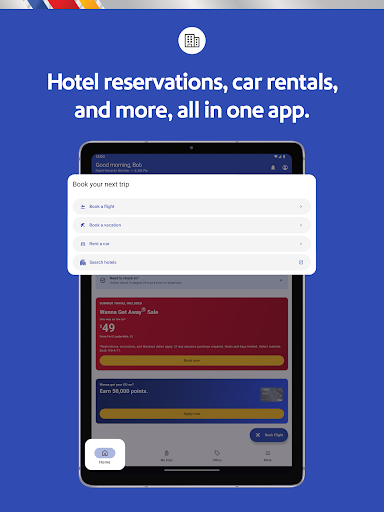
Hotel bookings through the Southwest app
- Explore more travel experiences with each hotel booking
- Check into your hotel via the Southwest app
- Manage your reservation and find hotel deals
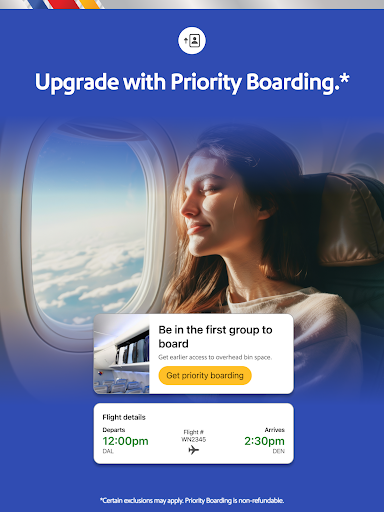
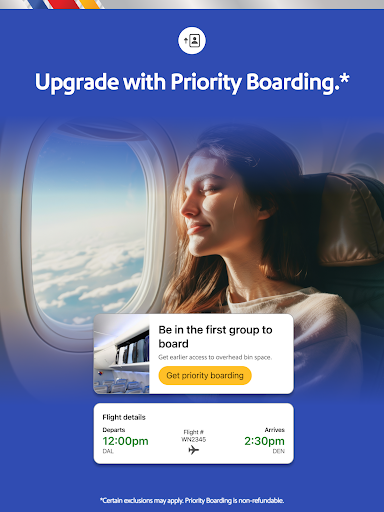
Boarding app on the go
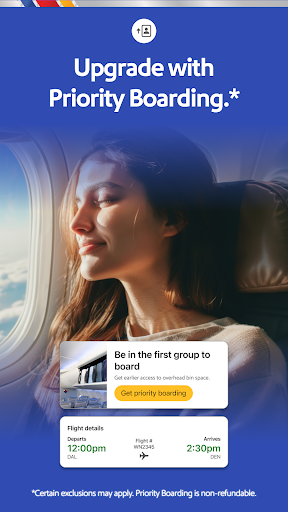
- Mobile boarding passes for all Passengers on your trip 24 hours in advance
- Flight Number, Confirmation Number, Boarding Time, Tier Status, and TSA PreCheck® details found in one place
- Save your Mobile Boarding Passes to Google Wallet for convenience
Getaways by SouthwestTM
- Book your entire vacation package—flight, hotel, rental car—all in one place
- Cancel or make changes to your package up to 10 minutes prior to your original scheduled departure2
- Use the in-app booking widget to search vacation packages in 30+ popular destinations like Las Vegas, Hawaii, Cancun, and more
Access inflight entertainment
- Use the app to take you to our Inflight Entertainment Portal, where you can watch free live TV, access free on-demand TV episodes, and view free movies3
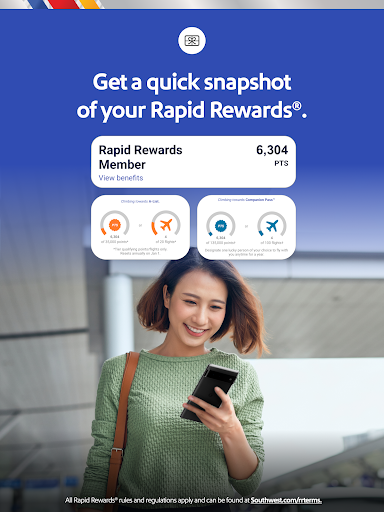
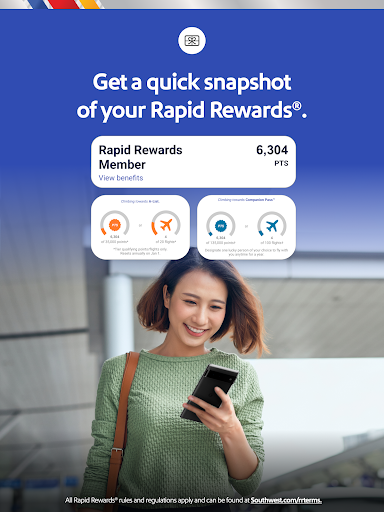
Earn Rapid Rewards points when you travel
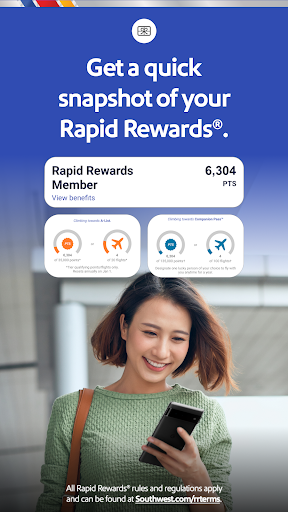
- Sign up for Rapid Rewards and earn points on your flights. Did you forget to add your Rapid Rewards number during booking? No worries, add it after booking your flight and earn points1
Book a flight, schedule pickups and drop-offs, enjoy fast and easy hotel booking, and embrace last-minute flights for your next spontaneous vacation—all with Southwest
Disclaimers:
1All Rapid Rewards® rules and regulations apply and can be found at https://www.southwest.com/about-southwest/terms-and-conditions/rapid-rewards/.
2Bookings canceled or changed 72 hours before your first flight’s scheduled departure will be refunded in the form of vacation travel credits less any optional travel charges & travel insurance. Bookings changed or canceled 72 hours–10 minutes before your first flight’s scheduled departure may be subject to supplier penalties. Bookings must be canceled or changed at least 10 minutes before your first flight’s scheduled departure time or funds will be forfeited. Any eligible credits will be less nonrefundable air travel charges & travel insurance. Subject to Getaways by SouthwestTM Terms & Conditions: https://www.southwest.com/vacations/terms-and-conditions/
3 Where available. Available only on WiFi-enabled designated aircraft. Due to licensing restrictions, on WiFi-enabled international flights, free live TV may not be available for the full duration of the flight. Texting only allows access to iMessage and WhatsApp (which must be downloaded and activated before connecting to SouthwestWiFi).
User Reviews

Awesome! A great overall experience.

Can't check my bag. When you hit check bags the app puts me in a due loop to downlaod the app again over and over.

It would be nice if the app told you what gate you're landing at. That will help you know how far you need to go to catch your connecting flight.

Since the new update for Samsung, you can't retrieve a boarding pass. The screen freezes on the warning page of what not to bring. Well that was fast. New update and the app works. now they just need to make their planes the same way. Quick, Fast and in a hurry.

I know Southwest has a reputation for short delays due to planes getting in last minute but all my flights have been multiple hour delays. it's ridiculous

When I try to use the app, I very often get error messages

not a great experience. Says I'm not logged in, the screen flashes to another page and suddenly I am. it's still just a PWA. nothing native about it.

the talk true

bad services this days how can you charge every luggage, your customer rate is dropping so fast

I was having problems getting past the Hazardous Material page to view my boarding pass and it was driving me mad. I read another review saying they were experiencing the same issue. Once, I decreased the font size in my phone settings I was able to select and continue to view the boarding pass.
You Might Like

GetYourGuide: Travel & Tickets

Six Flags
GPS Offline Maps & Navigation
GPS Camera Map

Hilton Honors: Book Hotels

Greyhound: Buy Bus Tickets

Capital One Travel

Upside: Gas & Food Cash Back

Viator Tours & Attractions

U-Haul