

| Category | Parenting |
| Developer | Securly Inc. |
| Version | 5.6.0 |
| Content Rating | Everyone |
| Price | Free |
| Min Android | 9 |
| Updated | Jun 30, 2026 |

don't download this, They aren't even going to respond to our hate...

It keeps closing when I open it??

wish this same app was available for private use with personal devices not just school issued devices.

app has said "no results so far" for well over a year, website has info, but that blocks me a lot as expired. Plus I have tried to reach out to them on app or email, but no body is there. pretty horrible experience and customer service. I wish my school wasn't on it.

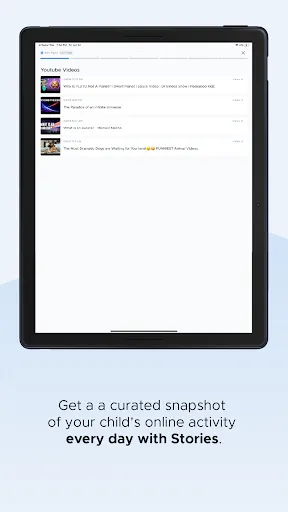
I have used this app since last school year and in the beginning of the school year, the app was working perfectly. I was able to see all of my kids' laptop usage, which was very useful. At some point mid-year, the app stopped working correctly and I was only seeing the usage for one child. I have tried to uninstall and reinstall the app, but nothing seems to be working. I was hoping with the new academic year, things might be different, but it's not. I can only see the usage from one child.

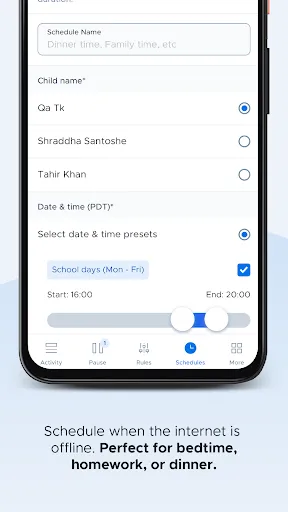
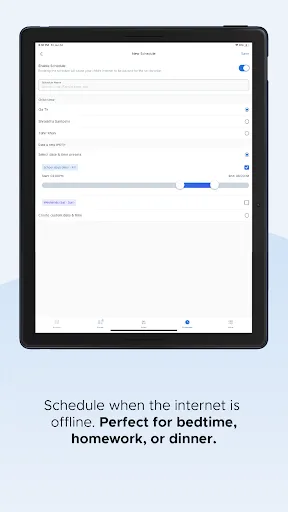
All around frustrating. Page transitions in the application are incredibly slow as are waiting for authentication emails. Random server and timeout errors plague the app. Creating a custom schedule always leaves Saturdays in an error state but default schedules don't include Saturday. Setting a password doesn't appear to work. Better to use a router based solution like Synology.

I think this app just works for accessing your children's online activity on their Chromebook. Its block website feature is not effective. I have tried to block YouTube access several times with support from Securly's technical staff but my kids keep accessing YouTube videos. My kids did not bypass any features or use any technical skills to access YouTube. Securly's controls are just not good enough.

excellent 👌

it's working good and nice 👌

very good

Hubble Connected for Motorola

OurFamilyWizard Co-Parent App

kidsmile

HiMommy: Pregnancy Tracker

Pregnancy Tracker, Maternity

Baby Connect: Newborn Tracker
YouTube Lock - Parent Control

Parental Control App Blocker

Happiest Baby, makers of SNOO

Baby Monitor Camera - NannyCam