LegendPeeps
Home Apps Parenting YouTube Lock - Parent Control
YouTube Lock - Parent Control

YouTube Lock - Parent Control

0.00
|
V2.3.0
|
10K+
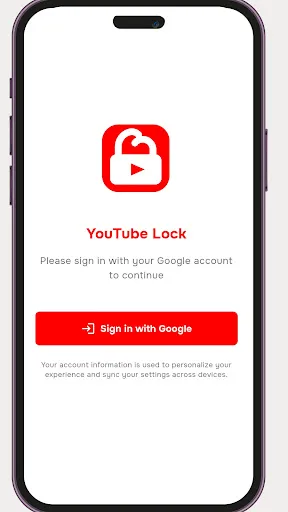
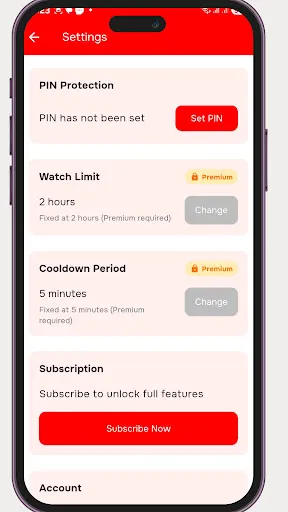
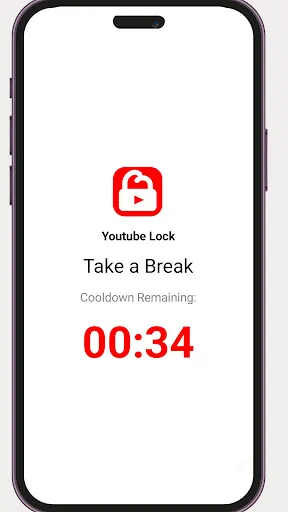
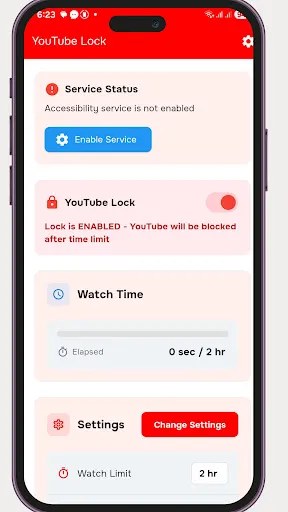
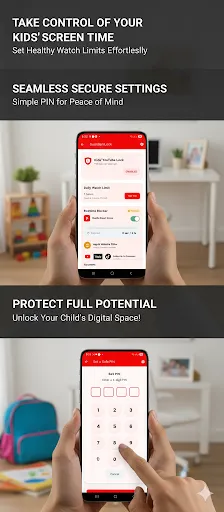
YouTube Lock - Parent Control screenshot YouTube Lock - Parent Control screenshot YouTube Lock - Parent Control screenshot YouTube Lock - Parent Control screenshot YouTube Lock - Parent Control screenshot YouTube Lock - Parent Control screenshot YouTube Lock - Parent Control screenshot YouTube Lock - Parent Control screenshot YouTube Lock - Parent Control screenshot YouTube Lock - Parent Control screenshot YouTube Lock - Parent Control screenshot YouTube Lock - Parent Control screenshot

App Information

Category Parenting
Developer Delveron
Version 2.3.0
Content Rating Everyone
Price Free
Min Android 7.0
Updated Feb 21, 2026

Description

Works on Android TV, Android phones, and tablets.

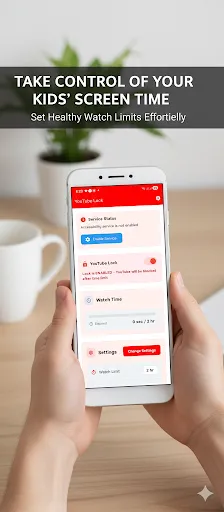
This app helps parents manage and control YouTube screen time for children in a simple, safe, and effective way. It is designed to support healthy digital habits without spying or intrusive monitoring.

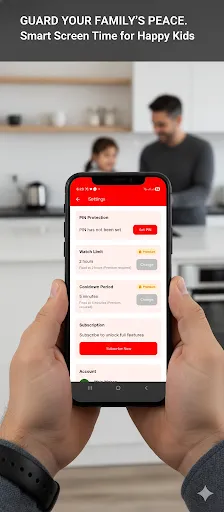
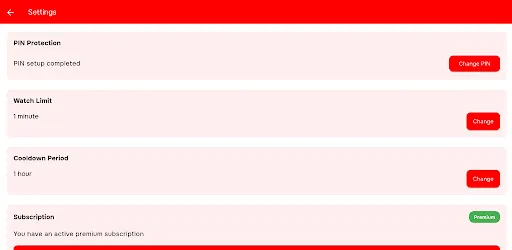
With smart time-based controls, parents can set how long YouTube can be used continuously. Once the allowed viewing time is reached, YouTube is temporarily blocked, encouraging children to take breaks and reducing excessive screen usage.

The app is ideal for parents who want to help their children stay focused on studies, maintain proper sleep routines, and develop balanced screen-time habits across devices.

Key Features:
• Limit continuous YouTube usage
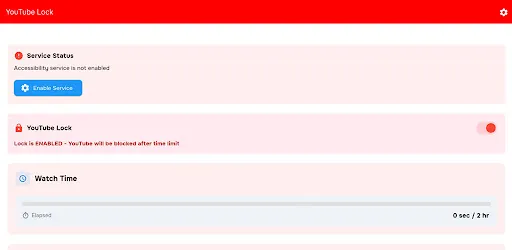
• Automatically block YouTube after time limits are reached
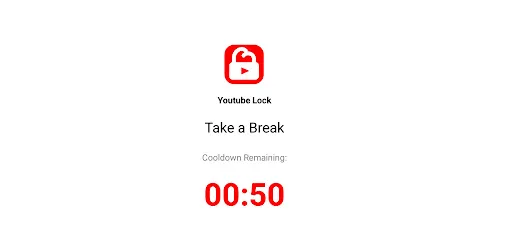
• Cool-down period before YouTube can be accessed again
• Simple and easy-to-use parental controls
• Works offline once configured
• Supports Android TV, mobile phones, and tablets

Accessibility Service Disclosure (Required):
This app uses Android Accessibility Service only to detect when YouTube is opened so that it can enforce screen-time limits set by the parent.
The app does not read messages, capture keystrokes, collect personal content, or monitor activity outside of app usage control.

Subscription Information:
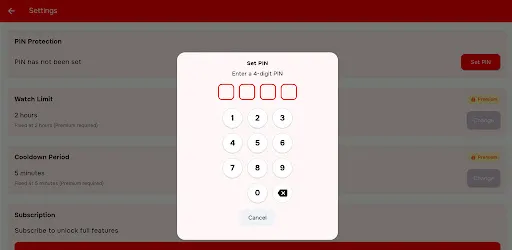
Some advanced features require a subscription. Subscriptions automatically renew unless canceled at least 24 hours before the end of the current billing period. You can manage or cancel your subscription at any time through Google Play settings.

Intended Use:
This app is built to support responsible digital usage and is intended strictly for parental guidance and screen-time management purposes.

Downloads

V2.3.0

Size: 18.21 MB

Updated: 2026-02-21

User Reviews

Ariyanto
May 17, 2026

time cannot set until u pay

Rechellemain female
Apr 10, 2026

this app is working

janani janu
Apr 10, 2026

all should pay! I don't like this app

Nurjahan Shaik
Apr 3, 2026

yay

Mahendra Srivastav
Apr 3, 2026

Good

Adrian Ampong
Mar 30, 2026

i installed and subscribe to premium, but it does not work

Shinil Kumar
Feb 14, 2026

waste of time

Farhaan Shamshad
Feb 6, 2026

this app don't working

Jithin Mohan
Feb 3, 2026

sometimes TV navigation is a bit slow, but that’s okay. We are not always on this app; it is a one-time setup. YouTube will automatically close when the time limit is reached, and this will continue without our input. Instant screen lock from mobile device is a great feature.

Jithin Mohan
Feb 3, 2026

This app is amazing. The instant YouTube close feature works perfectly. My kid thinks YouTube is having issues, but it’s actually me closing it from my phone 😀