LegendPeeps
Home Apps Lifestyle SmartThings
SmartThings

SmartThings

4.59
|
VVARY
|
1B+
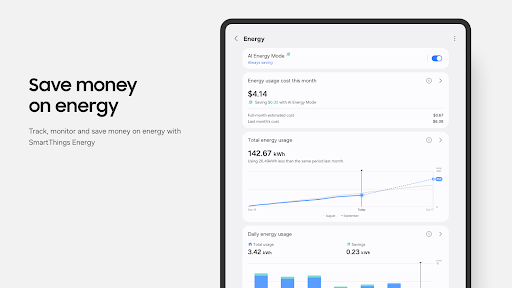
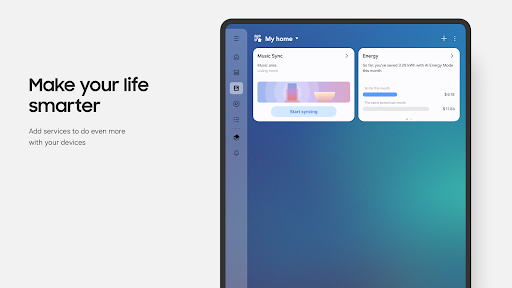
SmartThings screenshot SmartThings screenshot SmartThings screenshot SmartThings screenshot SmartThings screenshot SmartThings screenshot SmartThings screenshot SmartThings screenshot SmartThings screenshot SmartThings screenshot SmartThings screenshot SmartThings screenshot SmartThings screenshot SmartThings screenshot SmartThings screenshot SmartThings screenshot SmartThings screenshot SmartThings screenshot SmartThings screenshot SmartThings screenshot SmartThings screenshot SmartThings screenshot SmartThings screenshot SmartThings screenshot

App Information

Category Lifestyle
Developer Samsung Electronics Co., Ltd.
Version VARY
Content Rating Everyone
Price Free
Min Android Varies with device
Updated Mar 26, 2026

Description

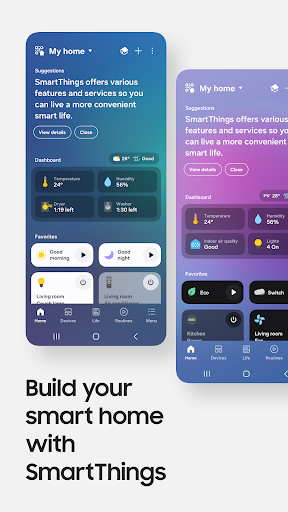
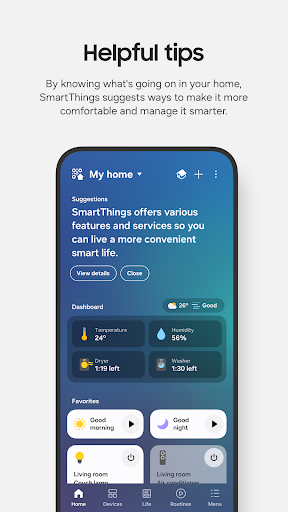
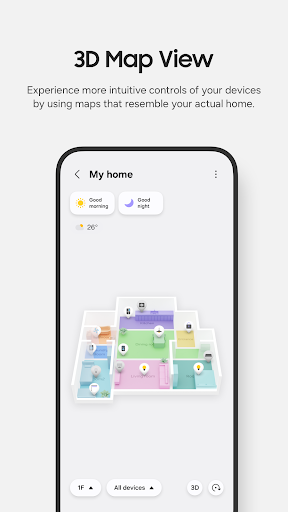
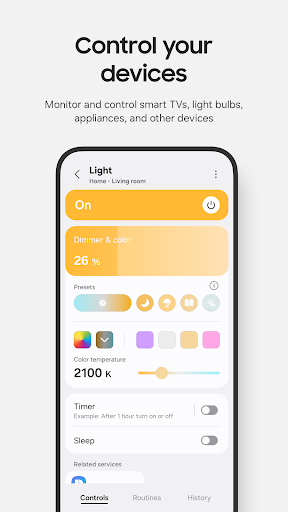
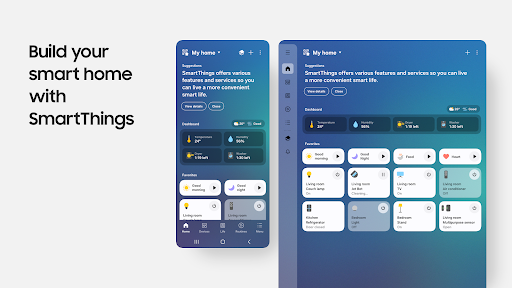
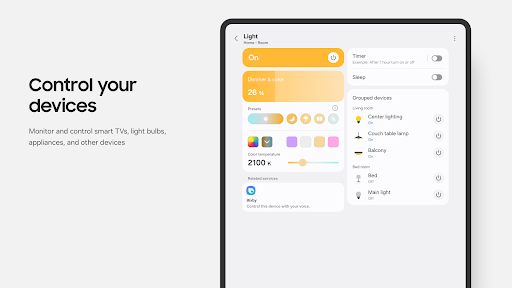
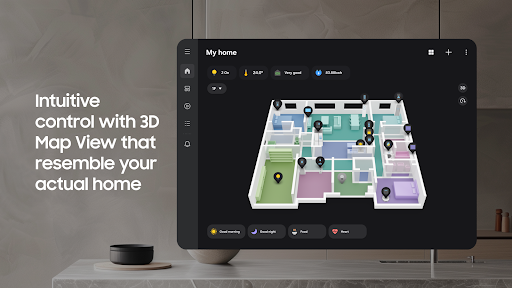
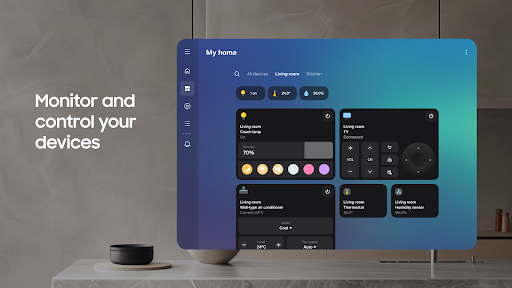
Quickly and easily connect and control your smart home devices through SmartThings.
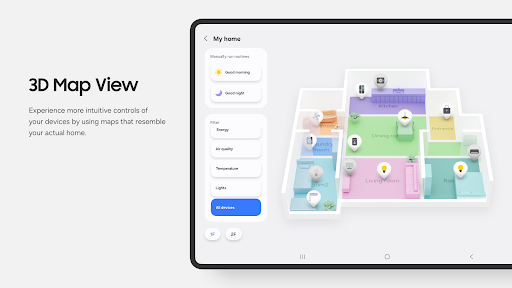
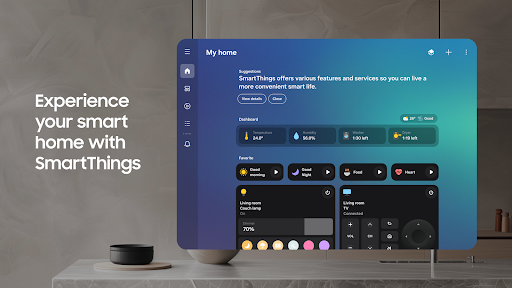
SmartThings is compatible with 100s of smart home brands. So, you can control all of your smart home gadgets in one place, including your Samsung Smart TV and smart home appliances.
With SmartThings, you can connect, monitor and control multiple smart home devices quicker and easier. Connect your Samsung smart TVs, smart appliances, smart speakers and brands like Ring, Nest and Philips Hue - all from one app.
Then control your smart devices using voice assistants including Alexa, Bixby and Google Assistant

[Key Features]
- Control and check in on your home from wherever you are
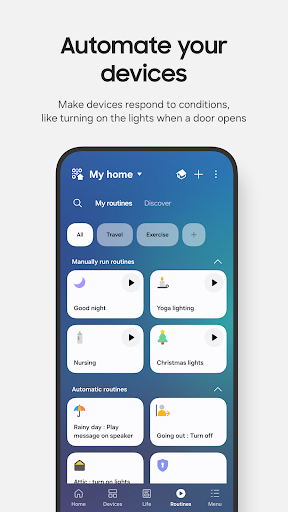
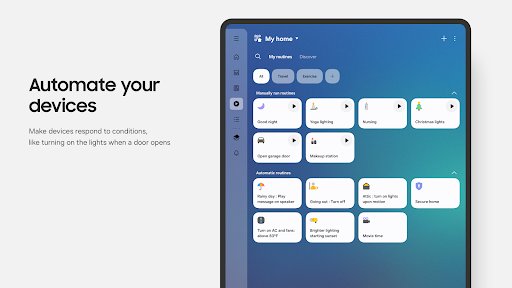
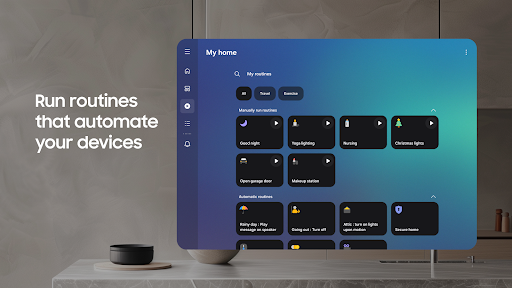
- Build routines that are set on time, weather, and device status, so your home runs smoothly in the background
- Allow shared control by giving access to other users
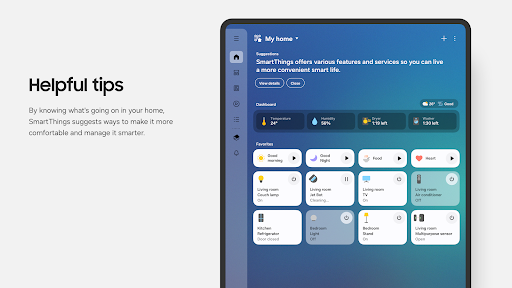
- Receive status updates about your devices with automated notifications

※ SmartThings is optimized for Samsung smartphones. Some features may be limited when used with other vendors' smartphones.
※ Some features may not be available in all countries.
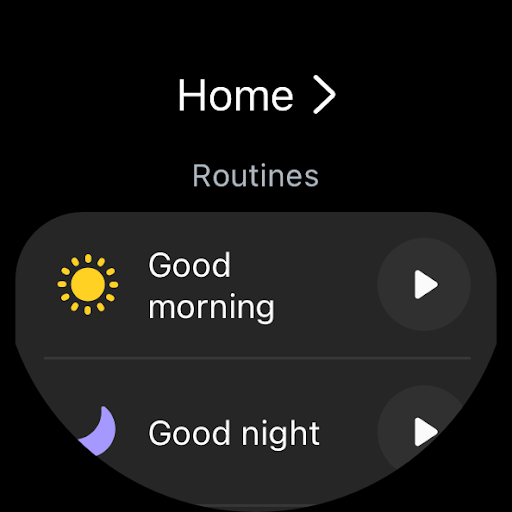
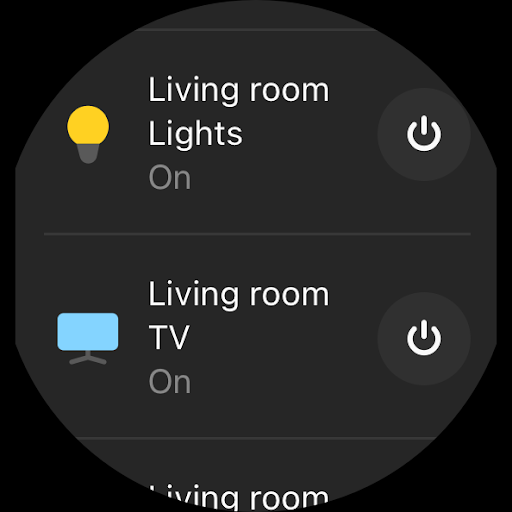
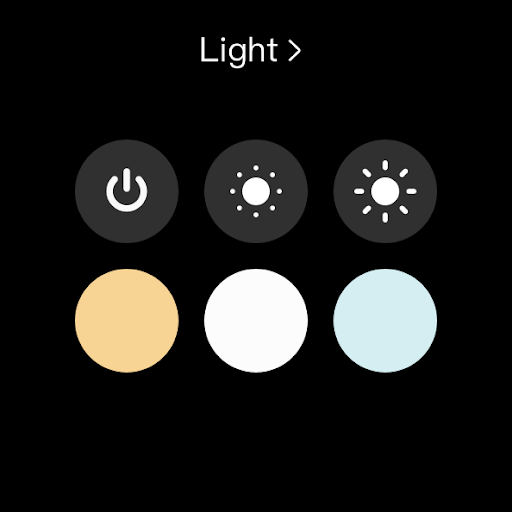
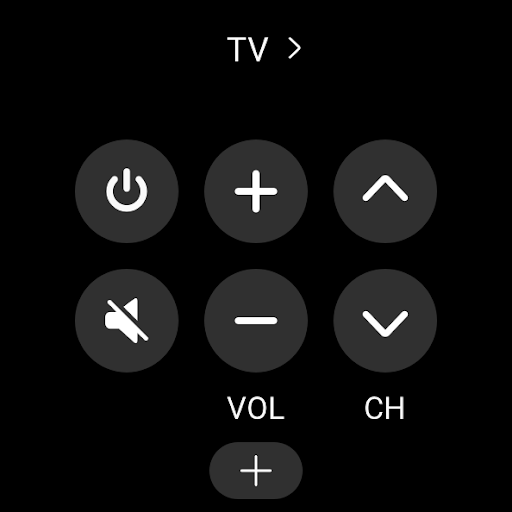
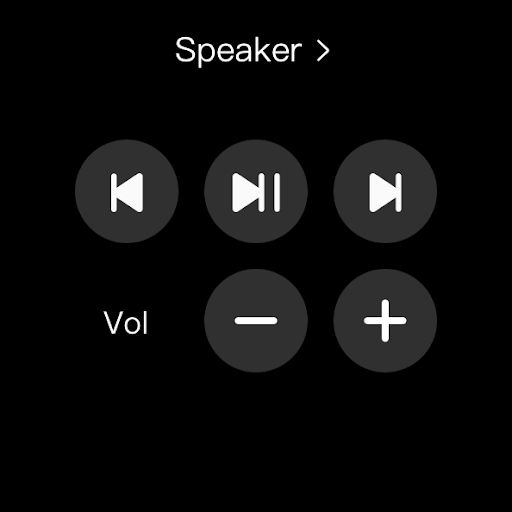
※ You can also install SmartThings on Wear OS-based watches.
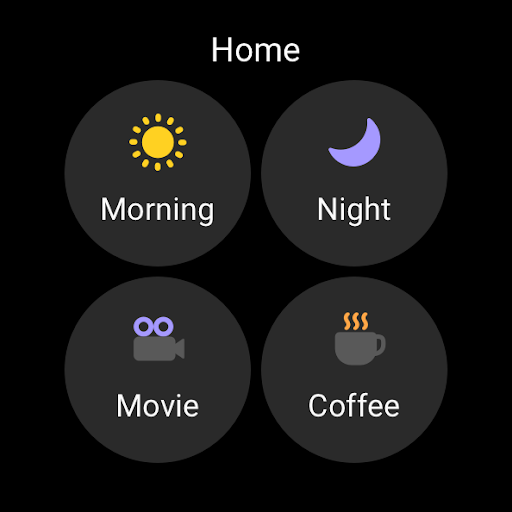
※ SmartThings for Wear OS is only available when the watch is connected to a mobile phone. You can get a quick access to routine run and device control by adding SmartThings tile on your watch. We provide SmartThings complications that allow you to enter SmartThings app service directly from watchface.

[App requirements]
Some mobile devices may not be supported.
- Memory size : 3GB over

※ App permissions
The following permissions are required for the app. You can use the app without optional permissions, but some functions may be limited.

[Optional access permissions]
• Location : Used to locate your devices, create routines based on your location, and scan for nearby devices using Wi-Fi
• Nearby devices : (Android 12 ↑) Used to scan for nearby devices using Bluetooth Low Energy (BLE)
• Notifications : (Android 13 ↑) Used to provide notifications about SmartThings devices and features
• Camera : Used to scan QR codes so you can easily add members and devices to SmartThings
• Microphone : Used to add certain devices to SmartThings using high-frequency sounds
• Files and media : (Android 12) Used to save data and share content
• Photos and videos : (Android 13 ↑) Used to play photos and videos on SmartThings devices
• Music and audio : (Android 13 ↑) Used to play sound and video on SmartThings devices
• Phone : (Android 12 ↑) Used to make calls on smart speakers
• Contacts : (Android 12 ↑) Used to get phone numbers of your contacts to send text message notifications
• Physical activity : (Android 12 ↑) Used to detect when you start pet walks

[Wear OS Optional access permissions]
• Nearby devices : (Wear OS 3.5 ↑) Used to scan for nearby devices using Bluetooth Low Energy (BLE)
• Notifications : (Wear OS 4.0 ↑) Used to provide notifications about SmartThings devices and features
• Microphone: Communicate with nearby devices using a microphone and speaker

Downloads

VVARY

Size: 165.17 MB

Updated: 2026-03-26

User Reviews

4.59
4M+ Reviews
5
79%
4
11%
3
5%
2
1%
1
4%
COAST 86
Apr 28, 2026

Updated my TV and Volume is way to loud or too low now. not sure why samsung has to update the smart TV but they made the volume way too loud or too low now.

Alan G
Apr 27, 2026

most recent update has made all the smart tags I have stop working properly, just takes it to the screen where it says it's looking and even being right next to the tag waiting the whole 5m does nothing, after a lot of troubleshooting the apps and Samsung find which is different than smart things but they both do similar things I was able to get them paired again clearing data on both apps uninstalled what I could and reinstalled and reset phone and devices 🙄

Tony T
Apr 27, 2026

I have tried to enable the 'Notify when movement detected' toggle for a device that is connected to my phone, and it tells me that 'in order to use this feature the device must be connected to this phone'. I'm getting tired of being an unwilling and unwitting beta tester for Samsung. Update: I have since discovered that the error message was attempting to tell me that my Samsung Galaxy smart tag 2 must be connected to my phone via Bluetooth. Please correct the error message to be more specific

Mohammad Hardimas Supriyanto
Apr 27, 2026

Good App

David Chatwn
Apr 27, 2026

Samsung sign in is trash.. I cannot access my old account no matter what I do. heck anything Samsung that involves logging in sucks.. just stick to building the phones and tvs.. leave the software to other companies.n

Vansh Choudhary
Apr 27, 2026

very nice 👍🙂

Suprava Bhakta
Apr 27, 2026

delete

Alper Gondiken
Apr 27, 2026

It's broken - not the app but the Samsung signin page simply doesn't work whichever browser you use

Amit Choudhary
Apr 27, 2026

very slow and lagging.

সাইফুল ইসলাম
Apr 27, 2026

yes I'm good