
LegendPeeps
Home Apps Communication Video Meeting
Video Meeting

Video Meeting

4.17
|
V6.0
|
1M+
Video Meeting screenshot Video Meeting screenshot Video Meeting screenshot Video Meeting screenshot Video Meeting screenshot Video Meeting screenshot Video Meeting screenshot Video Meeting screenshot

App Information

Category Communication
Developer all contacts app
Version 6.0
Content Rating Everyone
Price Free
Min Android 6.0

Description

Boost Your Productivity with Smarter Video Meetings πŸŽ₯πŸ’Ό

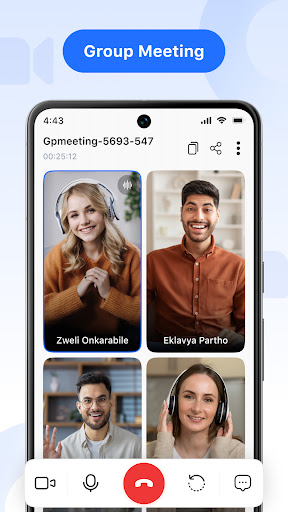
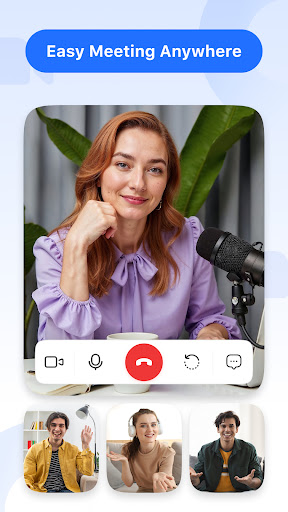
Experience seamless virtual communication with our advanced video conferencing appβ€”built for effortless collaboration, crystal-clear HD video calls, and real-time team interaction. Whether you're leading a business meeting, having a personal video chat, or sharing your screen for a project, our app makes every online connection feel smooth, secure, and productive.

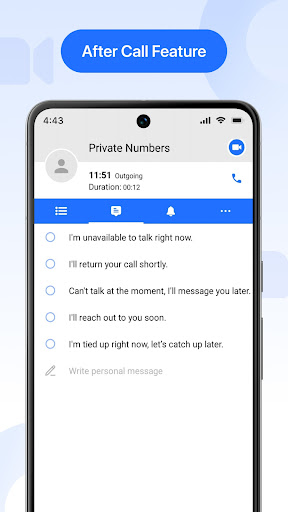
The Video Meeting app offer after-call feature that helps you quickly set meetings right after receiving a call. You can instantly create follow-up meetings or send a message after-call end.

🌟 Highlighted Features:
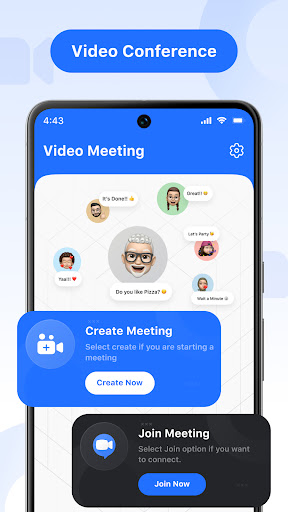
πŸ“… Host a Meeting Instantly – Launch your own video session and invite participants with ease.

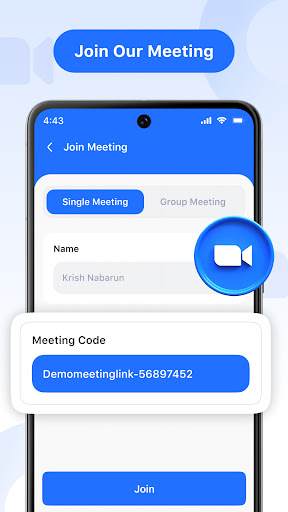
πŸ”— Quick Join – Enter meetings instantly using a shared link or secure codeβ€”no delays.

πŸ‘€ One-on-One Chats – Enjoy focused private meetings with a single participant.

πŸ‘« Group Hangouts – Start friendly video calls with your contacts for social interaction.

πŸ” Secure Code Invitations – Share a unique meeting code to ensure safe and quick access.

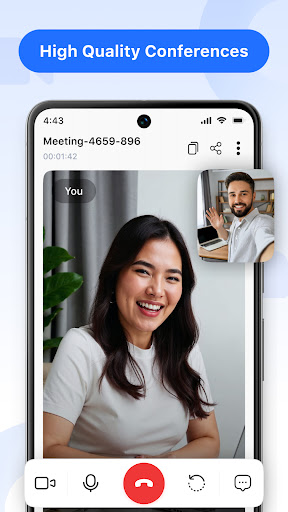
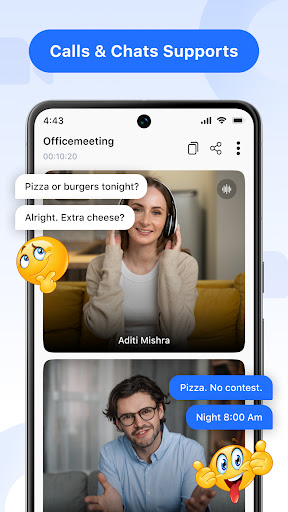
πŸ’¬ Real-Time Chat – Communicate through instant messaging without interrupting the call.

πŸŽ™οΈ Audio Controls – Mute or unmute your mic effortlessly during any conversation.

πŸŽ₯ Video Toggle – Show or hide your camera feed based on your comfort and privacy.

πŸ–₯️ Screen Sharing – Present documents, slides, or apps live with a single tap.

πŸšͺ Easy Exit – Leave the meeting when needed without disruption.

πŸ”š End for All – Conclude the session for every participant with a simple click.

🌍 Multi-Language Support – Choose your preferred language and break communication barriers.

βœ… Why Our App Stands Out:
Designed for both professionals and everyday users, our platform delivers:

- Flawless HD video & audio

- Simple yet powerful UI

- Private, encrypted access via codes

- Flexible for work, study, or social use

From hosting business calls and virtual classrooms to chatting with friends or running webinarsβ€”our app adapts to your needs and ensures a smooth virtual experience anytime, anywhere.

Start your first video meeting today and connect with confidence! πŸ’»βœ¨

User Reviews

4.17
3K+ Reviews
5
66%
4
14%
3
5%
2
2%
1
14%
Kyle Pace
Apr 25, 2026

πŸ‘

Joan Nguai
Apr 25, 2026

okay

Joey Stadler
Apr 25, 2026

sure

Evelyn Velez
Apr 23, 2026

not working

Lah Dicko
Apr 23, 2026

too many ad

Lee Mepa
Apr 23, 2026

not performing well

LaTonya S
Apr 22, 2026

good

Lisa Alvarez
Apr 22, 2026

Excellent!!!

Heather Anne
Apr 22, 2026

was good n clear

Kenneth Steecker
Apr 20, 2026

I don't understand πŸ˜• this app. at all. I'm new to all this computer/ technology/telephone business. New to DC. I'm using a cell phone for it instead πŸ™ƒ of a laptop top. I want to use Microsoft video meetings for a interview/ lesson plan I have with the substitute teaching team on May 19th and I don't have a clue how to use it for a meeting and I don't know πŸ˜• how to use it. I have a month to make my lesson plan and learn how to use this technology. Please advise me how to use it. I'm stuck