LegendPeeps
Home Apps Productivity MyHyundai with Bluelink
MyHyundai with Bluelink

MyHyundai with Bluelink

4.60
|
V5.4.2
|
1M+
MyHyundai with Bluelink screenshot MyHyundai with Bluelink screenshot MyHyundai with Bluelink screenshot MyHyundai with Bluelink screenshot MyHyundai with Bluelink screenshot MyHyundai with Bluelink screenshot MyHyundai with Bluelink screenshot MyHyundai with Bluelink screenshot MyHyundai with Bluelink screenshot MyHyundai with Bluelink screenshot MyHyundai with Bluelink screenshot MyHyundai with Bluelink screenshot

App Information

Category Productivity
Developer Hyundai Motor America
Version 5.4.2
Content Rating Everyone
Price Free
Min Android Varies with device
Updated Jun 26, 2026

Description

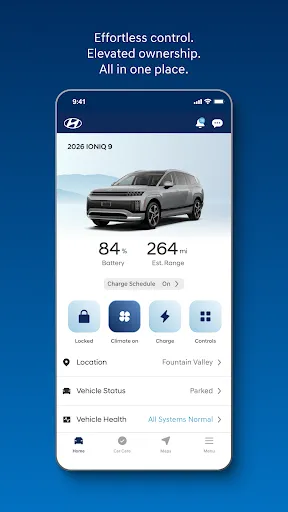
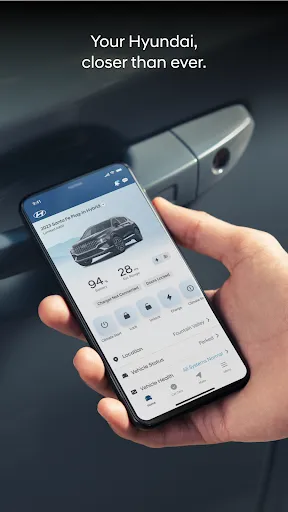
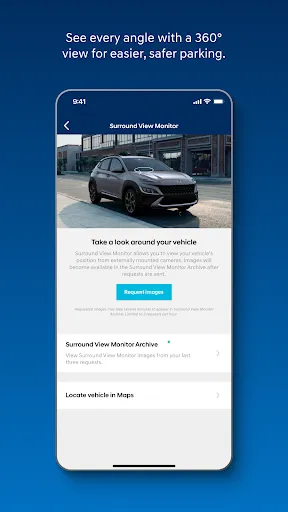
The MyHyundai app makes getting information about your Hyundai vehicle easier than ever. The MyHyundai app allows you to access owner resources, schedule service or connect to your Bluelink enabled vehicle from your phone. Bluelink technology enables and empowers you while you are on the go, giving you access to your Bluelink features from your office, at home, or just about anywhere.
Access the app with your MyHyundai.com ID, password and PIN to take advantage of Bluelink’s Remote features. Log in and send commands conveniently using biometric authentication (fingerprint or face recognition). An active Bluelink subscription is required to use Bluelink features in the app. To renew or upgrade to either Remote or Guidance, please visit MyHyundai.com.


An active Bluelink Remote Package (R) or Guidance Package (G) subscription is required to access select features. Feature support varies by vehicle model. Please visit HyundaiBluelink.com to check what Bluelink features your vehicle supports.

With the MyHyundai app you can:
• Remotely start your vehicle (R)
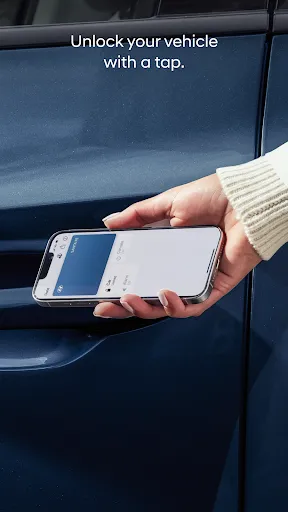
• Remotely unlock or lock the door (R)
• Start your vehicle with saved presets you customize (R)
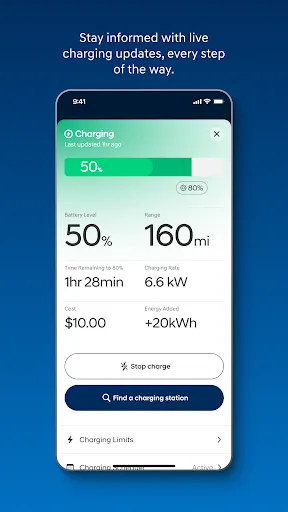
• View charging status, manage charging schedules and settings (EV and PHEV vehicles only) (R)
• Learn more about key features with user tutorials
• Remotely activate the horn and lights (R)
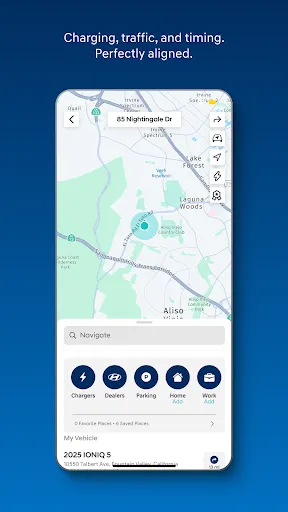
• Search and send Points of Interest to your vehicle (G)
• Access saved POI History (G)
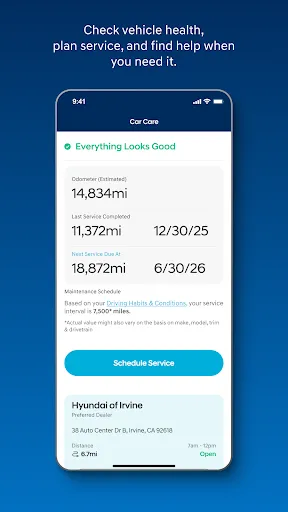
• Make a Car Care service appointment
• Access Bluelink Customer Care
• Find your car (R)
• Access maintenance information and other convenient features.
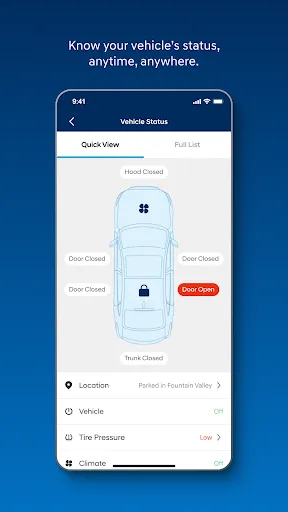
• Check Vehicle Status (supported on select 2015MY+ vehicles)
• Access vehicle features with four phone widgets for Remote Features, Parking Meter, POI search and Ioniq EV vehicle


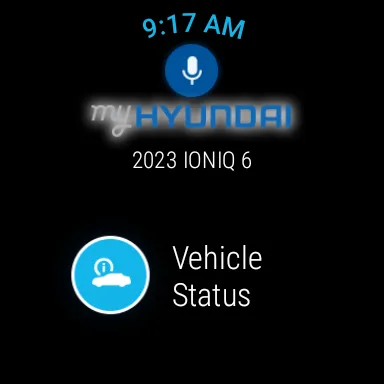
MyHyundai app also supports Wear OS smartwatch features. Use voice commands or the smartwatch menu to access select features.
With MyHyundai for Wear OS you can:
• Remotely start your vehicle (R)
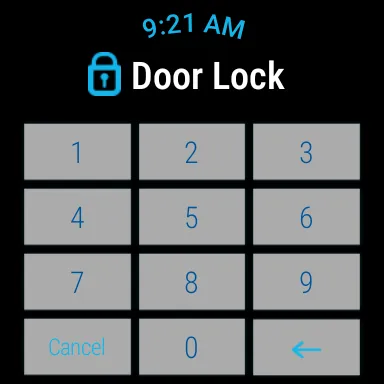
• Remotely unlock or lock the door (R)
• Remotely activate the horn and lights (R)
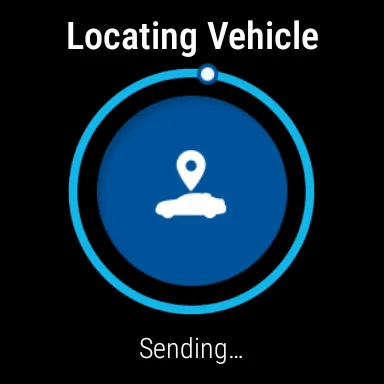
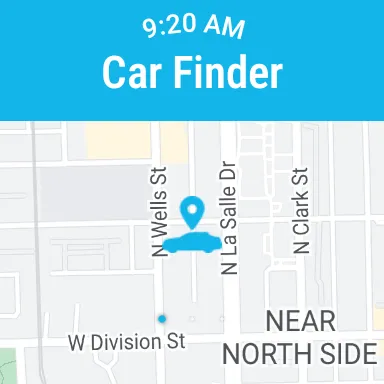
• Find your car (R)
*Note: Active Bluelink subscription and Bluelink equipped vehicle with capabilities required.


The MyHyundai app asks for the following device permissions as needed:
• Camera: For adding driver and profile pictures
• Contacts: To select from phone contacts when sending secondary driver invites
• Location: For map and location functionality throughout the app
• Phone: For placing calls when tapping on buttons or links to call
• Files: For saving PDFs or other downloaded documents to the device
• Notifications: To allow push notification messages from the app
• Biometrics: For enabling fingerprint and/or face recognition for authentication

For technical assistance, please contact us at [email protected].
Disclaimer: Feature support varies by vehicle model. Please visit HyundaiBluelink.com to check what Bluelink features your vehicle supports.

Downloads

V5.4.2

Size: 83.89 MB

Updated: 2026-06-26

User Reviews

4.60
115K+ Reviews
5
82%
4
8%
3
3%
2
2%
1
5%
Brian Bradley
Jul 8, 2026

yea no

Jasmine Shepherd
Jul 8, 2026

app isn't working with the new update

agnes gora
Jul 8, 2026

whatever update you just did broke the app. can't schedule anything

David
Jul 7, 2026

The app will make you login even though you have biometrics enabled. I do not carry my passwords with me and do not save them to my device. Very annoyed with this app. I will not be renewing my subscription when it comes due.

Robert
Jul 7, 2026

Bluelink App won't start climate control system. It starts car and fans are off and car won't cool in summer or heat in the winter. This has been a problem since October 2025. The reply from bluelink is a joke. I've opened a case with bluelink months ago. I've also filled a complaint with the BBB.

David Anyadike
Jul 7, 2026

The basic functions work well. I don't think I'm ever going to get the Blue Link store, though. No World Cup Hyundai stuff until after the World Cup, I guess. The app still dislikes the unfolded/tablet orientation, so the mainscreen layout is a mess. Also, I mistyped my PIN into the app during surround view setup, but the app doesn't verify, so I received empty views for weeks - I assumed it was confirming my PIN, not genuinely requesting it. For weeks, I thought it was another bug with the app.

Rick Clow
Jul 7, 2026

very poorly written.

Allison Holifield
Jul 6, 2026

Edited review-some update occurred and nothing works :( I liked auto starting my car or checking the lock status.

Vikram Ganti
Jul 6, 2026

1. i was directed to root insurance for hyundai customers via the Bluelink app for special deals. within 30 minutes of inputting my info for a quote, i received 127 spam/subscription emails. 2. when i downloaded the FIFA theme from the app store for free, it still referenced my credit card on file. within 30 minutes, that card was utilized for $2100 on stubhub. the ads on this app appear to be fradulent so id recommend avoiding utilizing them. bluelink customer care doesnt control ads.

thompson home
Jul 5, 2026

typical money grab. some 2024s get the service for free? bet they are selling off your personal information to pay for that worked ok when we had it but not paying for hyundai to sell me off its not like the app and the cars computer needs the "cloud" to work. they just make it seem that way. edit: nice reply completely skipping the questions and pretending to have privacy in mind edit 2: you can stop begging I wont pay for you to steal my info to sell off when 2024s get it free.