LegendPeeps
Home Apps Productivity Roku Screen Mirror & Cast TV
Roku Screen Mirror & Cast TV

Roku Screen Mirror & Cast TV

4.10
|
V3.11
|
1M+
Roku Screen Mirror & Cast TV screenshot Roku Screen Mirror & Cast TV screenshot Roku Screen Mirror & Cast TV screenshot Roku Screen Mirror & Cast TV screenshot Roku Screen Mirror & Cast TV screenshot Roku Screen Mirror & Cast TV screenshot Roku Screen Mirror & Cast TV screenshot Roku Screen Mirror & Cast TV screenshot Roku Screen Mirror & Cast TV screenshot Roku Screen Mirror & Cast TV screenshot Roku Screen Mirror & Cast TV screenshot Roku Screen Mirror & Cast TV screenshot Roku Screen Mirror & Cast TV screenshot Roku Screen Mirror & Cast TV screenshot Roku Screen Mirror & Cast TV screenshot Roku Screen Mirror & Cast TV screenshot Roku Screen Mirror & Cast TV screenshot Roku Screen Mirror & Cast TV screenshot Roku Screen Mirror & Cast TV screenshot Roku Screen Mirror & Cast TV screenshot Roku Screen Mirror & Cast TV screenshot

App Information

Category Productivity
Developer AirBeamTV BV
Version 3.11
Content Rating Everyone
Price Free
Min Android 10
Updated Feb 11, 2026

Description

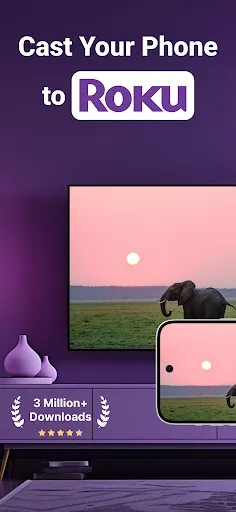
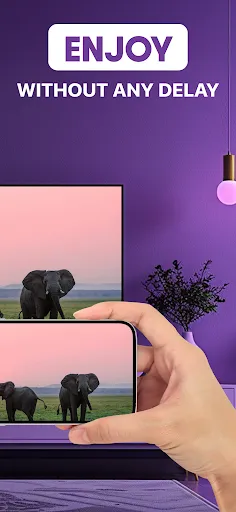
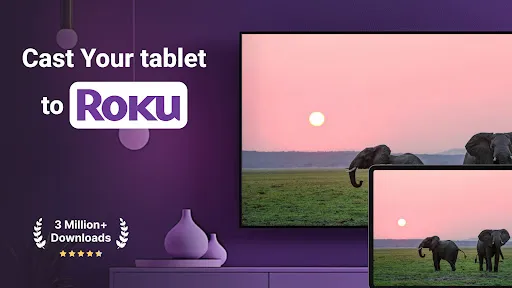
Mirror your screen to Roku effortlessly with AirBeamTV, the ultimate app for screen mirroring for Roku. Turn your phone or tablet into a powerful roku cast solution and enjoy smooth wireless display on your TV. With AirBeamTV, you can cast Roku content such as movies, shows, games, photos, and presentations directly to your TV using reliable roku tv cast technology.

Whether you want to enjoy movies, share photos, or display presentations, screen mirroring for Roku makes everything simple. AirBeamTV transforms your device into a complete roku stream and casting companion, letting you enjoy entertainment and productivity on the big screen using roku cast without cables or extra hardware.

Can’t access apps on your Roku?

On your Roku Box, Stick, or TV, go to:
Settings > System > Advanced System Settings > Control by Mobile Apps > Enable Access
Then start screen mirroring for Roku instantly using roku tv cast.

Powerful Features of AirBeamTV

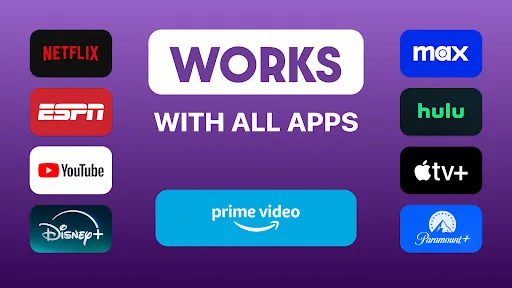
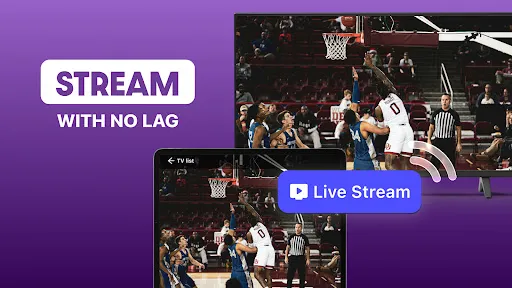
Use roku cast to stream movies, web videos, and live TV shows directly to your Roku device.
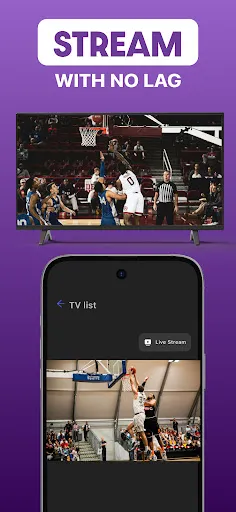
Enjoy sports, live events, and entertainment using screen mirroring for Roku without interruptions.
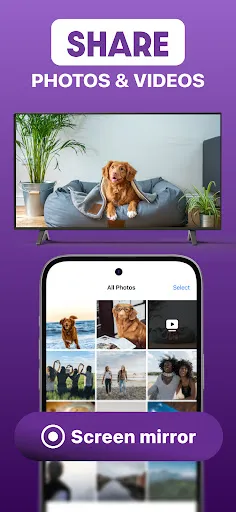
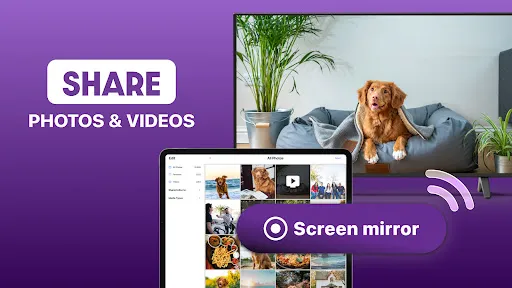
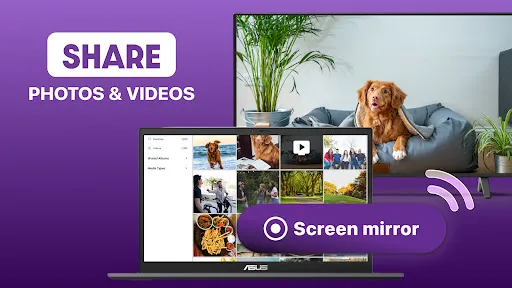
Share photos and memories on the big screen with roku stream and roku tv cast.
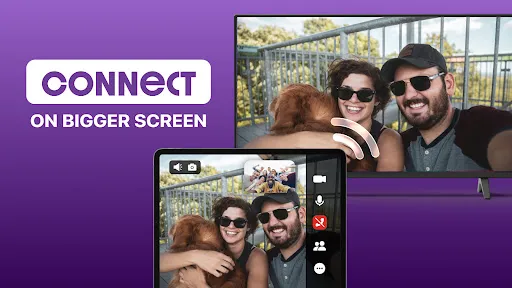
Control your TV easily by combining cast Roku functionality with full remote support.
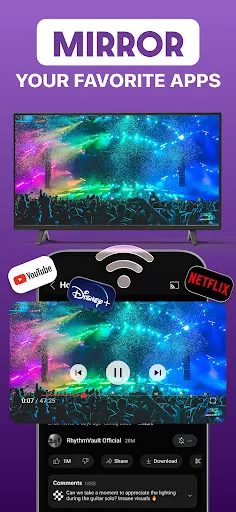
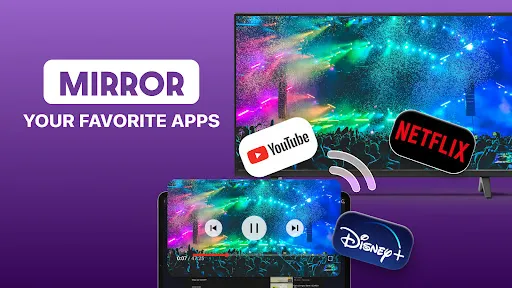
Mirror apps, games, and presentations smoothly using screen mirroring for Roku.
Duplicate your entire screen instantly with roku cast and roku tv cast.
Enjoy stable, wireless playback with roku stream powered by AirBeamTV.

Compatible with Roku TV, Roku Stick, Roku Express, and all Roku-powered devices, AirBeamTV ensures screen mirroring for Roku works across your entire Roku ecosystem. Whether you want to cast Roku videos or run a roku stream for work or fun, the app adapts seamlessly.

Why Choose AirBeamTV?

AirBeamTV offers one of the fastest and most reliable ways to cast Roku content. In just minutes, you can activate screen mirroring for Roku, start a roku stream, and enjoy flawless roku tv cast performance. From casual streaming to professional presentations, roku cast makes sharing effortless.

No matter if you’re using Roku TV, Roku Stick, or Roku Express, AirBeamTV delivers consistent quality. Turn your phone or tablet into a full roku stream hub and experience smooth screen mirroring for Roku every time.

How It Works

Download the AirBeamTV app

Connect your phone, tablet, and Roku device to the same Wi-Fi network

Select your device and cast Roku in one tap

Enjoy roku cast, roku stream, and roku tv cast instantly

Supported Devices

Roku TV
Roku Stick
Roku Express
Roku Box
All Roku-powered smart TVs

Highlights You’ll Love

Watch movies and shows using roku cast
Mirror your screen with screen mirroring for Roku
Enjoy wireless playback through roku stream
Share content easily with cast Roku
Control your TV smoothly with roku tv cast

Important Note

Some apps may block screen mirroring for Roku due to DRM protection. AirBeamTV cannot bypass restrictions imposed by third-party apps.

Terms of Use:
https://www.airbeam.tv/wp-content/uploads/2022/03/ScreenMirroring-AirBeamTV-TermsOfUse-09022021-1.pdf

Privacy Policy:
https://www.airbeam.tv/privacy-policy/

More Info:
https://www.airbeam.tv/brands/mirror-for-roku-tv/

Downloads

V3.11

Size: 101.56 MB

Updated: 2026-02-11

User Reviews

4.10
23K+ Reviews
5
66%
4
10%
3
8%
2
2%
1
15%
Marley Mae
Jul 9, 2026

I wanted to screenshare a livestream to my tv, so I download this app. When it opens it immediately asks for payment. My parents bought a google device for their tv and it works great without having to pay. I am not paying $40 for something that doesnt even work well. I already bought the device and I should be able to use it without being put outside of a paywall.

Larry A Davenport
Jul 8, 2026

I do not like people misinforming me before a person download your app you should say you have to pay for something or that person won't download your app right now I'm about to delete your app because that's misinformation

Mandie Sanders
Jul 8, 2026

Without a subscription it won't connect. Everytime I try to send my screen an ad pops up and says try it for 3 days free. I'm Done!

Dan Troyer
Jul 8, 2026

have to pay!

Jan Hess
Jul 7, 2026

Really don't like giving CC info just to find it's a no go.

Malikai Polk
Jul 6, 2026

I controlling the TV

Tawnya Bartlett
Jul 5, 2026

don't know it's good...there's no way to freely use it without signing up for subscription

phillip albertson
Jul 5, 2026

it works but you need a subscription that's 6.99 a month and it's super laggy, sometimes taking up to 2 seconds to show changes on screen. for 6.99 it latency shouldn't be an issue. For streaming videos sure it could work but for gaming it's definitely a no go. 2 stars for gaming maybe 3 or better for video related useage edit for clarity: I paid the 6.99 for the premium and it was still laggy.

Clay Mitchell
Jul 5, 2026

No usage without purchase. the free version provides zero usage despite the developers app description and response to my post.

dee w
Jul 5, 2026

need to subscribe