LegendPeeps
Home Apps Tools Remote Control for Rоku & TCL
Remote Control for Rоku & TCL

Remote Control for Rоku & TCL

4.17
|
V1.8.5
|
1M+
Remote Control for Rоku & TCL screenshot Remote Control for Rоku & TCL screenshot Remote Control for Rоku & TCL screenshot Remote Control for Rоku & TCL screenshot Remote Control for Rоku & TCL screenshot Remote Control for Rоku & TCL screenshot

App Information

Category Tools
Developer SensusTech LLC
Version 1.8.5
Content Rating Everyone
Price Free
Min Android 7.0
Updated Jun 29, 2026

Description

It is the 21st century, and everything is becoming digital: books, games, meetings. Why? It is more convenient and comfortable. That is why we want to introduce our new app - the Smart Remote app for TCL and Roku TV.

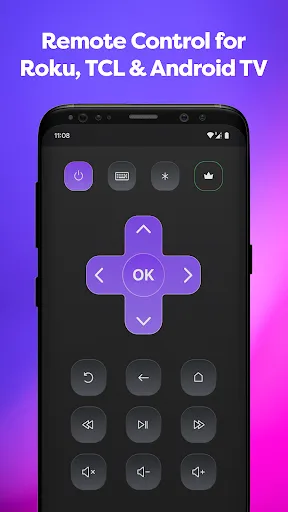
Smart Remote app transforms your phone into a remote control center for the Roku, TCL, Hisense or Insignia TV. It is easy to understand with our intuitive display, and right after install you can begin to control your Smart TV, Roku TV, Streaming Stick, Express, Player or Box.

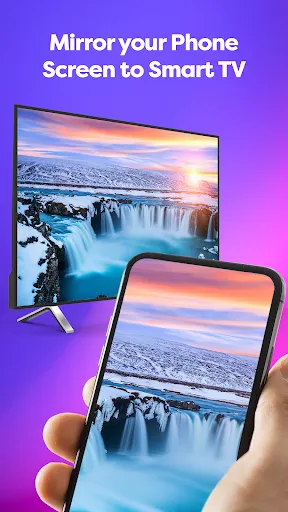
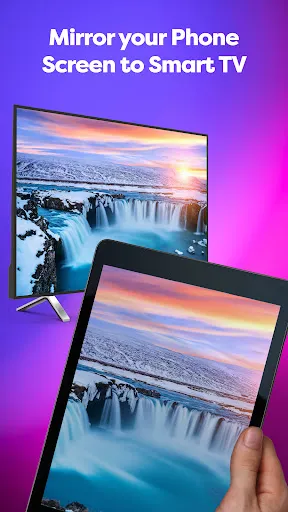
Did we tell you that our app offers your remote Mirroring Screen for TCL, Roku or Smart TV?

If you have eyesight problems and always need to put your glasses on or go near a TV, forget it!

Now you can just look at your smartphone and see everything you need. Not only Screen Mirroring, but also you can make a TV cast of your favorite videos.

We all know the eternal problem of remotes is getting lost. One of the best things is that you won’t lose a phone at the apartment, or at least you can call your phone to find it. Now you won’t need an old Hisense or Insignia remote because you have one on your phone. It acts as a TCL TV remote, and it doesn’t need batteries. It perfectly and automatically connects with Roku as well.

For you, nothing will change, except now you always know where your TV remote control is. Just connect it through your Wi-Fi, and it is ready to go. New TLC, Roku, Hisense or Insignia remote will have the same functionality and even more:
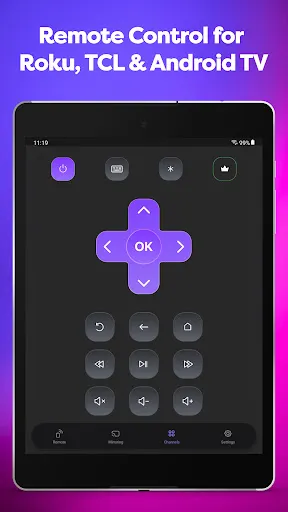
· Power On/Off
· Volume Up / Down Control
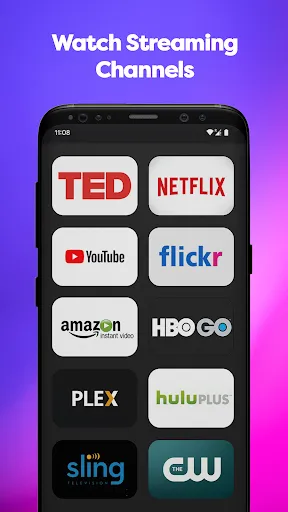
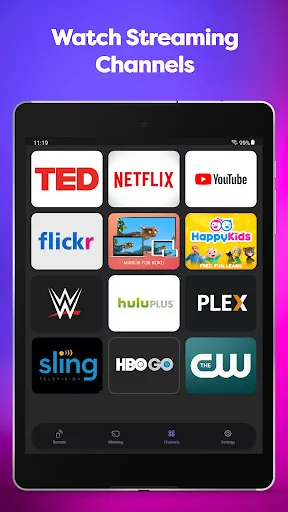
· Roku Channels Control
· Navigation Buttons Up/Down/Left/Right
· You still can use play, pause, fast forward, and rewind while the player is active
· You always know where your TV remote is
· It works with Roku and Hisense as well as a familiar remote control
· You can use the Screen Mirroring function if something is not visible clearly or enjoy streaming videos or photos from your phone on a bigger screen with a TV cast function.

So don’t waste your time finding your remote or buying new batteries. Just downloading the Smart Remote app transforms your phone into the remote control for the TCL, Roku, Insignia, Hisense, or other TV. Easy to use, everything an old Insignia TV remote had, now in your smartphone, is your new Insignia. It will automatically connect to your Smart TV, so you don’t need to do it every time. You can use TV to cast it.

Downloads

V1.8.5

Size: 26.53 MB

Updated: 2026-06-29

User Reviews

4.17
54K+ Reviews
5
68%
4
10%
3
5%
2
3%
1
13%
Tracy Richardson
Jul 8, 2026

My remote is nowhere to be found. It's nice having an app that I can use until I find my remote. I don't like that the app plays 4 commercials in a row before I can get to the remote.

Darla Crist
Jul 7, 2026

I can't even begin to tell you how awful this app is. the amount of ads is ridiculous!!

Melida MV
Jul 7, 2026

it is slow connecting to my phone

sheila Barnes
Jul 7, 2026

great

reni
Jul 7, 2026

funciona bien, pero abusan demasiado de los anuncios

Natalia Davis
Jul 7, 2026

app won't connect to the TV

Philbo King
Jul 7, 2026

ads suck

Janice Christophersen
Jul 7, 2026

not working on my second TV

Cati Grauel
Jul 6, 2026

it is not working now

Louis
Jul 6, 2026

works excellent