
LegendPeeps
Home Apps Tools ZArchiver
ZArchiver

ZArchiver

4.15
|
V1.0.10
|
100M+
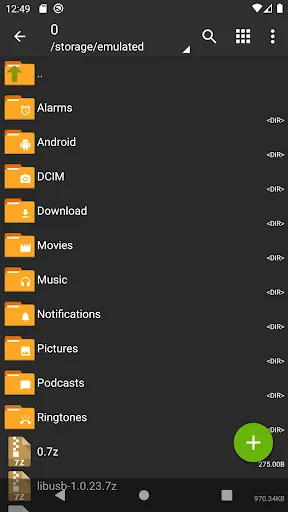
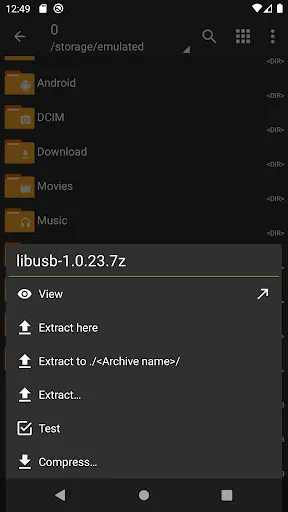
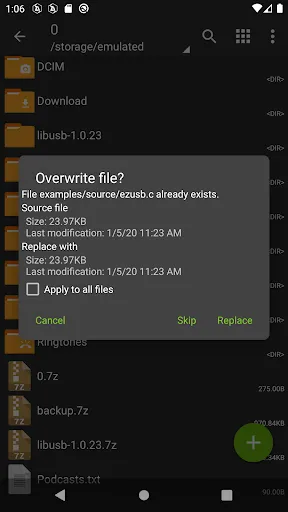
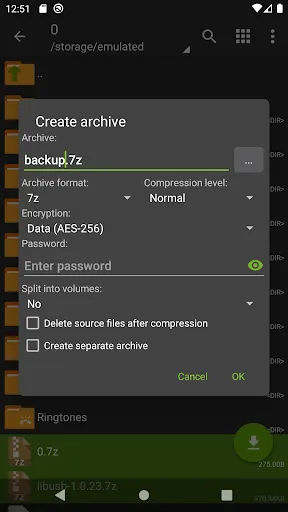
ZArchiver screenshot ZArchiver screenshot ZArchiver screenshot ZArchiver screenshot ZArchiver screenshot ZArchiver screenshot ZArchiver screenshot ZArchiver screenshot ZArchiver screenshot ZArchiver screenshot

App Information

Category Tools
Developer ZDevs
Version 1.0.10
Content Rating Everyone
Price Free
Min Android Varies with device
Updated Jun 24, 2024

Description

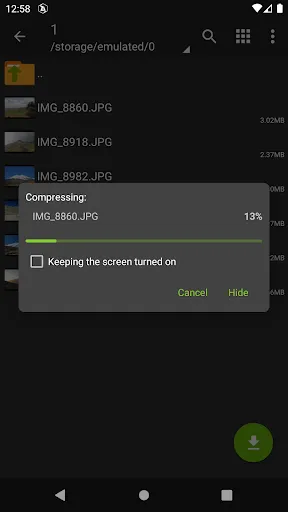
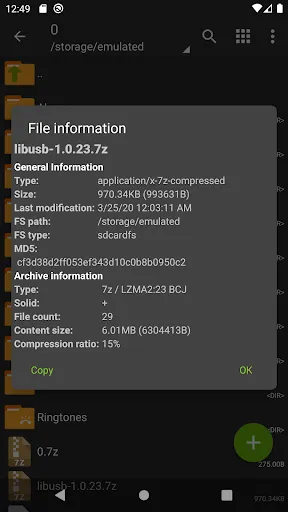
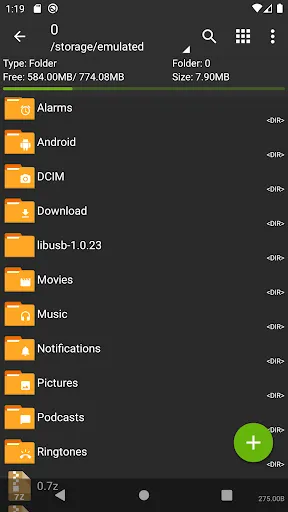
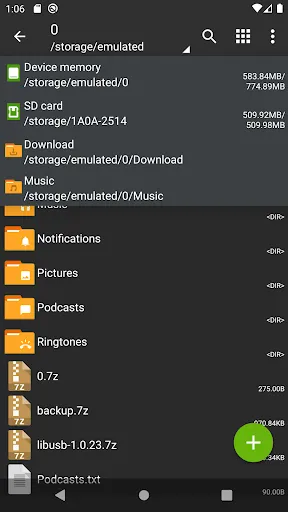
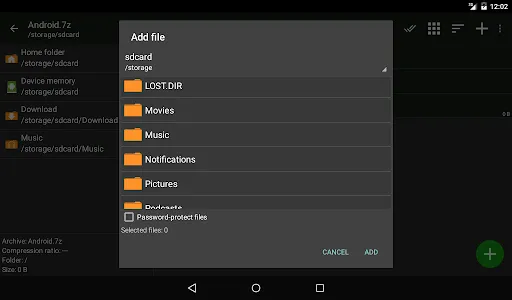
ZArchiver - is a program for archive management (including managing of application backups in archives). You can managment backup of application. It has a simple and functional interface. The app doesn't have permission to access the internet, so cannot transmit any information to other services or persons.

ZArchiver lets you:

- Create the following archive types: 7z (7zip), zip, bzip2 (bz2), gzip (gz), XZ, lz4, tar, zst (zstd);
- Decompress the following archive types: 7z (7zip), zip, rar, rar5, bzip2, gzip, XZ, iso, tar, arj, cab, lzh, lha, lzma, xar, tgz, tbz, Z, deb, rpm, zipx, mtz, chm, dmg, cpio, cramfs, img (fat, ntfs, ubf), wim, ecm, lzip, zst (zstd), egg, alz;
- View archive contents: 7z (7zip), zip, rar, rar5, bzip2, gzip, XZ, iso, tar, arj, cab, lzh, lha, lzma, xar, tgz, tbz, Z, deb, rpm, zipx, mtz, chm, dmg, cpio, cramfs, img (fat, ntfs, ubf), wim, ecm, lzip, zst (zstd), egg, alz;
- Create and decompress password-protected archives;
- Edit archives: add/remove files to/from the archive (zip, 7zip, tar, apk, mtz);
- Create and decompress multi-part archives: 7z, rar (decompress only);
- Install APK and OBB file from backup (archive);
- Partial archive decompression;
- Open compressed files;
- Open an archive file from mail applications;
- Extract split archives: 7z, zip and rar (7z.001, zip.001, part1.rar, z01);

Particular properties:
- Start with Android 9 for small files (<10MB). If possible, use direct opening without extracting to a temporary folder;
- Multithreading support (useful for multicore processors);
- UTF-8/UTF-16 support for filenames allows you to use national symbols in filenames.

ATTENTION! Any useful ideas or wishes are welcome. You can send them by email or just leave a comment here.

Mini FAQ:
Q: What password?
A: The contents of some archives may be encrypted and the archive can only be opened with the password (don't use the phone password!).
Q: The program is not working correctly?
A: Send me an email with detailed description of the problem.
Q: How to compress files?
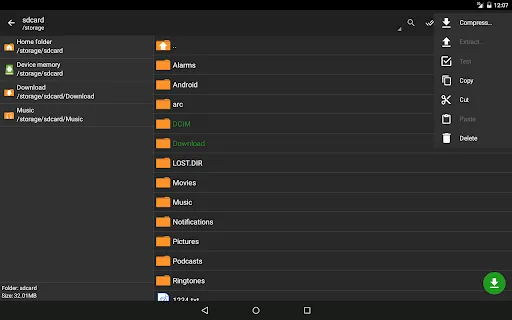
A: Select all the files you want to compress by clicking on icons (from the left of filenames). Click on the first of selected files and choose "Compress" from menu. Set desired options and press the OK button.
Q: How to extract files?
A: Click on the archive name and select suitable options ("Extract Here" or other).

Downloads

V1.0.10

Size: 4.94 MB

Updated: 2024-06-24

User Reviews

4.15
1M+ Reviews
5
70%
4
8%
3
4%
2
3%
1
15%
Mann Singh
Jul 8, 2026

this app is gay mc🤬🤬🤬🤬😡😡😡

Shiyal Haresh
Jul 8, 2026

not supported my fills this app

Suraj Jha
Jul 7, 2026

useful app

Yakubu wasiu
Jul 7, 2026

I hope it is true because my GTA is not working well on it

Ajay lal Ajay lal
Jul 7, 2026

best no doubt

Silvia Holubova
Jul 7, 2026

very nice boi game

Rashard Soriao
Jul 7, 2026

a lot of things not working

Mohan
Jul 7, 2026

THA BAST APP

18 Aditya Anil Kumar
Jul 7, 2026

'Access Denied' is so freaking annoying please fix ts asap

Pinki Devi
Jul 7, 2026

greatest app