| Category | Lifestyle |
| Developer | iRobot |
| Version | VARY |
| Content Rating | Everyone |
| Price | Free |
| Min Android | Varies with device |
| Updated | Jun 15, 2026 |

Do not buy. All I've had was issues. Worse decision.

will not start vacuuming without mucking around or resetting it..

roomba s9+. hot garbage

A very poorly designed product. it's constantly stuck on"updating your experience" screen, Aventura after force closing and relaunch the app. also, it says my robot is offline, even though I connected it already. Then the app force closes when I tell it to reboot the Robot. UPDATE IN 2026: app permanently stays stuck in splash screen and never goes past it. I've rebooted my phone three times and uninstalled/reinstalled three times.

robot doesn't charge, requires constant attention. charge contacts melt, won't empty it self

app stock standard and neither bad nor good. robot absolutely shocking. if you haven't purchased I wouldn't recommend the robot itself

update 2/22/26: latest update [7.18.0] Can't connect to my 900 series.

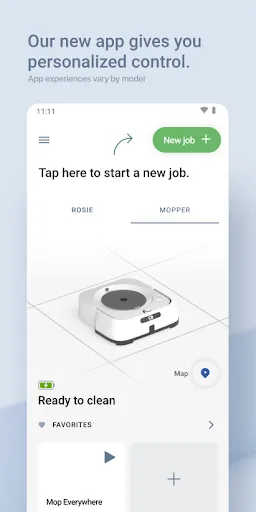
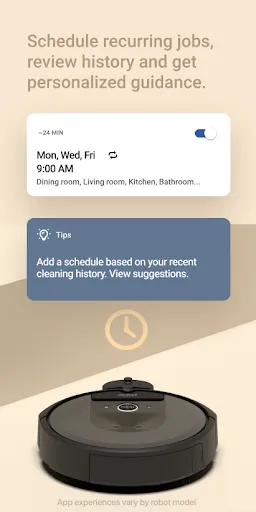
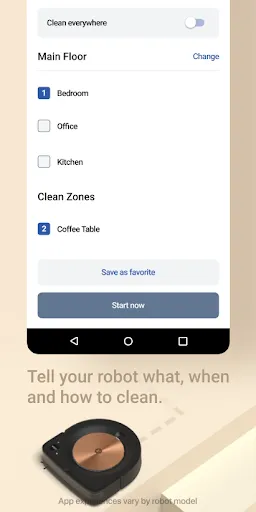
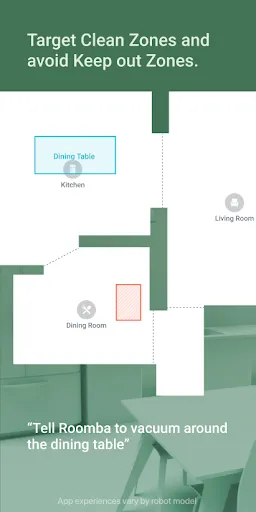
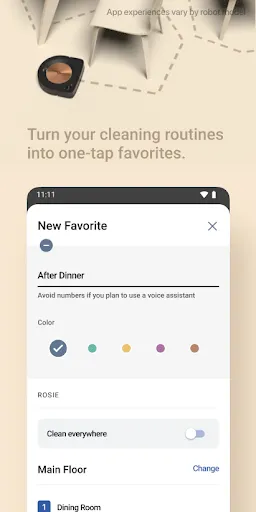
At first use, it explores the entire area to create a map, thereafter it vacuum and mop in regular sequence. It cleans very well and doesn't need your attention. All you need to do is wash the mop pad and refill the water (with cleaning solution if needed), and replace the garbage bag, filter, brushes when needed. you can schedule and set vacuum/mop and mop pressure. you can set several favorite cleaning areas, e.g. kitchen

a lifesaver! ❤️

App takes long to connect to the robot. There is no way to invite family members or other users to share the robot, only option is to use the same credentials. Floorplan is not updated if furniture is moved, remapping is required. Reminders about replacing parts are convenient and not too pushy.