LegendPeeps
Home Apps Art & Design Drawing Apps: Draw, Sketch Pad
Drawing Apps: Draw, Sketch Pad

Drawing Apps: Draw, Sketch Pad

4.07
|
V1.9.4
|
10M+
Drawing Apps: Draw, Sketch Pad screenshot Drawing Apps: Draw, Sketch Pad screenshot Drawing Apps: Draw, Sketch Pad screenshot Drawing Apps: Draw, Sketch Pad screenshot Drawing Apps: Draw, Sketch Pad screenshot Drawing Apps: Draw, Sketch Pad screenshot Drawing Apps: Draw, Sketch Pad screenshot Drawing Apps: Draw, Sketch Pad screenshot Drawing Apps: Draw, Sketch Pad screenshot Drawing Apps: Draw, Sketch Pad screenshot Drawing Apps: Draw, Sketch Pad screenshot Drawing Apps: Draw, Sketch Pad screenshot Drawing Apps: Draw, Sketch Pad screenshot Drawing Apps: Draw, Sketch Pad screenshot Drawing Apps: Draw, Sketch Pad screenshot Drawing Apps: Draw, Sketch Pad screenshot Drawing Apps: Draw, Sketch Pad screenshot Drawing Apps: Draw, Sketch Pad screenshot

App Information

Category Art & Design
Developer Photo Editor Apps Maker Studio
Version 1.9.4
Content Rating Everyone
Price Free
Min Android 7.0
Updated Dec 22, 2025

Description

Drawing Apps is a professional drawing and canvas painting 🎨 game, it focuses on realistic drawings. You can start doodling, painting, draw on photo, paint on canvas, make picture art, photo sketch, doodle, scribble, writing, and coloring book on your phone, tab or pad.

Features:
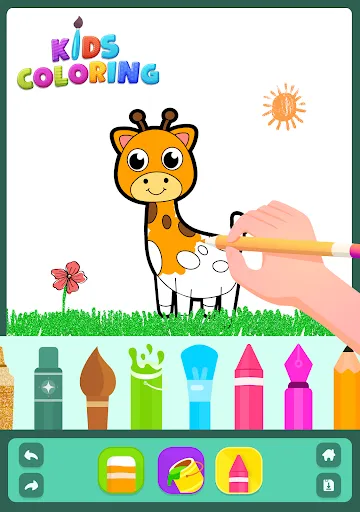
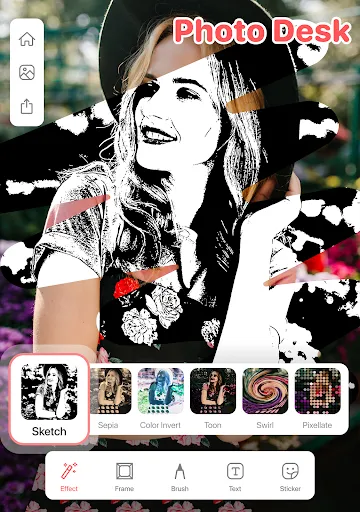
Drawing Desk app features 5 pro digital art drawing pads: 1) Sketch Pad, 2) Kids Pad, 3) Coloring Pad (Color by Number Pad), 4) Photo Pad, and 5) Doodle Pad.

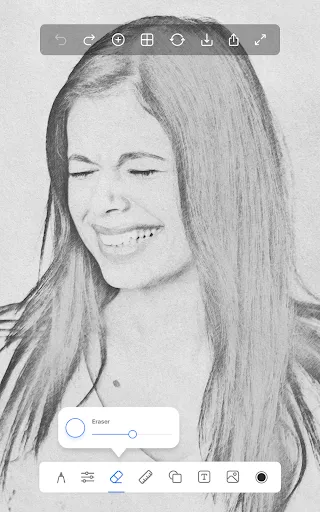
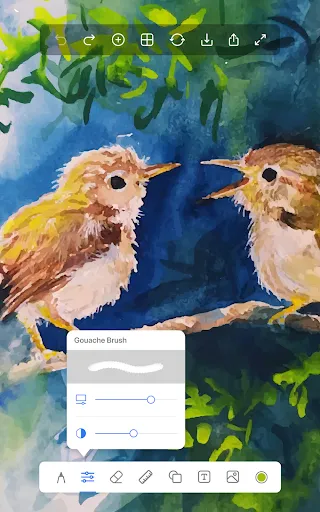
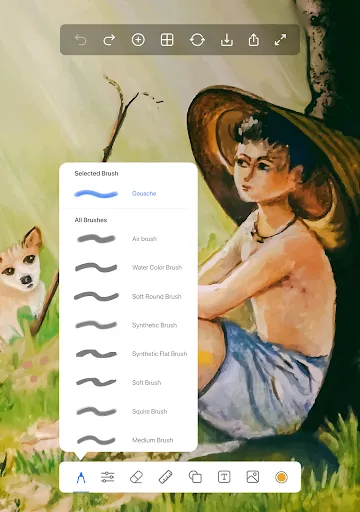
- Sketch Pad: It supports multiple layers. Pro artist sketching tools like pencil, crayons, pen, watercolor brush, fill bucket, roller, etc.
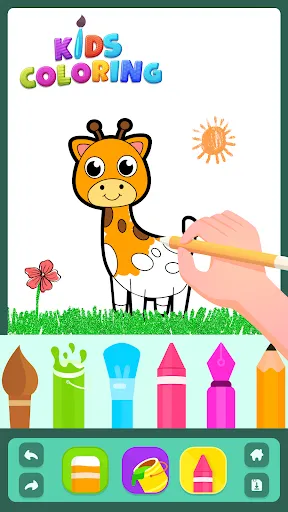
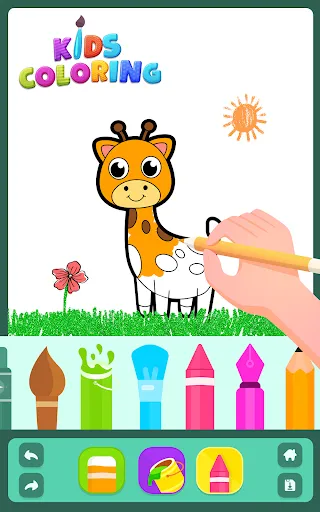
- Kids Pad: Let your kids fun with Color Fill, Fun Paint, Kids Drawing, Glow Pen, and Number Paint.
- Coloring Pad: It supports fully featured Colour Palette to draw art. Including 500+ Colouring pages of animals, alphabet, numbers, fruits for kids & adults.
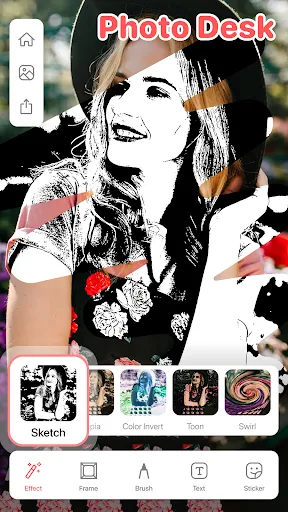
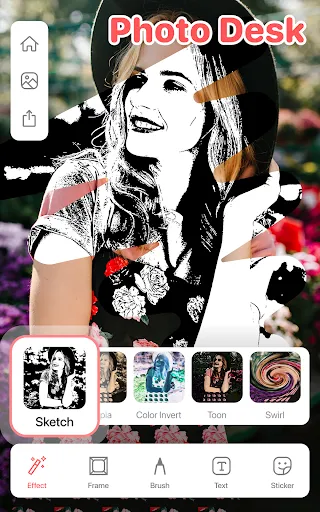
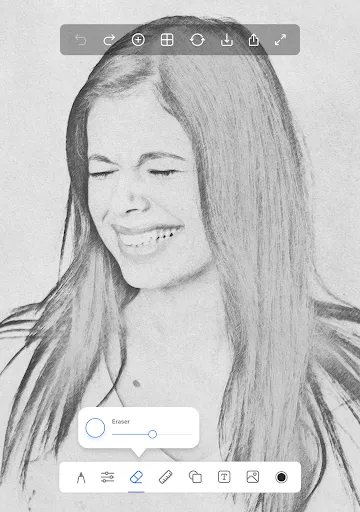
- Photo Pad: Allows you to draw on any photo, with a group of brushes
- Doodle Pad: It provides you a simple pad to draw and allows you to fill color with different brush sizes and strokes.
- App works offline & online!
- Share your directly with your friends and family directly from the app.
- Additionally: The Drawing Apps provides you a simple canvas pad to draw on and allows you to fill in color.🎨 Multiple colors are provided to make your better experience. 40+ Brushes 🖌️ allow you to make various sketches. Take notes in your handwriting and save it for later reference.

Why Drawing Apps is different from other apps?

Canvas Sizes 🖼️ : You can choose from the different canvas sizes like 7 inch tablet, landscape, Portrait, iPad size, iPad PRO, Square, Large Postcard etc. you can have various options to choose from different canvas sizes.

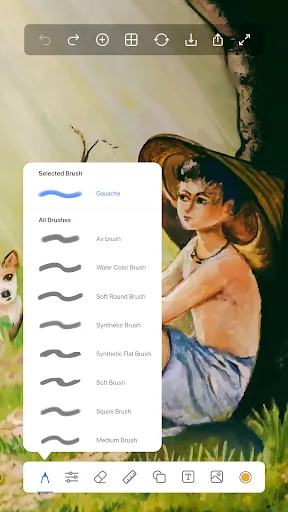
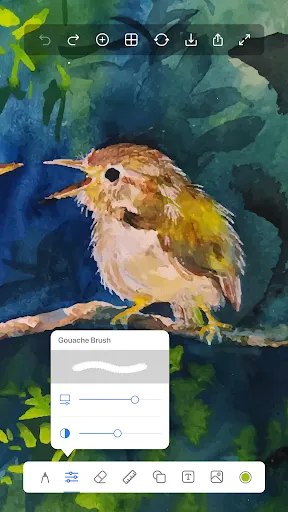
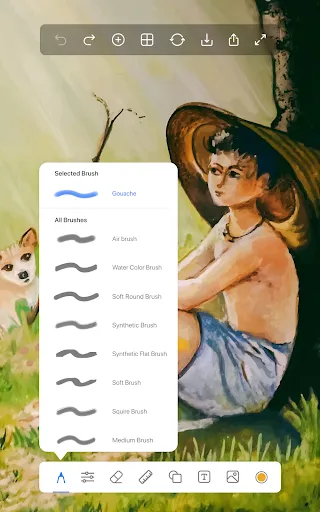
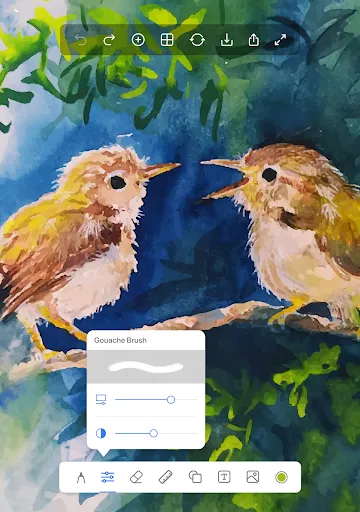
40+ Brushes🖌️: Our unique collection of pro tools such as Pencils, Pen, Fountain Pen, Chalk, Tattoo Ink, Marker, Water Color, Pattern Brushes, Glow Brushes and many more to help kids & adults to create amazing artworks.

Ruler📏: This tool is used to make straight lines on the canvas and also you can draw line art. An extremely free and liberating technique that relies of areas of repeated lines to create light and darker areas. Ruler is great for fast sketching and is easy to create and great light to dark gradient.

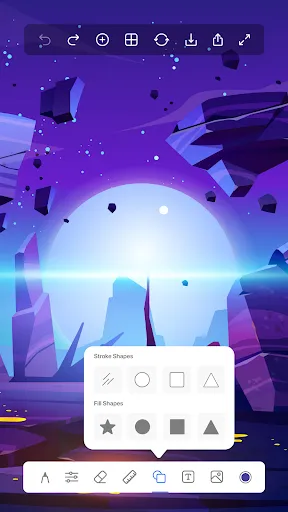
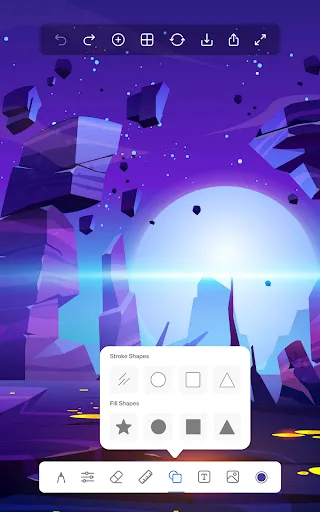
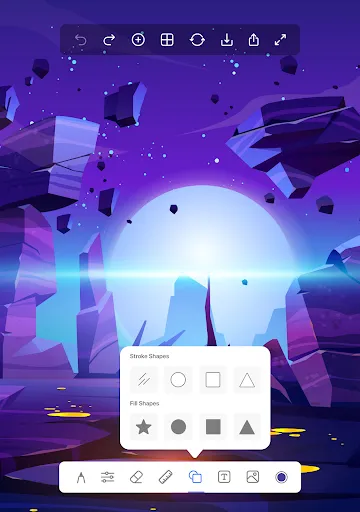
Shapes⭕: Shape tool to create perfect shape without taking help of drawing tools. You can draw a straight line, a perfect circle, a square/rectangle, an oval. You can have all the tools with filled and without filled effects.

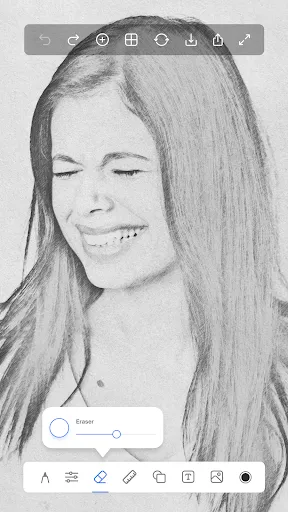
Draw on Photos📷: You can import a photo and trace the image and draw above it. That makes it a good way to draw on photos and also a decent way to learn for kids, newbies, and artists.

Text on Photos💬: Text is the all-in-one tool for text on photos creation. Texts can be added to a photo, gradient, solid color or transparent background. Text tool makes it easy to insert text to photos, be it a quote, a three-statement or wishes you want to send to someone through a photo text editor.

Support
If you have any questions or queries, you can get in touch with our development team and will get back to you within 24 hours. Write your ideas about more drawing features and share your feedback to us at : [email protected]

User Reviews

4.07
13K+ Reviews
5
65%
4
10%
3
7%
2
6%
1
13%
Mia Cruz
Jul 4, 2026

amazing and relaxing

Leksi M
Jul 1, 2026

I love it when I draw

Noemi Ayala
Jun 30, 2026

i love dis so much i draw here a lot 🤩

Marco Coetzee
Jun 30, 2026

could use more zoom and more edit options

You Panhavuth
Jun 28, 2026

it's so fun and my little brother is having his best day ever tysm for the fun details you've added!but can u make the payment gone I want to use them for free!

Jasmine
Jun 27, 2026

it's a great game it doesn't have any ads and it's free

Valarie Richard
Jun 24, 2026

this app is very fascinating I play it in my free time I usually like to draw in my phone

E Z
Jun 24, 2026

I'm very impressed it works very good on got your life characters whenever you're trying to redesign them a little bit.

Deren Nugroho
Jun 23, 2026

-So boring to drawing

Audrey Gabriella
Jun 22, 2026

Very good 👍🏻