LegendPeeps
Home Apps Art & Design Concepts: Sketch, Note, Draw
Concepts: Sketch, Note, Draw

Concepts: Sketch, Note, Draw

4.38
|
V2026.04.4
|
5M+
Concepts: Sketch, Note, Draw screenshot Concepts: Sketch, Note, Draw screenshot Concepts: Sketch, Note, Draw screenshot Concepts: Sketch, Note, Draw screenshot Concepts: Sketch, Note, Draw screenshot Concepts: Sketch, Note, Draw screenshot Concepts: Sketch, Note, Draw screenshot Concepts: Sketch, Note, Draw screenshot Concepts: Sketch, Note, Draw screenshot Concepts: Sketch, Note, Draw screenshot Concepts: Sketch, Note, Draw screenshot Concepts: Sketch, Note, Draw screenshot Concepts: Sketch, Note, Draw screenshot Concepts: Sketch, Note, Draw screenshot Concepts: Sketch, Note, Draw screenshot Concepts: Sketch, Note, Draw screenshot Concepts: Sketch, Note, Draw screenshot Concepts: Sketch, Note, Draw screenshot Concepts: Sketch, Note, Draw screenshot Concepts: Sketch, Note, Draw screenshot

App Information

Category Art & Design
Developer TopHatch, Inc.
Version 2026.04.4
Content Rating Everyone
Price Free
Min Android 8.0
Updated Jul 6, 2026

Description

Think, plan & create – Concepts is a flexible vector-based creative workspace/sketchpad where you can take your ideas from concept to reality.

Concepts reimagines the ideation stage – offering a safe and dynamic workspace to explore your ideas, organize your thoughts, experiment with and iterate designs before sharing them with friends, clients and other apps.

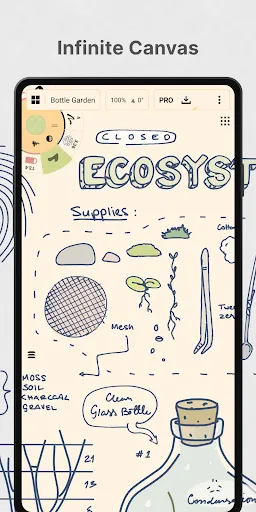
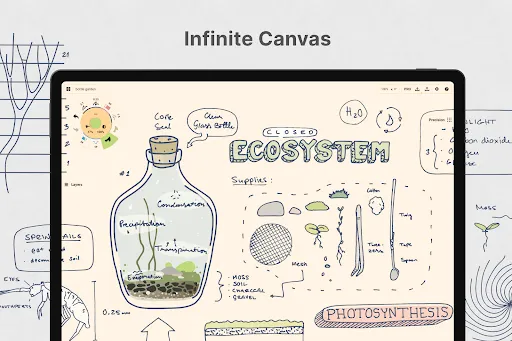
With our infinite canvas, you can:
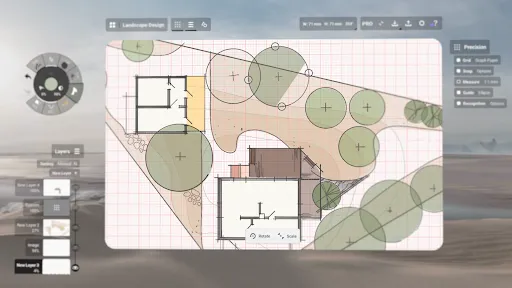
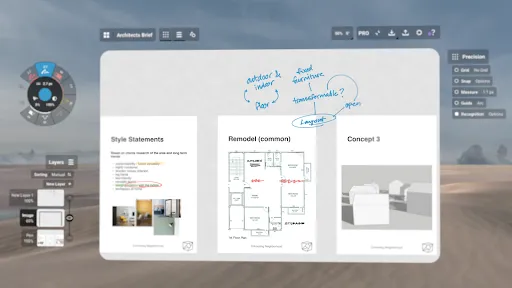
• sketch out plans and whiteboard ideas
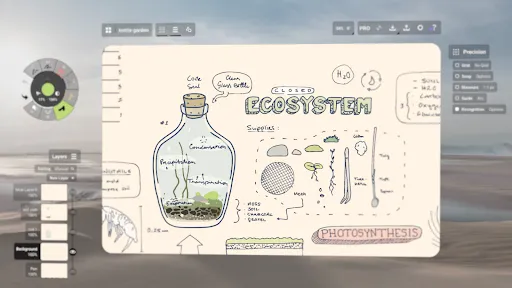
• make notes, doodles, and mindmaps
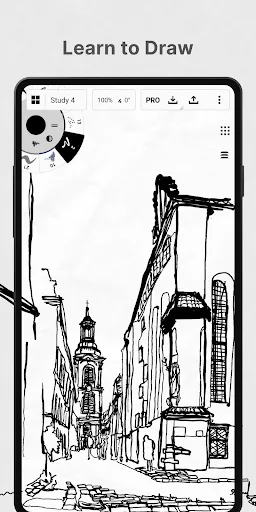
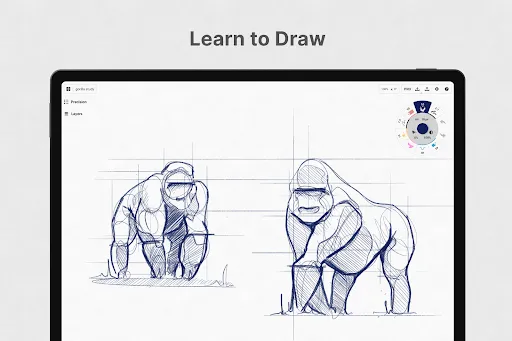
• draw storyboards, product sketches and designs

Concepts is vector-based, making every stroke editable and scalable. With our Nudge, Slice and Select tools, you can easily change any element of your sketch without redrawing it. Concepts is optimized for the latest pen-enabled devices and Chrome OS™, making it fast, smooth and responsive.

Talented creators at Disney, Playstation, Philips, HP, Apple, Google, Unity and Illumination Entertainment use Concepts to develop and realize extraordinary ideas. Join us!

Concepts has:
• realistic pencils, pens and brushes that respond to pressure, tilt and velocity with adjustable live smoothing
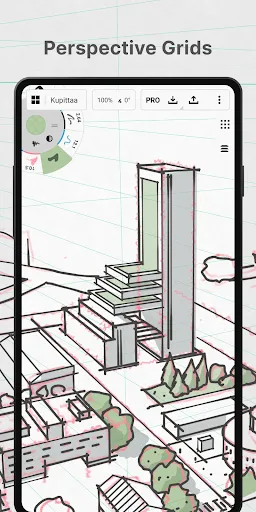
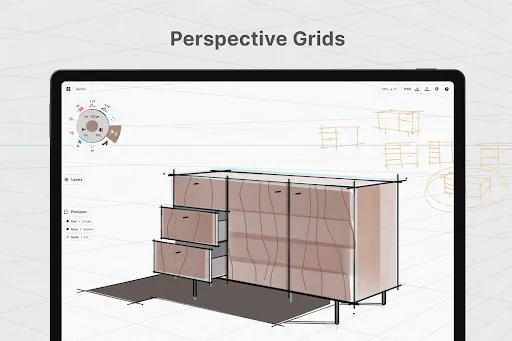
• an infinite canvas with many paper types and custom grids
• a tool wheel or bar you can customize with your favorite tools and presets
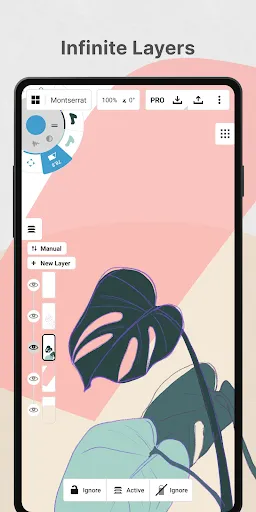
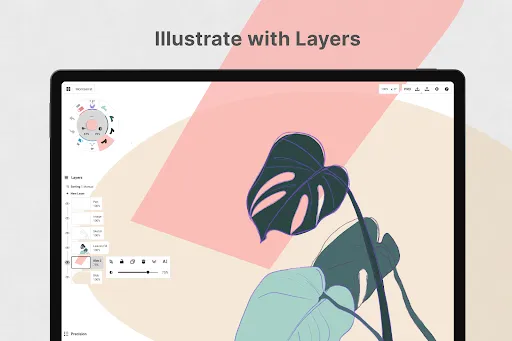
• an infinite layering system with automatic sorting & adjustable opacity
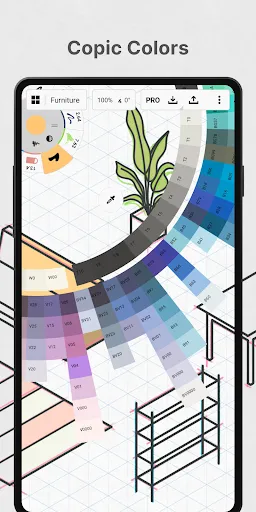
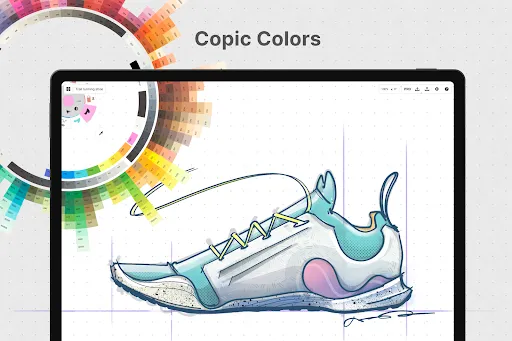
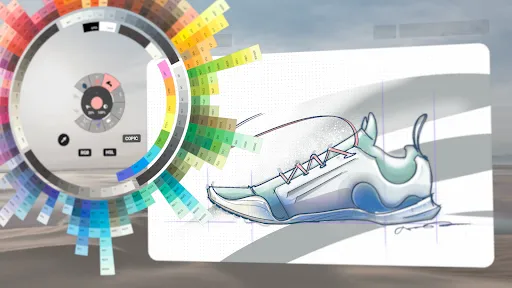
• HSL, RGB and COPIC color wheels to help you choose colors that look great together
• flexible vector-based sketching – move and adjust what you’ve drawn anytime by tool, color, size, smoothing and scale

With Concepts, you can:
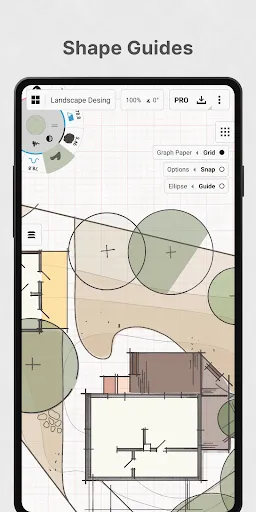
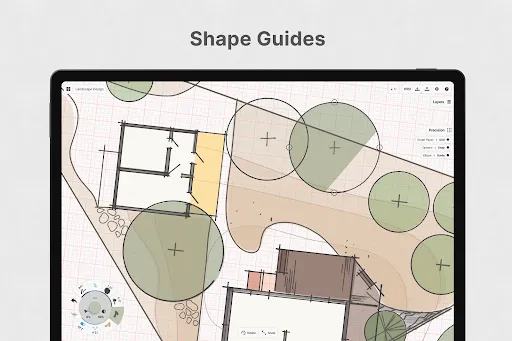
• draw with precision using shape guides, live snap and measurement for clean and accurate sketches
• personalize your canvas, tools, gestures, everything
• duplicate your work for easy iterations in the gallery and on canvas
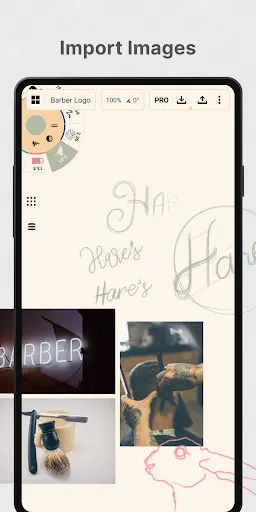
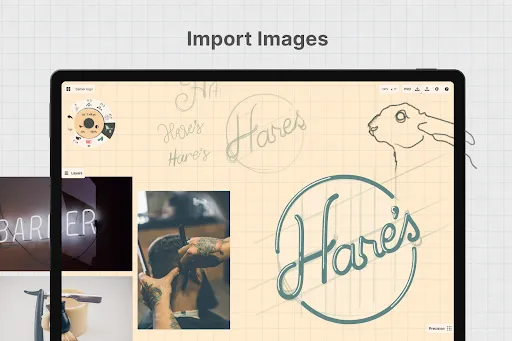
• drag+drop images straight onto the canvas as references or for tracing
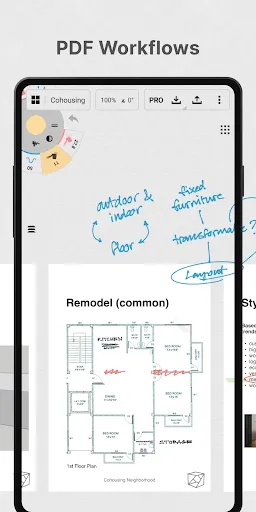
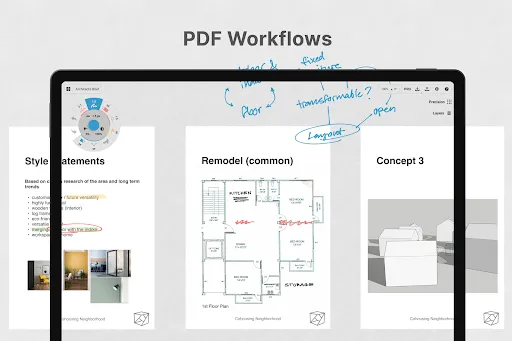
• export images, PDFs, and vectors for printing or fast feedback between friends and clients

FREE FEATURES
• Endless sketching on our infinite canvas
• A selection of paper, grid types & tools to get you started
• The full COPIC color spectrum + RGB and HSL color wheels
• Five layers
• Unlimited drawings
• JPG exports

PAID/PREMIUM FEATURES

Subscribe and master your creative potential:
• Access every library, service and feature, with new updates arriving all the time
• Unlocks everything across Android, ChromeOS, iOS and Windows
• TRY PREMIUM FREE FOR 7 DAYS

One-time-purchases:
• Buy the Essentials for life and unlock selection & editing tools, infinite layers, shape guides, custom grids, and exports to PNG / PSD / SVG / DXF.
• Pay for advanced features as you need them – professional brushes are sold separately
• Limited to the platform you purchase on.

Terms & Conditions:
• Monthly and yearly subscription payments are charged to your Google Play Account at the time of purchase.
• Your plan will renew automatically at the price shown within 24 hours after the billing period ends unless canceled beforehand.
• You can cancel or make changes to your subscription at any time in your Google Play Account settings.

We’re dedicated to quality and update our app frequently based on your feedback. Your experience matters to us. Chat with us in-app via Ask Us Anything, email us at [email protected], or find us anywhere with @ConceptsApp.

COPIC is the trademark of Too Corporation. Many thanks to Lasse Pekkala and Osama Elfar for the cover art!

User Reviews

4.38
23K+ Reviews
5
70%
4
15%
3
6%
2
2%
1
7%
Aruna Chauhan
Jul 5, 2026

Great app with top tier interface, but the only problem is that there's NO colour palette in Android, and it gets really annoying. Highly Recommended for note-taking and drawing!!

john Dope
Jul 3, 2026

Funnest App For ; Doodling And Detailed Art

Sunny XO
Jul 2, 2026

BEAUTIFUL! The menu design is peeeerfect I find myself depending on the folders a whole lot! All the essentials you'll ever need are given, even without paying for Concept's full offer . I'm a student, and I write down my studies on here . Would love this as a full-fledged Art program as well ... Again, UI/Menu design made wonders for me . It's easily navigable . 6 stars!!! if possible ★★★★★★

Imanga Lutombi Jr
Jul 1, 2026

could you make the "hide interface" feature a dedicated button? and also, a horizontal option for the pallette bar that can be put at the top? otherwise, great app.

Naomi Bag-ao
Jun 30, 2026

it's so hard to sync, honestly I think I would've like it better if I can use a Gmail to save my works.

Nasr Shbool
Jun 29, 2026

its good but like the 5 limit layers just gets me and the selection tools

Wesley Schultz
Jun 29, 2026

one star because no lifebuy options for parts of the everything features.

Minzi Yue
Jun 29, 2026

if this had clip mask, alpha lock or any of those this app would be PERFECT absolutely love the way i can draw on it, (I use it as a drawing app and AMAZING just wished there was a separate app with the same things but for artists - so more tools)

Aleena Tariq
Jun 28, 2026

best app eversoooo many colors but some art tools are premuim so that sucks but its so good

Sophia Bolden
Jun 28, 2026

Selection tool should be free! it's also laggy! and when I merge layers,anything on your previous layer that you earsed shows up as white?? how do I fix this???