LegendPeeps
Home Apps Comics Challenger Comics Viewer
Challenger Comics Viewer

Challenger Comics Viewer

3.85
|
VVARY
|
1M+
Challenger Comics Viewer screenshot Challenger Comics Viewer screenshot Challenger Comics Viewer screenshot Challenger Comics Viewer screenshot Challenger Comics Viewer screenshot Challenger Comics Viewer screenshot Challenger Comics Viewer screenshot Challenger Comics Viewer screenshot Challenger Comics Viewer screenshot Challenger Comics Viewer screenshot Challenger Comics Viewer screenshot Challenger Comics Viewer screenshot Challenger Comics Viewer screenshot Challenger Comics Viewer screenshot Challenger Comics Viewer screenshot Challenger Comics Viewer screenshot Challenger Comics Viewer screenshot

App Information

Category Comics
Developer The Challenger
Version VARY
Content Rating Everyone
Price Free
Min Android 5.0
Updated Oct 10, 2025

Description

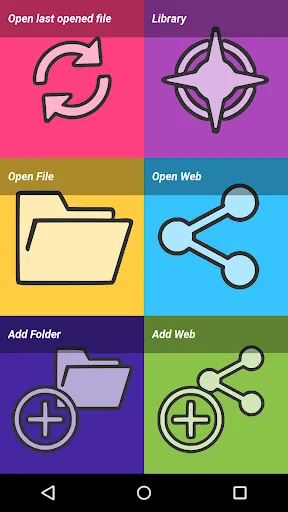
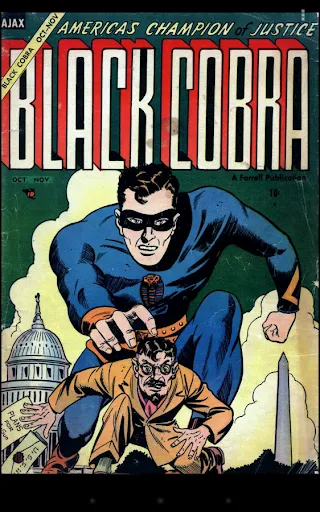
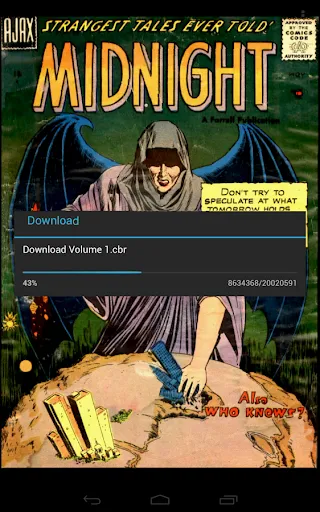
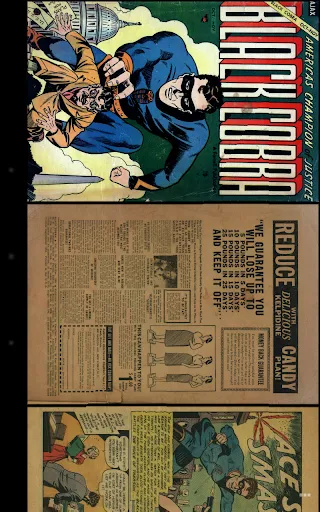
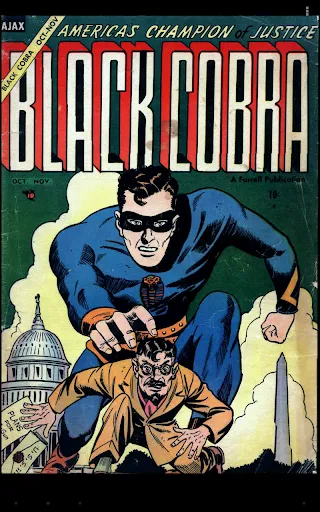
Challenger Comics Viewer is a FREE (NO ADS) advanced comics, manga, books and PDF viewer.
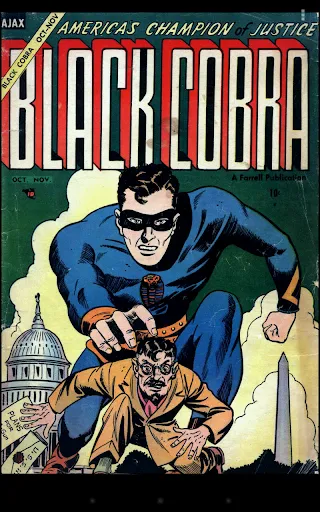
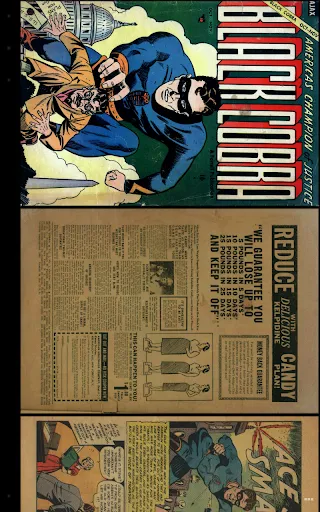
It's really simple to use. You just have to scroll ! Pages are automatically loaded and displayed (no need to click to go to next page).
It's FREE and THERE ARE NO ADS.
This version works perfectly on phones AND tablets.

Supported image file formats are JPG, PNG, GIF, WebP (Android 4.0+) and BMP.
Supported book file formats are PDF, CBZ/ZIP, CBR/RAR, CBT/TAR, CB7/7Z, DjVu and ePUB.

Main features are :
• Automatic page loading
• Zoom using multi-touch
• Vertical/Horizontal scrolling
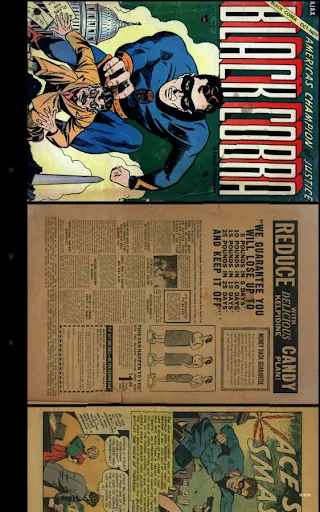
• 2 display modes (Simple View which displays pages one by one and Multiple Image View which displays all pages one after the other)
• Scale filters: Bilinear, Bicubic, Lanczos4
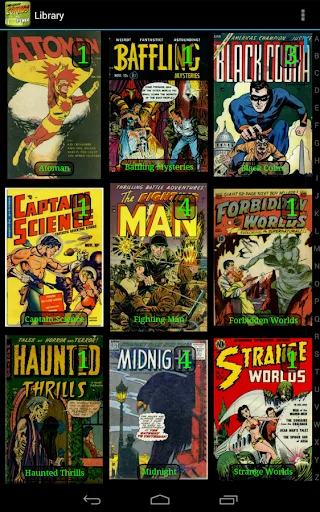
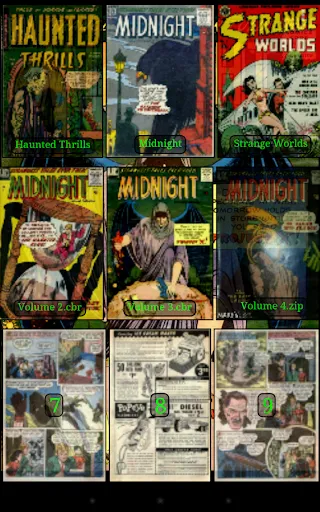
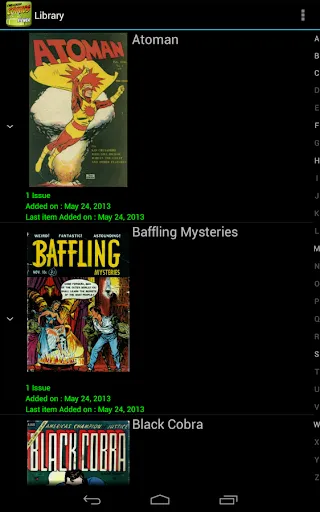
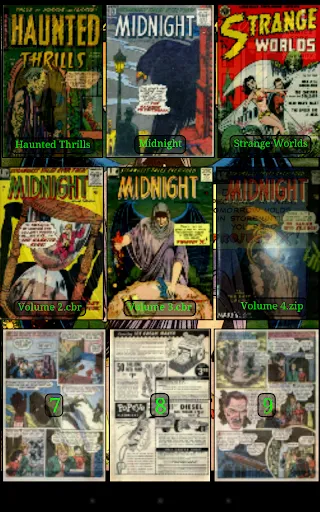
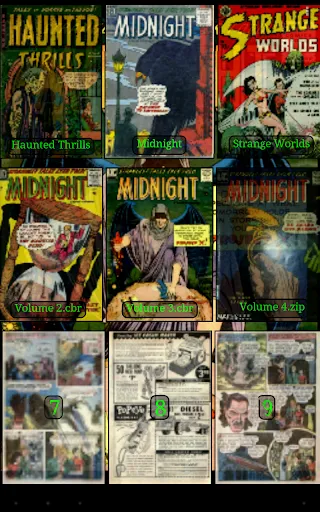
• Library with covers displayed to quickly open comics (multiple kind of views available)
• Automatically switch to next issue when last page of the comic is displayed
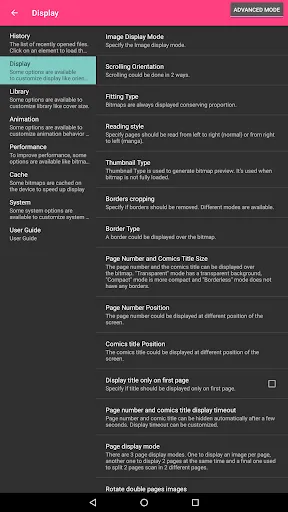
• Border cropping
• Read from left to right or right to left
• Actions can be customized
• Single page and "2 page" display mode
• Filter to improve displayed image quality
• Manual scrolling by moving finger on screen
• Autoscrolling by long pressing on screen
• Tap to go to Next/Previous pages
• Fit to Width/Height/Screen display
• Multiple Image preview type
• Option to direct access to page
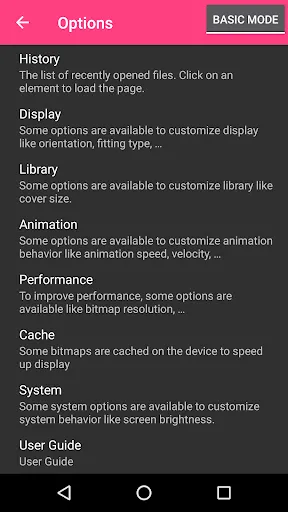
• History management
• Support multi-language (for now, english, french, russian, italian)
• Border can be display over Bitmap to easily identify each pages
• Contrast/Brightness/Saturation management
• Screen brightness management
• Application can be moved to SD Card
• Cached data can be stored in internal memory or SD Card
• Supports Samsung "Multi-Window" mode
• Color themes

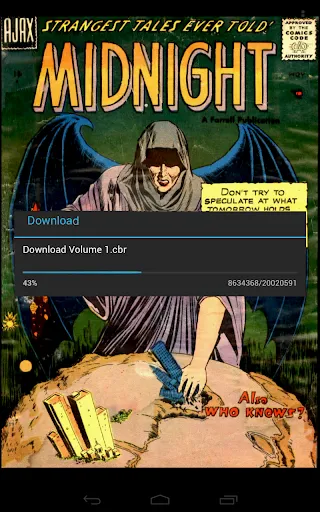
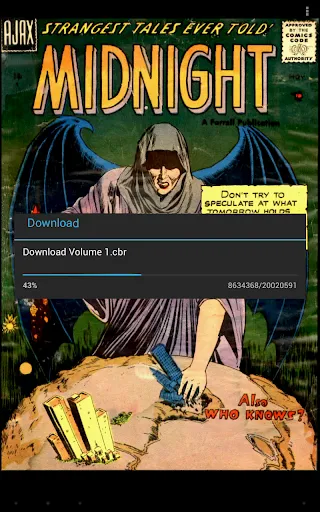
Files can be accessed on the device or network.
Supported network protocols are :
• Google Drive
• OneDrive/SkyDrive
• Mega
• Ubooquity (http://vaemendis.net/ubooquity)
• DLNA/Upnp (Need Android >= 4.0.3)
• OPDS (beta)
• Windows/SAMBA/CIFS
• DropBox
• Webdav/Cloud (like box.com, 4shared.com, alwaysdata.com, ...)
• FTP
• SFTP

The application needs a phone/tablet with lots of memory and a powerful processor, so don't be disappointed if your phone is quite old and performance is not good.
For instance, it works perfectly on Nexus 4, Nexus 7, Nexus 10, Galaxy S2, Galaxy S3, Galaxy S4, Galaxy S5, Galaxy S6, Galaxy S7, Galaxy Tab, ...

Documentation is available at : http://challengerviewer.wordpress.com/challenger-comics-viewer-documentation/
An FAQ is available at : http://challengerviewer.wordpress.com/challenger-comics-viewer-faq/
The English forum : http://forum.xda-developers.com/showthread.php?t=1389440

Please add comments if you like this app or if you have some new features idea.
To report bugs, don't hesitate to send me e-mail.
Thanks !

Downloads

VVARY

Size: 54.16 MB

Updated: 2025-10-10

User Reviews

3.85
21K+ Reviews
5
56%
4
14%
3
7%
2
5%
1
18%
Park Jang-Jae
Jul 4, 2026

be careful on giving permissions, it needs ALL files access and can read, edit and access any file on your device or connected devices. why is it needed? intrusive to privacy. I didn't grant it access and app shut down. useless.

Satanik Ghoshal
May 9, 2026

auto scroll never worked

Patrick
Apr 7, 2026

benn with them for years, deleting and re downloading. always coming through with nice layouts and zooms. thank you! mtfbwy

Juan Carlos Bronstein
Mar 25, 2026

Great !

Jorge Ortiz
Mar 15, 2026

Easy to use and versatile. Free with no ads. Less fuss than other apps I tried.

Shawn Ndung'u
Feb 8, 2026

Great app and is easy to use

Pavel Tykva
Jan 26, 2026

Great app that I am using for like 10 years. Easy to use, lot of functions, good design. I am not giving full 5* since I have a feeling that it can't open files that were compressed by RAR5, which forced me to install second comic reader just for these files :/

Sameer Trivedi
Dec 21, 2025

Buggy as hell, just cannot get smb to work and navigation is complex one wrong swipe and you are out of the app.

Esperanza Aponte
Dec 1, 2025

It only says files and other things

maratu zero
Nov 29, 2025

just does not work. interface isnt user friendly. couldn't open a single comic