

LegendPeeps
Home Apps Parenting Norton Family Parental Control
Norton Family Parental Control

Norton Family Parental Control

3.28
|
V7.9.6.21
|
1M+
Norton Family Parental Control screenshot Norton Family Parental Control screenshot Norton Family Parental Control screenshot Norton Family Parental Control screenshot Norton Family Parental Control screenshot Norton Family Parental Control screenshot Norton Family Parental Control screenshot Norton Family Parental Control screenshot Norton Family Parental Control screenshot Norton Family Parental Control screenshot Norton Family Parental Control screenshot Norton Family Parental Control screenshot Norton Family Parental Control screenshot Norton Family Parental Control screenshot Norton Family Parental Control screenshot Norton Family Parental Control screenshot

App Information

Category Parenting
Developer NortonMobile
Version 7.9.6.21
Content Rating Everyone
Price Free
Min Android 8.0
Updated Jul 8, 2026

Description

Norton Family provides tools that teach safe, smart, and healthy online habits. It also provides insights that help you foster a healthy online/offline balance for your children and their devices.

At home, attending school, or on the go, Norton Family helps keep children focused on what’s most important.

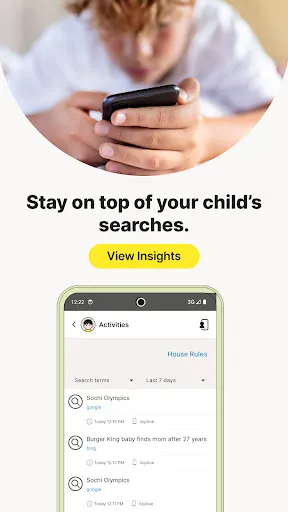
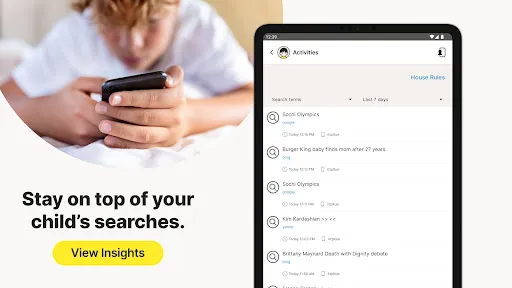
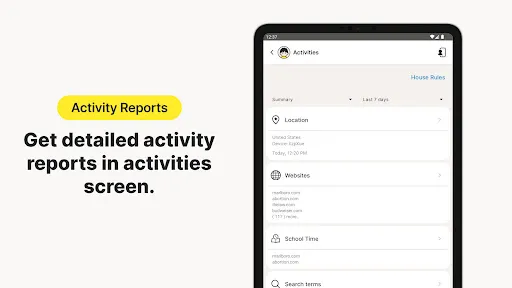
• Monitor the sites and content your child views
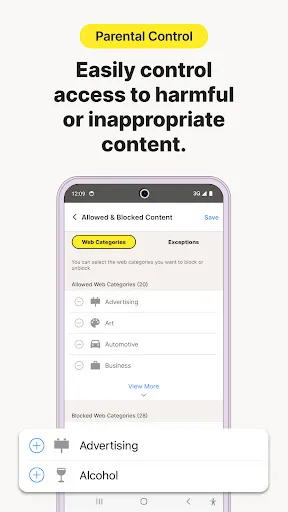
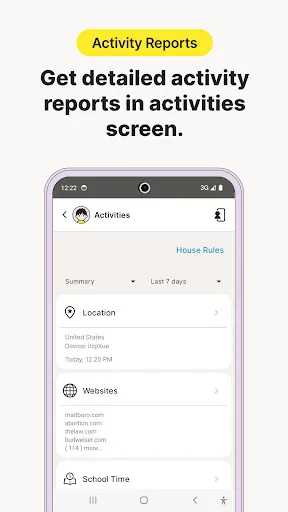
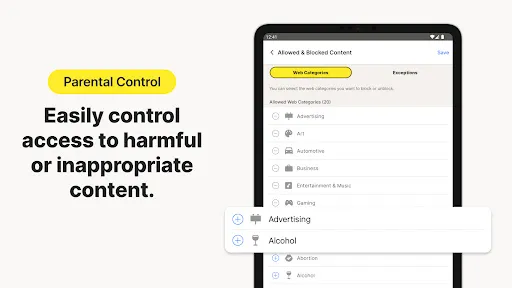
Make the Web safer for your kids to explore—by keeping you informed of which sites your kids are visiting, and letting you block potentially harmful and inappropriate content.‡

• Set limits on your child’s internet access
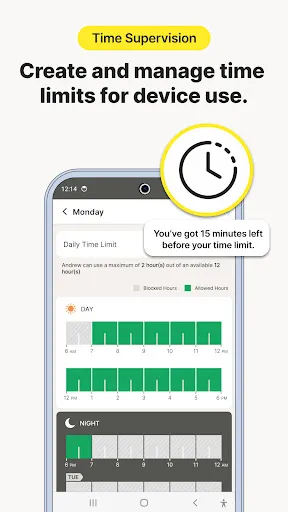
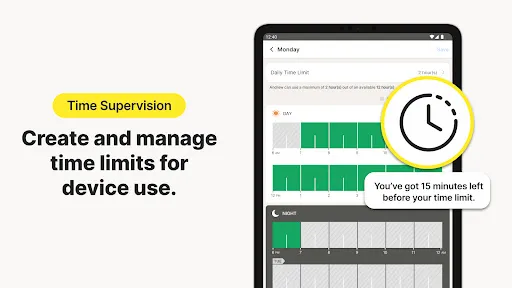
Help your kids balance time spent online by scheduling screen time limits for their device usage.‡ This can helps you focus your child on schoolwork and avoid online distractions while remote learning or at bedtime.‡

• Stay informed about your child’s physical location
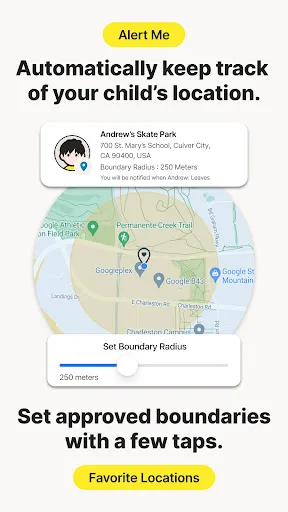
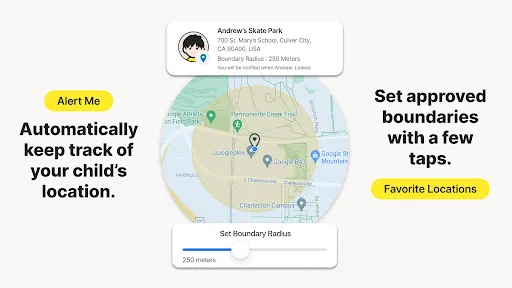
Use geo-location features in the app to track your child’s location. Receive alerts if you’re your child arrives in or goes beyond areas of interest established by you. (4)

Here are some of the Norton Family features parents can use to help protect their child’s online activities.

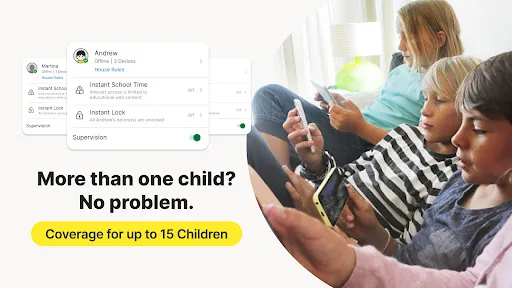
• Instant Lock
Help your kids take a break by locking the device, so they can re-focus, or join the family at dinner. You can still contact your children and children can still contact each other while the device is in lock mode.

• Web Supervision
Let your kids explore the Web freely, with tools that help you block unsuitable websites while keeping you in the know about which sites they’re visiting. (6)

• Video Supervision
See a list of the YouTube videos your kids watch on their PCs or mobile devices and even view a snippet of each video, so you know when you need to talk. (3)

• Mobile App Supervision
See which apps your kids have downloaded on their Android devices. Choose which ones they can use. (5)

Time Features:

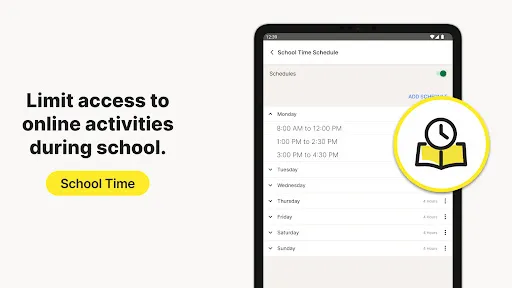
• School Time
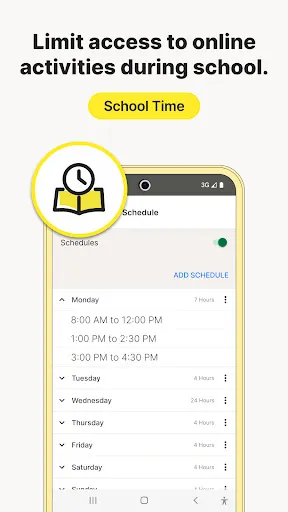
Remote learning requires the internet, so pausing the internet on your child’s device is not an option. Manage content access to relevant categories and websites to help your child maintain focus while school is in session.

Location Features:

• Alert Me
Stay informed about your child’s location automatically. You can set specific dates and times to receive automatic alerts of the location of a child’s device. (2)

‡ Norton Family and Norton Parental Control can only be installed and used on a child’s Windows PC, iOS and Android devices but not all features are available on all platforms. Parents can monitor and manage their child’s activities from any device – Windows PC (excluding Windows 10 in S mode), iOS and Android – via our mobile apps, or by signing into their account at my.Norton.com and selecting Parental Control via any browser.

‡‡ Requires your device to have an Internet/data plan and be turned on.

1. Parents can sign in to my.Norton.com or family.Norton.com and select Parental Control to view their child’s activity and manage settings from any supported browser on any device.

2. Location Supervision features are NOT available in all countries. Visit Norton.com for details. To work, the child’s device must have Norton Family installed and be turned on.

3. Video Supervision monitors videos that your kids view on YouTube.com. It does not monitor or track YouTube videos that have been embedded in other websites or blogs.

4. Location Supervision requires activation before use.

5. Mobile app must be downloaded separately.

6. Norton Family uses AccessibilityService API to collect data about websites viewed through browsers on your child's device. It is also used to prevent the child from removing permissions without a parent’s authentication.

Privacy Statement

NortonLifeLock respects your privacy and is dedicated to safeguarding your personal data. See http://www.nortonlifelock.com/privacy for more information.

No one can prevent all cybercrime or identity theft.

Downloads

V7.9.6.21

Size: 21.55 MB

Updated: 2026-07-08

User Reviews

3.28
26K+ Reviews
5
45%
4
9%
3
7%
2
10%
1
30%
Kurt D Sollitt (Brother cc)
Jul 7, 2026

Not Bad??

Matthew Hart
Jul 1, 2026

Generally good but: Can't monitor my son's app usage in real time ie how long he has been using the phone today and how long for each app. There are figures, but they seem to be weekly figures - today's usage shows: no activity found (frustrating). There is no quick Boost button whereby I can extend his screen time just on this one occasion (I have to adjust the daily settings which requires a lot of clicks!).

Charles Tan
Jul 1, 2026

Easy and convenient to use. Layout and features takes a while to get used to, otherwise I will give it a 5-star rating

Jason Kong
Jun 26, 2026

Kids can bypass the restriction by disabling Norton Family Parental Control in accessibility shortcut.

Kala Mani
Jun 26, 2026

Awesome app for monitoring child

Eran Brown
Jun 24, 2026

works well for parental control, UX for parents is not simple enough. for example any time extension request is very hard to approve (notification doesn't allow you to approve/reject) ehich is an acceptabe UX only in 2005..

Jan Stewart
Jun 17, 2026

Really not sure this is useful

Siddhanth Jain
Jun 15, 2026

pathetic, doesn't work

David Ogah
Jun 15, 2026

good

Maria V Becerril
Jun 11, 2026

This app is complete garbage. I switched from another antivirus after 6+ years because Norton was supposed to offer proper family controls, but nothing works as expected. My child can’t use his phone properly. I’ve tried changing tim limits disabling restrictions, and adjusting settings, but nothing works. Settings are supposed to sync between PC and phone, but they don’t. I do NOT recommend it. With these issues, who guarantees the antivirus even works? I bought the 20-device plan for nothing.