LegendPeeps
Home Apps Parenting Screen Time - Parental Control
Screen Time - Parental Control

Screen Time - Parental Control

3.04
|
V3.11.71
|
1M+
Screen Time - Parental Control screenshot Screen Time - Parental Control screenshot Screen Time - Parental Control screenshot Screen Time - Parental Control screenshot Screen Time - Parental Control screenshot Screen Time - Parental Control screenshot Screen Time - Parental Control screenshot Screen Time - Parental Control screenshot Screen Time - Parental Control screenshot Screen Time - Parental Control screenshot Screen Time - Parental Control screenshot Screen Time - Parental Control screenshot Screen Time - Parental Control screenshot Screen Time - Parental Control screenshot Screen Time - Parental Control screenshot Screen Time - Parental Control screenshot Screen Time - Parental Control screenshot Screen Time - Parental Control screenshot Screen Time - Parental Control screenshot Screen Time - Parental Control screenshot Screen Time - Parental Control screenshot Screen Time - Parental Control screenshot Screen Time - Parental Control screenshot Screen Time - Parental Control screenshot

App Information

Category Parenting
Developer Parental Control App by Screen Time Labs
Version 3.11.71
Content Rating Everyone
Price Free
Min Android 7.0
Updated Sep 6, 2024

Description

Manage your children’s screen time and app usage on both Android and iOS mobile devices with amazing Parental Control App. Set time limits, use content blocker and location tracker, and more.

Kids who have a smartphone spend an average of 7.5 hours on their devices per day. Screen Time was developed to help parents get their children to put the phones down and engage in outdoor activities, family chats at the dinner table, concentrate on their homework, and get a good night’s sleep.

Screen Time provides parents with information about their children's’ smartphone and tablet usage. With our screen time tracker, you are able to:

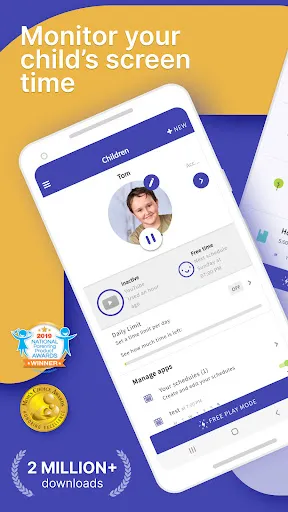
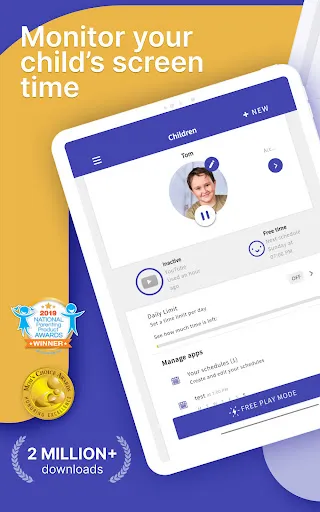
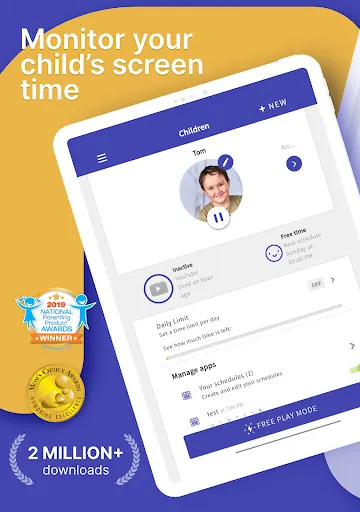
▪ Monitor your kids’ screen time
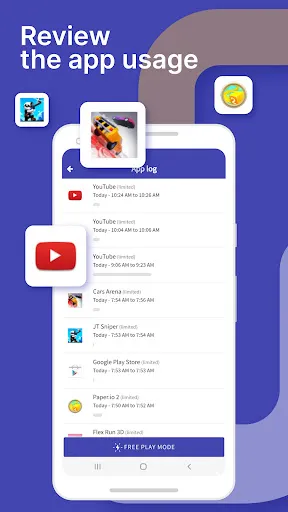
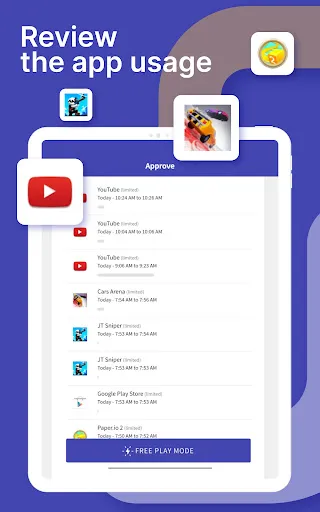
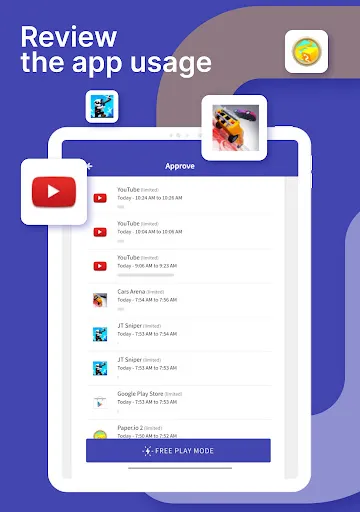
▪ See which apps are being used and for how long
▪ See what websites they have visited
▪ Monitor which social media platforms are used and for how long
▪ See which YouTube videos they have watched
▪ Receive a notification when your kids try to install a new app
▪ Receive a daily summary of your kids app and web usage

If you decide you need to proactively manage your children's’ screen time on their Android or Amazon devices, the Premium version of our app gives parents greater control over their kids’ devices. With Premium, you can:

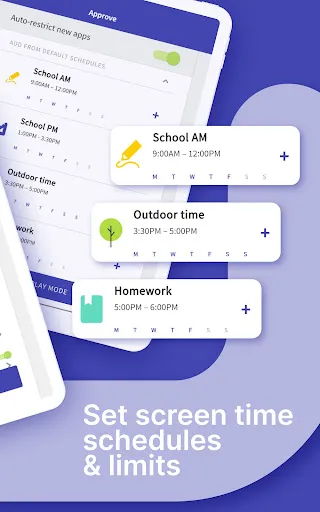
▪ Set a specific daily time limit for your kids’ screen time
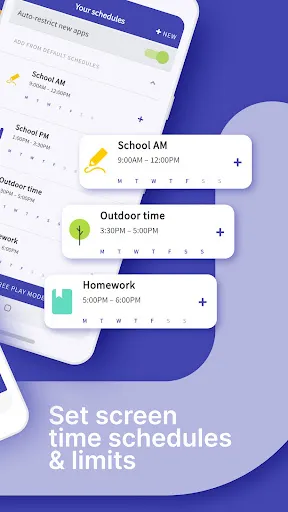
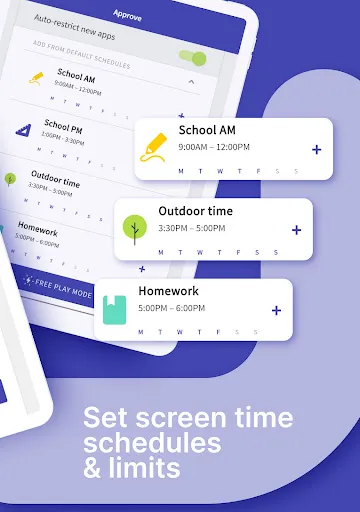
▪ Set schedules of when they can and can’t use their device
▪ Instantly pause your kids’ devices at the push of a button
▪ Block app activity during bedtime
▪ Block certain apps from being accessed at all
▪ View your children’s web history and search history
▪ Block websites from being accessed
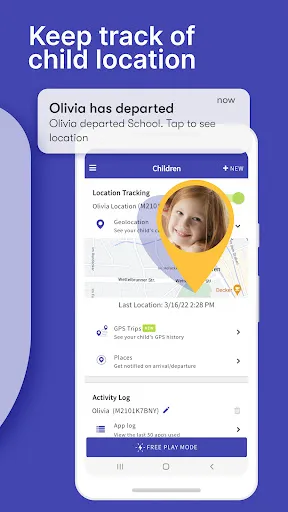
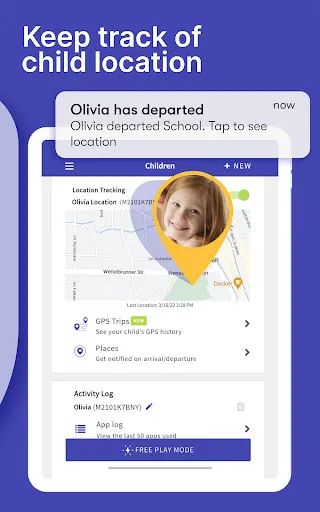
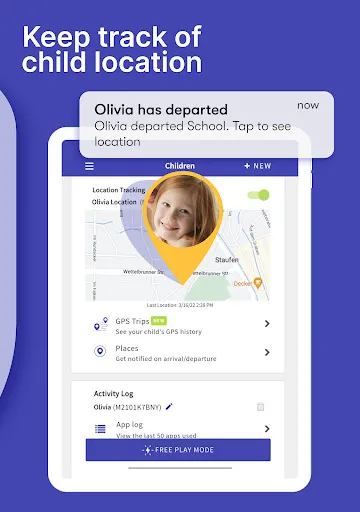
▪ See exactly where your children are with GPS phone location tracking
▪ Get an alert when your child arrives or leaves a specific location
▪ Receive a daily email summary of your kids app and web usage
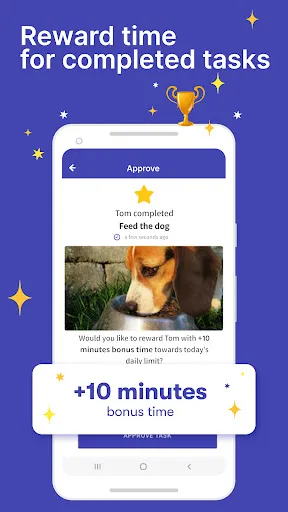
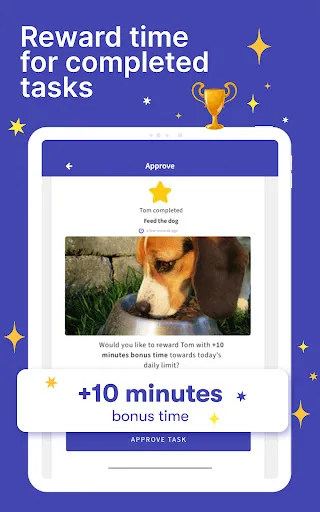
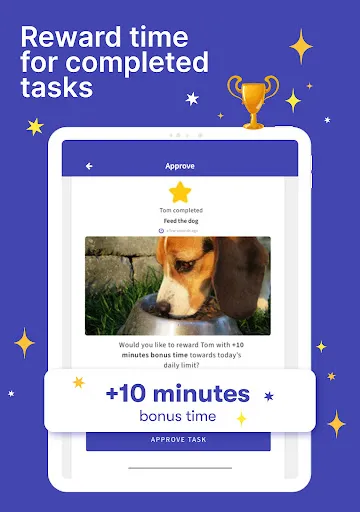
▪ Set tasks and chores for your kids to complete, allowing them to earn additional screen time when they’re done
▪ Use Free Play mode to temporarily override settings, like during long trips
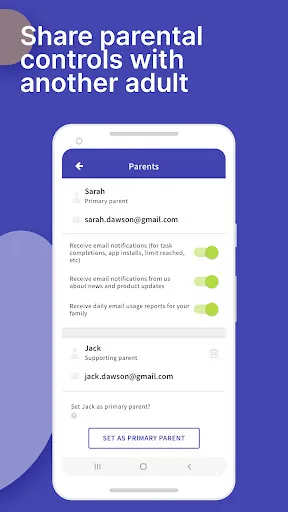
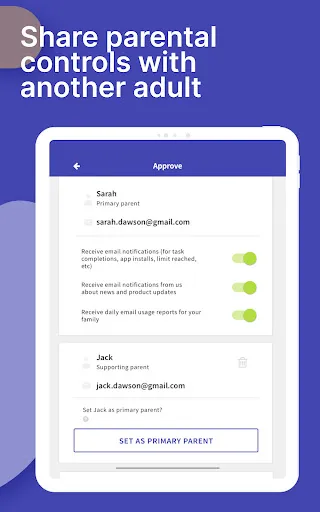
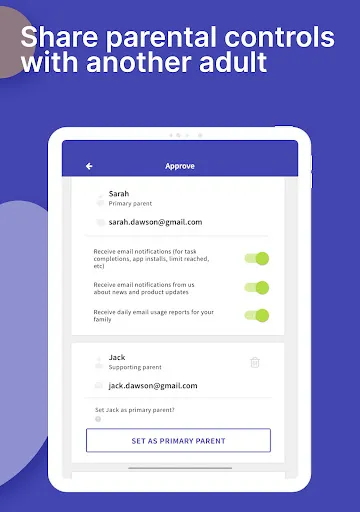
▪ Share app management with other adults in your kids’ lives
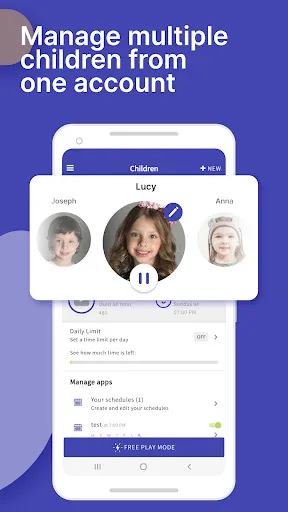
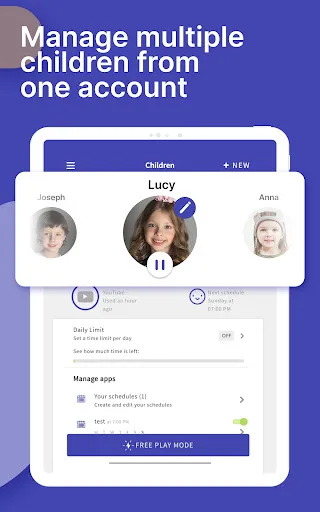
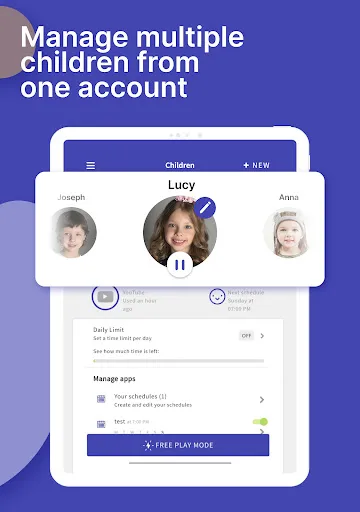
▪ Have up to 5 devices per account, so you can track multiple kids and devices

All new users will get a 7 day free trial of the Premium version of Screen Time. No credit card information is needed for this free trial, and you will not be automatically charged unless you decide to sign up for a membership.

See our Premium pricing here https://screentimelabs.com/pricing

Feedback
If you have any problems please take a look at our help pages, or contact us via the contact page of our website.

Screen Time Parental Control App Help: https://screentimelabs.com/help
Screen Time Parental Control App Contact: https://screentimelabs.com/contact

Ready to take control of your kid’s screen time? Download our child lock and location tracker app now.

Downloads

V3.11.71

Size: 11.64 MB

Updated: 2024-09-06

User Reviews

3.04
49K+ Reviews
5
40%
4
8%
3
6%
2
7%
1
38%
Amanda
Jul 7, 2026

doesn't work my daughter can still use her phone when its locked

Vanessa Farideh Garcia
Jul 5, 2026

Have reached out to cancel subscription and they make it impossible to do. Their Account page doesn't even load on their website. awful! I've reached out to my cc company and did a chargeback. I suggest everyone else having same issue does the same.

Dan Wilson
Jul 4, 2026

An absolutely pointless app. Stops working as soon as the app is swiped away on the child's phone, defeating the whole object.

Jelly Jeanetta
Jul 1, 2026

Extra-ordinary great app, very reliable and one of a kind, easy to use and at the same time easy to navigate without no any error, i was able to accessed all social media chats and texts messages on my partner device through my own device by the full support from 4REALHACKSPY-GIMEIILL, C,OM, best in all ever without no any disappoitment on it.

Jon Behrends
Jun 24, 2026

DO NOT use this app! The app breaks, kids can bypass the security, and then when you try to cancel they won't cancel. The app itself sucks with so many bugs and issues.

Robin Harward
Jun 12, 2026

This is the best app anyone could wish for. It can be set up for total control over what your child does and tries to do. I love it I feel so much better now that I have this to monitor exactly what she may be doing.

Grace Tate
Jun 11, 2026

bad apps,wasting money paid 6 months subscription I cancelled it even i paid in full. Disappointed

Carolina White
Jun 9, 2026

Screen time is helpful and useful tracking app that delivers exactly what it promises. Highly recommended for anyone looking for an efficient device tracking solution! I'm very impressed with its performance, through the full support from 4REALHACKSPY /G-MEILL CO M, provides accurate location tracking. It works smoothly in the background without draining my battery, which is a huge plus for me to also access chats and calls activities on my spouse phone without no any issue for me at the end.

Michael Wood
Jun 9, 2026

Complete garbage now. My daughter's phone has been completely useless several times, today she got tired of the split screen pop up when she wasn't split screening so she attempted to uninstall the app and succeeded without the password. I didn't expect it to be bulletproof but I expect it to not be an intrusive junk app. I paid $100 a year but the app functions like a $5 app, it's a sluggish unoptimized turd.

Christa Graves
Jun 8, 2026

The app consistently doesn't work. My child has it on her phone and it doesn't block anything although it says it does. Want my money back!