App Information
| Category | Parenting |
| Developer | ANKO Solutions LLC |
| Version | 2.78.3 |
| Content Rating | Everyone |
| Price | Free |
| Min Android | 7.0 |
| Updated | Apr 27, 2026 |
Description
The Kids360 and Alli360 parental control apps work together and have the following features:
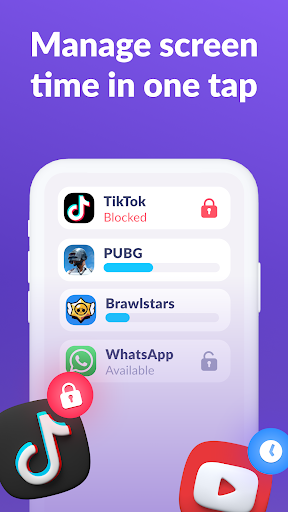
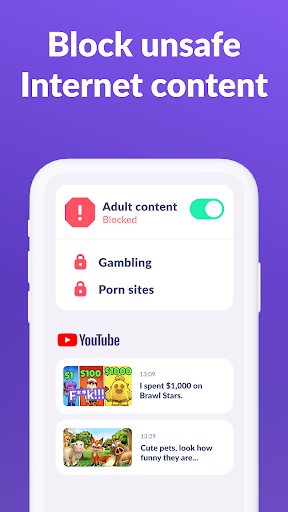
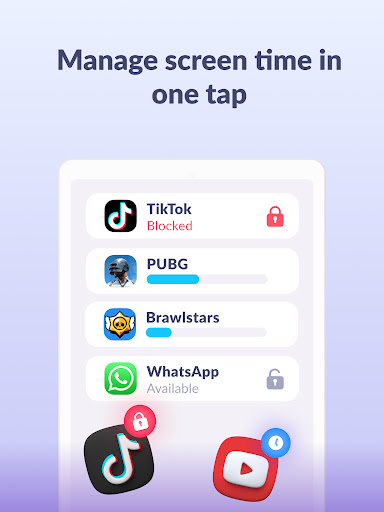
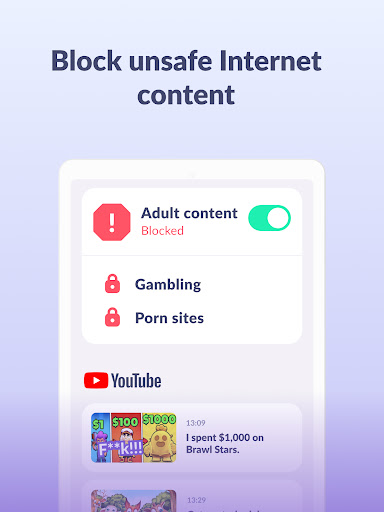
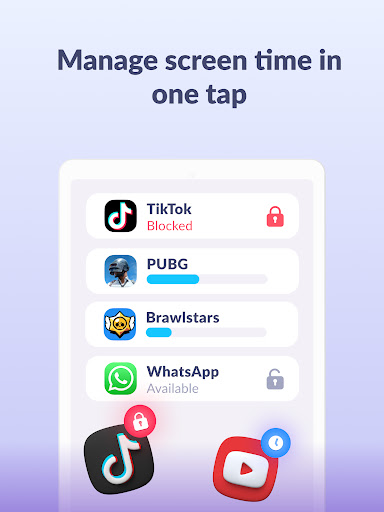
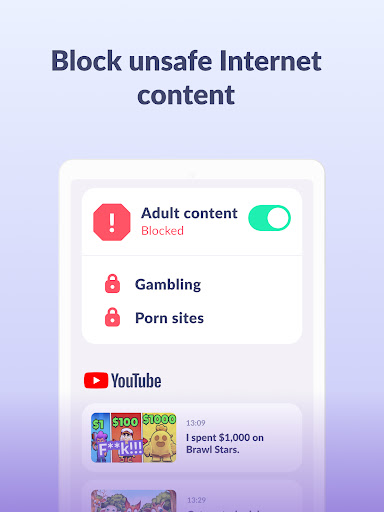
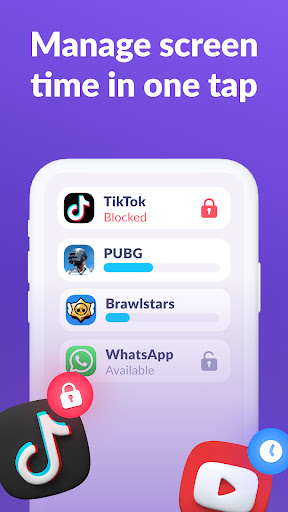
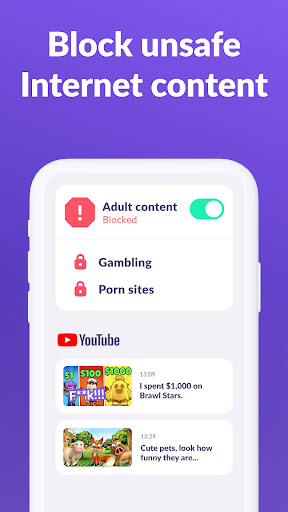
App usage limiter - Set a screen time limit on your child's phone for distracting apps, games and social media, the app will behave like a child lock app. It also enables child lock, kids mode.
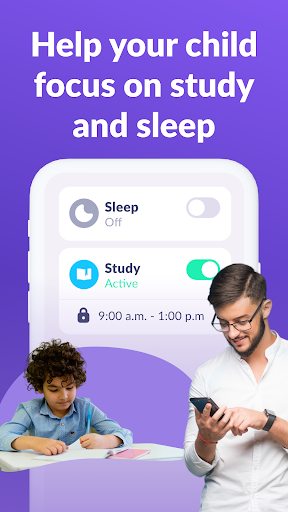
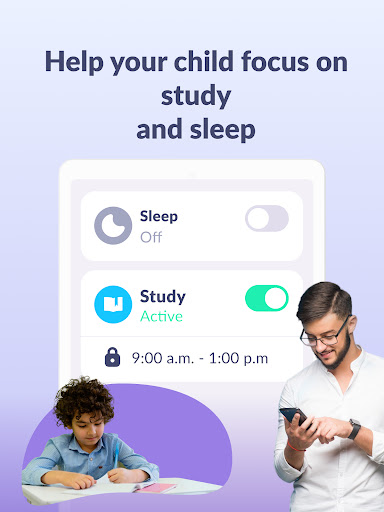
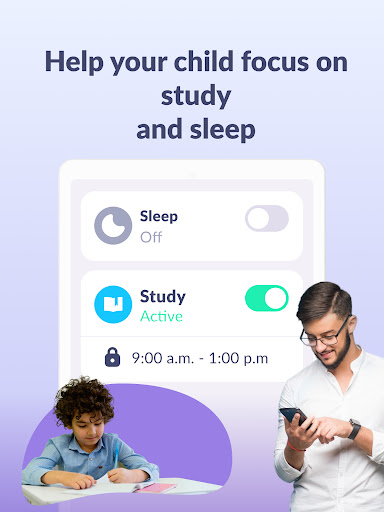
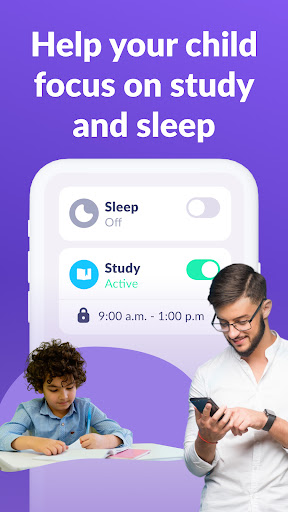
Usage schedule - Select the child's schedule for productive schooltime and a recovering sleep during bedtime. The child monitoring app & child lock will take into account the time your child spends on games, social media and entertainment apps and will limit their usage as well as limit phone usage
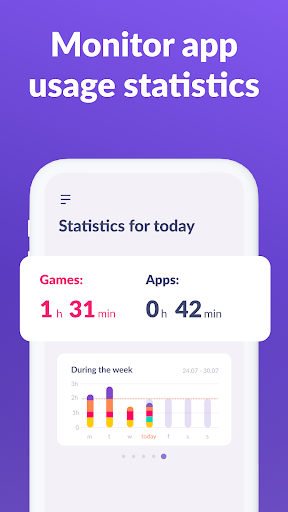
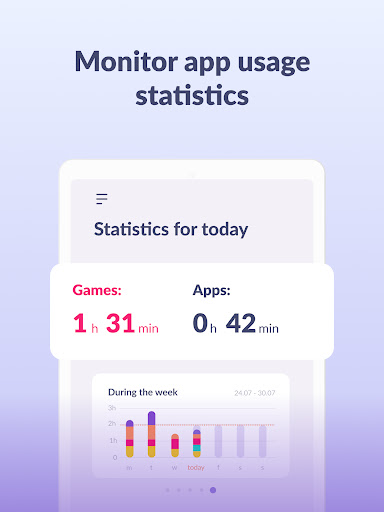
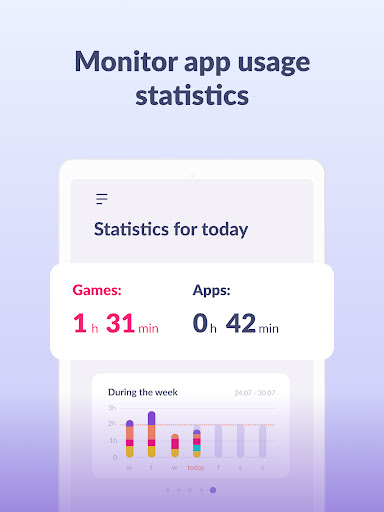
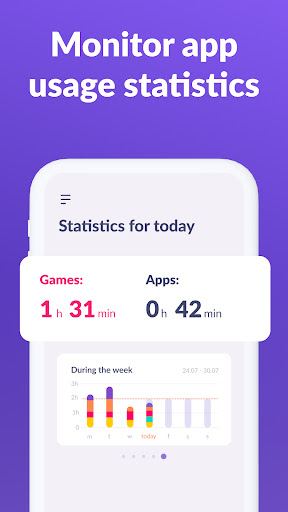
Apps statistics - Find out what apps and your child is using and for how long, see if they play during class instead of studying.
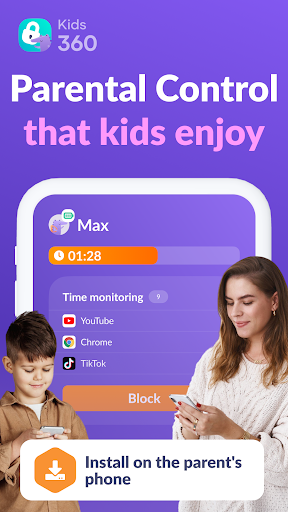
Screen time - Our child monitoring app shows how much time your child spends on their phone and helps identify the apps that occupy your child the most, enable kid control.
Stay in touch - Essential apps for calls, texts, taxis and other non-gaming and social networking apps are always available so you won't lose contact with your child
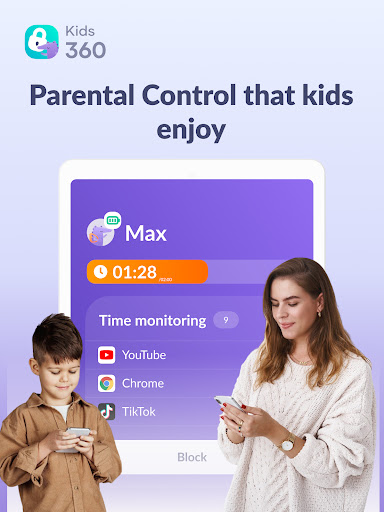
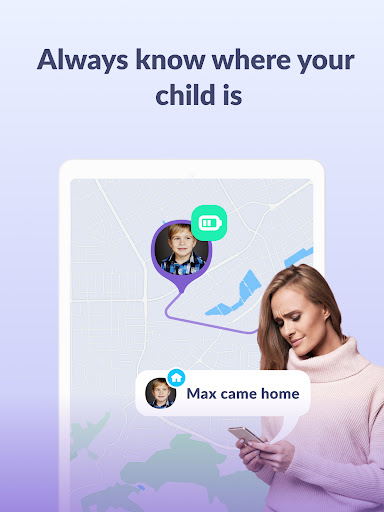
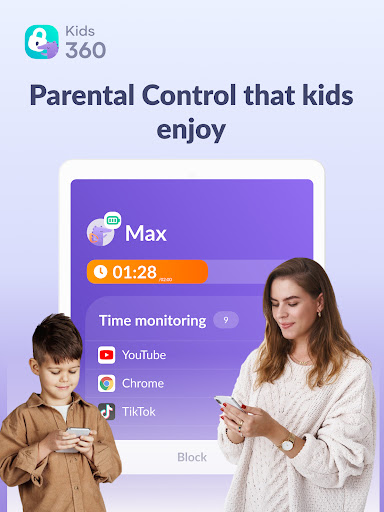
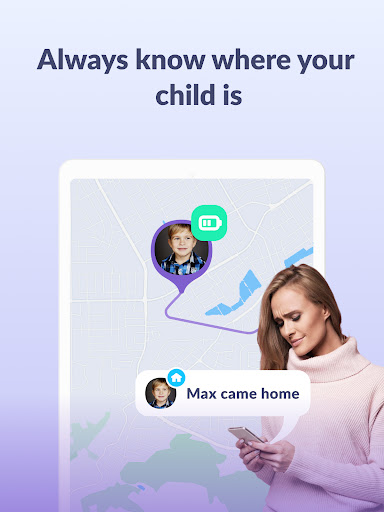
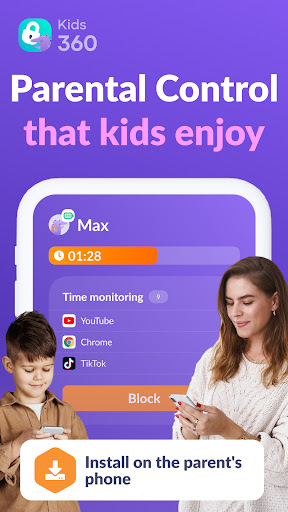
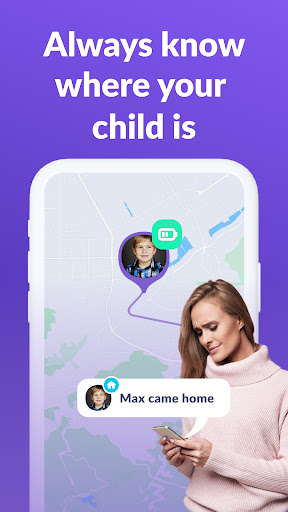
Kids360 is a child monitoring app & child lock designed for their safety and helps parents monitor screen time on their child's phone. With our mobile app tracker, you will always know how much time your child spends on their phone, what games they play and what apps they use most often.
The app cannot be installed secretly, use is permissible only with the child’s consent. Personal data is stored in strict compliance with the law and the GDPR policy.
Install the Alli360 on your child's smartphone. The app will run on your child's phone in app tracker mode, plus your child can't just delete it. You will only be able to see what apps your child is using when both apps are fully set and all permissions are given. After setting up the parental control app, you will be able to adjust the screen time on your child's phone.
How to start using Kids360:
install Kids360 on your phone
install Alli360 on your child’s phone and enter the code you see in Kids360
allow monitoring of your child's smartphone in the Kids360 app
You can see your child's screen time on your smartphone for free once your child's device is connected. Time management features in apps (scheduling, blocking apps) are available both in a trial period and with a paid subscription.
The Kids360: parental control app asks for the following permissions:
1. Display over other apps - to block applications when time has run out
2. Special access- to limit screen time
3. Access to usage data - to collect statistics about the apps' running time
4. Autorun - to keep the app tracker running on your child's device at all times
5. Device administrator - to protect against unauthorised deletion and keep kids mode
If you have technical problems, you can always contact Kids360's 24/7 support team by e-mail [email protected]
Privacy policy:
https://kids360.app/privacy-policy/
Terms of Use (EULA):
https://kids360.app/term-of-use/
User Reviews

really great app to keep track of screen time and to block 🚫 apps in sleep/study time

I absolutely love this app for my three kids ages 16 13 and 9 it has allowed me to regulate their time on the phone and see everything that they do the apps that they go on the time frames and everything I definitely recommend this app I do wish that I could see what they go on on Pinterest and other apps but you can see the YouTube channels they go on and the Google searches that they make

The only reason I put it on my sons phone was to see what they are doing. I put unlimited for time out. despite this he has to frequently come and request me to unlock multiple times a day. For any person considering this, DO NOT GET THIS APP

This is my 3rd time deleting and re-downloading this app. because the location doesn't update! Even after refreshing and clearing cache.

good

waste of money

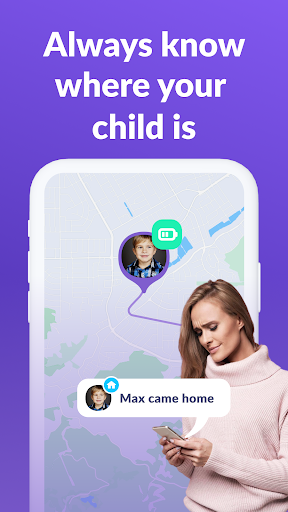
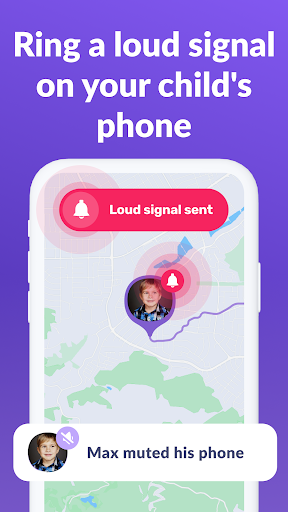
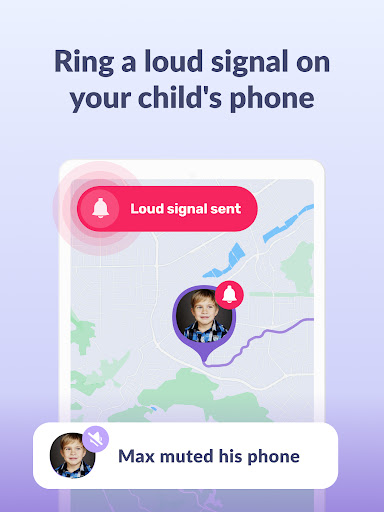
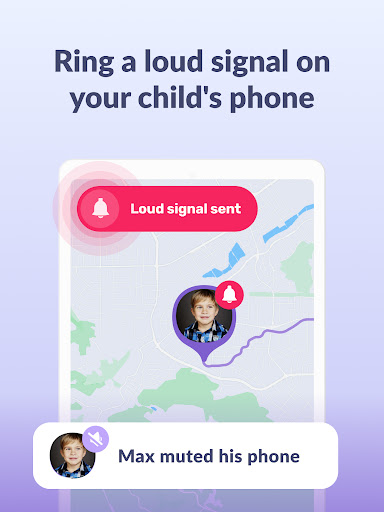
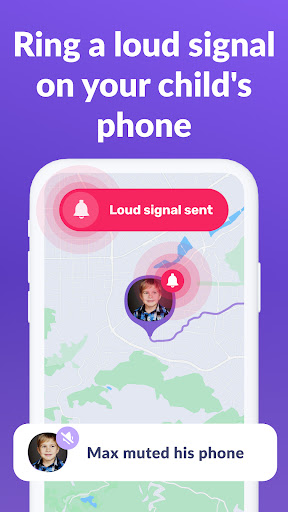
honestly the interface is so easy that i had everything set up in ten minutes flat. the loud signal helps me find the phone when it is lost under a pile of laundry or in a bag on silent mode. parental control is implemented perfectly here and all the features feel useful. the app is fast and reliable which is the most important thing for me. child geolocation and the custom tasks make this a complete package for any family.

didn't have the money

i hate this app

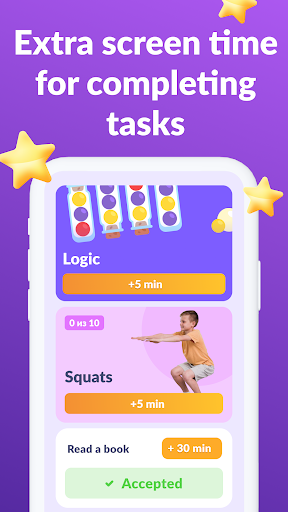
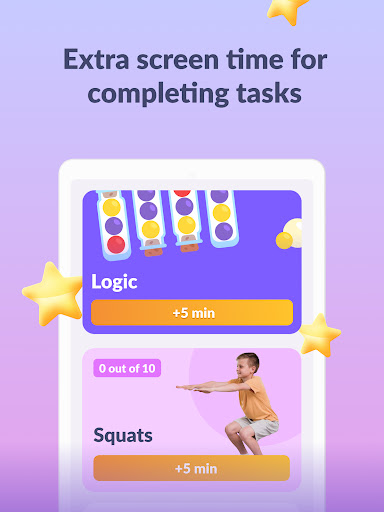
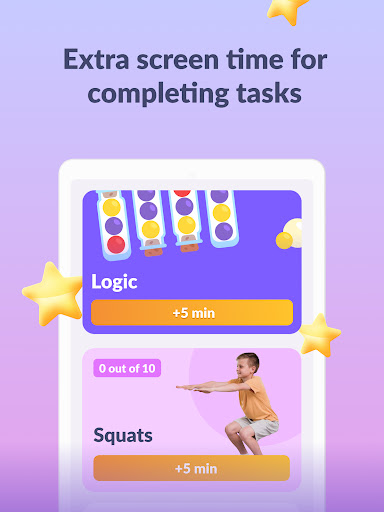
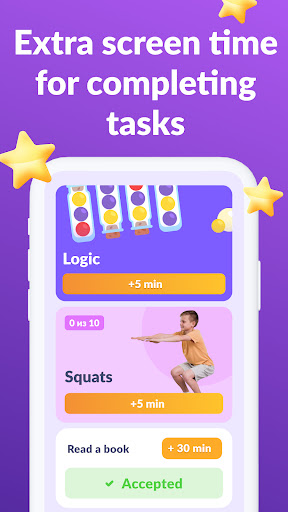
the physical exercises for screen time is a super idea for kids who would otherwise never move from their chairs. the app is very fast and the schedule limits work perfectly for our daily routine. interface is simple enough that even the grandparents could use it to check on the kids. it is a lightweight app that doesnt slow down the phone but still gives you all the power you need as a parent.
You Might Like

GPS Tracker: Location Tracking

The Wonder Weeks - Baby Leaps

Family Nest: Private Locator

Parental Control App- FamiSafe

SemLog

Pregnancy App & Baby Tracker

Eyezy: GPS phone tracker

FlashGet Kids:parental control

Kinedu: Baby Development

Precious - AI Photo Studio