
LegendPeeps
Home Apps Lifestyle Roborock
Roborock

Roborock

4.60
|
V4.68.04
|
10M+
Roborock screenshot Roborock screenshot Roborock screenshot Roborock screenshot Roborock screenshot Roborock screenshot Roborock screenshot Roborock screenshot Roborock screenshot Roborock screenshot Roborock screenshot Roborock screenshot Roborock screenshot Roborock screenshot Roborock screenshot Roborock screenshot Roborock screenshot Roborock screenshot

App Information

Category Lifestyle
Developer Roborock
Version 4.68.04
Content Rating Everyone
Price Free
Min Android 7.0
Updated Jul 1, 2026

Description

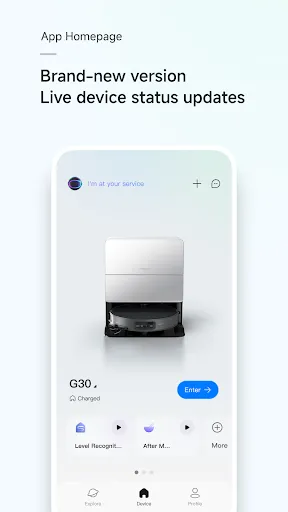
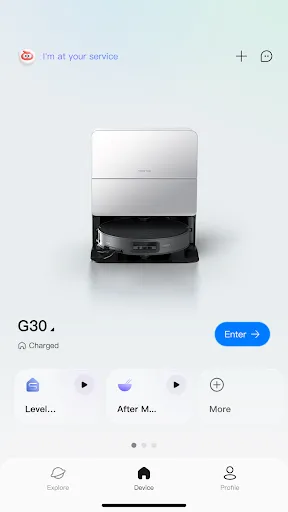
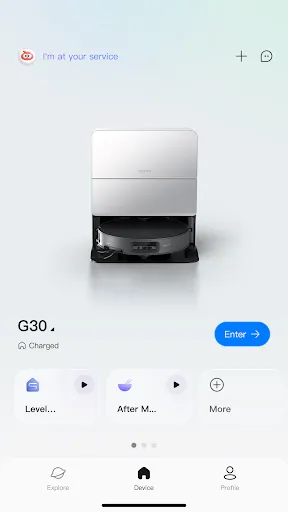
Roborock App is a dedicated application designed to control Roborock’s smart hardware devices. It supports network-enabled products in Roborock’s robotic vacuum cleaners, wet and dry vacuum cleaners, and molecular sieve-based washer dryers.You can remotely control smart devices and check their status and cleaning progress through this app anytime, anywhere.Easily unlock more advanced features through the Roborock app.
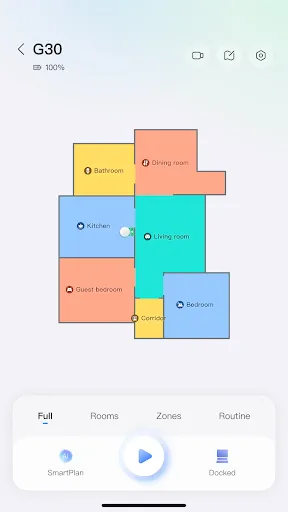
【Roborock Robotic Vacuum Cleaner】
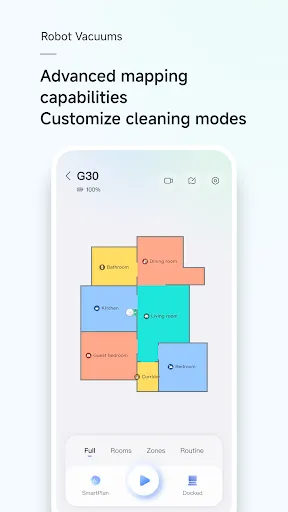
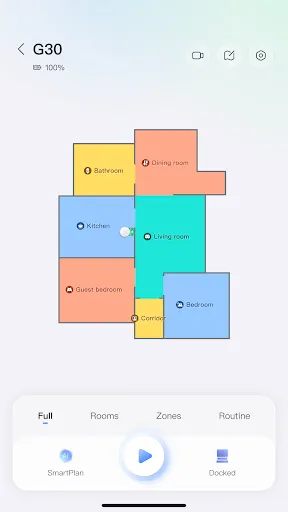
· Check the cleaning map and path anywhere and anytime you want, and control the cleaning progress in real-time.
· Choose from various personalized cleaning methods, including room cleaning, zone cleaning, scheduled cleaning, and spot cleaning routines.
· Set up frequently used cleaning tasks as routines for one-tap starts.
· Choose multiple cleaning preferences, including Vacuum, Mop, Vac & Mop, SmartPlan (applicable to certain models only), and Customize mode.
· Set up a personalized cleaning plan by adjusting suction power, water flow, cleaning frequency, and route (applicable to certain models only).
· Enables you to edit a map based on your home and set names for thresholds, carpets, floor types, furniture, and rooms.
· Set up invisible walls and no-go zones and your robot will not cross or enter them during cleaning.
· Enjoy a variety of fun features, including remote viewing, obstacle photos, pet snapshots, cruise mode, pet search, and custom tones (applicable to select models only).
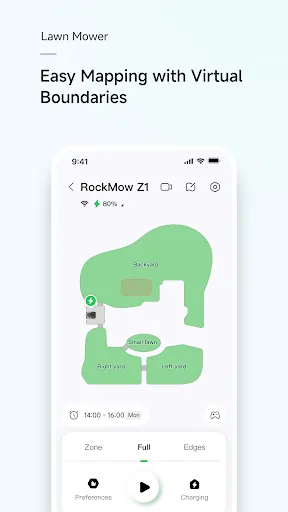
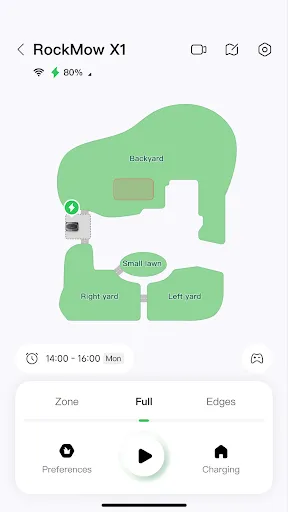
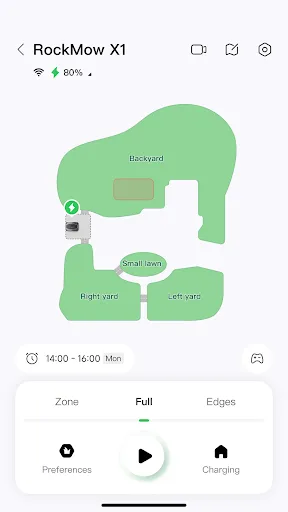
【Roborock Robotic Lawn Mower】
· Visually edit maps, easily set No-Go Zones and Passages, and support precise multi-area management.
· Customize mowing preferences, efficiency, and direction for each area, and set schedules for automatic start and stop.
· Features intelligent obstacle avoidance, automatic return to charge when it rains, and a Wildlife-Friendly mode for comprehensive protection.
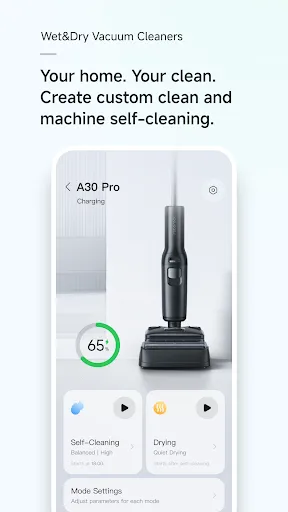
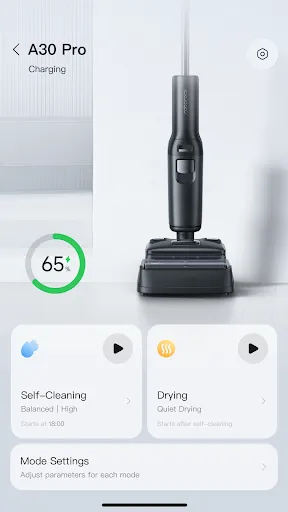
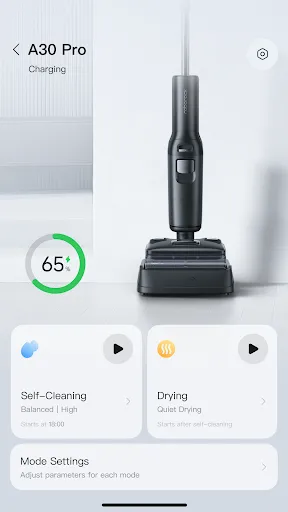
【Roborock Wet and Dry Vacuum Cleaner】
· Adjust water flow, suction power, roller speed, and detergent level (applicable to select models only) based on the floor and dirt level.
· Smart scheduled self-cleaning and drying: automatically initiates self-cleaning and drying based on historical operation records.
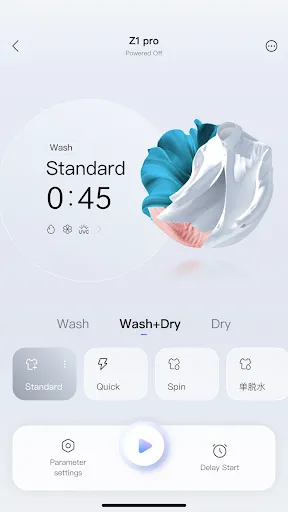
【Roborock Washer Dryer】
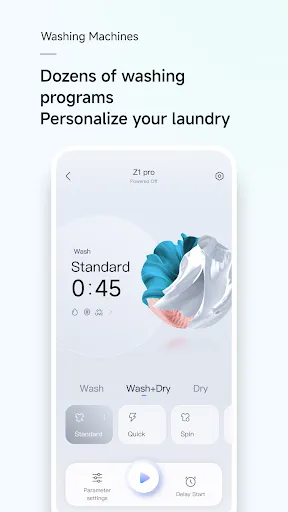
· Check the washing progress and operating status anywhere and anytime you want.
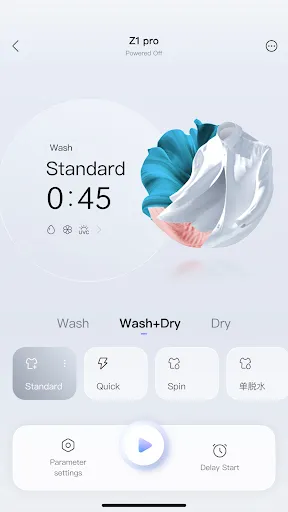
· Choose from over 20 smart washing and drying programs to meet the professional needs of various fabrics and clothing, ensuring optimal washing performance.
· Set one program as the App Program for quick access on the control panel.
【Permissions】To provide certain services, you need to enable the relevant permissions on your mobile device. We will only need the relevant permissions and access your personal information (if relevant) when you use the relevant functions. For the optional permissions, you can refuse or withdraw these permissions at any time, for which you may not be able to use the corresponding services, but this will not affect other functions of the App. The current permissions that the app may need are as follows:
· Location (Optional)Accesses location information to connect to WiFi, find nearby devices ready for connection, and retrieve details about the current WiFi connection.
· Camera (Optional)Enables the camera to scan QR codes for easier WiFi connection.
· Photos (Optional)Allows access to photos for uploading profile pictures and attaching images when providing feedback. If your device supports features like downloading obstacle images, taking screenshots, or recording during remote viewing, photos and videos can be stored.
· Microphone (Optional)Used for sound transmission on devices that support remote viewing.
· WLAN (Optional)Facilitates connection to WiFi networks emitted by smart devices for communication and connectivity.
· Bluetooth (Optional)Enables connection to Bluetooth signals from smart devices for communication and device connecting.
· Notifications (Optional)Allows the app to send you device and system notifications.

Downloads

V4.68.04

Size: 69.69 MB

Updated: 2026-07-01

User Reviews

4.60
364K+ Reviews
5
82%
4
8%
3
3%
2
2%
1
5%
Rebecca Brown
Jul 8, 2026

using on a Pixel 8a and the bottom part of the app is hidden (can't scroll down) rendering parts of the app useless as I can't access buttons!!

Lori Gogo
Jul 8, 2026

after no issues, suddenly 3005.1 error won't bind to internet. 2 hours lost and endless wait for support after.

Natalie Waller
Jul 8, 2026

I LOVE my vacuum!! But, the latest update has made the bottom of the screen disappear on control pop ups. So I can't end tasks, or anything else that requires for me to click on a pop up at the bottom of the screen. My vacuum is confused right now by the coffee table, and I can't get it to stop trying to get under it even though it can't fit, can't set a no go zone either right now because of not being able to see or access the bottom of the screen! Please fix this.

Billy
Jul 8, 2026

If your Android app has issues scaling on a Pixel phone, maybe find another career.

Saurabh
Jul 8, 2026

Unable to schedule cleaning with the app. When I reach the time-selector for the schedule, I can scroll the hour and minutes to what I need but there is no button to accept the new time.

Ren Rosz
Jul 8, 2026

Android app is cut off at the bottom on my Pixel9Pro... can't see some of the GUI and can't click the button to start mapping.

Andrew Cecka
Jul 7, 2026

Feels like we're constantly in Beta with things in a continuous cycle of working, breaking, working...etc. That said, at this point, the vacuum and app are generally good and there seem to be longer and longer periods of "working" between problems e.g. progress has been made. Generally, I like the app, and my life is much better thanks to the vacuum.

Dawn Williams
Jul 7, 2026

Easily the worst vacuum I've ever owned. Not worth the good price.

Jason Rochon
Jul 7, 2026

Just got the Q7. Great little vacuum for what we need. the app works well. I had to turn off cellular data while connecting the vacuum to wifi.

wolfgang menezes
Jul 7, 2026

Login via Verification Code doesnt work on OnePlus 13 Pro, but Home Assistant somehow still manages to get such codes to control the vacuum robot, but can't use all features (selective room cleaning, cleaning mode, etc.).