LegendPeeps
Home Apps Business Paylocity
Paylocity

Paylocity

4.73
|
V26.3.5
|
5M+
Paylocity screenshot Paylocity screenshot Paylocity screenshot Paylocity screenshot Paylocity screenshot Paylocity screenshot Paylocity screenshot Paylocity screenshot Paylocity screenshot Paylocity screenshot Paylocity screenshot Paylocity screenshot Paylocity screenshot Paylocity screenshot Paylocity screenshot Paylocity screenshot

App Information

Category Business
Developer Paylocity
Version 26.3.5
Content Rating Everyone
Price Free
Min Android 8.0

Description

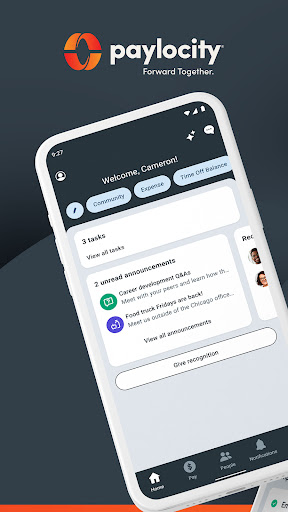
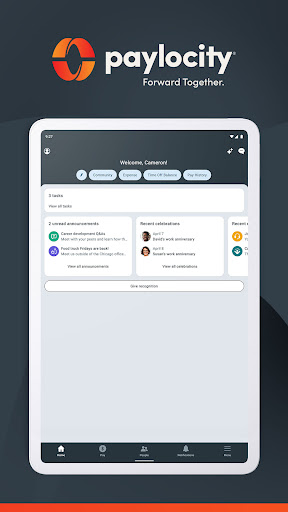
The Paylocity Mobile App gives you the tools you need to stay connected and access HR and payroll information, all in one intuitive experience.

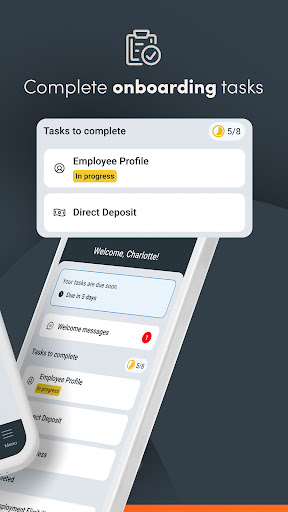
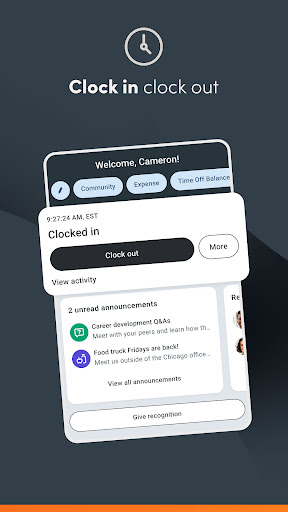
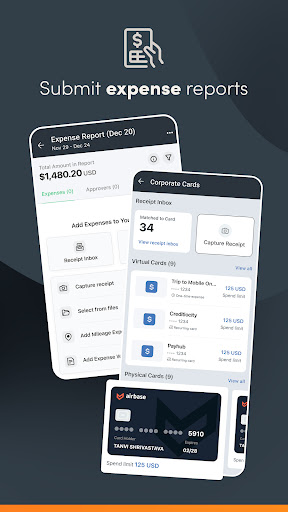
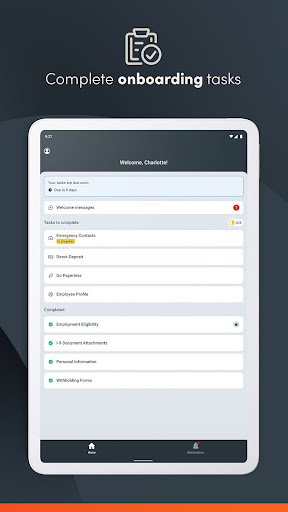
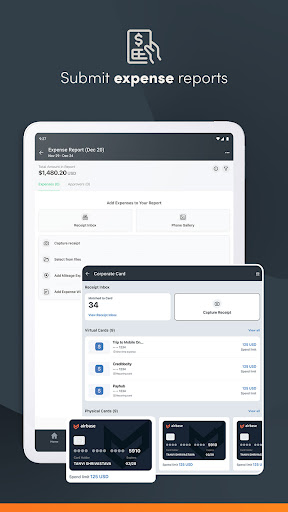
Easily view paychecks, clock in and out, check schedules, update personal information, access messages, and complete tasks, all from a personalized home screen. Submit receipts, reconcile expenses, and use company cards with built-in controls.

It’s just another way Paylocity helps you handle it all with one unified platform.

Why employees love it:
- Secure access to everything you need — with just one login
- Edit personal info, search the company directory, or view current and historical pay info
- Receive push notifications for activities like time-off request approvals, checks becoming available, chats, and more
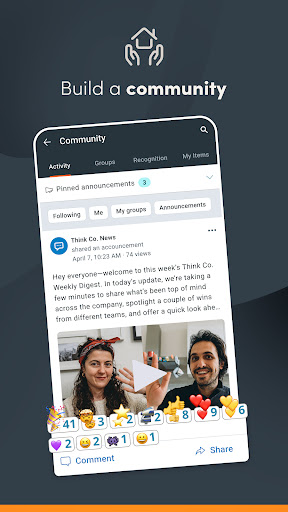
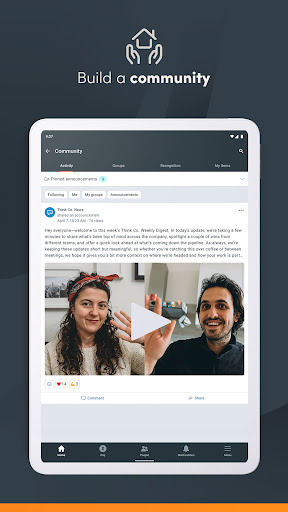
- Access Community, Paylocity’s social collaboration hub, to get important updates from leaders and connect with peers
- Request access to a portion of earned wages before payday
- Track expenses and card use
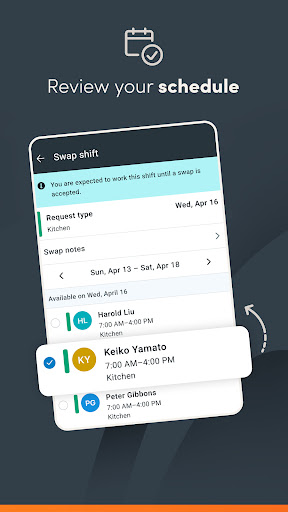
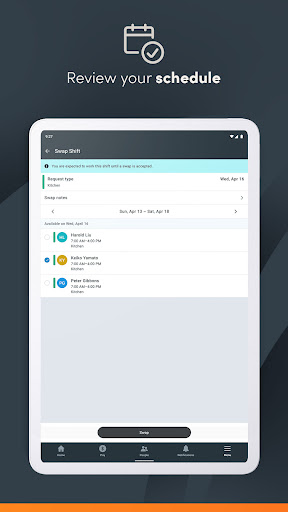
- Review schedules and timesheets
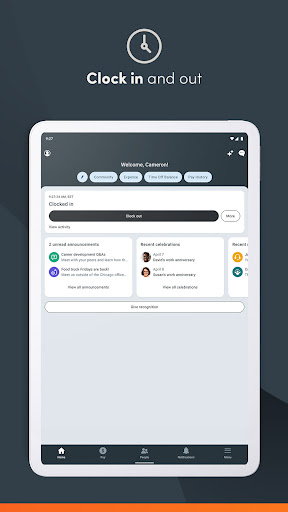
- Clock in and out
- View an interactive org chart to check organizational structure and reach out to colleagues

Why supervisors love it:
- Experience one, unified platform
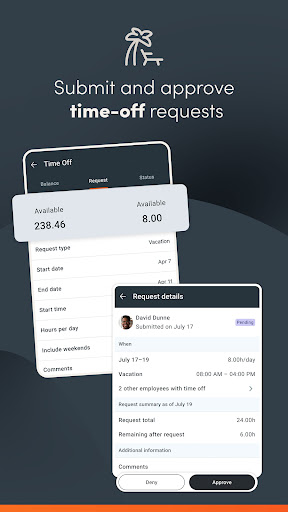
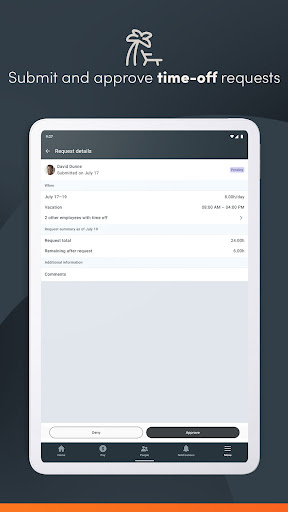
- Submit, view, and approve time-off requests with real-time push notifications
- Review and approve expense reports and timecards
- Manage Journal entries for direct reports
- Create, view, and edit schedules and shifts

Security features:
- Biometric functions are available for secure quick logins
- All activities are encrypted and routed safely to secure Paylocity servers
- Sessions will time out if inactive to prevent unauthorized access
- Excessive failed login attempts will lock a user account

App usage:
To use the Paylocity Mobile App, your employer must be a Paylocity client, and you must be an authorized user with Paylocity credentials. Security role rights, specific access to the Paylocity mobile application, and functionality listed below may vary from company to company.

User Reviews

4.73
266K+ Reviews
5
81%
4
14%
3
3%
2
1%
1
2%
Diedra “Detra Dean” Dean
Apr 27, 2026

to much hassle signing in

Hector Feliciano
Apr 26, 2026

very good

Clint Frazier
Apr 26, 2026

ok.

Bunny Bug
Apr 26, 2026

PAYCHECK THEFT. 😭😭 I work at my job 2 weeks. I see my paycheck in the app, but your boss apparently has to "activate" on demand pay. If they decide not too or they're lazy, or just dont like you that it! your paycheck is stuck in the app.The ai assistant cant help you. There is no way to call Payocity for help. You shouldn't have to ask to get your paycheck it should be automatic. They only respond to 5 star comments 😭 My rent money is trapped forever

Al Mendez
Apr 25, 2026

I can't clock in or out on this app

Gerald Knotts
Apr 23, 2026

very useful as I have zero need 4 papaer paysrubz

Rebeca Mendoza
Apr 23, 2026

used to work for another organization that uses this system & it turns out the access ID for my new company doesn't seem to work because my previous organization has my some of my information, even if they used a different access ID this app doesn't seem to separate either one of these companies & it has make it extremely difficult for me to sign in into either one of those and also what makes this an inconvenience in that you have to have verify everything by phone # instead of email, app 🗑💩

Dazy Katz
Apr 22, 2026

Biometrics don't work. Hardly ever remembers my password. When I finally get it to work, it forgets my password. Not user-friendly. I absolutely hate the application, and so do all of my coworkers.

Sammy G
Apr 22, 2026

Pretty user friendly.

Triangle services
Apr 21, 2026

Not well thought out and not user friendly.