
LegendPeeps
Home Apps Lifestyle Nintendo Switch Parental Cont…
Nintendo Switch Parental Cont…

Nintendo Switch Parental Cont…

4.68
|
V2.4.0
|
10M+
Nintendo Switch Parental Cont… screenshot Nintendo Switch Parental Cont… screenshot Nintendo Switch Parental Cont… screenshot Nintendo Switch Parental Cont… screenshot Nintendo Switch Parental Cont… screenshot Nintendo Switch Parental Cont… screenshot Nintendo Switch Parental Cont… screenshot Nintendo Switch Parental Cont… screenshot Nintendo Switch Parental Cont… screenshot Nintendo Switch Parental Cont… screenshot

App Information

Category Lifestyle
Developer Nintendo Co., Ltd.
Version 2.4.0
Content Rating Everyone
Price Free
Min Android 8.0
Updated Mar 19, 2026

Description

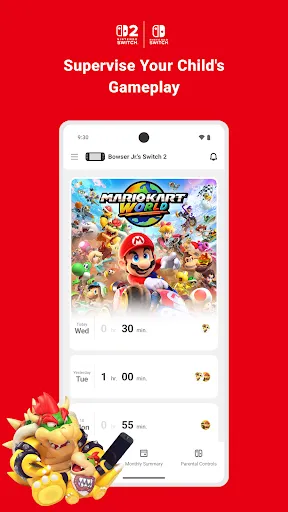
Nintendo Switch Parental Controls™ is a free app that allows you to easily monitor your child's use of the Nintendo Switch 2 or Nintendo Switch system.
◆ A Nintendo Switch 2 or Nintendo Switch system is required to use this app.

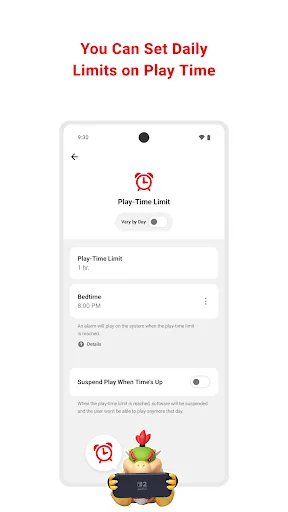
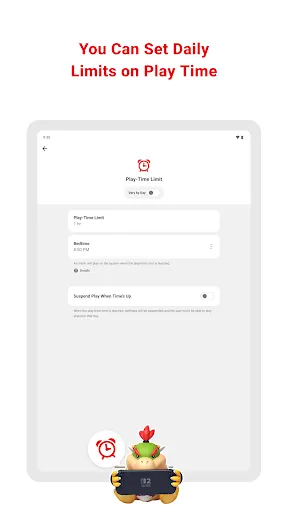
■ Set a daily play-time limit
You can set a timer for how long your child can play for each day. You can select different settings for each day of the week, and even set it so that the game is suspended on the system as soon as the play-time limit is reached.

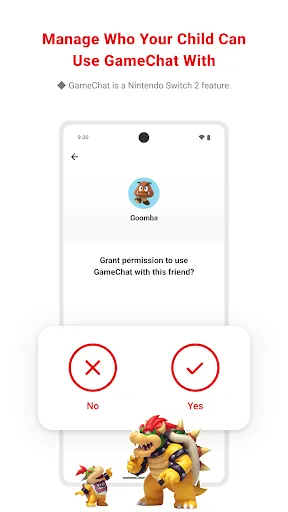
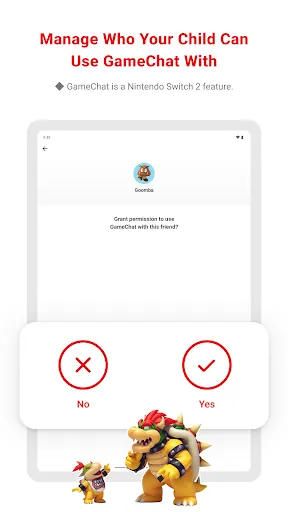
■ Manage your child's GameChat settings
If you allow your child to use GameChat, you can manage which friends they're approved to chat with and decide when they can use video chat.
◆ The GameChat feature can only be used on Nintendo Switch 2 systems.

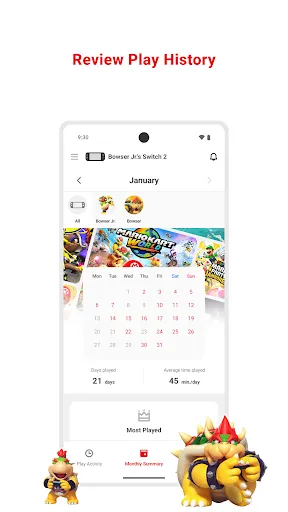
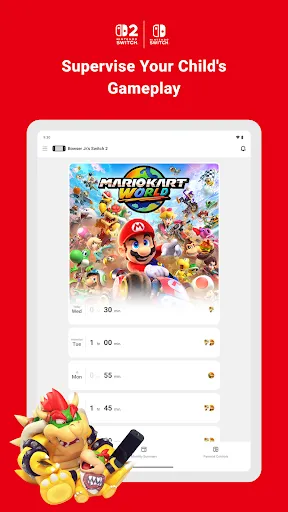
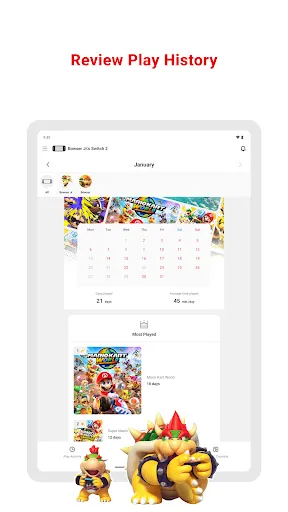
■ View your child's play activity
You can easily check which games your child plays and for how long. You'll also get a monthly overview of their gameplay activity.

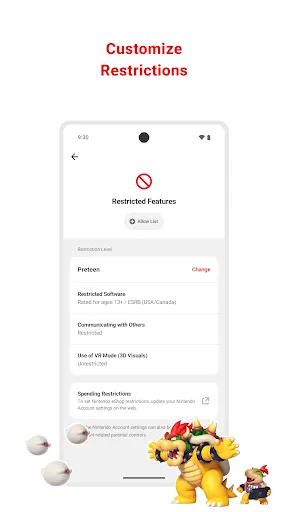
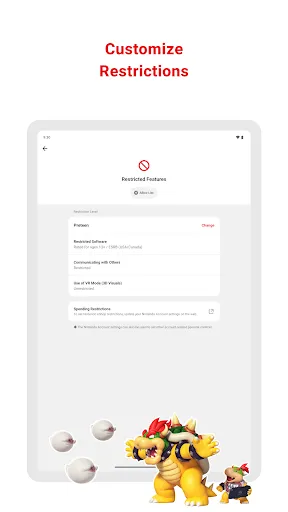
■ Set restrictions based on your child's age
You can set up age-based restrictions on the games your child can play and the features they can use.

Attention:
● To use the Nintendo Switch Parental Controls app, a parent or guardian (aged 18 or above) will need to have a Nintendo Account.
● Purchasing restrictions, including restrictions on purchasing products and services in Nintendo eShop, can be set up in the Nintendo Account settings.
● To make use of all of the features and settings available in the Nintendo Switch Parental Controls app, all linked Nintendo Switch 2 and Nintendo Switch systems need to be using the latest system version.
● For details about the GameChat feature, please visit support.nintendo.com.

User Agreement: https://accounts.nintendo.com/term_chooser/eula

Downloads

V2.4.0

Size: 27.18 MB

Updated: 2026-03-19

User Reviews

4.68
155K+ Reviews
5
82%
4
12%
3
2%
2
1%
1
3%
Beat Luginbühl
Jul 8, 2026

Lacks fine-grained controls like times per day, eg a bit more time on the weekends. Also not possible: restrictions based on time: I don't want my kid playing at 7 in the morning. Additionally: needs the ability to block a device at any time for a certain amount of time by the press of a button.

Mike O'Donnell
Jul 7, 2026

It works pretty good. You can control how long your kid plays and which games they can and can't play. They give you how much time they've played each day, but not what time they played or anything like that. Also if the Switch isn't connected to the web the parental controls don't work and they get unlimited play time.

ndagigrace ndagi
Jul 7, 2026

am able to control time spent on the gadgets. I highly recommend as it's very helpful

Andrea S
Jul 7, 2026

phenomenal. so easy to change or add play time, control usage times and game level options

J W
Jul 7, 2026

This app is just a fig leafe to make parents buy the gadget and believe they are in control. But why is there no 0 min. or individual playtime option (15min-steps only). No daily programming possible (less on weekdays than weekend), no full time control with "bed time", e.g. late start to prevent morning play, before chores are done, is not possible! No control of which games are playable (and when). Disappointing and surely our last Nintendo purchase.

Steven Reed
Jul 6, 2026

Excellent GUI and it's clear and concise enough to do exactly what it says on the tin. No more playing past their bedtimes for these little monkeys

Martin Barrett
Jul 6, 2026

simple

Christophe Prud'homme
Jul 6, 2026

the app got better with more flexible configuration. it is not family link level but it got better.

Hector Loera
Jul 5, 2026

it needs an option to just suspend the time

Eliezer Heredia
Jul 5, 2026

An amazing way to control the screen time allow