App Information
| Category | Parenting |
| Developer | Kidslox, Inc. |
| Version | 10.10.1 |
| Content Rating | Everyone |
| Price | Free |
| Min Android | 10 |
| Updated | Mar 24, 2026 |
Description
Kidslox parental control and screen time tracker is a secure parental control app that makes it easy for parents to control screen time, track their child's location, block apps, and monitor app usage.
Control screen time with Kidslox
Parental Control App for all families. Monitor screen time on your child’s device. Address digital wellbeing, monitor app & web activities & lock apps with ease.
Kidslox Parental control app features:
Our Parental Control app includes a range of tools for monitoring and regulating screen time to help parents manage their kids and teens phone use in line with their desired parenting style:
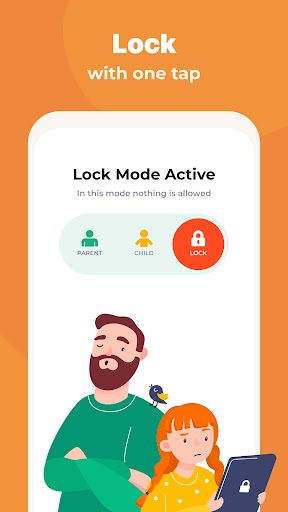
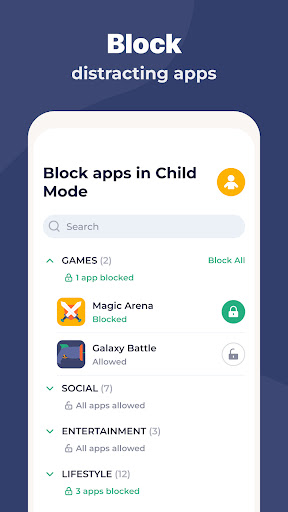
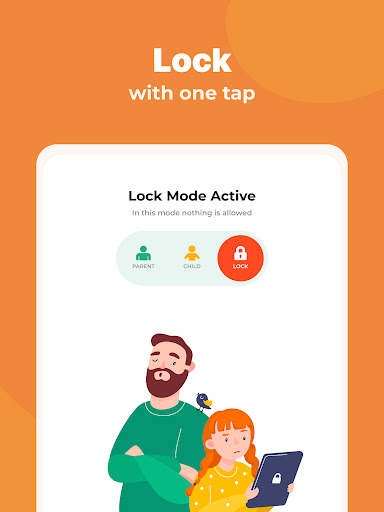
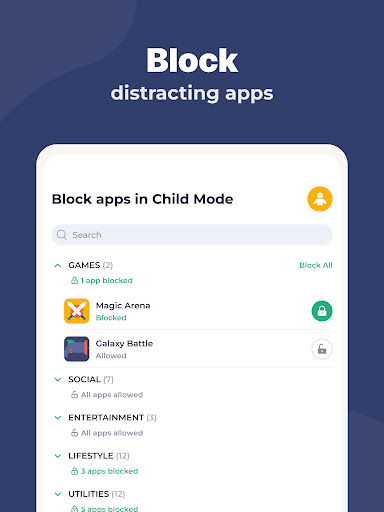
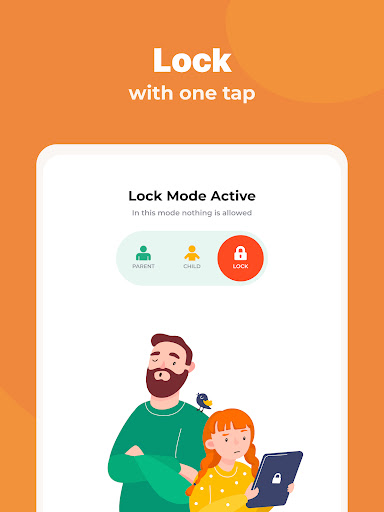
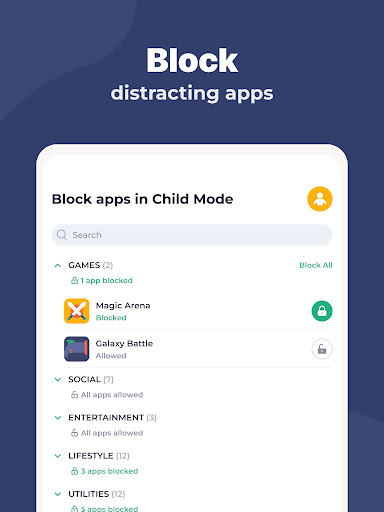
✔ Instant lock - block your kids apps both on Android & iPhone remotely
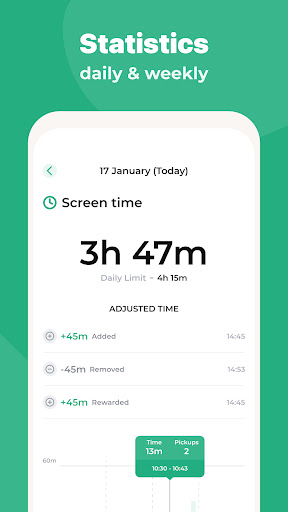
✔ Screen time schedules - set fixed times when your child can use their smartphone, e.g. set a bedtime curfew when the phones switch off
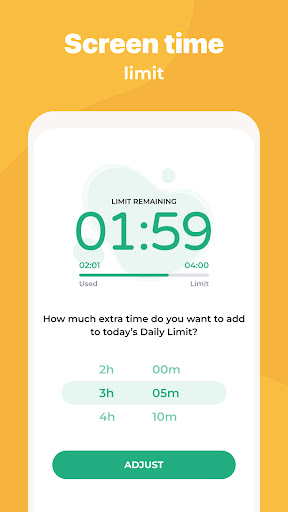
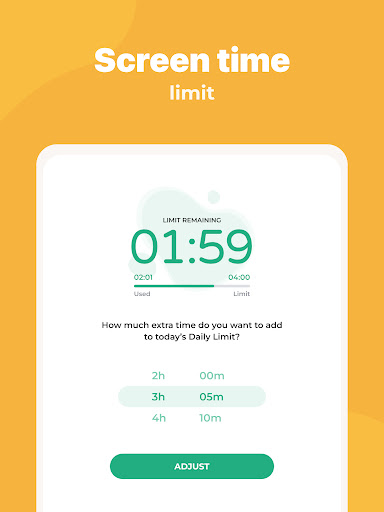
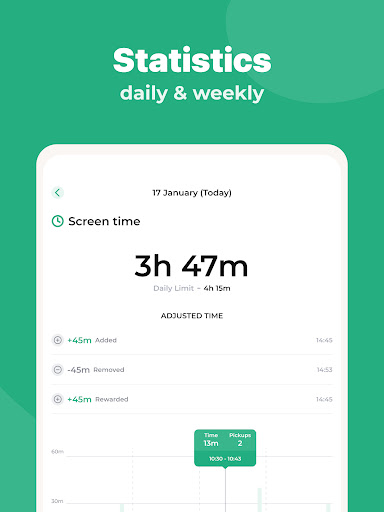
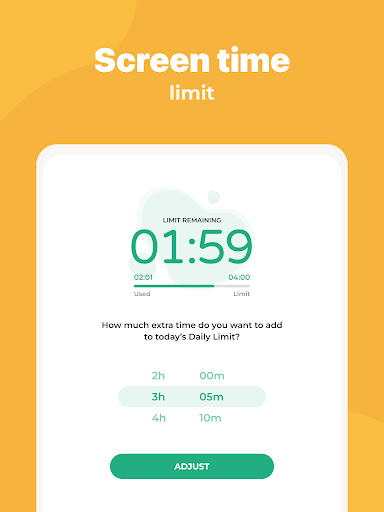
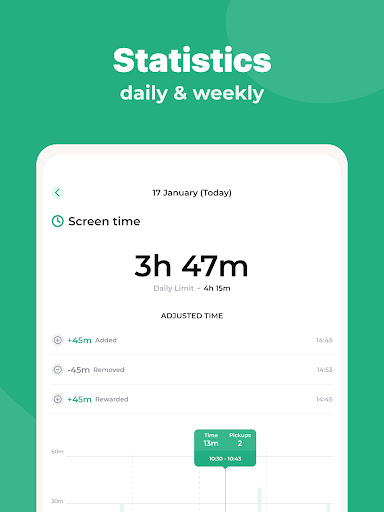
✔ Daily time limits - Screen lock & block apps after time limit for a day is reached.
✔ Screen time rewards - give your children extra screen time for completing chores, homework or other tasks
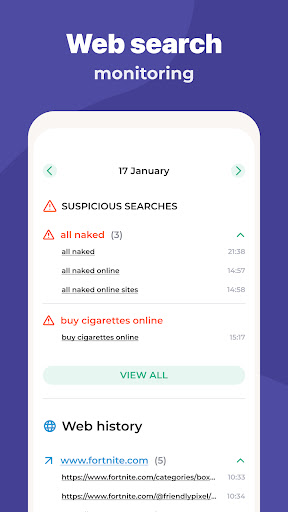
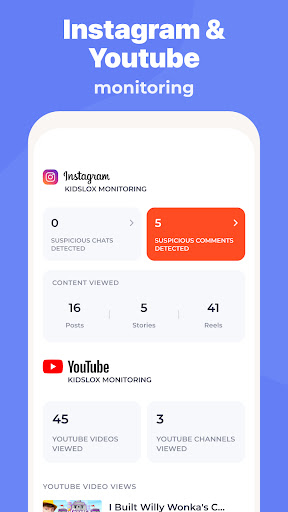
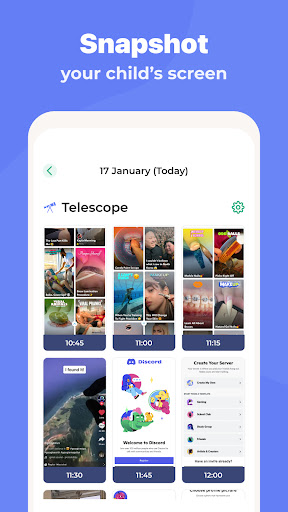
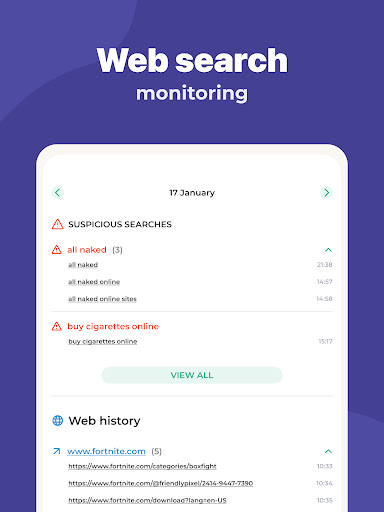
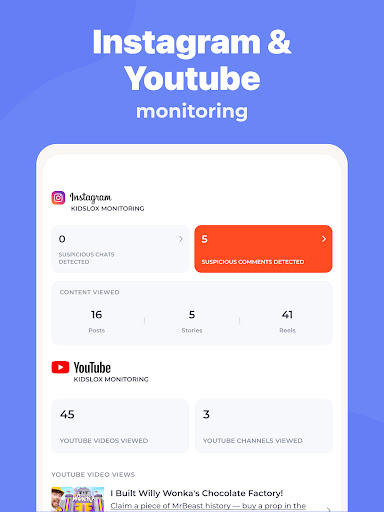
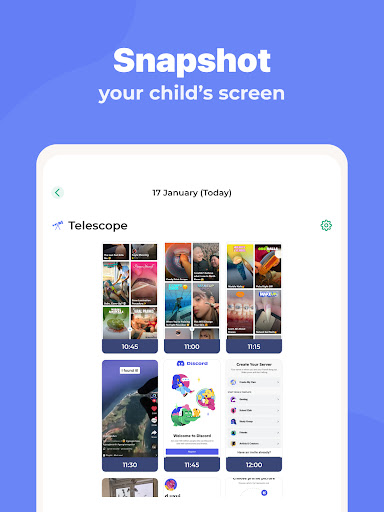
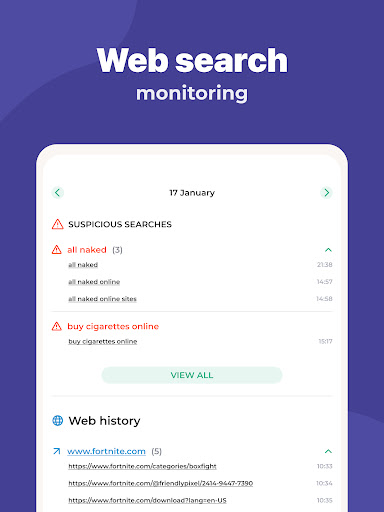
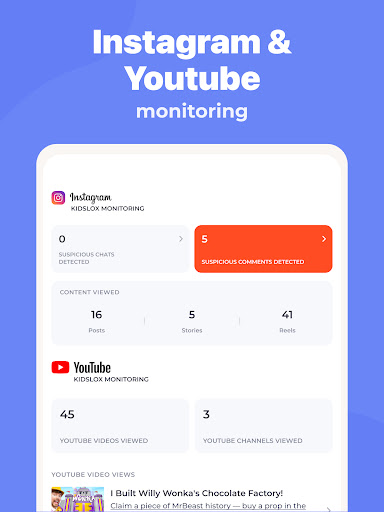
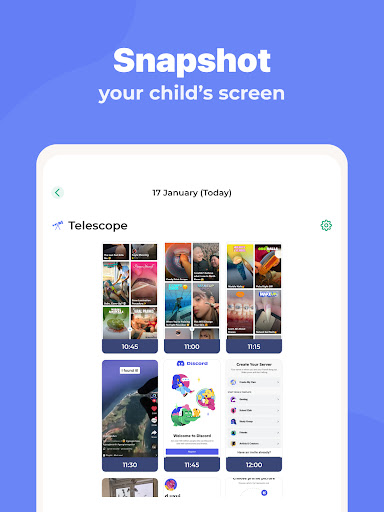
✔ Monitor activities - Parental tracking (parental guidance) has never been so easy - see app usage, check web surfing & sites visited, screen time and more..
✔ Custom modes - block apps of choice at different times to encourage appropriate behaviour, e.g. allow educational apps during homework but games only during free time
Location tracking with Parental monitor
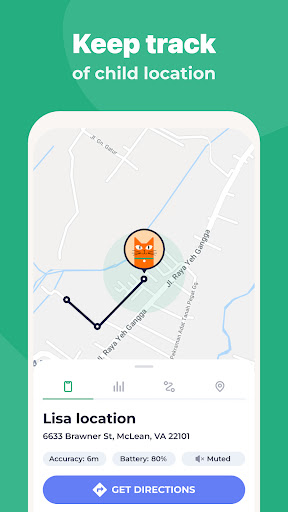
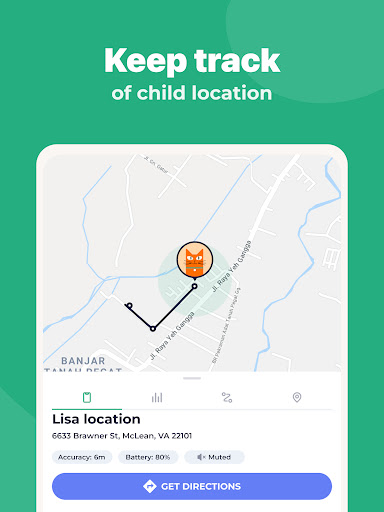
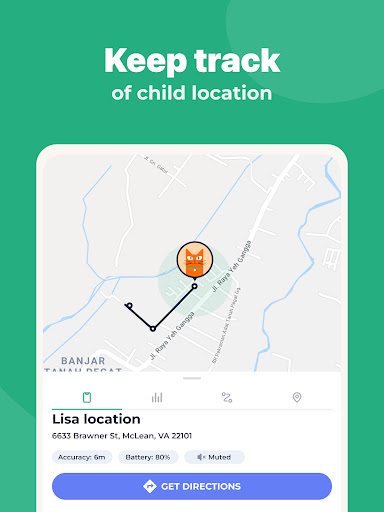
✔ Know your child location via GPS tracking
✔ Get notifications when your child enters or leaves geo-fenced zones you set
✔ See location history and find your kids
Easy parental lock & content blocking
✔ Filter pornography and other adult content
✔ Block in-app purchases
✔ Lock safe search on for Google search and other search engines
✔ Full internet blocker
Family Parental Controls On All Platforms
✔ Download app for parental control to protect and manage screen time on all your devices
✔ Mobile versions for Android devices and iPhones and iPads
✔ Desktop versions for Windows and Mac
✔ Online, browser based access to controls - turn off junior's phone from your laptop
Our parental monitoring app offers several approaches in one simple to use app:
For in-the-moment control, use the instant lock.
For establishing positive patterns, set daily screen time schedules.
When you think your child is ready for a little more freedom, set daily limits.
To use Kidslox you will need to download the parenting app onto each device you wish to control.
One paid account allows you to control up to 10 devices.
Kidslox contains no advertisements.
Our support team is ready to help via in-app chat or via email [email protected].
Kidslox offers a 3 day free trial when you sign up. No need to pay until you decide we’re right for you.
Learn more about Kidslox on our website: https://kidslox.com
Please note:
- Kidslox requires an internet connection to operate
- This app uses the Device Administrator permission
- In order to filter and block undesirable content from your child's device, Kidslox uses a VPN service
- To be able to show you what your child is looking at online, take screenshots of their device, and require PIN entry on app deletion, Kidslox requires the Accessibility permission
- To be able to show your kids’ positions on a map, Kidslox requires the use of the Location permission on Android phones 8
- Find copies of our terms and conditions here: https://kidslox.com/terms/
User Reviews

hate this app its so stupid whynpay money when you can do it for free also if your kid bought there phone let them use it instead of making them waste there money.

hate it takes kids personal space

Utterly a waste of your $! I paid over $60 for this and it doesn't even provide the most basic parental controls, like checking/scanning for nudity pictures. You have to pay for an upgrade for this. To block nudity, you have to pay more $$ There is no option to set a time limit for certain apps. And if Apple does an update, it resets EVERYTHING on the device and this paid parental control system isn't effective. I will not renew and I would recommend using Family Link! It has been the best app!!

ew

because I can't play Roblox 😞

0/100 000 and F-

Still A LOT of bugs and they can't be fixed. Constantly not tracking status correctly. 1/ Sometimes the device stays locked for no reason. The remedy given to me is to "disable schedule." But the same problem will happen again and the remedy is "enable schedule." This isn't a fix, but an illogical way to get over the bug. 2/ Device status shown as locked but actually is unlocked. 3/ Device gets removed from parent account for no reason. I'm looking for a better app now.

worst app ever no privacy for the kids parents should not be this controlling

it's just a basic app with no option of a lifetime payment option.

sometimes not working
You Might Like
Parental Control App- FamiSafe

Pregnancy App & Baby Tracker

Family Nest: Private Locator

T-Mobile® FamilyMode™

HubbleClub By Hubble Connected

Phone Number Location Tracker
Kids360: Parental Control App

Bark - Parental Controls

Baby Tracker - Pregnancy Care

Kinedu: Baby Development