Description
AI Video Generator - Pixaflow lets you turn text prompts and still photos into animated video clips using advanced AI models , no editing experience, no complicated software, no steep learning curve required.
Whether you are a content creator looking to produce fresh material for your channels, a small business owner who needs promotional clips without a production budget, an educator building explainer animations, or someone who simply wants to experiment with AI-powered creativity, Pixaflow gives you a straightforward path from idea to finished video.
How It Works
The process is built around simplicity. You either type a description of what you want to see or upload a photo you already have. From there, you pick a visual style, adjust a few settings, and the app handles the rendering. Most clips are ready within seconds. There are no subscriptions to other tools, no file exports to external editors, and no frame-by-frame manual work
involved.
Text to Video
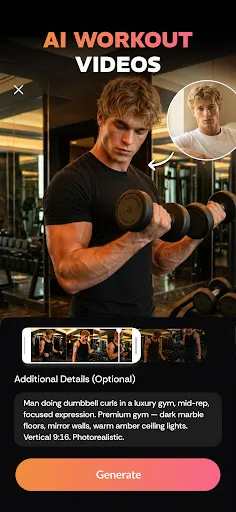
Describe a scene, a mood, a concept, or a story beat in plain language. Pixaflow reads your prompt, applies the style you selected, and generates a short video clip with consistent motion from start to finish. You can adjust the pacing, re-run with a different style preset, or refine your description and generate again.
Image to Video
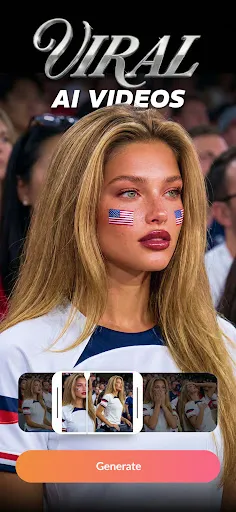
Select any photo from your device gallery and bring it to life. You can select whichever feature you want, select your photo, choose a movement style, and Pixaflow handles the rest, generating a finished clip ready to export This is useful for giving new life to old photos, animating product shots, or creating dynamic backgrounds for other projects.
Animation Effects
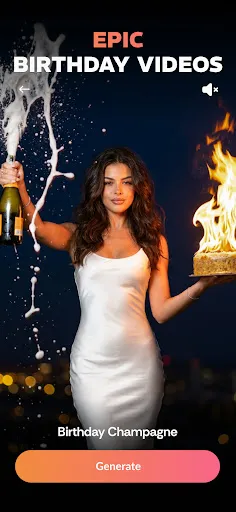
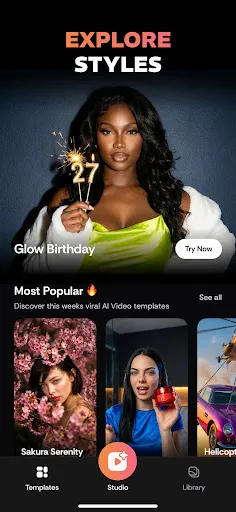
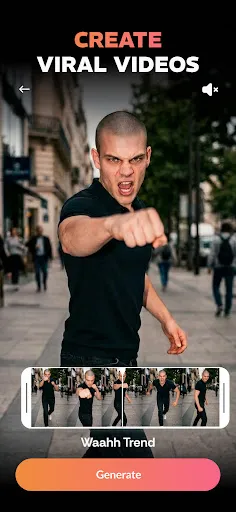
Apply character dance animations, stylized movement effects, and pet animations directly to photos. These effects are designed for social content formats where short, eye-catching clips perform well. You can preview the effect before exporting and choose the intensity of the animation.
Style Library
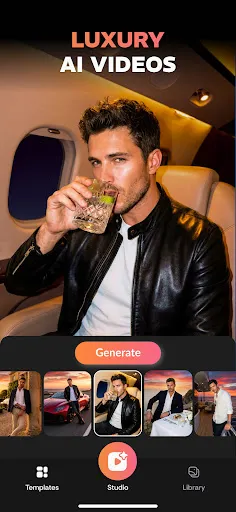
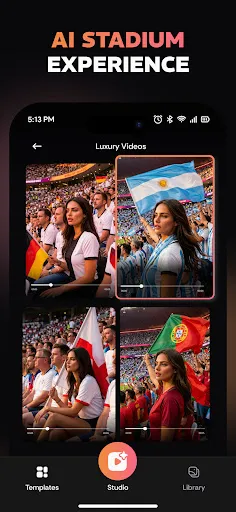
Before generating, choose from a set of visual presets that define the overall look of your output. Available styles include cinematic realism, anime, watercolor illustration, minimalist flat design, and product-showcase layouts. Each style changes how the AI interprets your prompt or photo, so the same input can produce very different results depending on what you select.
Built for Practical Use
Pixaflow is designed around real creative tasks. Here is how different users typically approach the app:
Content creators use the text-to-video feature to produce background clips, intros, and transition visuals without hiring a motion designer. A short prompt is often enough to generate something usable within a single session.
Business owners use image-to-video to animate product photos for promotional use, turning a static shot into a dynamic clip suitable for digital placements and social media posts.
Educators and communicators use the style library and text prompts to produce explainer animations, concept visualizations, and engaging supplementary material for presentations.
Hobbyists and personal users use the animation and dance effects to create fun, personalized clips from their own photos, family pictures, pet photos, travel shots, to share with friends and family.
Designed to Stay Out of Your Way
The interface is organized around the two main entry points; text input and photo upload. So you always know where to start. Settings are grouped by generation type, and the style selector is accessible from every screen. Exported clips download directly to your camera roll in standard formats compatible with common platforms and editing apps.
Pixaflow does not require an account to try the core features. Generation history is saved locally so you can revisit and re-export previous clips without running the process again.