LegendPeeps
Home Apps Art & Design HiPaint: Sketch & Draw art
HiPaint: Sketch & Draw art

HiPaint: Sketch & Draw art

4.25
|
V6.2.9
|
1M+
HiPaint: Sketch & Draw art screenshot HiPaint: Sketch & Draw art screenshot HiPaint: Sketch & Draw art screenshot HiPaint: Sketch & Draw art screenshot HiPaint: Sketch & Draw art screenshot HiPaint: Sketch & Draw art screenshot HiPaint: Sketch & Draw art screenshot HiPaint: Sketch & Draw art screenshot HiPaint: Sketch & Draw art screenshot HiPaint: Sketch & Draw art screenshot HiPaint: Sketch & Draw art screenshot HiPaint: Sketch & Draw art screenshot HiPaint: Sketch & Draw art screenshot HiPaint: Sketch & Draw art screenshot HiPaint: Sketch & Draw art screenshot

App Information

Category Art & Design
Developer HiPaint
Version 6.2.9
Content Rating Everyone
Price Free
Min Android 9

Description

Hi~Paint is a professional and versatile drawing apps for pad and phone. You can use it to draw, sketch, illustration, art design, and create animation anywhere, and it can also be used for image editing.

「Highlights」
· Minimal and intuitive interface to allows you to focus on the digital drawing itself.
· A powerful tool set for drawing and image editing complete your own artworkout.
· Quick operations and gesture controls make your creation process more convenient.
· Import and export custom brushes and brush sets
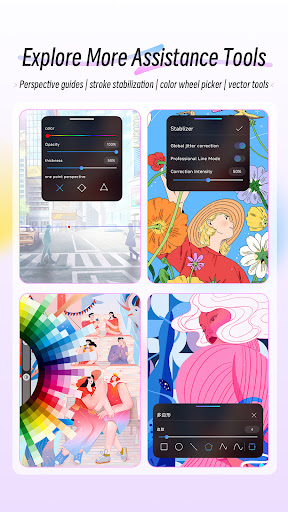
· Supports multiple color modes including RGB, HSV, and CMYK.
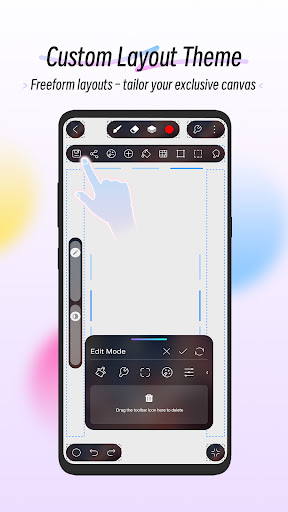
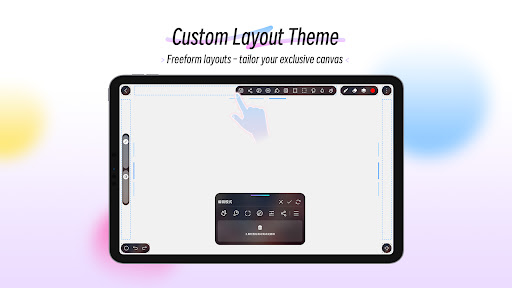
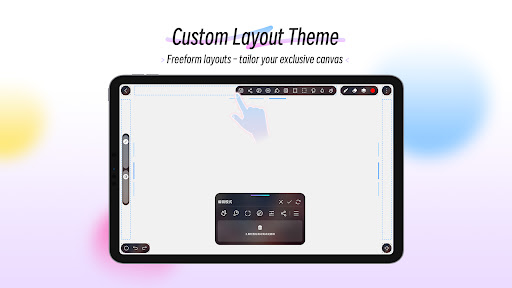
· Custom Themes & DIY canvas: Drag-and-drop tool icons for a customizable canvas interface.

「Brushes Features」
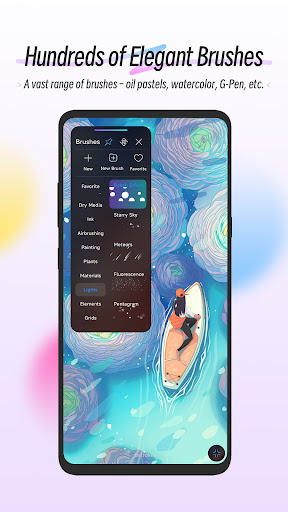
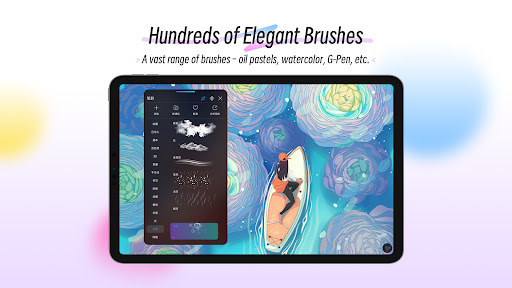
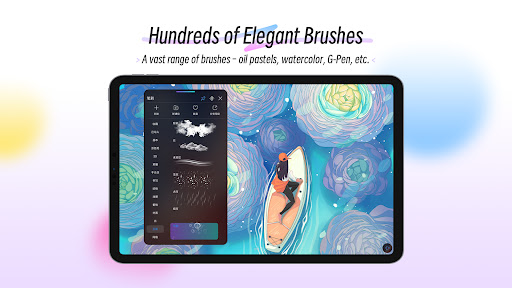
· Over 100 kinds of brushes including pencils, markers, airbrushes, smudges, fill brushes, oil brushes, charcoal brushes, crayons, etc.
· Brush Studio - with over 90 customizable settings, design your own custom brushesx
· Import and export custom brushes
· Brush supports full pressure and tilt support controls.

「Layer Features」
·Rasterize, Duplicate and Merge layers
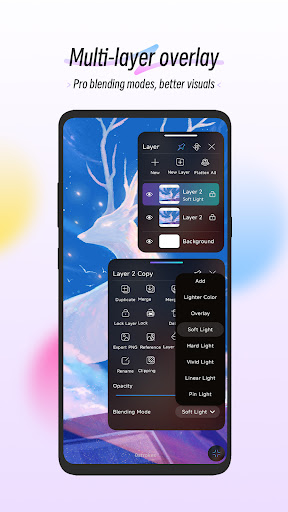
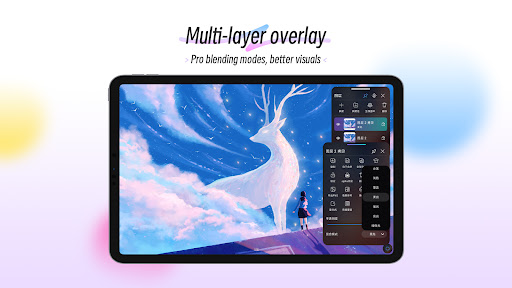
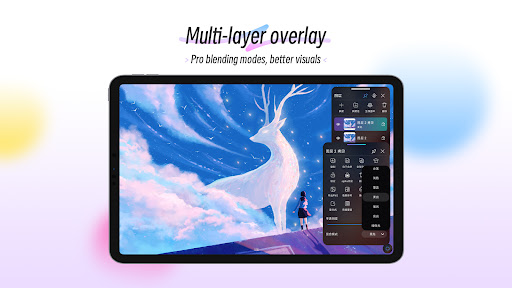
·28 layer blend modes for industry-grade compositing
· Supports creating layer groups and renaming layers to facilitate creation and management.

「 Professional painting tools/image editing tools」
· Vector tool
· Liquify tool
· Clipping mask features
· Selection tool: Precisely select the editing area
· Shape Tools: Insert Shapes and Shape Transformation Functions
· Gradient tool with Linear and Radial options
· Symmetry tool: Create symmetrical effects such as mirrors or kaleidoscopes.
· Gaussian and Motion Blur filters for depth and movement.
· Add text and import fonts to the artwork
· More tools you need!

「Accessibility features」
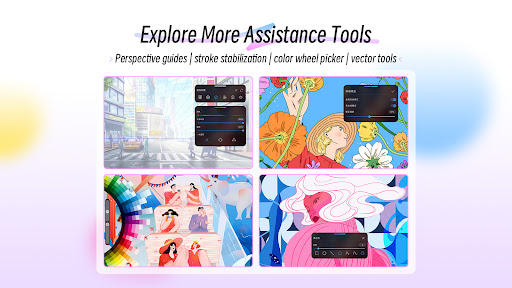
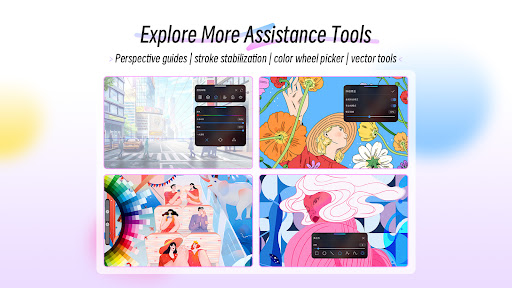
· Advanced stroke stabilization
· Painting process playback function
· Add reference images and copy for practice
· Perspective, Isometric, 2D, and Symmetry visual guides
· Line art coloring assistance function
· Powerful image adjustments including Color Balance, Curves, HSB, and Gradient Map

「Animation Assist」
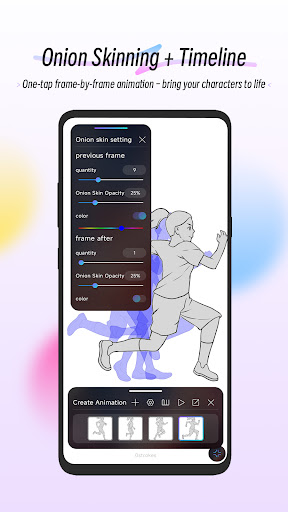
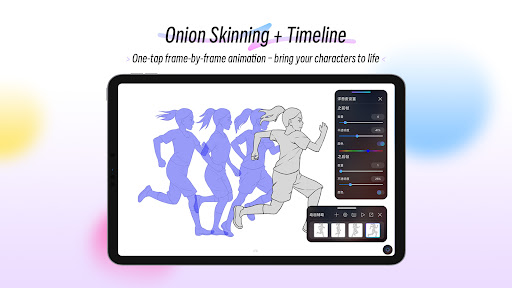
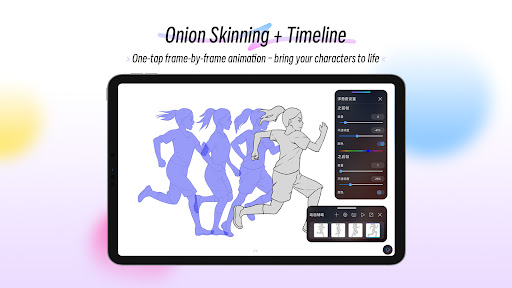
· Easy frame-by-frame animation with customizable onion skinning
· Create storyboards, GIFs, animatics, and simple animations
· Export your animations in the full resolution of your canvas


「 Save, export, and share」
· Share/export drawings as JPG, PNG, PSD, HSD
.Play back your paintings and reproduce your creative process in MP4 format, support export and sharing.

Use HiPaint just paint it! draw! Hope you'll like this digital painting and sketching app. Now let's try HiPaint to start your digital painting journey~


*Usage Issues and Tutorials

Visit the HiPaint official website: https://aige-hipaint.com/

YouTube channel: https://www.youtube.com/channel/UC23-gXIW3W9b7kMJJ4QCUeQ

User Reviews

4.25
55K+ Reviews
5
64%
4
16%
3
7%
2
5%
1
8%
sandra candy
Apr 27, 2026

Very good. I love the new look.

Lisa
Apr 26, 2026

I only wish that we could move the layers without having to do ads or anything like a prescription that's it😊

Pokemaster 5500
Apr 26, 2026

app worked great Amazing capabilities. Best drawing app for Android by far. Opened up and worked on a couple pieces, all of a sudden now it won't go beyond the boot screen, the app asking for location permissions and bombarding with ads

Noor Fatimah
Apr 26, 2026

it's just too good, it's just like procreate and there is nothing that's need to pay for, everything free. This is the best drawing app of all time and it has a HUGE variety of brushes, and they're all so unique, even procreate doesn't have them. definitely the best app ever and I highly recommend this. DO INSTALL 🚨🚨🚨

Erdziel Saquido
Apr 26, 2026

I mean it's alright but help me, I can't find the erase button. yeah there's an undo button but I need an erase button and I can't find it. help me

Nox
Apr 25, 2026

I love this app but when ever I install it it had like a gray small cube/square appears on my screen and doesn't go away unless I uninstall, overall a good app

LyLy
Apr 25, 2026

Love this app! I've tried so many drawing apps on android and by far this is the best one, easy/simple to use while still having lots of options and able to do animation as well! I've been using it for 2 years now and recommend to anyone asking what I use to draw!

Ayah Pabia
Apr 25, 2026

This is a GREAT app not only that it behaves like procreate but it also don't need much of moneyy.

Caell Mendoza
Apr 25, 2026

its so good

Ishaan Rutsito
Apr 25, 2026

clean and user friendly much like procreate just clean