LegendPeeps
Home Apps Maps & Navigation Garmin ActiveCaptain®
Garmin ActiveCaptain®

Garmin ActiveCaptain®

4.12
|
V44.0.3459
|
1M+
Garmin ActiveCaptain® screenshot Garmin ActiveCaptain® screenshot Garmin ActiveCaptain® screenshot Garmin ActiveCaptain® screenshot Garmin ActiveCaptain® screenshot Garmin ActiveCaptain® screenshot Garmin ActiveCaptain® screenshot Garmin ActiveCaptain® screenshot Garmin ActiveCaptain® screenshot Garmin ActiveCaptain® screenshot Garmin ActiveCaptain® screenshot Garmin ActiveCaptain® screenshot Garmin ActiveCaptain® screenshot Garmin ActiveCaptain® screenshot

App Information

Category Maps & Navigation
Developer Garmin
Version 44.0.3459
Content Rating Everyone
Price Free
Min Android 10
Updated Jun 3, 2026

Description

The free ActiveCaptain app creates a powerful connection between your compatible mobile device and Garmin chartplotter, charts, maps and the boating community. Whether you use your Garmin products for cruising, fishing, sailing or diving, this all-in-one app will help you enjoy your time on the water.

Just pair the app with your compatible chartplotter to wirelessly transfer and access charts and maps, software updates, routes, waypoints and helpful feedback from the ActiveCaptain Community. And, with the purchase of the OnDeck™ hub(1), you can track and monitor your boat from virtually anywhere.

Please note that this app is intended for Garmin chartplotter owners and is not recommended for use as a stand-alone navigational app.


FEATURES AVAILABLE:

- ONECHART™:
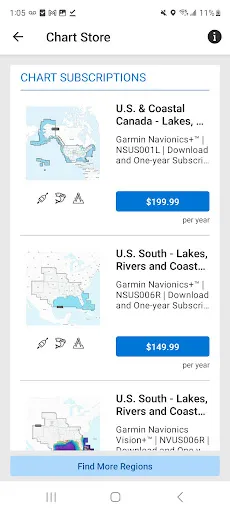
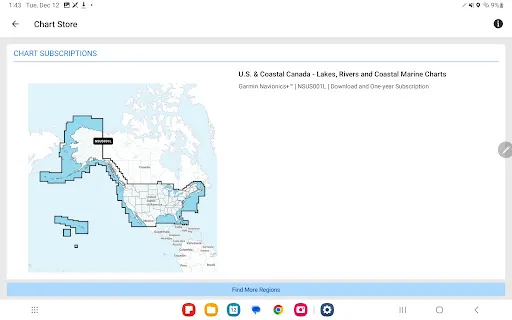
> New Garmin Navionics+™ and premium Garmin Navionics Vision+™ cartography, featuring a Navionics® style appearance, advanced Auto Guidance+™ technology(2) and a one-year subscription to daily updates, is available now for North America and Europe, and coming soon to the rest of the world.

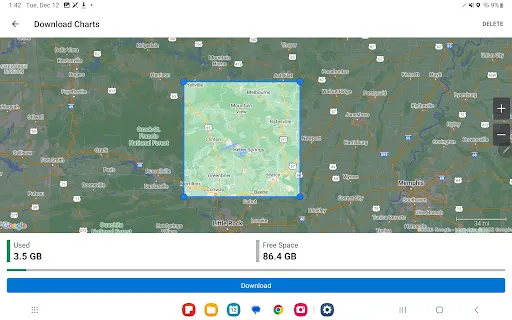
Purchase our newest-generation charts or legacy BlueChart® g3 charts from your mobile device, and upload them to registered Garmin chartplotters on your vessel.

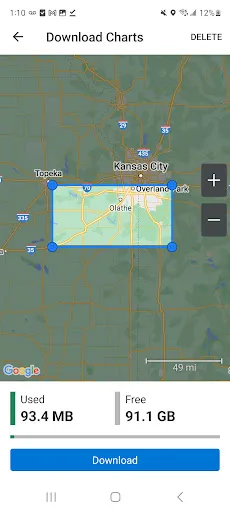
You will get exceptional coverage, clarity and detail with charts that feature integrated Garmin and Navionics data and much more. Plus, the NOAA raster cartography(3) and premium features can be downloaded for free through the ActiveCaptain app. Visit Garmin.com/marinemaps.

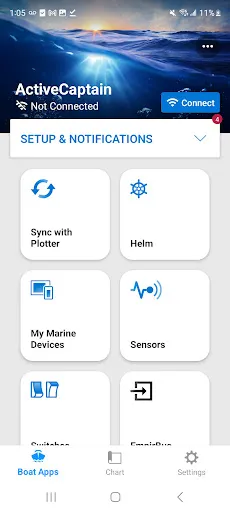
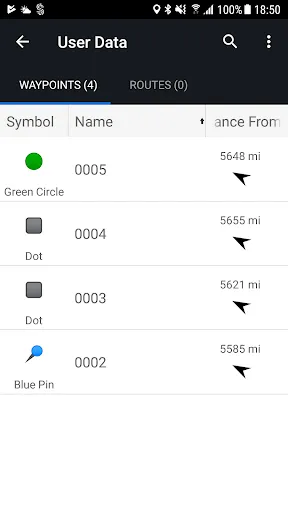
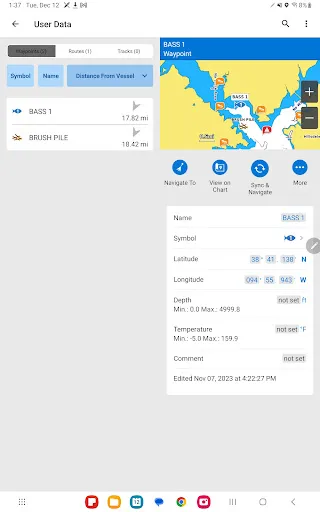
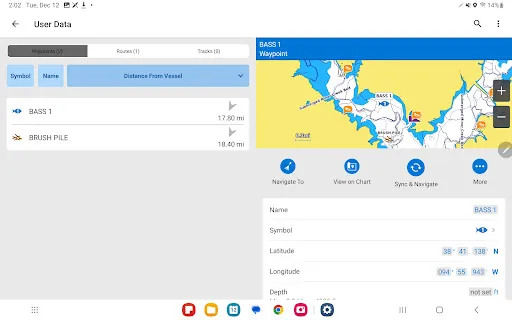
- PLAN A TRIP: Plan your trip, or e-scout a new fishing spot before you’re on the water. Then, transfer your data to your chartplotter where you can view your routes and waypoints.

- USER DATA SYNC: Automatically back up and sync your data between your chartplotter and the ActiveCaptain app.

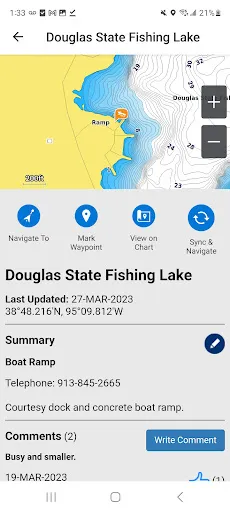
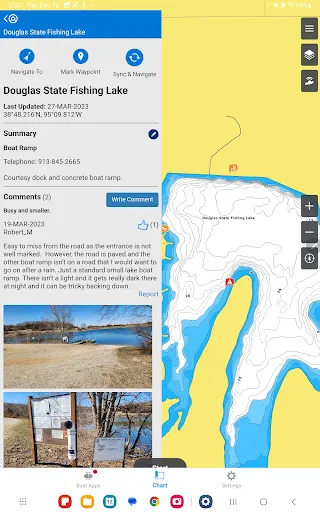
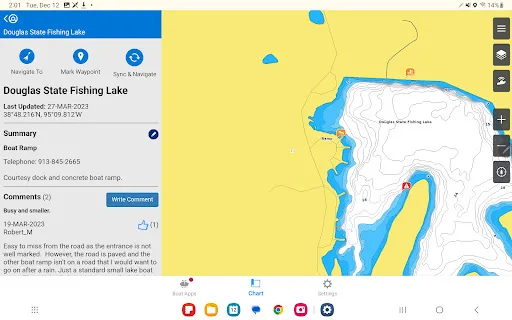
- ACTIVECAPTAIN COMMUNITY: Join a community of boaters to get up-to-date feedback on marinas, boat ramps and other points of interest (POI). Check ratings, read reviews, and view pictures of POIs to make informed decisions on the water. Contribute your own POI, reviews and pictures from your compatible mobile device.

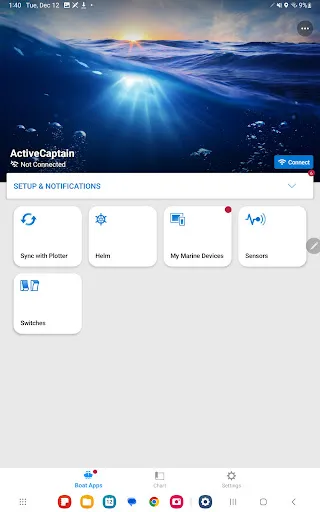
- CONTROL YOUR CHARTPLOTTER: Using the built-in Helm™ feature, the ActiveCaptain app lets you view and control your compatible(4) chartplotter from your smartphone or tablet, even when someone else is at the helm(5).

- EASY SOFTWARE UPDATES: Receive notifications about software updates from the app, and update your chartplotter wirelessly.

- ONDECK HUB: Use the ActiveCaptain app to track, monitor and control any number of switches with the OnDeck system(1) from nearly anywhere. Door open? Bilge running? Peace of mind comes in the form of text alerts and updates.

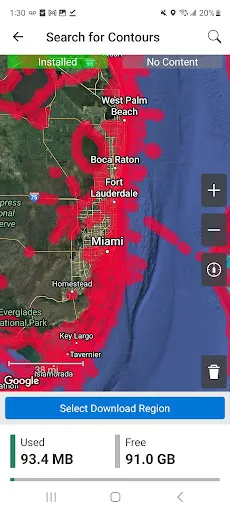
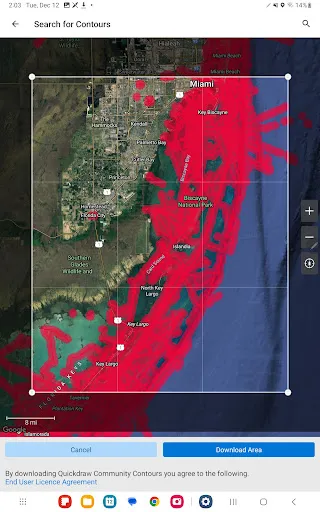
- GARMIN QUICKDRAWTM COMMUNITY: Download the latest 1’ HD contour maps shared by your fellow boaters, and sync with your chartplotter. You can also upload your own Quickdraw Contours map data.

- SMART NOTIFICATIONS: Connect the app to your chartplotter, and turn on smart notifications(4) to see calls, text messages and more on the chartplotter display while your phone is somewhere safe and dry.


FOOTNOTES
1) OnDeck hub sold separately and requires an active subscription plan
2) Auto Guidance+ is for planning purposes only and does not replace safe navigation operations
3) NOAA raster cartography cannot be viewed on echoMAP™ CHIRP and ECHOMAP™ Plus combos but can be viewed on mobile devices via the ActiveCaptain mobile app
4) Helm feature is not compatible with ECHOMAP series chartplotters
5) Check device compatibility on the ActiveCaptain app web page; visit https://www.garmin.com/c/marine/marine-apps/

Downloads

V44.0.3459

Size: 191.55 MB

Updated: 2026-06-03

User Reviews

4.12
6K+ Reviews
5
71%
4
6%
3
5%
2
2%
1
17%
Vincent Martella
Jul 3, 2026

excellent product

Jose Millan
Jul 2, 2026

it's easy to use

doing more with less motorsports mAyers
Jun 24, 2026

Worked great so far

John Orcutt
Jun 22, 2026

Great app

Jacob Harris
Jun 20, 2026

great love the app

Dwayne Creamer (DC Landscapes and Designs)
Jun 19, 2026

works well with my Regal duel volvo 12 inch screens. Can control the boat from the phone.

Colin R
Jun 15, 2026

Am not able to connect to my Garmin Echomap UHD2 on my RIB dinghy with Active Captain. Separately, nor am I able to load my brand new Garmin Navionics chart in my Raymarine axiom in my yacht. I don't know if Garmin ruined Navionics intentionally or what. Garmin stuff is way too quirky. I wish there was an alternative.

Edith Nissen
Jun 13, 2026

Så har i netop mistet en kunde. At man ikke kan slette sit betalingskort fra ens profil, men er nødt til at vente på at kortet udløber, det er ikke i orden. Jeg vil gerne betale 1 gang om året for mine nav.kort , men af sikkerhedsmæssige årsager ser jeg absolut ingen grund til at mine oplysninger skal ligge lagret hos jer uanset om de bruges eller ej. Denne forretningsmodel er aldeles uacceptabel. Så farvel og tak, mit kort er netop udløbet, og jeg kommer ikke til at opdatere igen :-(

Chris Yorio
Jun 12, 2026

I've found this app doesn't work with Samsung Galaxy S23 for updating the software on my new Garmin. I will just use another app like Wavv for my phone and not do any software updates.

John Curran
Jun 12, 2026

I like that I can plot my course away from the boat. When we get in, we are ready to go.