Description
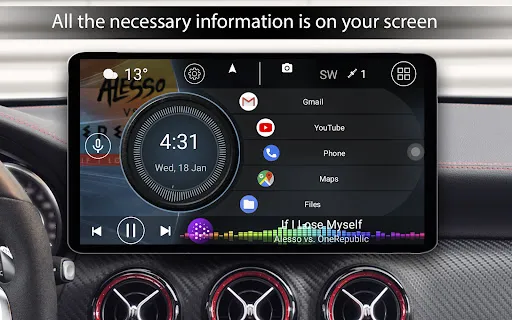
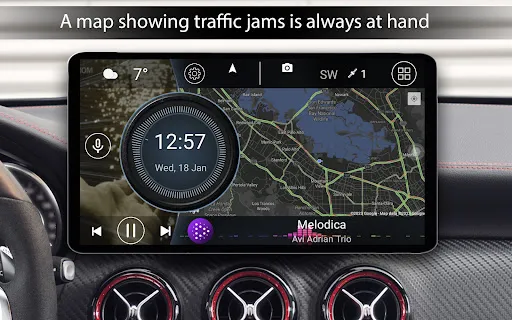
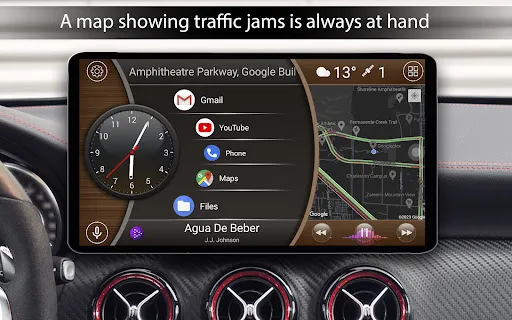
Car Launcher – a launcher designed specifically for your car. Works on your phone, tablet, and Android head unit. It's not just a convenient app launcher, but also a trip computer to track your journeys (requires background GPS permission).
Key Features:
For All Users:
• Set as the default launcher (essential for head units).
• Add unlimited apps to the home screen. Create folders and switch between them.
• Edit shortcuts with a long press.
• Display current speed and trip data on the home screen (via GPS).
• Quick app menu with sorting options.
• Slide-out menu (trip computer) – opens with a button or swipe, fully customizable.
• Displays: current/average/maximum speed, distance, total time, acceleration (0-60/100/150 km/h), 1/4-mile data.
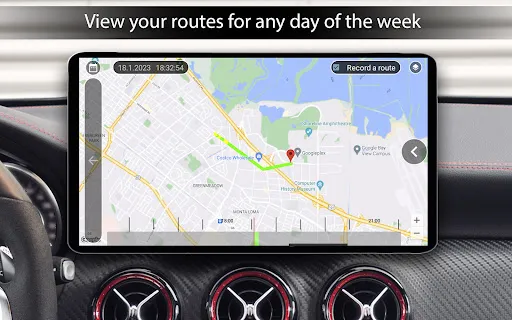
• Statistics for: current trip, today, week, month, all time.
• Switch between km/h and mph.
• Quick access to Google Assistant.
• Auto-start when the device turns on.
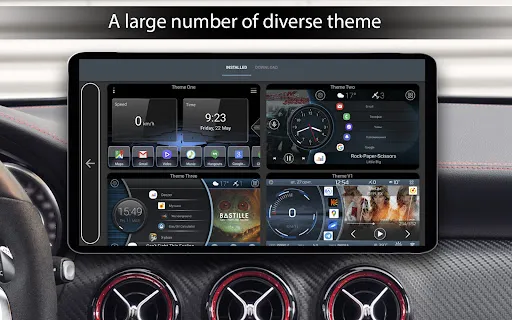
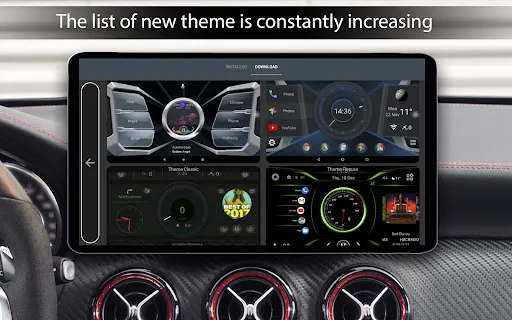
• 3 default themes + support for third-party themes.
• Support for many music players with album art.
• Support for third-party icon packs.
• Weather on the home screen (via GPS).
• Location information.
• On-screen volume control.
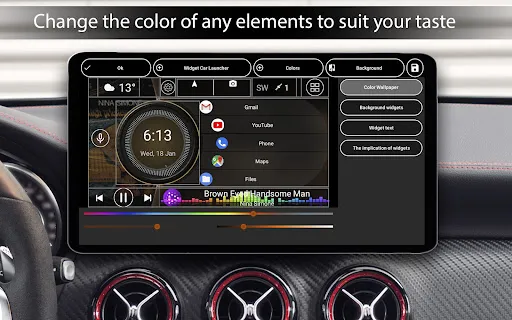
• Customize text colors and wallpapers.
• Auto-brightness based on time of day.
• Customizable screensaver/clock with layout, font, date format, color options, and screen dimming.
For PRO Version Additionally:
• System widget support.
• Multiple additional home screens.
• Theme editor: resize, delete, move elements, assign multiple actions to a widget, lock widgets, change labels, backgrounds, etc.
• Additional widgets: Visualizer, Analog Clock, Analog Speedometer, Address Widget, Driving Time, Max Speed, Stop Time.
• Advanced settings for the favorites app grid.
• Add your own logo.
• Advanced color scheme settings.
🔐 Important Transparency Notice
Car Launcher uses the Android Accessibility Service.
Why? The service is required to recognize edge swipe gestures (Back, Home, Recent Apps) and convert them into system navigation actions. This provides convenient alternative control.
What the app does NOT do:
• It does NOT read, analyze, or collect your screen content, typed text, or personal data.
• It does NOT have access to data from other apps (messages, calls, photos).
• It does NOT change system settings without your knowledge.
• It does NOT collect, store, or transmit your personal data or usage data.
Your Control & Privacy:
• Use of the service is voluntary.
• Upon first launch, a clear dialog will appear requesting access with an explanation.
• You can always disable it in your device settings: Android Settings → Accessibility → Car Launcher.
Enjoy your drive with Car Launcher!