
LegendPeeps
Home Apps Photography Canon Camera Connect
Canon Camera Connect

Canon Camera Connect

4.51
|
VVARY
|
50M+
Canon Camera Connect screenshot Canon Camera Connect screenshot Canon Camera Connect screenshot Canon Camera Connect screenshot Canon Camera Connect screenshot Canon Camera Connect screenshot Canon Camera Connect screenshot Canon Camera Connect screenshot

App Information

Category Photography
Developer Canon Inc.
Version VARY
Content Rating Everyone
Price Free
Min Android Varies with device
Updated May 21, 2026

Description

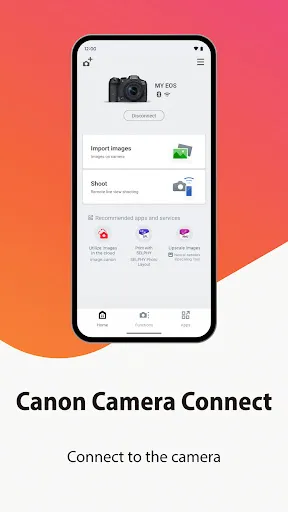
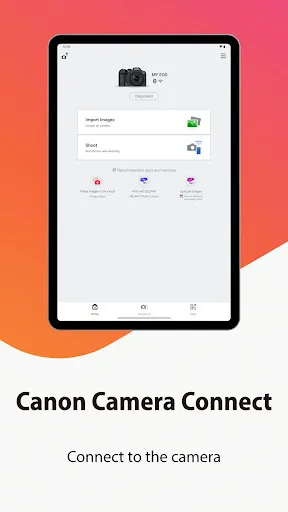
Canon Camera Connect is an application to transfer images shot with compatible Canon cameras to smartphone/tablet.

By connecting to a camera with Wi-Fi (direct connection or via wireless router), this application provides the following features:
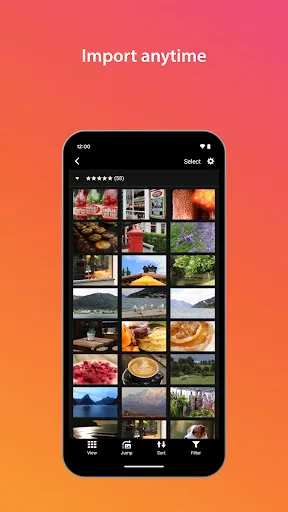
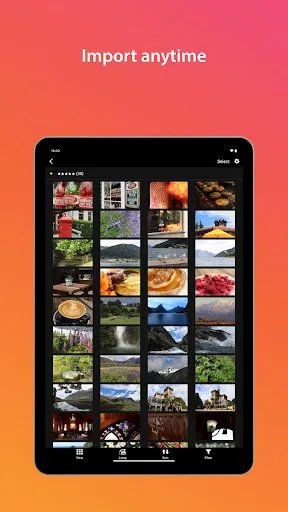
・Transfer and save camera images to a smartphone.
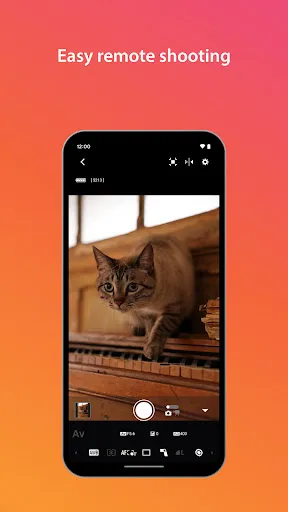
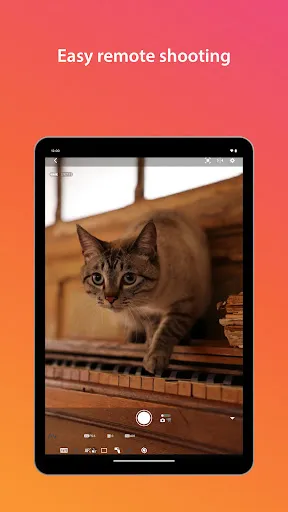
・Remote shoot with live view imaging of the camera from a smartphone.
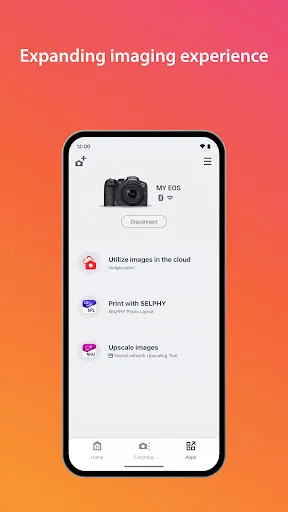
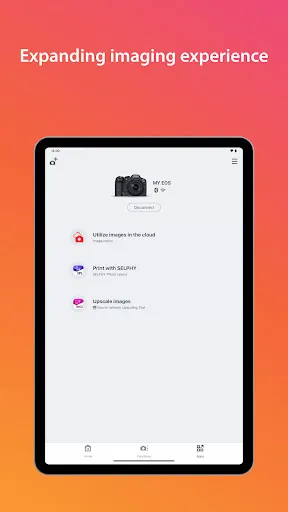
・Connect with Canon's various services.

This application also provides the following features for compatible cameras.
・Acquire location information from a smartphone and add it to the images on the camera.
・Switch to a Wi-Fi connection from pairing status with a Bluetooth enabled camera (or from touch operation with an NFC enabled camera)
・Remote release of the camera shutter with a Bluetooth connection.
・Transfer the latest firmware.

*For compatible models and features, please refer to the following website.

https://ssw.imaging-saas.canon/app/app.html?app=cc


-System requirement
・Android 13/14/15/16

-Bluetooth System Requirement
For Bluetooth connection, the camera needs to have a Bluetooth function, and your Android device needs to have Bluetooth 4.0 or later (supports Bluetooth Low energy technology) and the OS needs to be Android 5.0 or later.

-Supported Languages
Japanese/English/French/Italian/German/Spanish/Simplified Chinese/Russian/Korean/Turkish

-Compatible File Types
JPEG、MP4、MOV
・Importing original RAW files is not supported (RAW files are resized to JPEG).
・MOV files and 8K movie files shot with EOS cameras cannot be saved.
・HEIF (10 bit) and RAW movie files shot with compatible cameras cannot be saved.
・AVCHD files shot with Camcorder cannot be saved.

-Important Notes
・If application does not operate properly, try again after shutting down the application.
・This application is not guaranteed to operate on all Android devices.
・In the case of using Power Zoom Adapter, please set the Live View function to ON.
・If the OS network confirmation dialogue appears when connecting the device to the camera, please place a checkmark in the checkbox to make the same connection from the next time.
・The images may include your personal information such as GPS data. Be careful when posting images online where many others can view them.

・Visit your local Canon Web pages for more details.

Downloads

VVARY

Size: 24.44 MB

Updated: 2026-05-21

User Reviews

4.51
339K+ Reviews
5
80%
4
8%
3
3%
2
1%
1
8%
B Heatwole
Jul 8, 2026

camera shows it is connected, but the app isn't working.

Samir hirojak Samir hirojak
Jul 7, 2026

super very nice

Eliram Haklai
Jul 7, 2026

Did its job, but then they forced a canon account to use my camera! I will avoid any Canon products from now on.

Jan Pencil
Jul 7, 2026

Why does it have to connect through the Internet before using it to the wifi of the camera?...... you are not like this before and it really sucks

Corstian Boerman
Jul 7, 2026

A previous version of this app did not require sign in. a Canon account is now necessary for exactly no reason at all.

Denis Salvadore
Jul 7, 2026

very user friendly

JOSEPH OKINDA
Jul 6, 2026

Amazing

Sanjay Murmu
Jul 6, 2026

good

Jasper Sanders
Jul 6, 2026

Very useful, but doesn't always send my photos through.

N Hill
Jul 5, 2026

Now requires a login, unacceptable. having to use an account to connect to your camera might just be the most 2026 thing ever. can't have a useful app not tied to a cloud service any longer. canon should be ashamed of themselves.