LegendPeeps
Home Apps Personalization Button Mapper: Remap your keys
Button Mapper: Remap your keys

Button Mapper: Remap your keys

3.47
|
VVARY
|
5M+
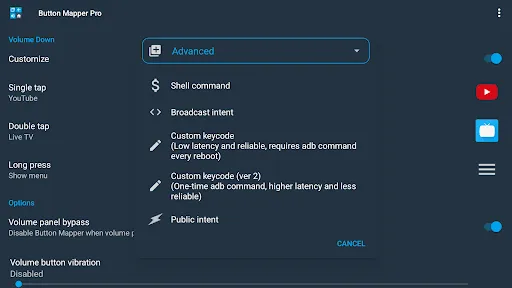
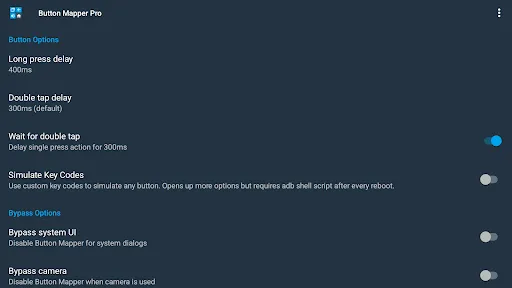
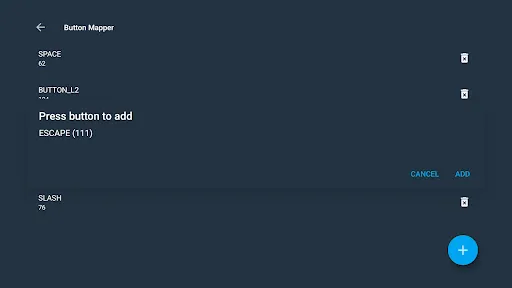
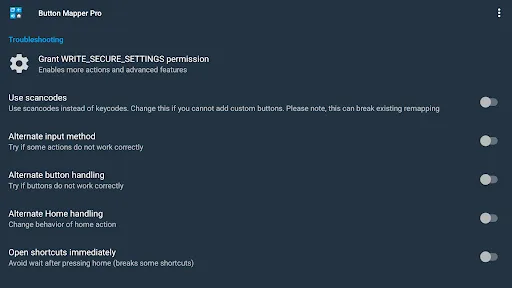
Button Mapper: Remap your keys screenshot Button Mapper: Remap your keys screenshot Button Mapper: Remap your keys screenshot Button Mapper: Remap your keys screenshot Button Mapper: Remap your keys screenshot Button Mapper: Remap your keys screenshot Button Mapper: Remap your keys screenshot Button Mapper: Remap your keys screenshot Button Mapper: Remap your keys screenshot Button Mapper: Remap your keys screenshot Button Mapper: Remap your keys screenshot Button Mapper: Remap your keys screenshot Button Mapper: Remap your keys screenshot Button Mapper: Remap your keys screenshot Button Mapper: Remap your keys screenshot Button Mapper: Remap your keys screenshot Button Mapper: Remap your keys screenshot

App Information

Category Personalization
Developer flar2
Version VARY
Content Rating Everyone
Price Free
Min Android Varies with device
Updated Jul 5, 2026

Description

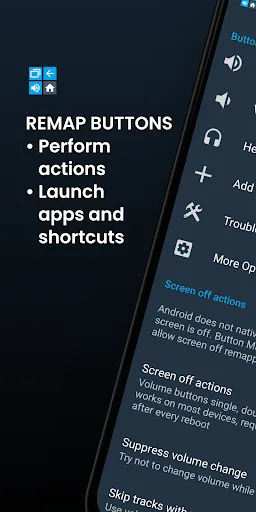
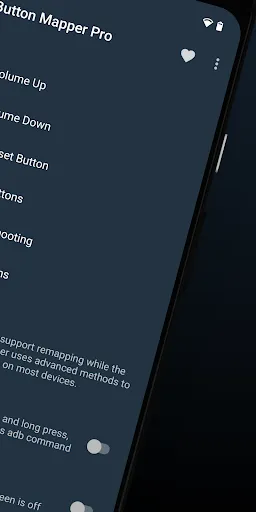
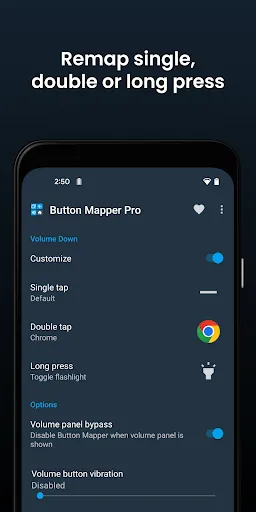
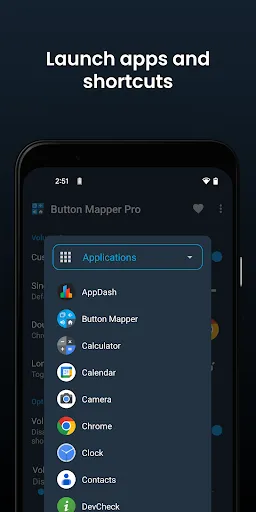
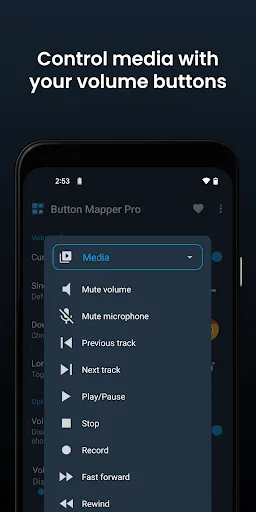
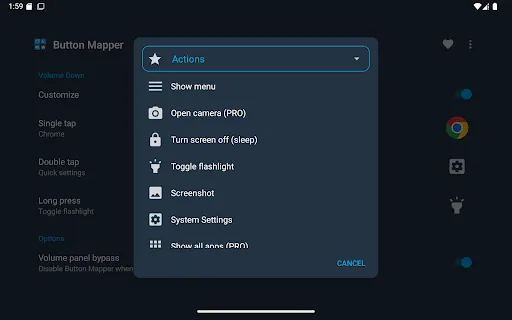
Button Mapper makes it easy to remap custom actions to your volume buttons and other hardware buttons. Remap buttons to launch any app, shortcut or custom action with a single, double press or long press.

Button Mapper can remap most physical or capacitive keys and buttons, such as volume buttons, some assist buttons, and capacitive home, back and recent apps keys. Button Mapper can also remap buttons on many gamepads, remotes and other peripheral devices.

Root is not required for most actions, however some require an adb command from a connected PC if not rooted. Button Mapper does not work when the screen is off unless your device is rooted or you run an adb command.

A few examples of remapping you can do with Button Mapper:
-long press to toggle your flashlight
-remap your TV remote control
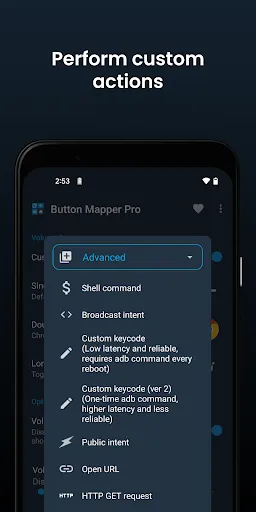
-press to broadcast custom intents, scripts or commands
-long press to open camera and take a photo
-double tap to launch your favorite app or shortcut
-double tap to open your notifications
-swap your back and recent apps keys (capacitive buttons only!)
-use your volume buttons to adjust screen brightness
-long press to toggle "do not disturb" mode
-and much more

Additional features unlocked in the pro version:
-Simulate keycodes (requires adb command or root)
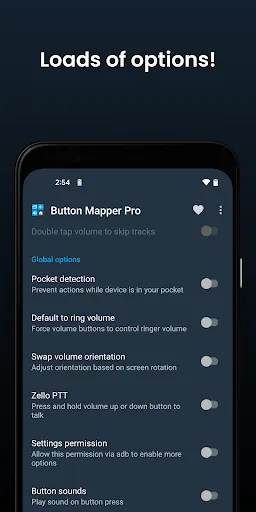
-Swap volume keys on orientation change
-Default to ring volume on Pie or later
-Pocket detection
-Themes
-Change back and recents buttons
-Customization of haptic feedback (vibration) on button press and long press

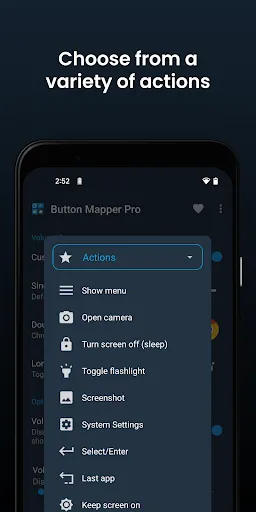
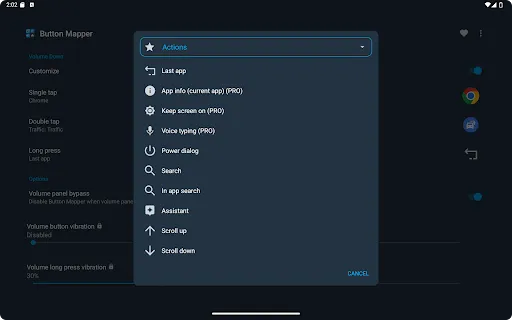
Actions that can be mapped to buttons or keys:
-Launch any app or shortcut
-Disable the button
-Broadcast intents (PRO)
-Run scripts (PRO)
-Camera shutter
-Turn screen off
-Toggle flashlight
-Quick settings
-Show notifications
-Power dialog
-Take screenshot
-Music: previous/next track and play/pause
-Adjust volume or mute
-Last app switch
-Toggle do not disturb
-Adjust brightness
-Now on tap (root)
-Menu button (root)
-Choose custom keycode (root and PRO)
-Root command (root and PRO)
-Toggle WiFi
-Toggle Bluetooth
-Toggle rotation
-Clear notifications
-Split screen
-Scroll up/down (root)
-And many more...

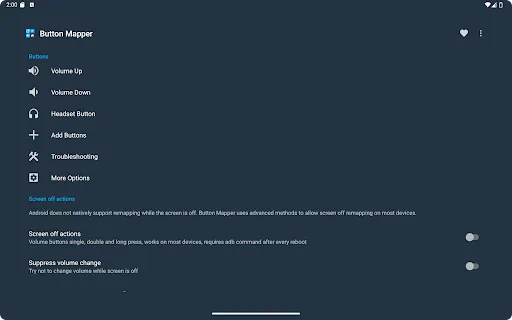
Buttons supported:
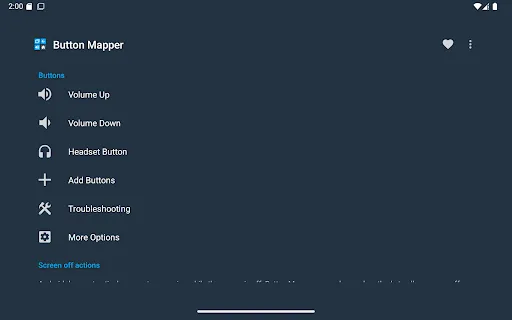
-Physical home, back and recent apps/menu buttons
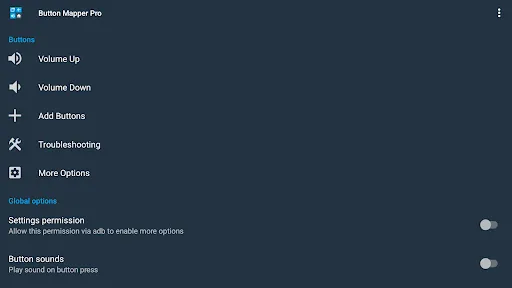
-Volume up
-Volume down
-Most camera buttons
-Many headset buttons
-Custom buttons: add other buttons (active, mute, etc) on your phone, headphones, gamepads, TV remote and other peripheral devices

Additional options:
-change the long press or double tap duration
-delay initial button press for better double tap operation
-disable Button Mapper while using specific apps
-plus many more customizations

Troubleshooting:
-Make sure Button Mapper accessibility service is enabled and allowed to run in the background
-Button Mapper does not work with onscreen buttons (such as soft keys or the navigation bar) or the power button.
-The options shown in the app depend on the buttons available on your phone. Not all phones have home, back and recents buttons!

This app uses Accessibility services. Accessibility is used to detect when the physical or capacitive buttons are pressed on your device so they can be remapped to custom actions to accommodate your needs. It is not used to see what you type. Button Mapper does not collect or share any of your personal information, it is safe and your privacy is respected.

This app uses the Device Administrator permission. (BIND_DEVICE_ADMIN)
This permission is used to lock the screen if the "Turn screen off" action is chosen. If you want to remove this permission, open Button Mapper, click on the menu (three dots in the upper right corner) and select "Uninstall"

User Reviews

3.47
20K+ Reviews
5
51%
4
9%
3
5%
2
6%
1
29%
Rin
Jul 8, 2026

This is one of those utility apps that provides functionality that should exist in the base OS, but doesn't. Whether you use it to make the buttons on your Shield remote less annoying or remap the Bixby button to something useful, this app is absolutely worth the price of paying for Pro.

CCProductions
Jul 7, 2026

installed because I needed to map a button that wasn't volume, was told to pay for it, uninstalled. don't list your app as free when you need an in app purchase to turn it on. just charge for it, save both our time.

MuShin
Jul 6, 2026

idk why yall rate it 3.9 but it has no ads and really functionable my favourite is double press volume button and it changes the track of your music so less hassle

Roberto
Jul 4, 2026

Sorry guys, I installed this to change button functionality. Then it asked for money. I agreed to pay 1.49, and got charged 3.99. Then the instructions are impossible to follow and compromise my phone. And your responses to other customers are really rude.

Vinod Saraf
Jul 3, 2026

best app when there is big in volume button

Franck Jaït
Jul 3, 2026

Does what it is supposed to do in an efficient way. No bugs so far, has been totally reliable up till now and its UI is clean and easy to use. Nonetheless it definitely lacks one feature: Activities

Kartik
Jul 2, 2026

what a app just loved it

Michael R.
Jul 1, 2026

So far does everything I expected it to reliably!

Max K.B.
Jul 1, 2026

Not really worth $10 just to test a faulty app. If you offered a 24 hour free trial for testing purposes I would buy it in a heartbeat. You won't/can't because dissatisfied no refund purchases are a part of the business model.

Affan Muliajati
Jun 30, 2026

just downloaded it yesterday and it work perfectly but theres a problem it sometimes malfunction where the button doesn't do what i put in this app. My phone got some condition where it presses the volume up button on its own so i downloaded this app and make the volume button doesn't do anything when pressed but it doesn't work properly sometimes i tried rebooting the phone but it still doesn't work i also trued the other suggestion in troubleshooting but it still didn't work. overall is good