LegendPeeps
Home Apps Personalization Microsoft SwiftKey AI Keyboard
Microsoft SwiftKey AI Keyboard

Microsoft SwiftKey AI Keyboard

4.33
|
V9.13.10.6
|
1B+
Microsoft SwiftKey AI Keyboard screenshot Microsoft SwiftKey AI Keyboard screenshot Microsoft SwiftKey AI Keyboard screenshot Microsoft SwiftKey AI Keyboard screenshot Microsoft SwiftKey AI Keyboard screenshot Microsoft SwiftKey AI Keyboard screenshot Microsoft SwiftKey AI Keyboard screenshot Microsoft SwiftKey AI Keyboard screenshot

App Information

Category Personalization
Developer SwiftKey
Version 9.13.10.6
Content Rating Everyone
Price Free
Min Android 8.0
Updated Jul 8, 2026

Description

Microsoft SwiftKey is the intelligent keyboard that learns your writing style, so you can type faster.

Use your personalized keyboard to type and send emoji, GIFs and stickers just the way you like.

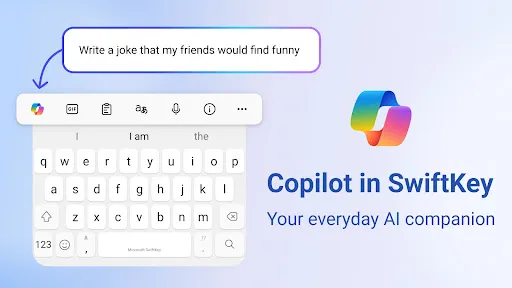
Microsoft SwiftKey comes with Copilot - your everyday AI companion. You can ask AI anything in your favourite apps.

The Microsoft SwiftKey swipe keyboard is always learning and adapting to match your unique way of typing - including your slang, nicknames and emoji.

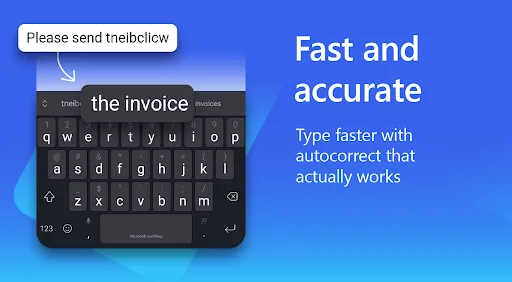
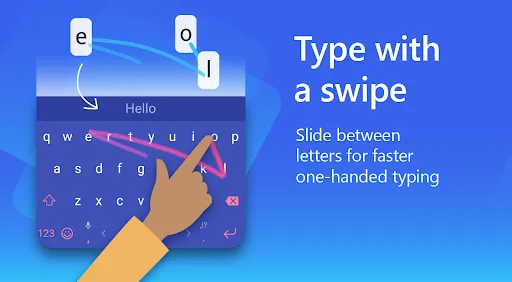
Microsoft SwiftKey caters to all typing tastes, with free designs and themes to fit any style. The custom keyboard provides autocorrect that actually works. Microsoft SwiftKey provides helpful predictions, so you can get your point across fast, without errors. Type and text any way you like, with swipe-to-type, tap-to-type, and searchable emojis and GIFs.

TYPE LESS, DO MORE

Typing
- Swipe to type or tap to type
- Spell checker and auto text with AI-powered predictions
- Custom keyboard toolbar with an expandable menu of quick shortcuts
- Rewrite your text in a different tone and Compose text to effortlessly transform your ideas into polished drafts via AI

Rich content
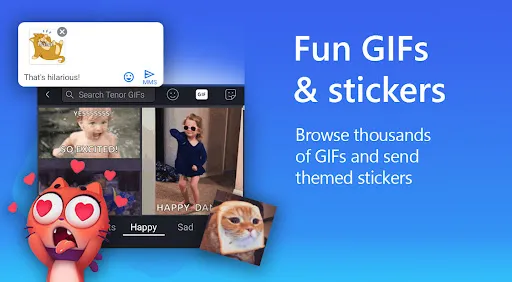
- Use emoji, GIFs and stickers to express yourself 😎
- Emoji keyboard is adaptive, learning and predicting your favorite emoticons for any conversation 👍
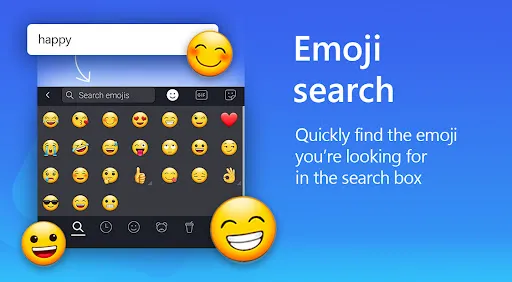
- Search emojis and GIFs to find the best one for your reaction 🔥
- Create unique AI-powered images and memes to stand out from the crowd 🪄

Customize
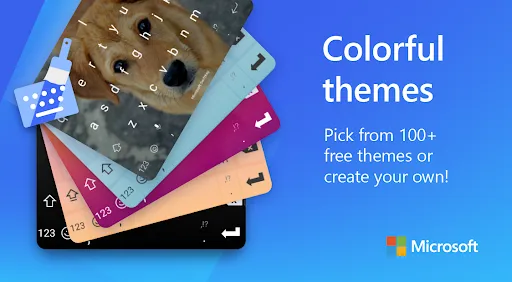
- 100+ colorful keyboard themes
- Make your own custom keyboard theme with your photo as the background
- Customize your keyboard size and layout

Multilingual
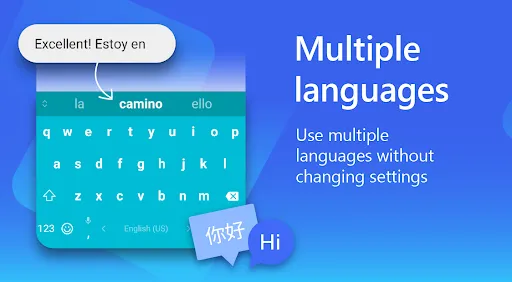
- Enable up to five languages at once
- Keyboard supports over 700 languages

Get the custom keyboard that always matches your style – download Microsoft SwiftKey Keyboard today!

Find out more about Microsoft SwiftKey’s key features: https://www.microsoft.com/swiftkey

SUPPORTS 700+ LANGUAGES including:
English (US, UK, AU, CA)
Spanish (ES, LA, US)
Portuguese (PT, BR)
German
Turkish
French
Arabic
Russian
Italian
Polish

Microsoft SwiftKey AI Keyboard may request the following optional permissions, which require your consent. You can continue to use Microsoft SwiftKey AI Keyboard without granting these permissions; however, some features may be limited or unavailable.

For more information, please see below:
- Microphone: To enter text via voice using the voice-to-text functionality.
- Photos and videos: To select images stored on your device and insert or share them in messages.
- Contacts: To access your contacts for easy entry when composing messages.
- Camera: To take photos to insert or share them in messages.

Downloads

V9.13.10.6

Size: 33.55 MB

Updated: 2026-07-08

User Reviews

4.33
4M+ Reviews
5
73%
4
10%
3
4%
2
3%
1
10%
Mirza Hassan
Jul 9, 2026

impressive

Alekhya Sri
Jul 9, 2026

Awesome app

Christina Siddorn
Jul 9, 2026

Awful, it's constant trouble Ivwi one now can't use the delete button keeps paying up even when I reinstalled it boys it's a pain, I can't go back and delete boys ridiculous

Catherine Warukira
Jul 9, 2026

It's good and does not hung

wilson muyige
Jul 9, 2026

So good for typing

Weerasak Kanjanarajit
Jul 9, 2026

I’ve gone through three different phones over the past few years, but one thing never changed - I always install Microsoft SwiftKey Keyboard right away.

Satya KV
Jul 9, 2026

Simply superb 👌

Grant Butler
Jul 9, 2026

Have been using SwiftKey for ever for even longer than when I posted the last review. Love it. If you are not using a swipe input on your device you seriously need to give it a try

mike playz133
Jul 9, 2026

Would rate 5 stars But it lacks the option to make it so when I copy stuff it doesn't dissappear within 1 hour, now I know we gotta pin it but why not add a setting to change the time from 30 minutes to never?

A Google user
Jul 9, 2026

Update: 15 YEARS LATER, thankfully I no longer have this issue. But thanks for getting back to me after I had the problem in 2011. Talk to you again in 2041! Original issue: Works perfectly until I turn my phone off and on, then it defaults back to the stock keyboard and the only way to fix this is to reinstall.