LegendPeeps
Home Apps Art & Design Nomad Sculpt
Nomad Sculpt

Nomad Sculpt

3.54
|
V2.8
|
1M+
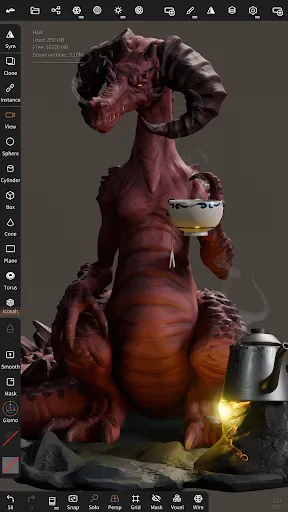
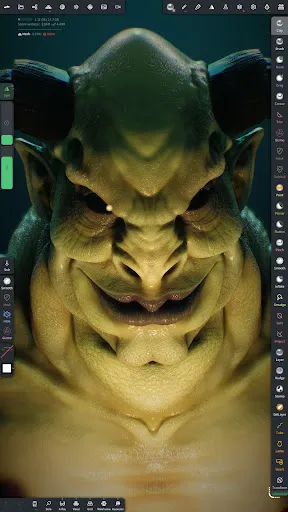
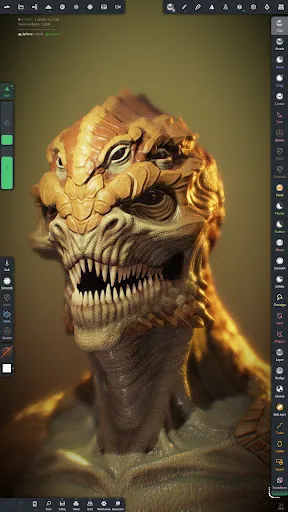
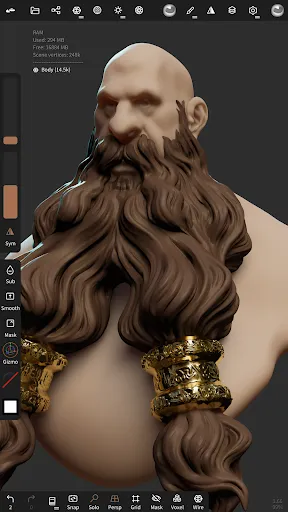
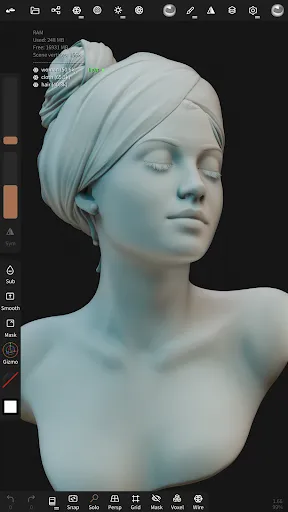
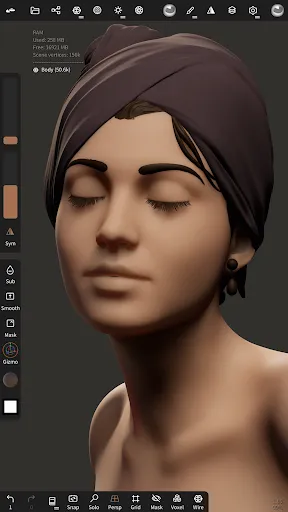
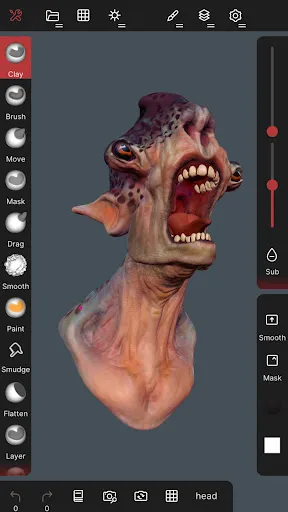
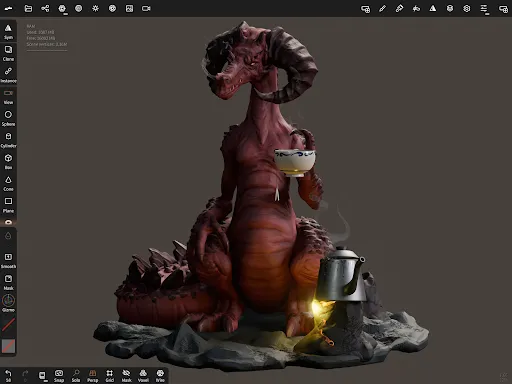
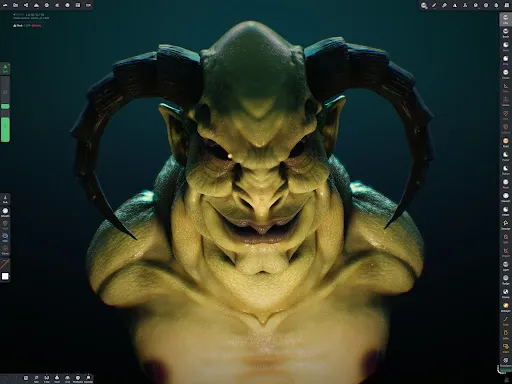
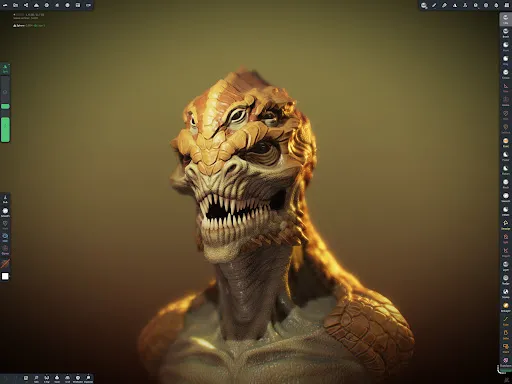
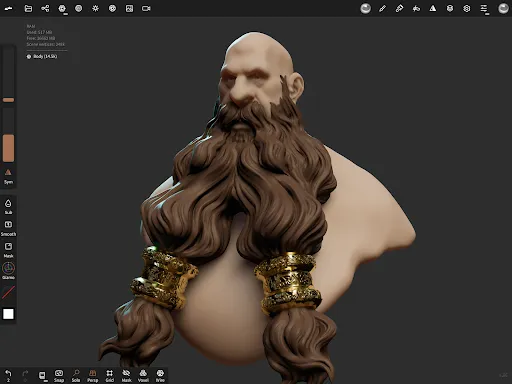
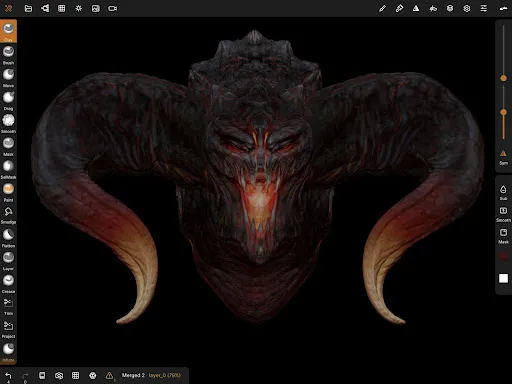
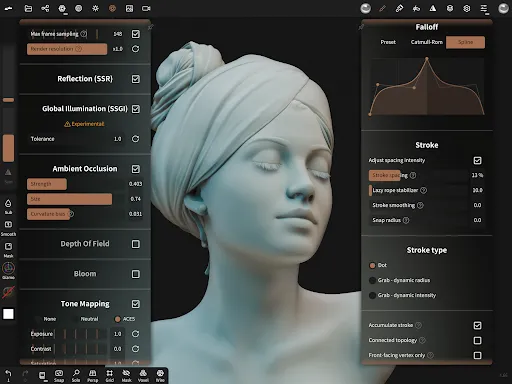
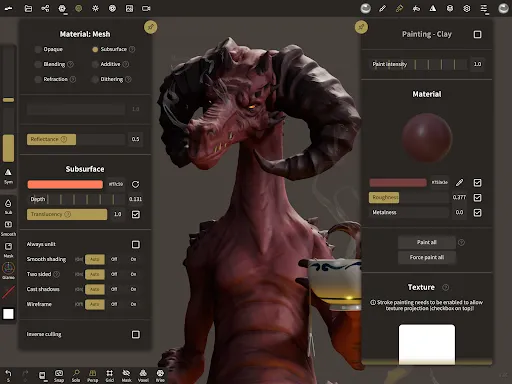
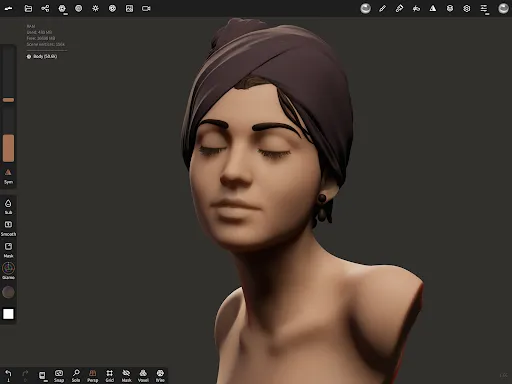
Nomad Sculpt screenshot Nomad Sculpt screenshot Nomad Sculpt screenshot Nomad Sculpt screenshot Nomad Sculpt screenshot Nomad Sculpt screenshot Nomad Sculpt screenshot Nomad Sculpt screenshot Nomad Sculpt screenshot Nomad Sculpt screenshot Nomad Sculpt screenshot Nomad Sculpt screenshot Nomad Sculpt screenshot Nomad Sculpt screenshot Nomad Sculpt screenshot

App Information

Category Art & Design
Developer Hexanomad
Version 2.8
Content Rating Everyone
Price Free
Min Android 8.0
Updated Dec 22, 2025

Description

• Sculpting tools
Clay, flatten, smooth, mask and many other brushes will let you shape your creation.
You can also use the trim boolean cutting tool with lasso, rectangle and other shapes, for hardsurface purposes.

• Stroke customization
Falloff, alphas, tilings, pencil pressure and other stroke parameters can be customized.
You can save and load your tools preset as well.

• Painting tools
Vertex painting with color, roughness and metalness.
You can easily manage all your material presets as well.

• Layers
Record your sculpting and painting operations in separate layers for easier iteration during the creation process.
Both the sculpting and painting changes are recorded.

• Multiresolution sculpting
Go back and forth between multiple resolution of your mesh for a flexible workflow.

• Voxel remeshing
Remesh quickly your mesh to get a uniform level of detail.
It can be used to quickly sketch a rough shape at the beginning of the creation process.

• Dynamic topology
Refine locally your mesh under your brush to get an automatic level of detail.
You can even keep your layers, as they will be automatically updated!

• Decimate
Reduce the number of polygons by keeping as many details as possible.

• Face Group
Segment your mesh into subgroups with the face group tool.

• Automatic UV unwrap
The automatic UV unwrapper can use face groups to control the unwrapping process.

• Baking
You can transfer vertex data such as color, roughness, metalness and small scaled detail in to textures.
You can also do the opposite, transfering textures data into vertex data or layers.

• Primitive shape
Cylinder, torus, tube, lathe and other primitives can be used to quickly start new shapes from scratch.

• PBR rendering
Beautiful PBR rendering by default, with lighting and shadows.
You can always switch to matcap for a more standard shading for sculpting purposes.

• Post processing
Screen Space Reflection, Depth of Field, Ambient Occlusion, Tone mapping, etc

• Export and Import
Supported formats include glTF, OBJ, STL or PLY files.

• Interface
Easy-to-use interface, designed for mobile experience.
Customization is possible as well!

User Reviews

3.54
8K+ Reviews
5
44%
4
17%
3
11%
2
4%
1
23%
Charlie Severight
Jul 7, 2026

its very fun to sculpt and easy learn

Axel Friends
Jul 6, 2026

I spent hours sculpting just to find you can't export without without paying

ASDMR
Jun 29, 2026

hahahaha , I am using this app to create Minecraft skin render 😂👍

Harpseal JellyPUDDIM
Jun 28, 2026

I was shocked by this app's capability to model! since most don't work well, I am making an indie animation series and I just got done modeling just to find out that the export feature is behind a paywall?? all work is sadly gone to waste since I'm broke and cannot afford the full version.

Nobe Goofy
Jun 27, 2026

I like it! It has a bit of a learning curve if you dont know anything about art programs, but its fun! I love it

farid ruslan
Jun 27, 2026

I hate this you need to pay for export a 3d model wich is bad and for the prices for pro the price is very unfriendly for my currency which is very expensive and only 1 project? bro please

Null
Jun 19, 2026

Very good experience, but a couple of things awkward. The lack of the qudremesher tool is a big hit to workflow, especially for optimizing the models. It's sculpting focussed, but some dedicated hard surface modelling features would push this app to no.1 easily across devices.

Saroj Gautam
Jun 19, 2026

great app

Darrin L
Jun 18, 2026

20 dollars version just to export

Bigbad Knight75
Jun 17, 2026

I hope you add more hard surface friendly sculpting tools, it's one of the few things that is a struggle at times but love the app that I even payed for it right after I started using it a while ago