

| Category | Tools |
| Developer | Simple things for life |
| Version | 118.0 |
| Content Rating | Everyone |
| Price | Free |
| Min Android | 8.0 |
| Updated | Jun 18, 2026 |
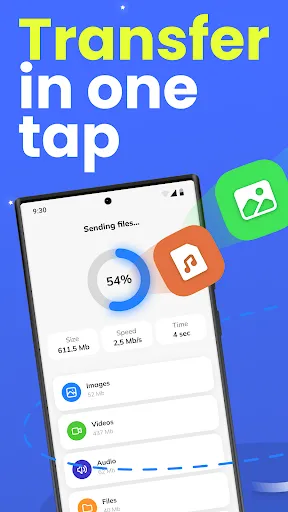
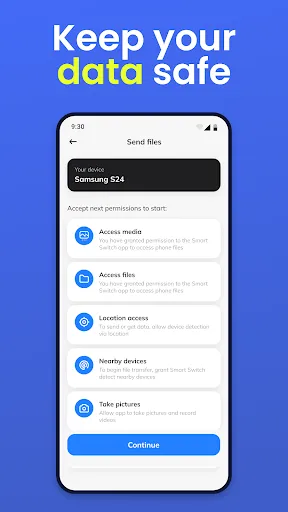
Check the Smart Switch app for quick transfer of personal data and settings between two gadgets! Our program is one of the best tools for transferring files between devices.
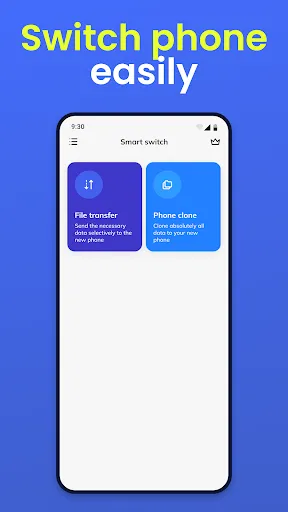
📱 File transfer may be necessary when exchanging data between an old and a new mobile device. If you bought a new phone and don’t want to lose all your files, you definitely need to try our SmartSwitch app!
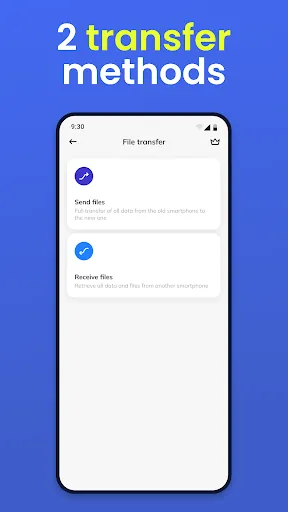
Two gadgets take part in the work process of the Smart Switch application at the same time:
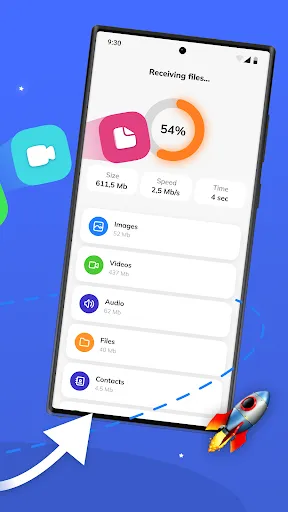
the device that sends data
the device which receives data
Which of your data can be easily transferred? Most important:
📁Files
📱Applications
🎵 Music
📸 Foto
🎥 Video
Many little things in your device that make our lives comfortable will not be lost if you use the Smart Switch application.
We transmit data via WIFI or Direct Transfer.
The process of transferring data through the Smart Switch application will be explained in a short instruction:
Place the first (sender device) and new (receiver device - recipient) close to each other.
Turn on WIFI on both devices.
Devices must be connected to the same WIFI, or one device must share the internet with another. (With a direct transfer, this is not even necessary!)
Using the application, you pair two devices with each other
The sender sees the recipient in the list of found devices and asks for permission to pair.
The recipient confirms the pairing of devices.
You choose the data you want to transfer.
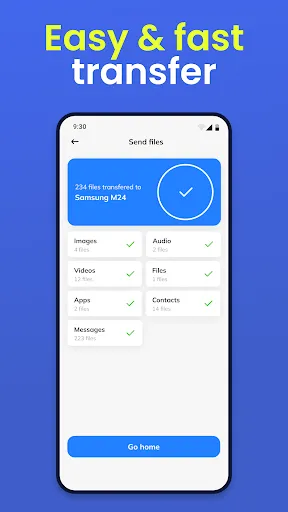
Send data from device to device!
❤ All chosen content will be available on the new device.
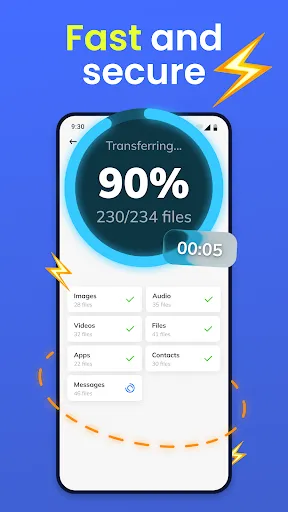
The time to transfer information depends on the device, the transfer mode, and the amount of data. Transferring light and small files will take you a few seconds. When a large amount of information is transferred, more time will be required.
❗ The advantages of our application are obvious:
1. The application supports direct data transfer from phone to phone.
2. It is very simple to select the type of data you want to move
3. The application is compatible with various phone models
4. Data quality remains unchanged
5. Our app is easy to use, has an intuitive interface, does not require any technical knowledge.
❗ The Smart Switch app works with almost all models of Android phones.
➡ We are constantly working to improve our app. Stay tuned!

I had downloaded the app on 4th july , took a free trial till 7 th july , cancelled the free trial on 4th july itself. why have you charged me 3500 rs if i have cancelled the free trial on 4th july itself? please refund my hard earned money. this is cheating.

every click to continue... an ad pops up. and when u think u will be able to transfer files... they limit u to 500 mb only and needs to be updated to "PRO".... if there is zero star... i will give a negative.

won't scan qr code to allow files to be transferred. also there isn't a "Trouble scanning" option to allow me to find the device I'm transferring files from.

never used it

worst software

malware

worst app ever

Extremely annoying, incessant ads make the app unusable

App had WAY too many ads and would make you pay $5 to transfer anything more than 500mb which didn't even work. complete scam.

bakwas

Happ - Proxy Utility

Seekee - Ai Search & Assistant

Max Browser - Fast & Easy

Google Family Link

Network WiFi Scan
CoinSnap - Coin Identifier

All Video Downloader & Player

Seekon: Fast & Smart Browser

ExpressVPN: VPN Fast & Secure

Open Browser - Smart & Safe