Description
Block spam calls from unknown numbers and avoid unwanted interruptions during your day. Protect yourself with a call blocker that helps stop telemarketers, scammers, and other unwanted callers from reaching you. Take back control over your phone and keep it free from spam.
Call Blocker Key Features
⛔Block Spam Calls: Automatically block spam and unknown calls
⛔Identify Unknown Numbers: See callers before answering
⛔Personal Blacklist: Add unwanted numbers to your blacklist
⛔Stop Telemarketers & Scams: Avoid sales, robocalls, and scams
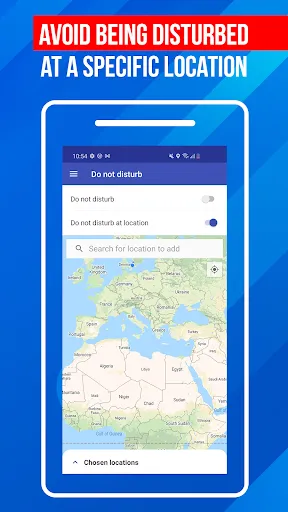
⛔Do Not Disturb Mode: Block calls when you need quiet
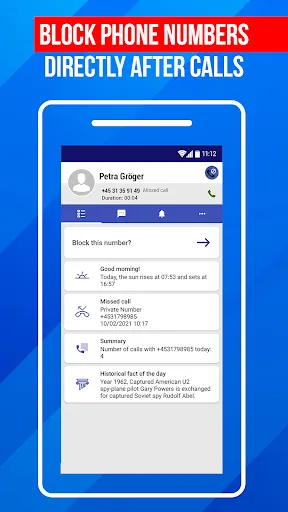
⛔After Call Screen: Block or review calls after hanging up
⛔Call Log & History: Track calls and blocked numbers easily
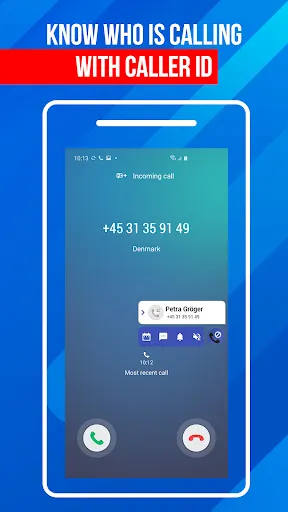
Spam calls, robocalls, and unknown numbers can interrupt your day at any moment. Many of these calls are unwanted, and some may even be scams. A call blocker helps you reduce these interruptions by stopping spam calls before they reach you. With caller ID, you can see who is calling and decide whether to answer or block the number.
Why Use a Call Blocker App?
✔️Block Spam Calls and Unknown Numbers
✔️Identify Calls with Caller ID
✔️Avoid Telemarketers and Scams
✔️Stay Focused Without Interruptions
✔️Control Who Can Call You
How to Use Call Blocker
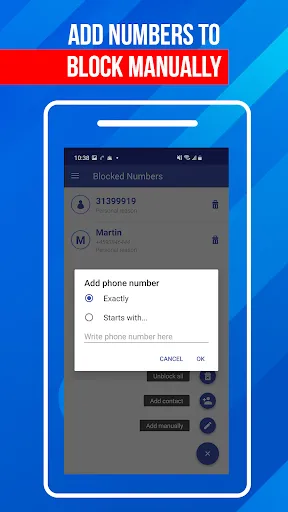
Getting started is quick. Open the app and add numbers to the blacklist, using the navigation bar at the bottom. The call blocker will automatically stop those calls from reaching you. You can also review your call log, check recent activity, and manage blocked numbers at any time. If you receive a spam call, you can block it in seconds. The app keeps everything organized, so you always know which numbers are blocked. You can also enable Do Not Disturb mode to block all calls temporarily when needed. In the top left corner, you can access the menu and other settings. It’s as simple as that!
Using a call blocker gives you control over your phone again. Instead of reacting to every incoming call, you can filter what matters. Block unwanted numbers, avoid distractions, and keep your time focused on important calls only. An easy way to remove spam calls.
After Call Screen for Fast Blocking
The app includes an after call screen that appears once a call ends. From there, you can quickly block numbers, review call details, and manage recent activity without navigating through multiple menus. This makes it easier to take action right after receiving a spam call or an unwanted contact. Instead of searching through your call log later, you can block the number instantly while the call is still fresh in your memory. The after call screen also helps you stay organized by giving you direct access to caller information and quick controls, so managing spam calls becomes faster and more practical in everyday use.
Caller ID & Spam Call Detection
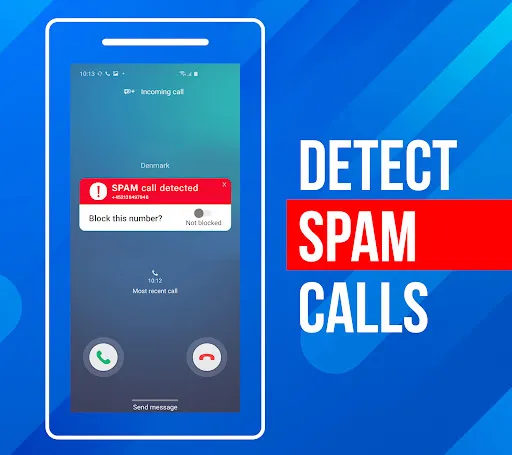
The built in caller ID helps you recognize incoming calls, even from unknown numbers. This makes it easier to avoid spam calls and unwanted contacts. When a suspicious number appears, you can block it immediately and prevent future interruptions. It will be saved in your personal blacklist together with all your other blocked numbers.
Block Numbers with a Blacklist
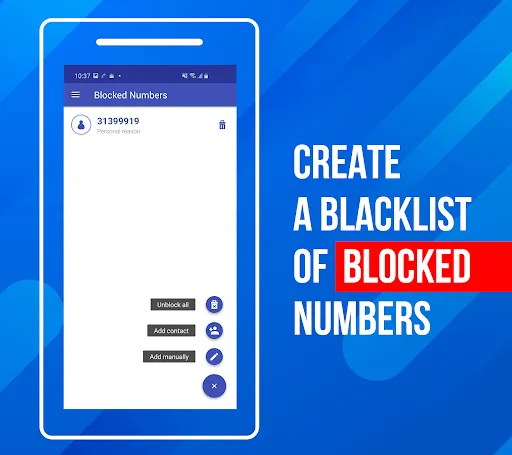
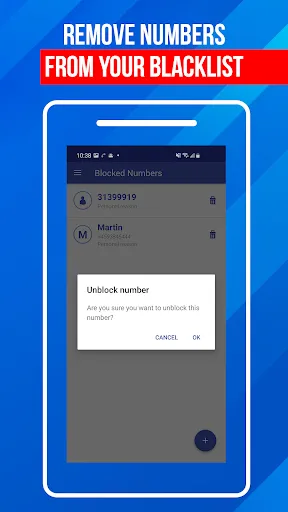
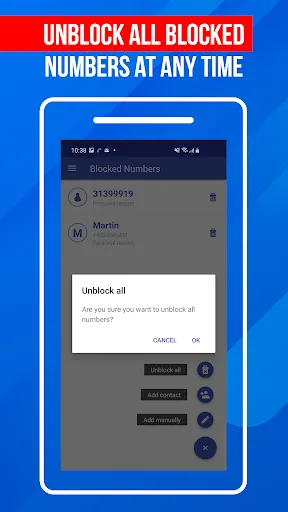
Create and manage your personal blacklist to stop unwanted calls. Add specific numbers or even number patterns to block repeated spam calls from the same sources. The call blocker will automatically filter these calls, so you don’t have to deal with them again. You can update your blacklist anytime by adding new numbers or removing entries, giving you full control over who can reach you.
A Simple Call Blocker for Everyday Use
Call Blocker combines call blocking, caller ID, and spam call protection in one easy tool. Block spam calls, manage your blacklist, and control your incoming calls with a clear and practical app built for everyday use.