

| Category | Comics |
| Developer | Rookie001 |
| Version | 5.0.4.5 |
| Content Rating | Everyone |
| Price | Free |
| Min Android | 4.4 |

It does everything right, for the most part. But a fatal flaw is how easy it is to accidentally delete something in your collection. Really wish they would fix these issues. If I wanted to delete something, I'd do it myself in the files app.
if you can can you add the option to lower thumbnail quality, especially for servers cause it takes a long time to load and let us set the quality of it

Hand's down the best Comic Book reader in Play Store.

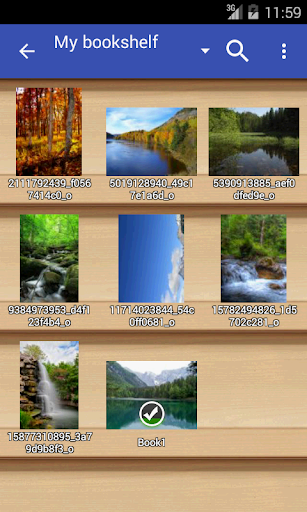
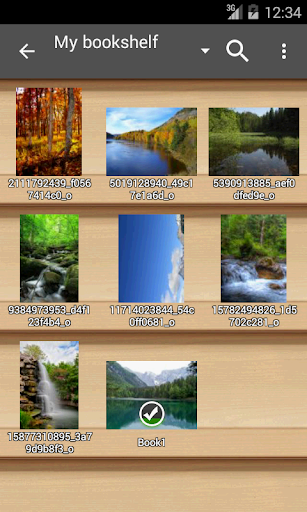
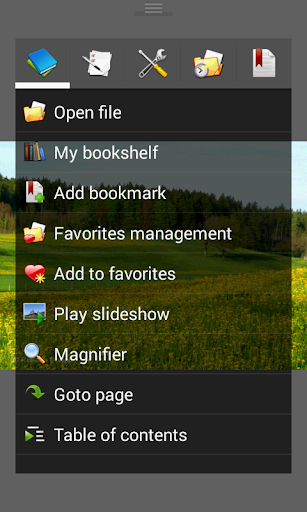
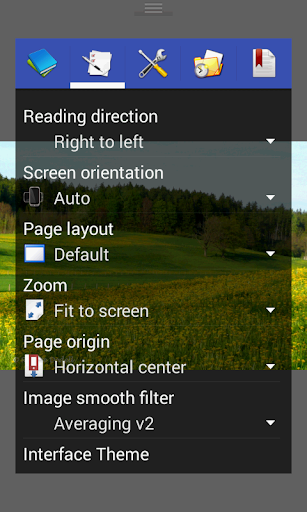
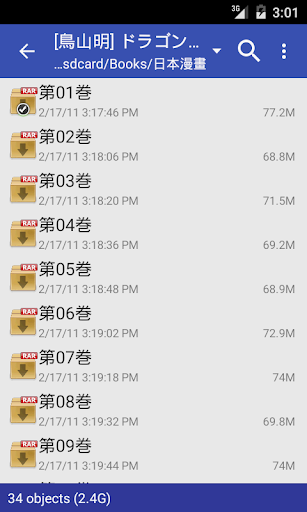
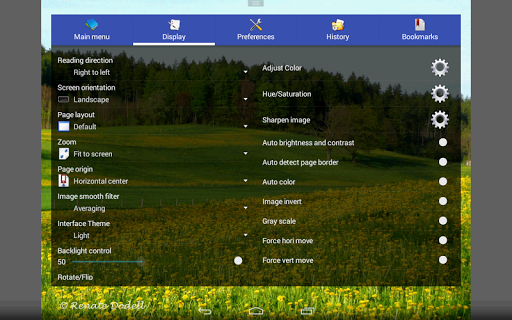
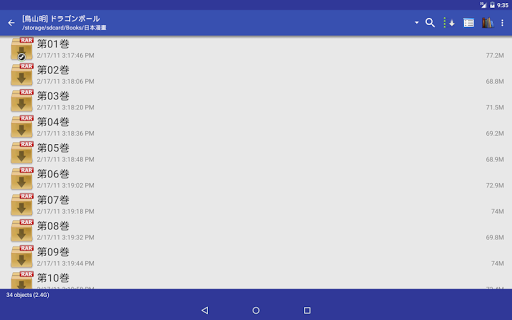
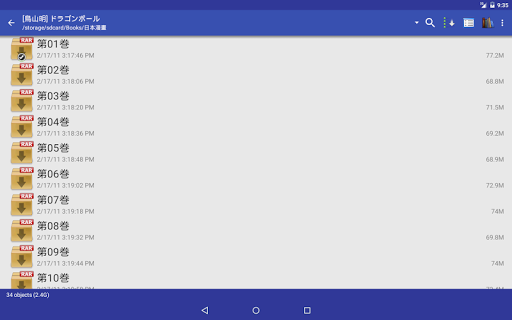
I have been using this app for years across android devices being replaced, one of the first apps i install. I've been using it too long to say how intuitive it is because i am used to it by now, worth a dive into settings to be sure it works the way you want. Folders can be added from internal or SD storage, read most ebook formats though i added the PDF plugin to make it my all purpose reader. Options for the number of zones for tap functions, worth investigating in settings for your pref
it's a good app but unfortunately the screen orientation flips to landscape when I tilt my phone even if I've set it to portrait

I've been using this app for over TEN years, and last week it stopped working! I've tried everything from clearing cache, reinstalling, etc. :(
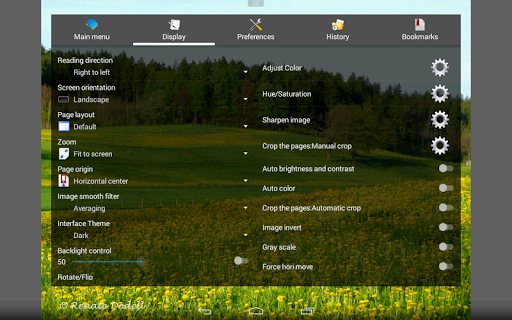
This is nearly perfect. Definitely the best reader currently available but the only thing it could use to be better is if the ability to switch between page mode and horizontal or vertical scrolling was toggleable per book. Or better yet, per Library folder. I have both webtoons and regular books and manga in my library and it's a bit much to switch the settings manually depending on what I want to read next

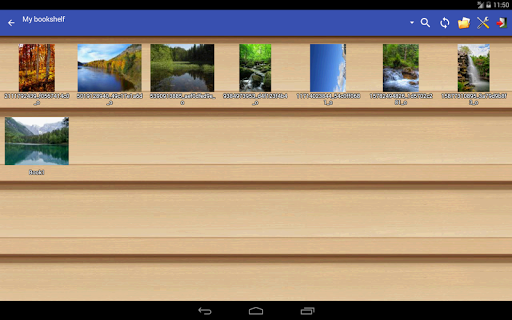
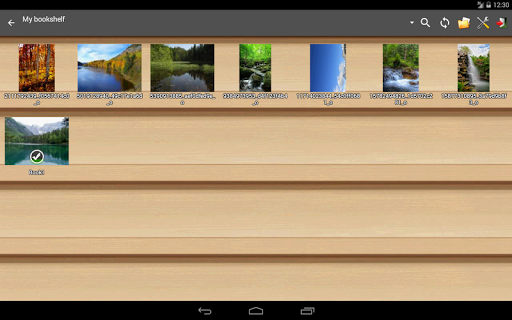
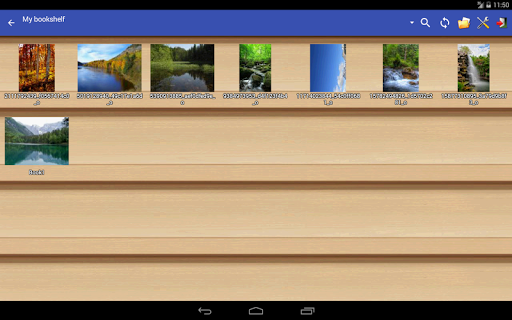
Working good as long as I can remember. But after Sumsung update in March; Bookshelf tried to load book cover all the time when open the Bookshelf; Some folders have problem to open the first file normally, so that folders cover didn't show up. Is it only my problem?
PDFが、右綴じ左綴じ選べるのはありがたい。ページ送りの反応が遅い。

this app is defenetly good i had only one problem that is you turn your phone the image turn the same side you phone which was really irritating and i dont no about it more but for usage it is defenetly but i can garentee you that it wont be wost app you have so believe in.

Koma - AI Manga & AI Comics

CDisplayEx Comic Reader Lite
مانجا سوات - Swat Manga

Picsart ComicMe: AI Book Maker

Storygrounds: Webtoons, Comics
MANGA BANG!
Good and Evil Comic Book

MangaSway

MyComics - Comic Book Reader

Classics Illustrated Comics