LegendPeeps
Home Apps Personalization Icon Changer - Customize Icon
Icon Changer - Customize Icon

Icon Changer - Customize Icon

4.46
|
V1.3.9
|
1M+
Icon Changer - Customize Icon screenshot Icon Changer - Customize Icon screenshot Icon Changer - Customize Icon screenshot Icon Changer - Customize Icon screenshot Icon Changer - Customize Icon screenshot

App Information

Category Personalization
Developer ambi mx
Version 1.3.9
Content Rating Everyone
Price Free
Min Android 6.0
Updated Jul 6, 2026

Description

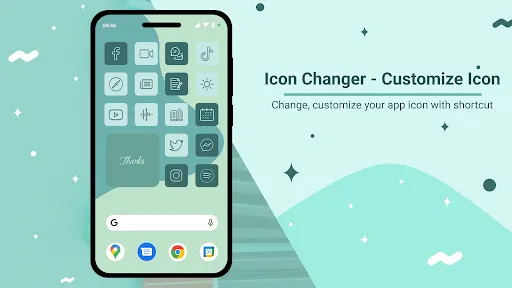
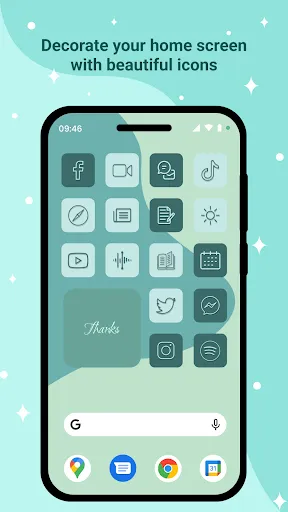
- Icon Changer application is a free application that supports changing the name of the application, changing the icon of the application on the device easily.
Make your phone come alive with optional icon packs available.

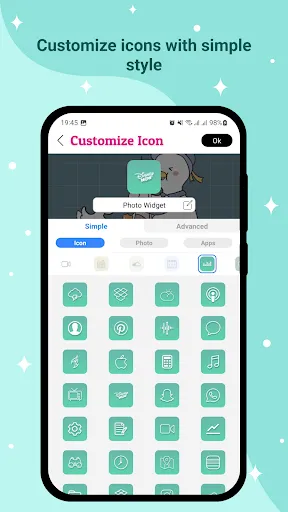
- This application creates a new application icon through a shortcut to the home screen of the device to help users customize it more easily. The application has features that support customizing icons through the Customize Icon screen such as:

✶ Style Simple you can :
+ Choose an icon from the pack available on the app with more than 10 packages available, including an ios style icon pack for those of you who want an ios-like icon experience.
+ Select photo from device or through camera.
+ Select icons from other applications on the device.
+ Use icon packs of third-party applications.

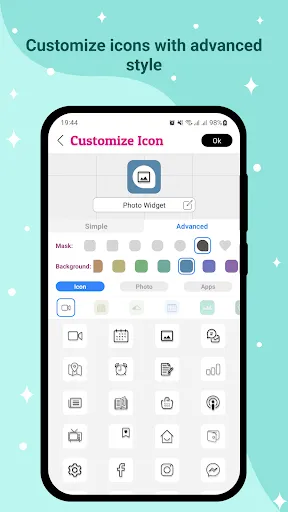
✶Style Advanced 1:
+ This style has all the functionality of the simple style, but will add the ability to select the background and mask the icon. Photos from devices, applications, ... will be minimized in the middle of the icon to create a highlight for the icon.

✶Style Advanced 2:
+ This style has the feature to choose background and mask for icons, change mask color, choose default ion, change icon color. Here the layer mask is mainly for decoration, you can choose not to use it. This style will help you create more beautiful icons yourself than the previous styles, you can unleash your creativity with this style.


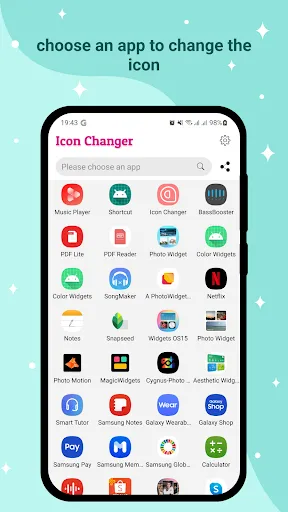
- The application works in a simple thread: Go to the Icon Changer application → Find and select the application you want to customize the icon→ Customize Icon as you want → Press the "Ok" button to icon changer for android → Finish changing the Icon, when you can create the icon again or return to the main screen of the application through the "Create next" button.


- If you love this Icon Changer - Customize Icon application, don't forget to leave a review for the application and share it with your friends. Any questions or suggestions you can contact via email: [email protected]

Downloads

V1.3.9

Size: 18.63 MB

Updated: 2026-07-06

User Reviews

4.46
19K+ Reviews
5
75%
4
14%
3
1%
2
2%
1
8%
Kexxza Latrobe
Jul 9, 2026

so cuteeee!! OwO

Rohan Hasan
Jul 9, 2026

it's super good for changing apps icon I'm making many types of Roblox!

alisha waseem
Jul 8, 2026

not worth it

Safiur rahman Himel
Jul 8, 2026

this app is really good my cousin also want a this app (I didn't even try the app btw)

Not Telling
Jul 8, 2026

Rewriting after troubleshooting... so APPARENTLY, the "proper" way to make an "icon" isn't to do it fully through the app... you have to long hold the app and tell it you want to make a widget. Otherwise the app icon you make will have this app's icon in the bottom right. Problem is, the widget doesn't seem to notice I'm using dark mode/have a dark background and defaults to black text. Even though even my weather widget knows better. Why is changing icons on a 20+ year old Windows OS easier????

Siti Raudha
Jul 8, 2026

I like it

Abdulrahim Totin
Jul 7, 2026

it's good but only in a eleven app only

Fryer77
Jul 7, 2026

are u kidding me? white outline around my custom icon, and white box on the corner. bs

Esta Rahman
Jul 6, 2026

The app was pretty good overall. Gave a lot of options for customization and allowed me to put a nice rim around it. My only problem is that the app crashed a lot causing the new icons to not work which was extremely annoying. overall pretty good.

ItzCartz
Jul 6, 2026

this is so cute! 10/10 really recommend! and my roblox is now melody themed!