LegendPeeps
Home Apps Productivity Microsoft Outlook
Microsoft Outlook

Microsoft Outlook

4.36
|
V5.2615.0
|
1B+
Microsoft Outlook screenshot Microsoft Outlook screenshot Microsoft Outlook screenshot Microsoft Outlook screenshot Microsoft Outlook screenshot Microsoft Outlook screenshot Microsoft Outlook screenshot Microsoft Outlook screenshot Microsoft Outlook screenshot Microsoft Outlook screenshot Microsoft Outlook screenshot Microsoft Outlook screenshot

App Information

Category Productivity
Developer Microsoft Corporation
Version 5.2615.0
Content Rating Everyone
Price Free
Min Android Varies with device
Updated Apr 25, 2026

Description

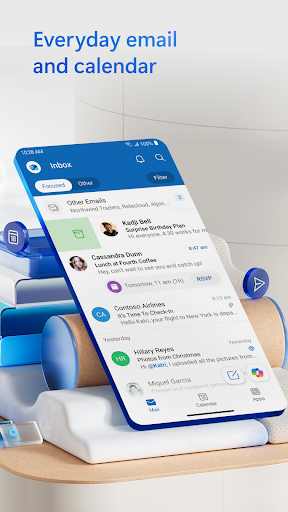
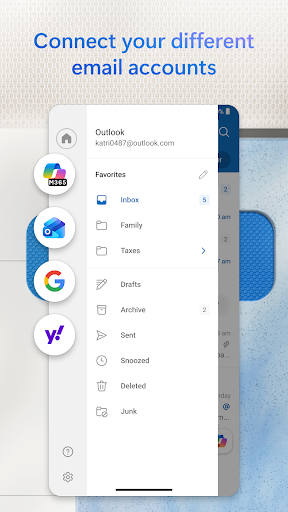
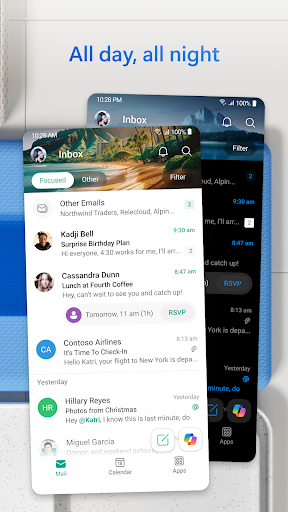
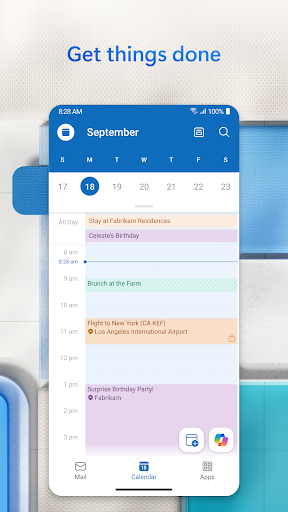
Stay organized with a unified inbox, intelligent filtering and multiple calendars at a glance. Outlook is free for personal use and supports Microsoft Exchange, Microsoft 365, Outlook.com, Gmail, Yahoo Mail, iCloud, IMAP and POP3.

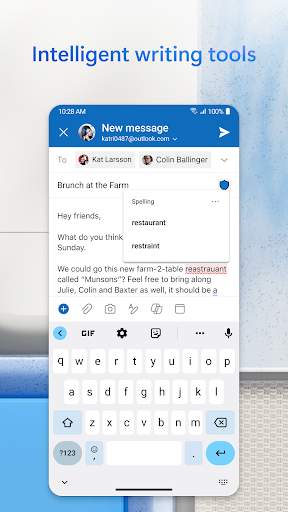
Write polished emails with built in tools for grammar, spelling and real time typing suggestions. Attach files from OneDrive, your device, or other cloud storage, and open Word, Excel and PowerPoint files directly from your inbox.
Cut through clutter with swipe gestures to delete, archive, snooze or move messages. Pin important emails, flag messages for follow up and find anything fast using simple tap or voice search.

Stay protected from phishing, spam and other threats with enterprise grade security. Join Teams, Zoom or other video meetings directly from Outlook – anywhere you go.

Microsoft Outlook Includes:

Inbox, Contacts and Files
• Manage Gmail, Yahoo Mail, iCloud and more in one place
• Access recent attachments and connect to Word, Excel, PowerPoint and OneNote
• Organize email with filters, folders and spam protection

Planning and Calendar Management
• View multiple calendars side by side
• Join online meetings from Teams and Zoom
• RSVP to invites and add notes
• Keep your week organized with tasks and reminders

Productivity and Task Tools
• Group conversations by thread
• Use voice to find emails, events, people and files
• Suggested replies help you respond quickly
• Play My Emails to listen hands free
• Travel and delivery updates added to your calendar automatically

Security and Privacy
• Enterprise grade protection for your inbox and files
• Built in defenses against phishing, viruses and spam
• Email encryption for sensitive messages (Microsoft 365 required)

AI Assistance with Copilot*
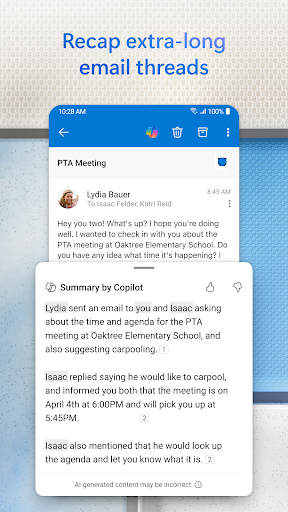
• Summarise long email threads into key points
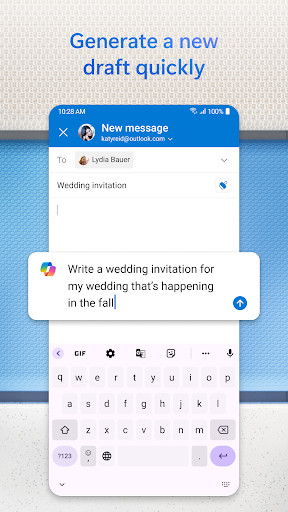
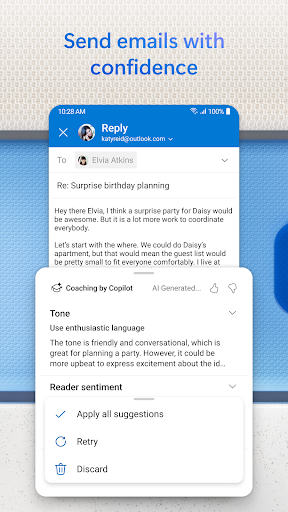
• Draft polished responses with suggested tone and clarity
• Get smart scheduling recommendations and reminders
*Unlock premium Outlook and Microsoft 365 experiences with a qualifying subscription on phone, tablet, PC and Mac.

Compatibility
• Microsoft Exchange
• Microsoft 365
• Outlook.com, Hotmail.com, MSN.com, Live.com
• Gmail
• Yahoo Mail
• iCloud
• IMAP & POP3

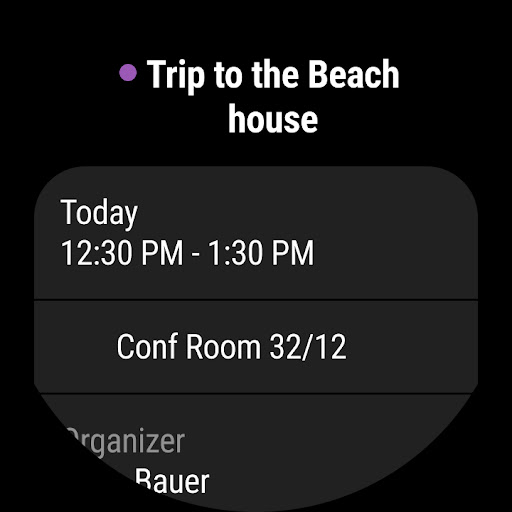
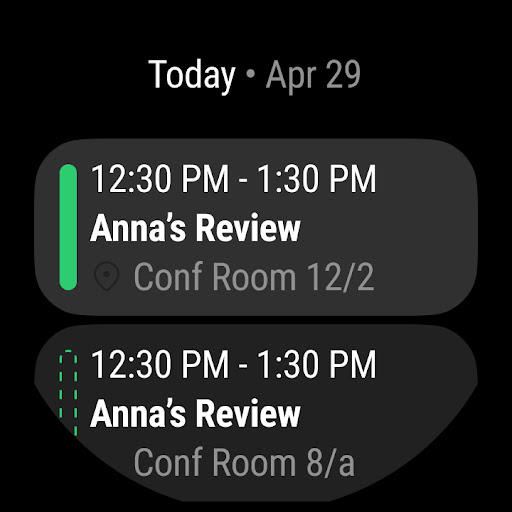
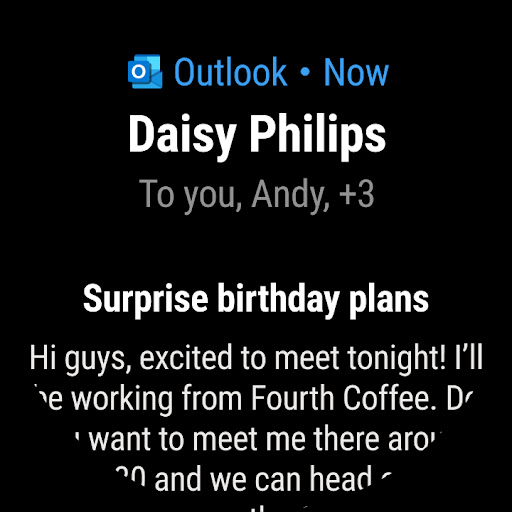
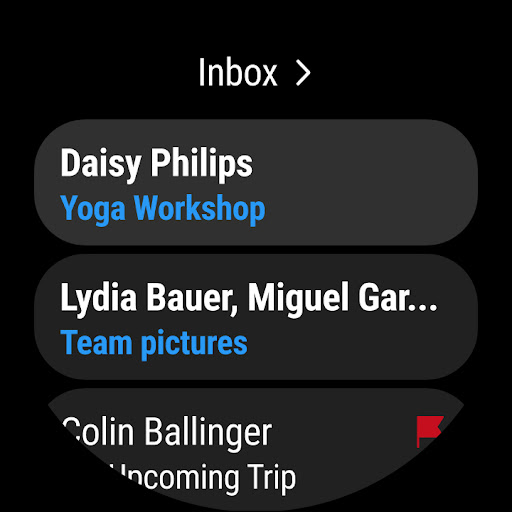
Use the Wear OS companion app to see emails and events at a glance. Have easy access to your next meeting with the Up Next tile. Use complications to get a peek at your inbox and calendar.

Consumer Health Data Privacy Policy: https://go.microsoft.com/fwlink/?linkid=2259814

Downloads

V5.2615.0

Size: 80.97 MB

Updated: 2026-04-25

User Reviews

4.36
10M+ Reviews
5
73%
4
12%
3
3%
2
2%
1
9%
AMAR THAKUR
Apr 28, 2026

very precise

Thom Crossley
Apr 28, 2026

I expect more from Microsoft. Some desktop features, select options are not available. Ex. Multiple conversations move to folder after a search completion. No changes. Updated 09/05/2022. No change in the concerns expressed above. Update 04-27-2026: The new Outlook has brought to the app some very good features from the desktop. Easier conversion and messenger functions.

Mike Berger
Apr 28, 2026

The past month has been the worst possible experience for this app in over 10 years of use. I have to uninstall multiple times a week to get my mailbox to update because the app completely stops doing everything.

Tyler Brown
Apr 28, 2026

constantly crashes. Uninstalled and reinstalled and now it won't let me sign in at all.

Tish Wright
Apr 28, 2026

after the latest update the app is useless. I cannot access my emails. cant get new ones to load and thats if I cam even get the app to open past a black screen.

Kory Dixon (King)
Apr 28, 2026

I have been using my Outlook app on my phone for my outlook email and my schools email but just recently it stopped loading either. i assumed it was something wrong with the app so i erased the memory, it didnt work then i didnt and reinstalled the app now i cant even sign into my schools email. it should shows a white screen with the loading symbol moving.

Sunnie PR
Apr 28, 2026

loaded wrong email

Bill Hendrickson
Apr 28, 2026

App doesn't work any more since last update. Can't login.

Kita Kita
Apr 28, 2026

emails not loading. keeps showing blank

Alex Puckett
Apr 28, 2026

Great app! I have used this app for years and it has never let me down. Thank you Microsoft!