

| Category | Parenting |
| Developer | Microsoft Corporation |
| Version | 2.0.5.1103 |
| Content Rating | Everyone |
| Price | Free |
| Min Android | 9 |
| Updated | Apr 14, 2026 |

My son was barred from playing and - according to the app - his device was locked. But there he was, happily playing away. Can't see the point if this basic functionality fails.

awful. frustrated. get rid of

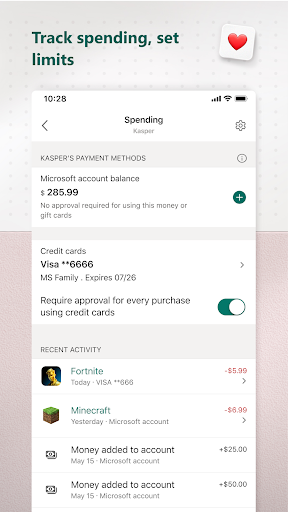
is not working with Microsoft Store. even if I am the family organizer does not work when I need to download a game for my son.

Uninstalling, doesn't work most of the time over last two years. Not reliable. Sometimes works, but many times app just won't unlock my child's PC when I change settings in the app or when the request more time. I tried to send a log through the app, but when I get to the screen to write comments and attach my logs, there is no button to send it!!!! There is an x in the upper left and a checkmark in the upper right but they do nothing.

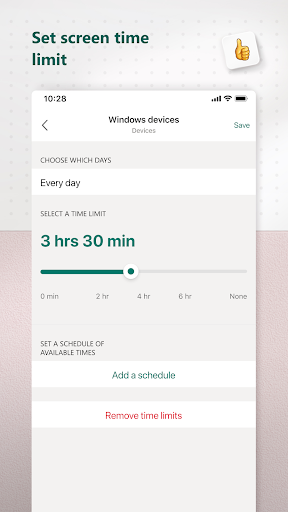
How can Microsoft make such an awful app? the "lock device" button doesn't work. there's no button for giving additional time, so the only way is if the kid asks for it on their device. And if you give more time then you want, there is no way to change it back or cancel. Developers replied suggesting I send a feedback through the app. However, the "send" button in the feedback form is so close to the edge of the phone screen that it's impossible to clock on it

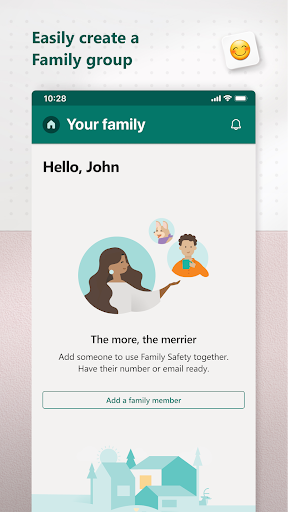
difficult to use, constantly getting logged out and having to log back in. not easy to manage kids accounts. apple does a much better job with managing family and kids accounts. I regret setting up kids accounts and would prefer to self manage the laptops.

great

I think it's a useless app it only access microsoft apps and deny to use Google app like chrome etc . It is not right. But I give you 1 star it's my kindness but you don't deserve it .

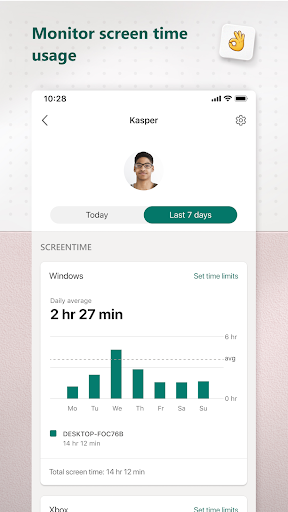
Update 2026: The button to offer a suggestion or give feedback in app doesn't even work. This app is so slow, inefficient, and hard to use. It doesn't give me an "at a glance" view of how much screen time each kid has had, I have to select each one individually. I want to be able to select multiple things (kids, websites, etc) and apply the same settings to all. It's like it was developed without any parent input.

3 days of trying to add time or remove limits for my kids devices and their devices won't update the extra time.

NextLog

Baby Bloom: Smart Baby Tracker

Kids police - for parents

BabyLight - Baby Night Light

Lognexa

Family locator - Locator 24

Speech Blubs: Language Therapy

Napper: Baby Sleep & Parenting

GuardianView: Activity Monitor

Pregnancy Tracker & Day by Day