LegendPeeps
Home Apps Libraries & Demo Gaming Hub: Game Launcher App
Gaming Hub: Game Launcher App

Gaming Hub: Game Launcher App

4.11
|
V1.3.6
|
1M+
Gaming Hub: Game Launcher App screenshot Gaming Hub: Game Launcher App screenshot Gaming Hub: Game Launcher App screenshot Gaming Hub: Game Launcher App screenshot Gaming Hub: Game Launcher App screenshot Gaming Hub: Game Launcher App screenshot Gaming Hub: Game Launcher App screenshot Gaming Hub: Game Launcher App screenshot Gaming Hub: Game Launcher App screenshot Gaming Hub: Game Launcher App screenshot Gaming Hub: Game Launcher App screenshot Gaming Hub: Game Launcher App screenshot Gaming Hub: Game Launcher App screenshot Gaming Hub: Game Launcher App screenshot Gaming Hub: Game Launcher App screenshot Gaming Hub: Game Launcher App screenshot Gaming Hub: Game Launcher App screenshot Gaming Hub: Game Launcher App screenshot

App Information

Category Libraries & Demo
Developer MC Tech
Version 1.3.6
Content Rating Everyone
Price Free
Min Android 5.0
Updated Apr 28, 2026

Description

Welcome to Game Launcher: Gaming Hub App - the ultimate solution for simplifying the management of your apps and games on your Android device. Tired of the clutter and hassle of searching for your favorite apps? Look no further! Our game launcher provides a user-friendly interface designed to keep all your favorite apps in one place, making app management a breeze.

Key Features:

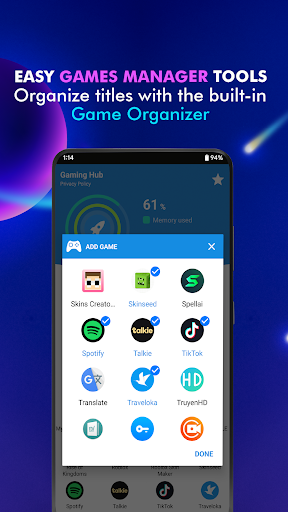
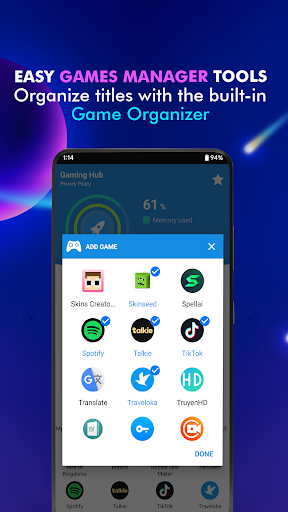
- Android Game Launcher: Easily manage your favorite games and apps with our Game Launcher.
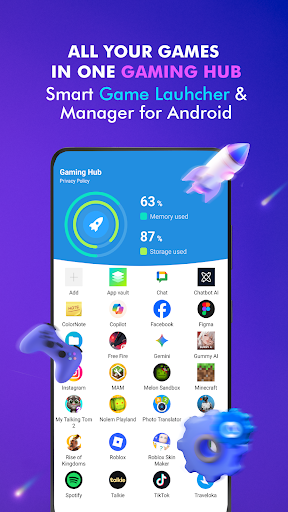
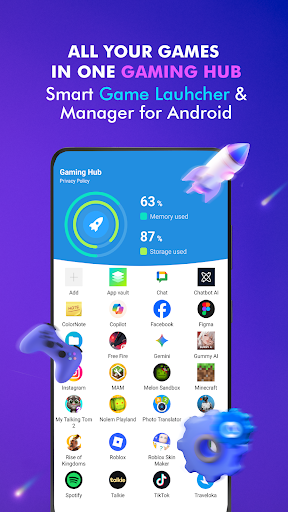
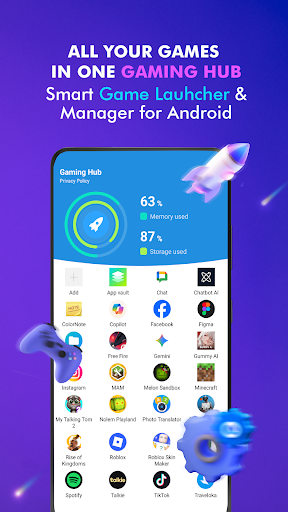
- Gaming Hub: All your games and apps are centralized in one place for easy management and access.
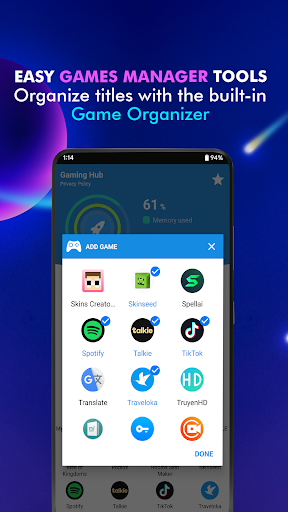
- App Organization: Automatically detect and add popular games from renowned publishers with our Organizer Master, or manually add apps you love.
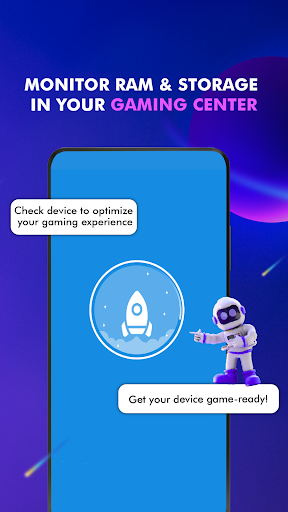
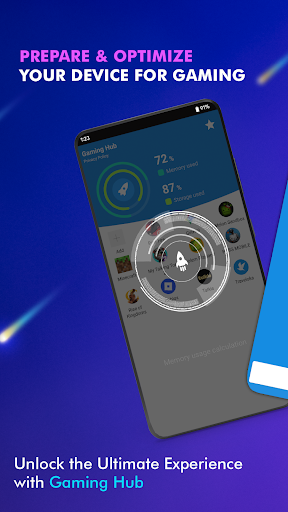
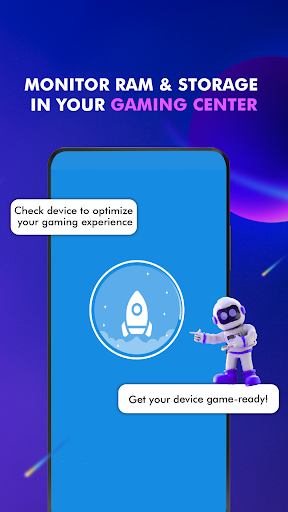
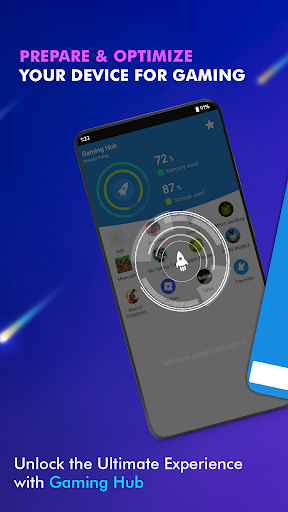
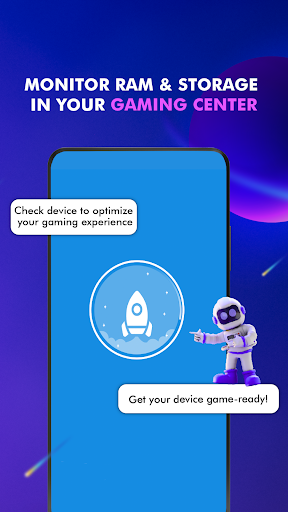
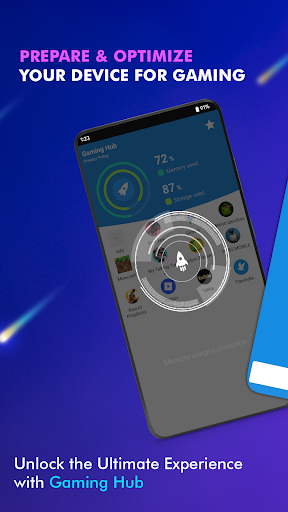
- Performance Monitoring: Monitor RAM usage and track device storage to optimize your gaming experience.
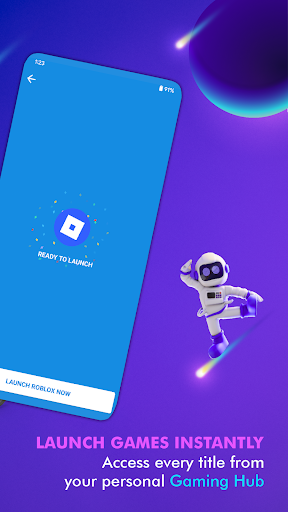
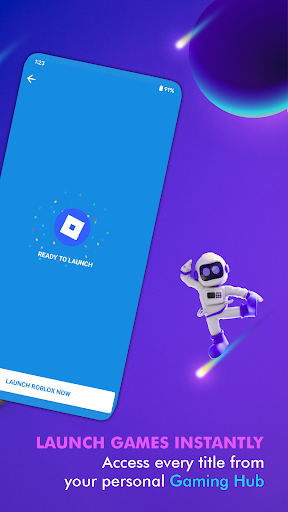
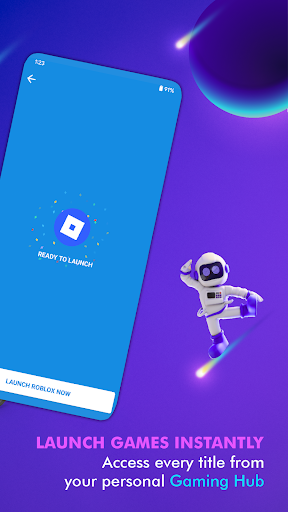
- Smartphone Gaming Center: Use the Launcher feature to quickly and easily launch your apps.

User Notice:

Game Launcher: Gaming Hub App acts as an all-in-one management center, helping to launch and provide valuable information on storage, RAM, and device performance. It focuses on providing a user-friendly app launcher tool but is not designed as a game booster. It does not directly improve performance or increase FPS for your games, nor does it claim to do so.

How to Use:

1. Open the Gaming Hub App.
2. Add your favorite games or apps to the library if they are not already there.
3. Tap on a game or app through the Game Launcher, and our features will activate before launching.

Experience the convenience and simplicity of Game Launcher: Gaming Hub App - your comprehensive game and app manager!

Downloads

V1.3.6

Size: 13.51 MB

Updated: 2026-04-28

User Reviews

4.11
9K+ Reviews
5
66%
4
10%
3
7%
2
3%
1
14%
Carol Roberts
Apr 27, 2026

I love the game hub. You can keep all your favorite games with easy access to each one.

Harry
Apr 25, 2026

very very good

Kishor Ramji
Apr 24, 2026

it was good

Felistus Amukohe
Apr 24, 2026

super nice, fast convenient . superb

Abby Mabz
Apr 24, 2026

This is really gd app

J T
Apr 23, 2026

super good loving it

Andy South
Apr 23, 2026

I love this app it's amazing 👏

Bongiwe Lettie
Apr 23, 2026

amazing app

Jonalyn Baldon
Apr 23, 2026

its nice! when i play roblox i have 5-17 fps and now i have 30-50 fps 5 STARS I LIKE THIS APP

Arjun R
Apr 22, 2026

I like app very much