LegendPeeps
Home Apps Video Players & Editors Web Video Cast | Browser to TV
Web Video Cast | Browser to TV

Web Video Cast | Browser to TV

4.62
|
V5.12.12
|
50M+
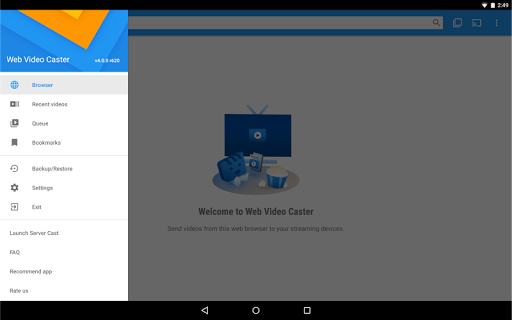
Web Video Cast | Browser to TV screenshot Web Video Cast | Browser to TV screenshot Web Video Cast | Browser to TV screenshot Web Video Cast | Browser to TV screenshot Web Video Cast | Browser to TV screenshot Web Video Cast | Browser to TV screenshot Web Video Cast | Browser to TV screenshot Web Video Cast | Browser to TV screenshot

App Information

Category Video Players & Editors
Developer InstantBits Inc
Version 5.12.12
Content Rating Everyone
Price Free
Min Android 5.0
Updated Apr 15, 2026

Description

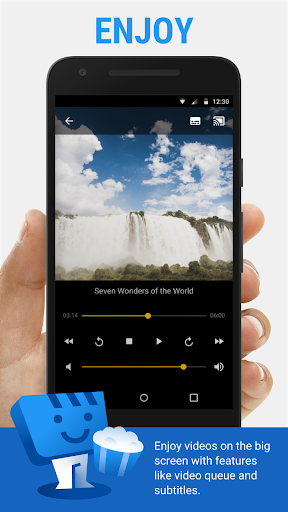
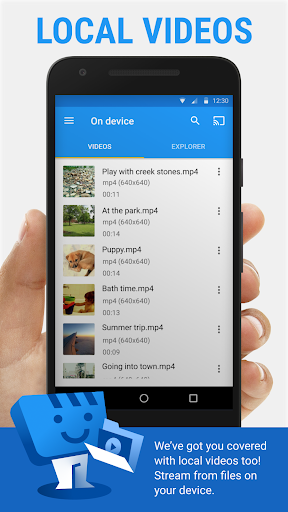
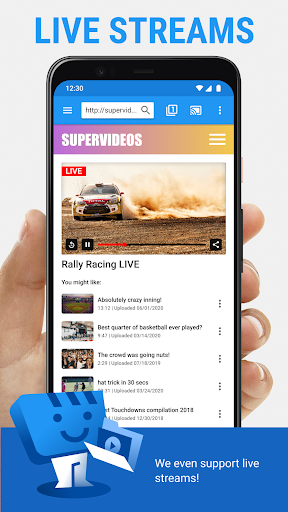
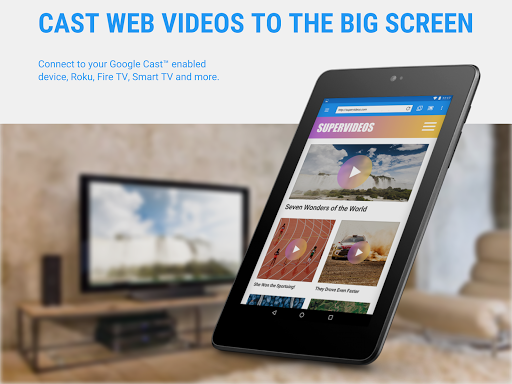
Web Video Caster® allows you to watch on your TV videos from your favorite websites including movies, TV shows, live streams of news, sports. It also lets you cast local videos stored on your phone. Photos and audio files are also supported. Subtitles are detected on the web page, you can also use your own subtitles, or you can use the integrated search of OpenSubtitles.org.


SUPPORTED STREAMING DEVICES


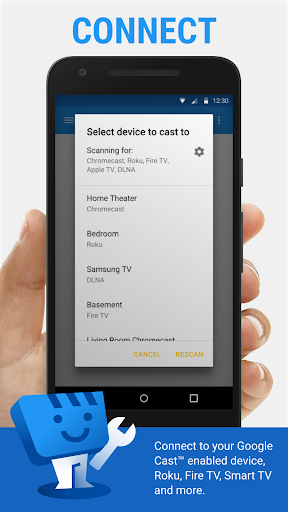
Web Video Caster® supports the most popular streaming devices, allowing your TV to stream videos directly from the web.

• Chromecast.
• Roku.
• DLNA receivers.
• Amazon Fire TV and Fire TV Stick.
• Smart TVs: LG Netcast and WebOS, Samsung, Sony, and others*.
• PlayStation 4 - by using its web browser.
• Most web browsers by visiting http://cast2tv.app (PS4, Smart TVs, other consoles and set top boxes).
• And more.

*If you experience compatibility issues, contact us and include the brand and model number.

SUPPORTED MEDIA


• HLS live streams in M3U8 format, where supported by your streaming device.
• Movies and TV shows.
• MP4 videos.
• Live news and sports.
• Any HTML5 videos*.
• Photos.
• Audio files including music.

*Your streaming device must be capable of decoding the video you are playing. Web Video Cast™ does not perform any video/audio decoding or transcoding.

GET STARTED


Follow these simple step-by-step instructions to start streaming:


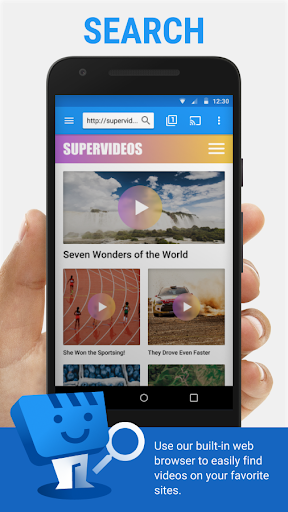
1.- Browse the web or the local file explorer to find the video, audio or photo you want to cast to your tv.
2.- If the video or audio is on a website, try to play the video inside the web page. If it is a photo, you can long press on it to cast it.
3.- Connect to your streaming device to cast the video, music, or picture.

PREMIUM FEATURES**


• No in-app advertising.
• Bookmarks.
• Home page setting.
• Video history.
• Queue.
• Homescreen shortcut.
• Most visited site.

**This functionality does not apply universally to all streaming devices.

LIMITATIONS & DISCLOSURES


As with all apps, there are some limitations we are aware of and want you to know about up front.

• We are in no way associated with any web media providers and we do not have control over the content they provide.
• The app does not support tab casting, like the Chromecast extension for the PC web browser.
• We cannot do anything to fix issues that arise on the server side (media content provider) such as failure to play or buffering, which is especially common during heavy load times and weekends.
• Refunds are only issued within 24 hours of purchase and you must submit the order number in text, not a screenshot.


PERMISSIONS


• Phone state - To allow the pausing of videos on incoming phone calls.
• Wi-Fi connection information - Required for streaming devices and for the browser.
• Photos/Media/Files (storage in general) - Required for the download functionality.
• In-app purchases - For premium version.
• Wake-lock - To keep phone awake while routing videos through phone. Should only affect live streams and authenticated videos.
• Accounts/Identity - Required by Google Play Services (7.5+).
• Location - This is only requested on devices with Android 6+ so the user gets a chance to decide and it is only requested when the website you are browsing wants to know your location. You can always say deny it, it will not affect anything other than that website.

Downloads

V5.12.12

Size: 30.97 MB

Updated: 2026-04-15

User Reviews

4.62
2M+ Reviews
5
78%
4
13%
3
5%
2
1%
1
3%
Messiah Bindon
Apr 28, 2026

good

Michael
Apr 27, 2026

Best Caster I found. Have patient's because there are quite a few important settings. Once figured out, you gonna love it. You can also get in touch with the Team who will help you. 👍Almost 3 years later and my Caster is still on top. never had a problem. Fantastic Item. it will take some time with adjustments to get it perfect. Try it out!!!! 2026 Still the best one around. updates are often and going strong. No complains.

Gary K. Hill
Apr 27, 2026

no snags no problems excellent app !!

Darshhhi
Apr 26, 2026

Absolutely great and easy to use loved it

Dominic Bash
Apr 26, 2026

DOPE

Yes Yea
Apr 25, 2026

love it

Ben
Apr 25, 2026

performance varies. quality claims to be 1080p yet it seems more like 720p. also once I start streaming the movie, it keeps disconnecting and sending me back to the app main page on the tv

Be Nice
Apr 24, 2026

within 24 hours of the reported problem, it is resolved and amazed with the support team effort. appreciate a lot for the service and prioritizing the issues. keeping original review here, so anyone can get idea of what I want to convey.. ERROR CODE 503 stopped working anymore. there is nothing that works. even though paid for getting advertisement free, recently getting too many advertisements. it was a good app earlier, but now it's a nightmare.

ceci zavala
Apr 24, 2026

It's always stalling, keeps disconnecting from the screen......

Charles Heinrich
Apr 23, 2026

This thing's awesome! A must-have for Roku owners!