LegendPeeps
Home Apps Photography PixelLab - Text on pictures
PixelLab - Text on pictures

PixelLab - Text on pictures

4.02
|
V2.1.9
|
100M+
PixelLab - Text on pictures screenshot PixelLab - Text on pictures screenshot PixelLab - Text on pictures screenshot PixelLab - Text on pictures screenshot PixelLab - Text on pictures screenshot PixelLab - Text on pictures screenshot PixelLab - Text on pictures screenshot PixelLab - Text on pictures screenshot PixelLab - Text on pictures screenshot PixelLab - Text on pictures screenshot PixelLab - Text on pictures screenshot PixelLab - Text on pictures screenshot PixelLab - Text on pictures screenshot PixelLab - Text on pictures screenshot

App Information

Category Photography
Developer App Holdings
Version 2.1.9
Content Rating Everyone
Price Free
Min Android 6.0
Updated Jan 19, 2026

Description

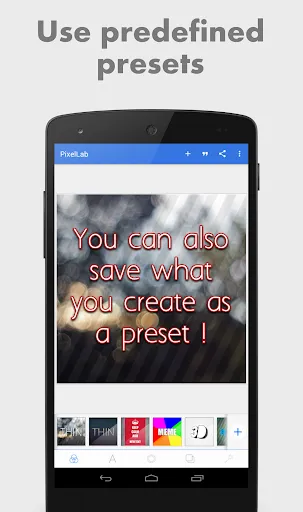
Pixel Lab photo editor: Adding stylish text, 3d text, shapes, stickers and drawing on top of your picture has never been easier. With a simple and clean interface that lets you focus on whatever you're doing, a wide selection of presets, fonts, stickers, backgrounds, more than 60 unique options that you can customize and of course your imagination, you'll be able to create stunning graphics and amaze your friends straight from your phone or tablet.

If you want to see the app in action, here is a YouTube playlist that contains some tutorials : https://www.youtube.com/playlist?list=PLj6ns9dBMhBL3jmB27sNEd5nTpDkWoEET


Features:
Text: add and customize as much text objects as you want…
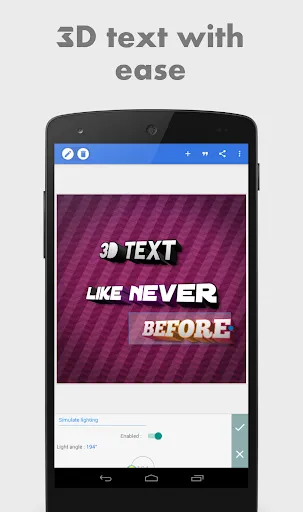
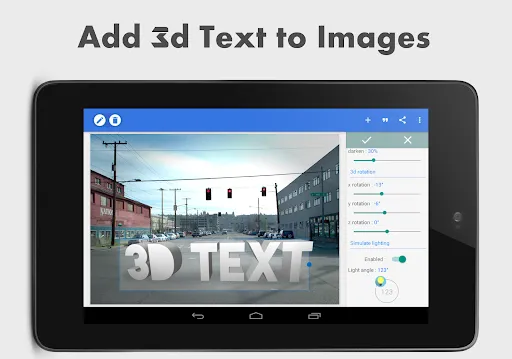
3D Text: create 3d texts and overlay them on top of your images, or have them stand on their own in a cool poster…
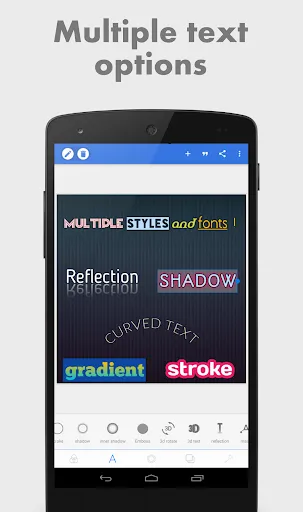
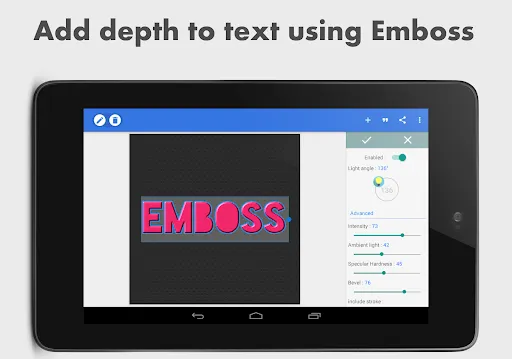
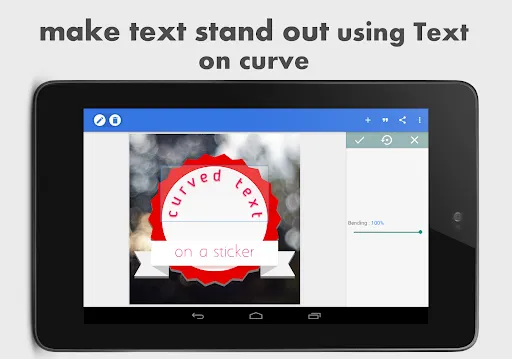
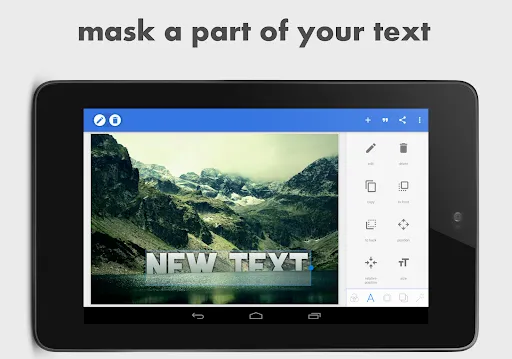
Text effects: make your text stand out with dozens of text effects like : Shadow, Inner Shadow, Stroke, Background, Reflection, Emboss, Mask, 3d text...
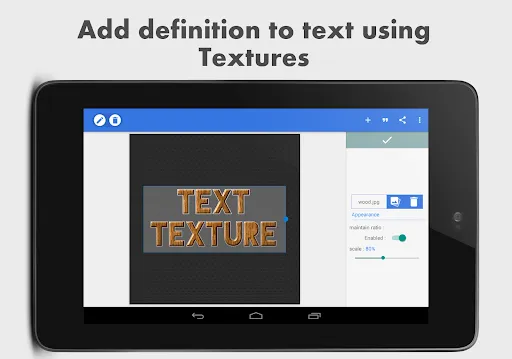
Text color: Set your text to any fill option you want, be it a simple color, a linear gradient, a radial gradient, or an image texture.
Text font: choose from 100+, hand picked fonts. Or use your own fonts !
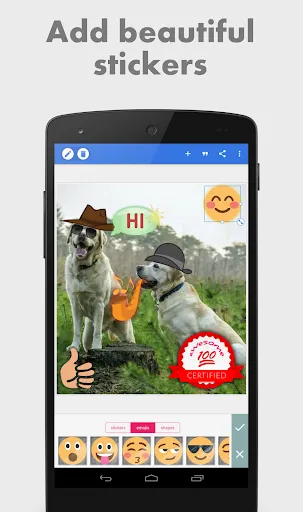
Stickers: add and customize as much stickers, emojis, shapes, as you want...
Import images: add your own images from gallery. This could come in handy when you have your own stickers, or you want to composite two images...
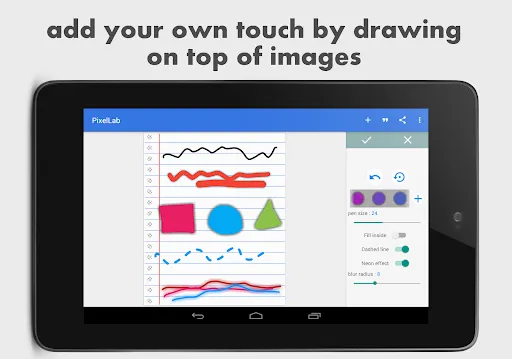
Draw: pick a pen size, a color, then draw anything you want. after that the drawing acts like a shape and you can resize it, rotate it, add shadow to it...
change the background: with the possibility of making it : a color, a gradient or an image.
Save as a project: you can save anything you do as a project. It'll be available for use even after closing the app!
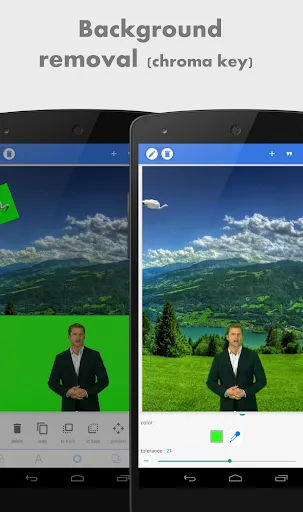
Remove the background: be it a green screen, a blue screen or simply a white background behind an object in an image that you found on Google images; PixelLab can make it transparent for you.
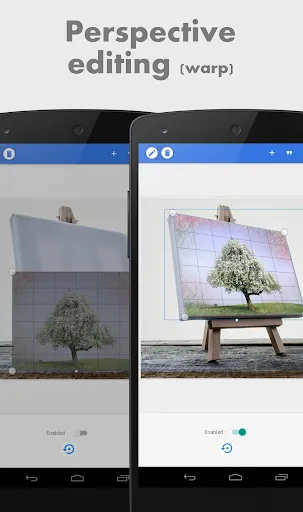
Edit image perspective: you can now perform perspective editing (warp). Handy for, replacing a monitor's content, changing a road sign's text, adding logos on boxes...
Image effects: enhance your pictures' look by applying some of the available effects, which include vignette, stripes, hue, saturation...
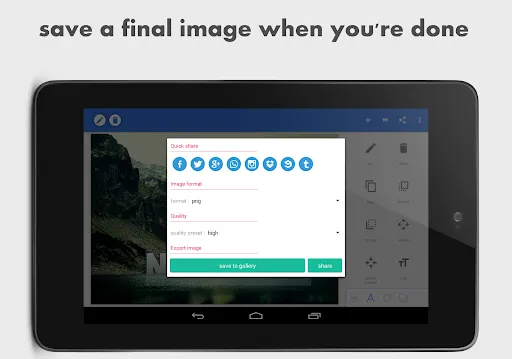
Export your Image: save or share at any format or resolution you want, For easy access you can use the Quick Share buttons to share the image to social media apps with a click of a button (ex : facebook,twitter, instagram...)
Create memes: using the provided meme preset, you can easily have your memes ready for sharing in matter seconds.
Browse quotes and insert anything you like, into what you're making !


If you have a suggestion, a question or you want to report a bug please use the provided feedback function or contact me directly via emails...

Downloads

V2.1.9

Size: 29.07 MB

Updated: 2026-01-19

User Reviews

4.02
558K+ Reviews
5
62%
4
10%
3
10%
2
5%
1
13%
Miracle Ebonyi
Jul 7, 2026

never regrets using

Suresh Sharma
Jul 7, 2026

very good app

XTG Premjit
Jul 7, 2026

very use full

Ravi Raval
Jul 7, 2026

good 👍🏻😊

Marvelous Shokunbi
Jul 6, 2026

it is a very good app but i think free design templates should be added

Kittyawn
Jul 6, 2026

import font as folder now doesn't working.

Shakil Hashan
Jul 6, 2026

good application

Appa Rode (AP)
Jul 6, 2026

many bugs👎

Noble Vittore digitalspace
Jul 6, 2026

it has been a best ever app for me

Dawit Pro
Jul 5, 2026

❤❤😲amazing app