








LegendPeeps
Home Apps Books & Reference @Voice: Text to Speech Reader
@Voice: Text to Speech Reader

@Voice: Text to Speech Reader

4.29
|
V40.0.3
|
10M+
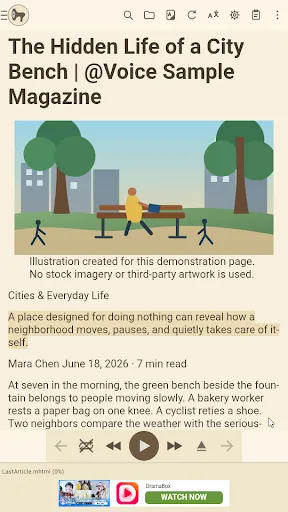
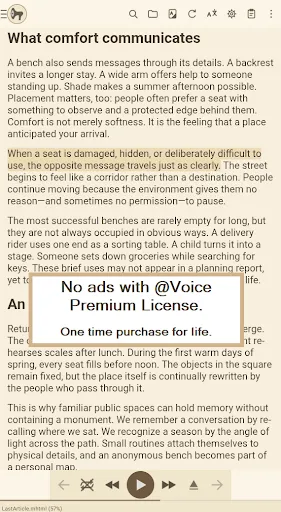
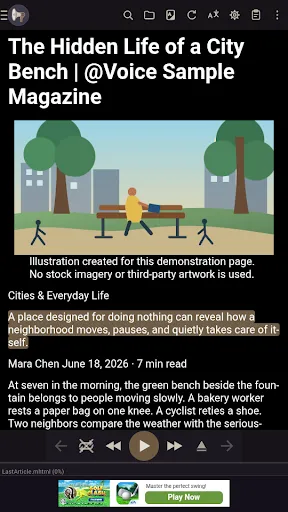
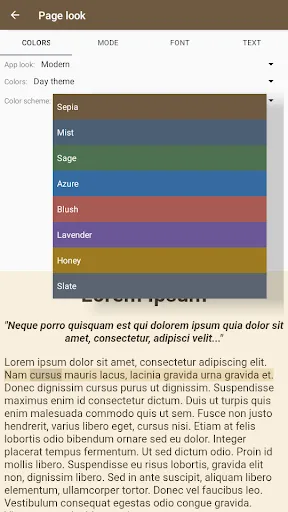
@Voice: Text to Speech Reader screenshot @Voice: Text to Speech Reader screenshot @Voice: Text to Speech Reader screenshot @Voice: Text to Speech Reader screenshot @Voice: Text to Speech Reader screenshot @Voice: Text to Speech Reader screenshot @Voice: Text to Speech Reader screenshot @Voice: Text to Speech Reader screenshot @Voice: Text to Speech Reader screenshot @Voice: Text to Speech Reader screenshot @Voice: Text to Speech Reader screenshot @Voice: Text to Speech Reader screenshot @Voice: Text to Speech Reader screenshot @Voice: Text to Speech Reader screenshot @Voice: Text to Speech Reader screenshot @Voice: Text to Speech Reader screenshot @Voice: Text to Speech Reader screenshot @Voice: Text to Speech Reader screenshot @Voice: Text to Speech Reader screenshot @Voice: Text to Speech Reader screenshot

App Information

Category Books & Reference
Developer Hyperionics Technology
Version 40.0.3
Content Rating Teen
Price Free
Min Android 8.0
Updated Jul 7, 2026

Description

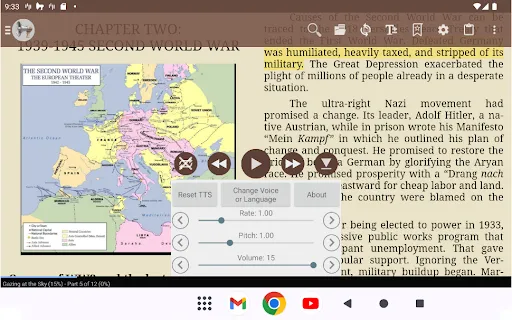
@Voice Aloud Reader turns text into spoken audio. It reads PDFs, eBooks, web pages, documents, and pasted text in dozens of languages. Whether you are commuting, exercising, cooking, or resting your eyes, @Voice keeps you learning and reading hands-free.

Read almost anything aloud
Open PDFs, EPUB and AZW3 eBooks, Word documents, HTML files, and plain text. Browse the web with the built-in reader, which removes ads and clutter so you hear the article, not the page. Share a link or text from any app and @Voice will read it or save it for later. Legally open and read eBooks protected with LCP DRM technology, including titles from ebooks.com.

Desktop to phone with @Voice Connector
Install the free browser extension for Chrome, Edge, Brave, or Firefox. Send any web page or selected text to your phone for instant listening, or queue it for later. Reader Mode cleans the page before upload.

Translate and learn languages
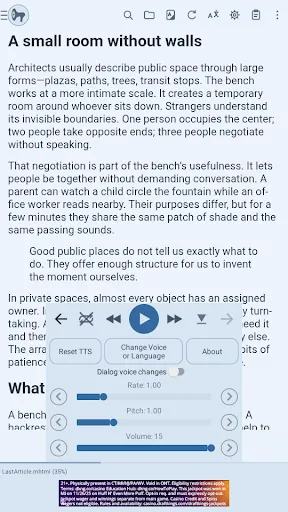
Translate articles and pages with Google Translate support, then listen in the target language. The bilingual view shows original and translated text together, with a separate voice for each language. Listen to both languages sentence by sentence, or use Back and Forward to choose which language is spoken.

Dialog voices for books and stories
Assign different voices to narrators and characters so books sound more like audiobooks. The dialog-detection wizard analyzes quote styles and sets up alternating voices automatically. Save named voice groups and adjust engine, rate, pitch, and volume per character.

AI assistant and reference tools
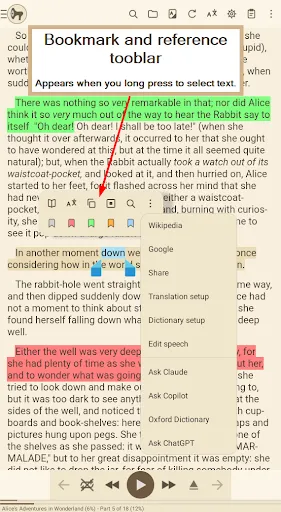
Send the text you are reading to ChatGPT, Claude, Gemini, and similar tools with a saved prompt for summaries or Q&A. Look up words in a dictionary, Google Translate, Wikipedia, or web search without leaving the reading view.

Record text to speech as audio files
Record what @Voice reads aloud and save it as MP3, OGG, or WAV. Great for creating audio versions of notes, articles, or study material you want to keep offline.

Accessibility and reading support
Includes the OpenDyslexic font, high-contrast and custom color themes, adjustable font size, word and sentence highlighting, and TalkBack support. PDF text extraction and OCR-aware reading make scanned documents listenable.

Comfortable, flexible listening
Set a sleep timer and restart it by shaking your phone. Use headset and Bluetooth buttons to play, pause, skip, or drop bookmarks without looking at the screen. Add extra pauses between sentences or articles.

Organize your reading
Create reading lists for news, books, study, and work. Track progress per item and auto-advance to the next article. Import batches of links, sync files from Dropbox, or follow multi-part web fiction automatically.

Great voices without a subscription
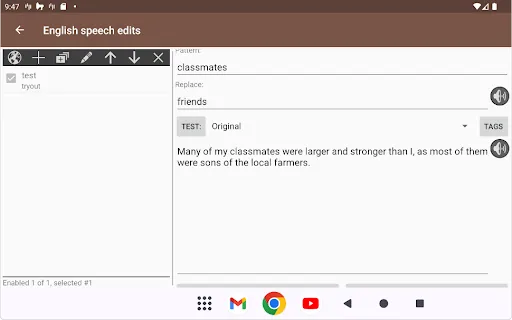
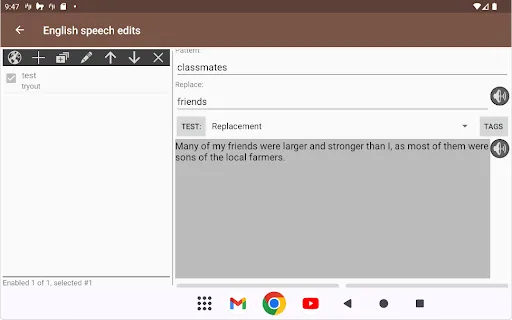
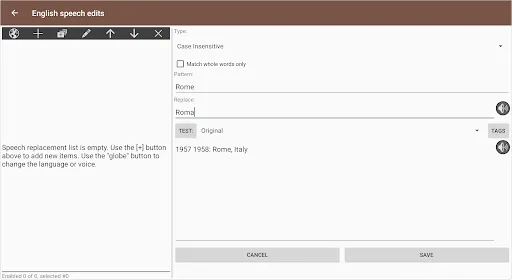
Unlike apps that lock quality voices behind monthly plans, @Voice works with the free TTS voices already on your device, including Google TTS and Samsung TTS. Want more options? Install additional voice engines from Google Play. For premium AI cloud voices, bring your own API key from Google Cloud, Microsoft, or Amazon and pay only for what you use. Fine-tune speech rate, pitch, and volume. Create custom pronunciation rules so names, abbreviations, and technical terms are spoken correctly, and sync your rules across devices.

Reading, studying, and listening in one app
With text-to-speech, translation, bilingual reading, AI lookups, audio recording, and bookmark management, @Voice is a complete listening tool for people who read a lot and want to do it by ear.

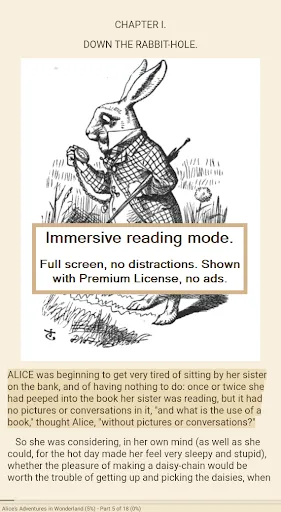
Immersive reading
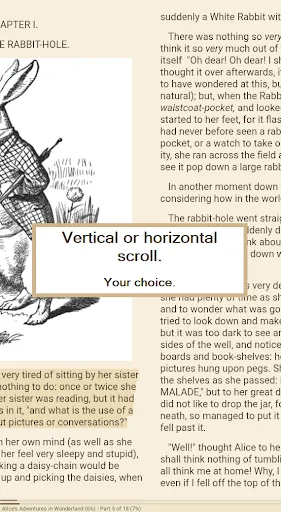
For improved concentration, read along on screen or with a printed copy while @Voice reads aloud. On screen, it highlights the spoken sentence or word. Many people find this read-and-listen method feels like watching a movie with subtitles.

No account required. No subscription. No data collection. A one-time Premium purchase removes ads and unlocks a home-screen widget and direct web-link handling.

Downloads

V40.0.3

Size: 33.72 MB

Updated: 2026-07-07

User Reviews

4.29
136K+ Reviews
5
70%
4
13%
3
5%
2
3%
1
10%
takahisa amano
Jul 7, 2026

BEST APP! I respect developers of this great app. I love it really.

Joaquin Maldonado
Jul 7, 2026

Still a solid t2s after years, not changing anytime soon.

Fiona Feras
Jul 6, 2026

really helpful app. helps with saving time on the go and helps me study! Easy to use. good experience so far.

Oscar Nathaniel Nacar
Jul 6, 2026

very useful

Evan LaForge
Jul 6, 2026

It's exactly what it needs to be, and about as good as can be expected from a free mobile app. The UI takes a bit to understand, but the tutorials make it easy to figure out. The parsing isn't perfect for PDFs, but generally not so much that I can't understand it (at least for anything that I can listen to rather than reading myself). I use the free tts, which is not ideal but good enough. Most importantly, I have read multiple books that I wouldn't have otherwise.

lina malaver
Jul 6, 2026

siento que pusieron mas adds ultimate te, es mi Ășnica queja

TRACI
Jul 5, 2026

used for years

Average Joe
Jul 4, 2026

Please add Multi-Instance or Multi-Task support. I want to open different books at the same time on the app. Feature to save new customized themes.

Britta D
Jul 3, 2026

Used it for years for free and decided to purchase it. No regrets

Mobile Phone7531
Jul 3, 2026

slow response to actions