LegendPeeps
Home Apps Tools Google Authenticator
Google Authenticator

Google Authenticator

3.84
|
VVARY
|
100M+
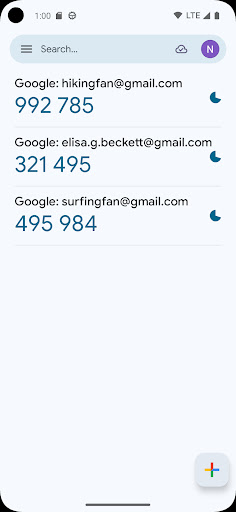
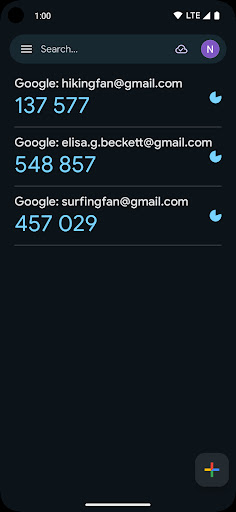
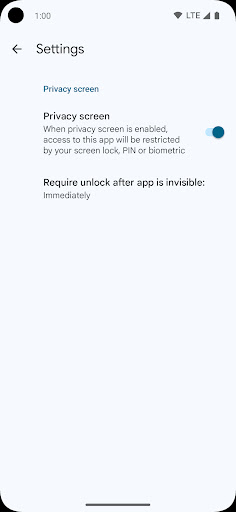
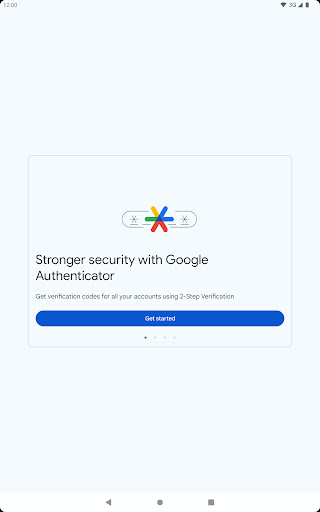
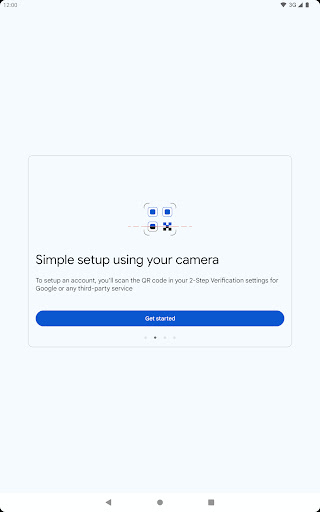
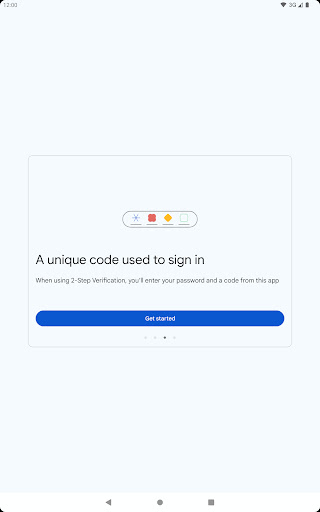
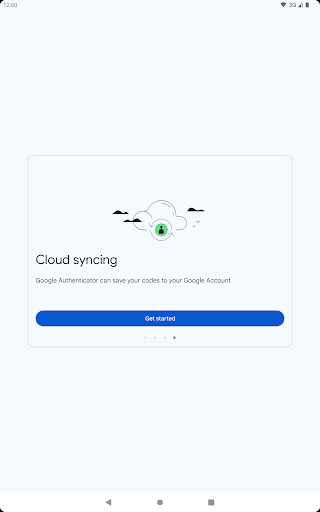
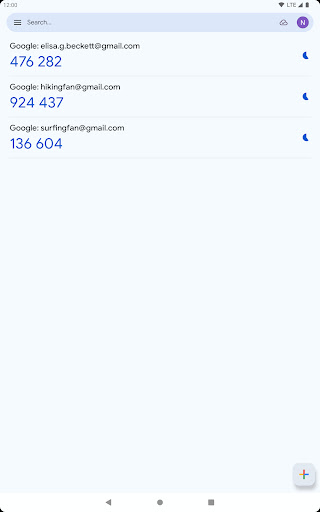
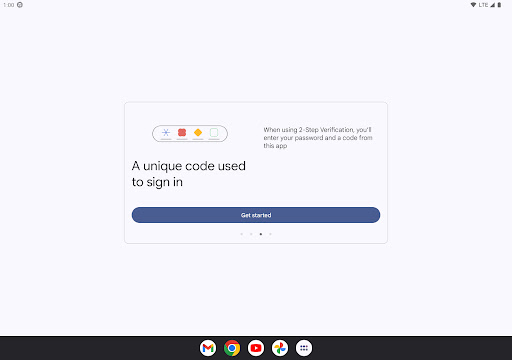
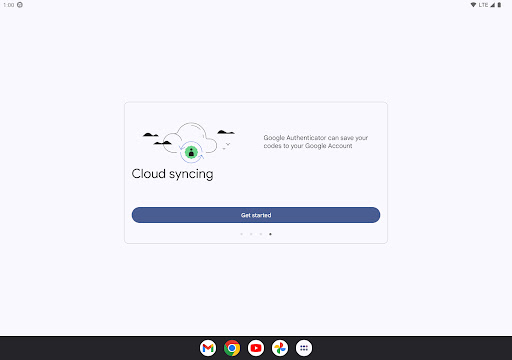
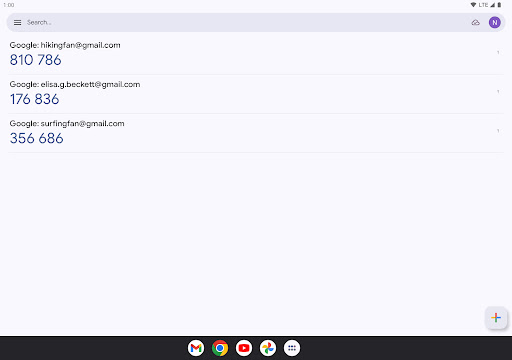
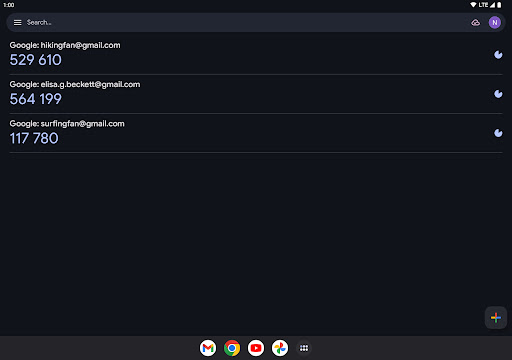
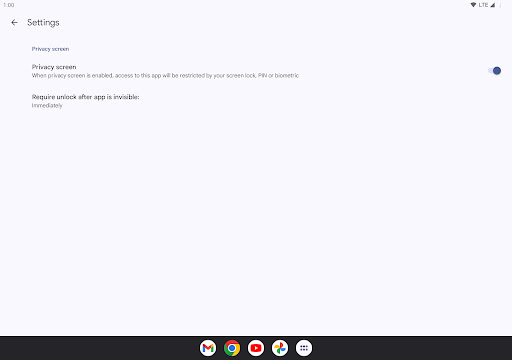
Google Authenticator screenshot Google Authenticator screenshot Google Authenticator screenshot Google Authenticator screenshot Google Authenticator screenshot Google Authenticator screenshot Google Authenticator screenshot Google Authenticator screenshot Google Authenticator screenshot Google Authenticator screenshot Google Authenticator screenshot Google Authenticator screenshot Google Authenticator screenshot Google Authenticator screenshot Google Authenticator screenshot Google Authenticator screenshot Google Authenticator screenshot Google Authenticator screenshot Google Authenticator screenshot Google Authenticator screenshot Google Authenticator screenshot

App Information

Category Tools
Developer Google LLC
Version VARY
Content Rating Everyone
Price Free
Min Android Varies with device
Updated Mar 27, 2026

Description

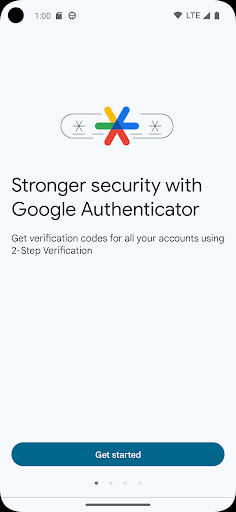
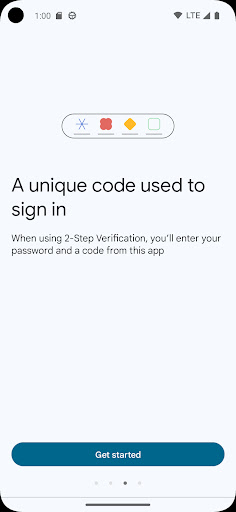
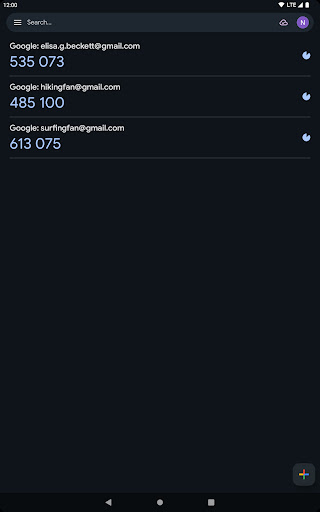
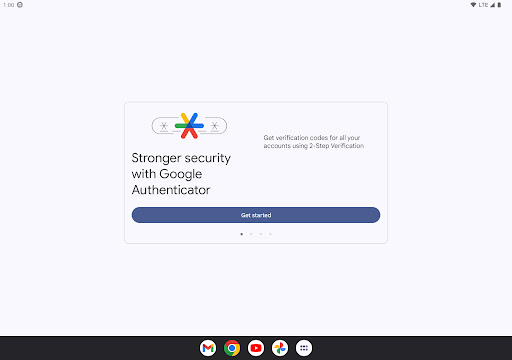
Google Authenticator adds an extra layer of security to your online accounts by adding a second step of verification when you sign in. This means that in addition to your password, you'll also need to enter a code that is generated by the Google Authenticator app on your phone. The verification code can be generated by the Google Authenticator app on your phone, even if you don't have a network or cellular connection.
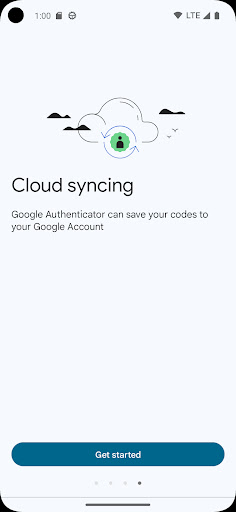
* Sync your Authenticator codes to your Google Account and across your devices. This way, you can always access them even if you lose your phone.
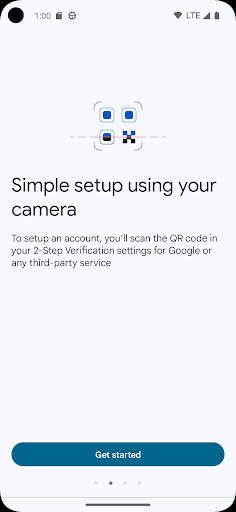
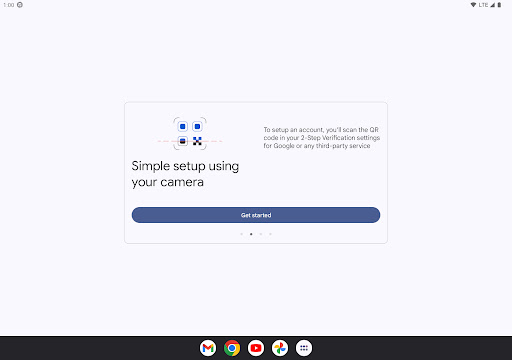
* Set up your Authenticator accounts automatically with a QR code. This is quick and easy, and it helps to ensure that your codes are set up correctly.
* Support for multiple accounts. You can use the Authenticator app to manage multiple accounts, so you don't have to switch between apps every time you need to sign in.
* Support for time-based and counter-based code generation. You can choose the type of code generation that best suits your needs.
* Transfer accounts between devices with a QR code. This is a convenient way to move your accounts to a new device.
* To use Google Authenticator with Google, you need to enable 2-Step Verification on your Google Account. To get started visit http://www.google.com/2step Permission notice: Camera: Needed to add accounts using QR codes


User Reviews

3.84
655K+ Reviews
5
59%
4
10%
3
8%
2
3%
1
20%
DEBBIE LADD
Apr 29, 2026

EXACTLY.

Dao Jones
Apr 29, 2026

Authy is a much superior product and doesn't sell your soul.

Oluwafemi Enoch
Apr 29, 2026

great indeed

Joe Miller
Apr 29, 2026

Quality

Jamil Comadug
Apr 29, 2026

update

Edgar Kapunan
Apr 29, 2026

easy to install I love it

aisudo christopher
Apr 29, 2026

great

Kevin Jackson
Apr 29, 2026

I love it

Damon Green
Apr 29, 2026

iPhone16plus is my device

Roberto Peon
Apr 28, 2026

works on some phones, but not others.