LegendPeeps
Home Apps Tools Document Reader - PDF Scanner
Document Reader - PDF Scanner

Document Reader - PDF Scanner

3.71
|
V1.0.0
|
10K+
Document Reader - PDF Scanner screenshot Document Reader - PDF Scanner screenshot Document Reader - PDF Scanner screenshot Document Reader - PDF Scanner screenshot

App Information

Category Tools
Developer Stackwise Studio
Version 1.0.0
Content Rating Everyone
Price Free
Min Android 8.0
Updated Jun 4, 2026

Description

❓Do you often receive documents through email, messaging apps, or work platforms but struggle to find the right app to open them?

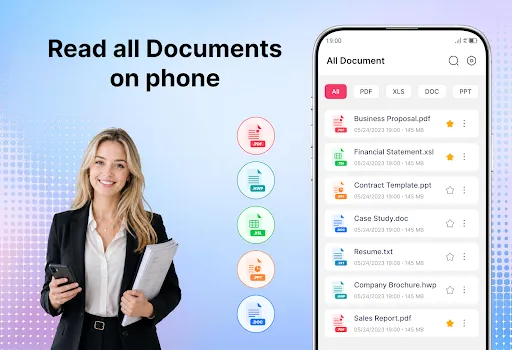
Document Reader - PDF Scanner app helps you access, review, and manage important files directly on your phone. Instead of installing separate apps for PDF, Word, Excel, PowerPoint, or HWP files, you can handle everything in one place. Whether it's a presentation from a colleague, a spreadsheet from school, a contract from a client, or a PDF downloaded from the internet, the app helps you handle different file types without relying on multiple document viewers.

πŸ‘‰ From classroom materials and business paperwork to personal records, keep everything together in a more practical way. Try Document Reader - PDF Scanner app now!

🟠 KEY FEATURES
βœ” Read PDF, Word, Excel, HWP, and PowerPoint files
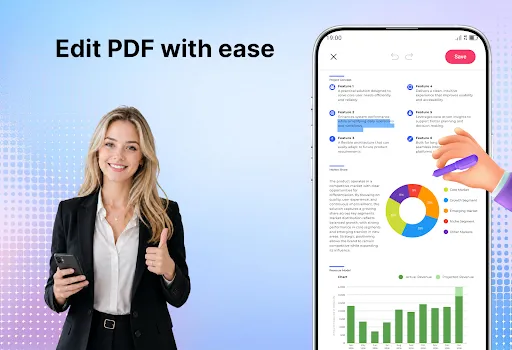
βœ” Edit and annotate PDF documents
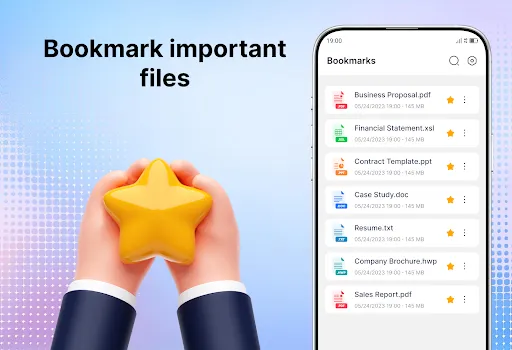
βœ” Bookmark important files
βœ” Scan documents to PDF
βœ” Convert images to PDF
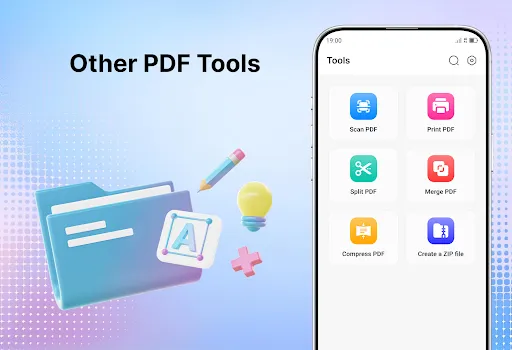
βœ” Merge and split PDF files

πŸ“šREAD ALL DOCUMENTS ANYTIME
Important files don't always arrive when you're sitting in front of a computer. Sometimes you need to check a contract while traveling, open a presentation before a meeting, or review class materials during a break. The app allows you to access different document formats from one place.

✴️ KEEP IMPORTANT FILES
Some documents are used repeatedly, such as forms, reports, manuals, invoices, or study notes. Bookmarking helps you return to frequently used files instantly, without having to search through folders every time.

πŸ“•PDF EDITOR
Reading is often not enough. You may need to highlight key information, underline important sections, or add notes while studying or working. PDF annotation tools help you focus on important details and make documents easier to revisit later.

πŸ“•PDF SCANNER
Receipts, certificates, contracts, and handwritten notes can easily be misplaced. By scanning them into PDF files, you can keep digital copies stored safely on your phone and access them whenever needed.

πŸ“•IMAGE TO PDF
Pictures of documents often get mixed with personal photos in your gallery. Converting them into PDF format helps keep important information organized, easier to share, and more convenient to archive.

πŸ‘‰ Save storage space, reduce app switching, and simplify the way you work with documents. Download this app now!

☎️ Thank you for trying Document Reader - PDF Scanner app. We are continually refining the experience and exploring new ideas to enhance document handling in future versions.

User Reviews

3.71
223+ Reviews
5
59%
4
12%
3
0%
2
0%
1
29%
Liaquat Janjua
Jul 1, 2026

although I have this app, they are still forcing me to upload the app. very annoying.

Sophie
Jul 1, 2026

good

Melissa Ryan
Jul 1, 2026

too many ads, deleted it

Besma Waili
Jul 1, 2026

ecellent and fsst good

Akinwande Koyi
Jul 1, 2026

The app is good.

Dean Richards
Jun 30, 2026

confusing

Edward Didier
Jun 30, 2026

πŸ‘

Joan Stillens Theobald
Jun 27, 2026

no issues. followed instructions.

Diane Reed
Jun 27, 2026

it was a good learning experience.

Lawren Astin
Jun 26, 2026

why do i have this? there is no real help here.