App Information
| Category | Tools |
| Developer | BoostVision |
| Version | 2.5.2 |
| Content Rating | Everyone |
| Price | Free |
| Min Android | 7.0 |
| Updated | Apr 14, 2026 |
Description
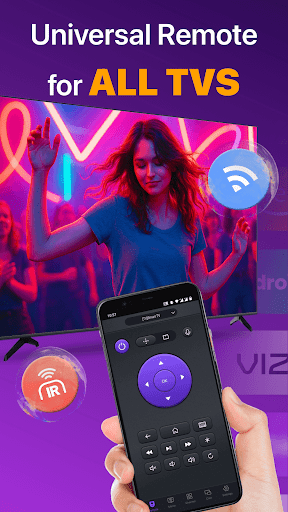
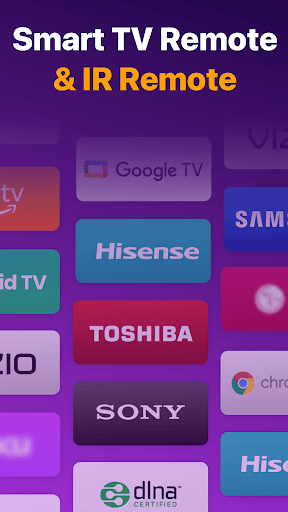
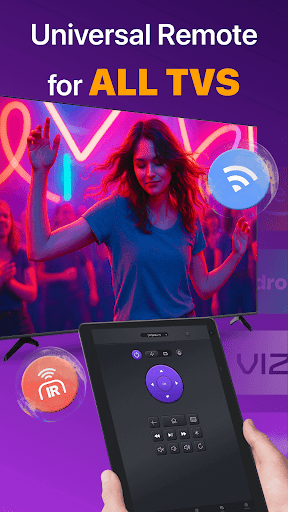
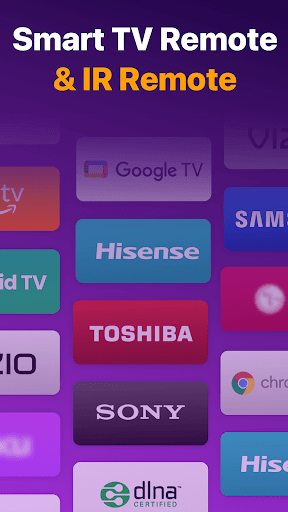
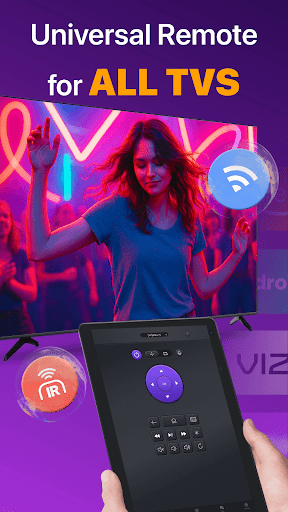
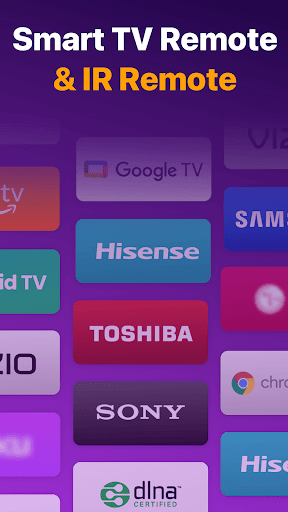
Universal TV Remote for All TV is a helpful TV remote control app that can get you out of the trouble of frequently switching remote controls between multiple smart TVs. As long as it is under the same WiFi as your Smart TV, this multifunctional remote app can help you easily turn on/off the TV, manage channels, change volume and control content playback just like a real physical remote control. It even supports IR modes, so you can easily control your TV when WiFi isn't available.
Key benefits of the TV remote control app include:
- Auto-detect all the Smart TVs on the same WiFi network
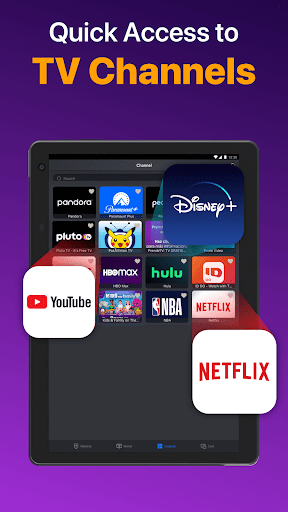
- Quick remote control TV with Volume control, Reverse and Fast Forward
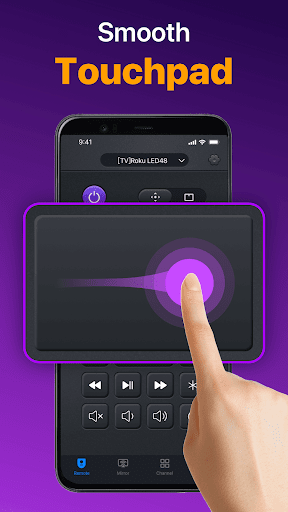
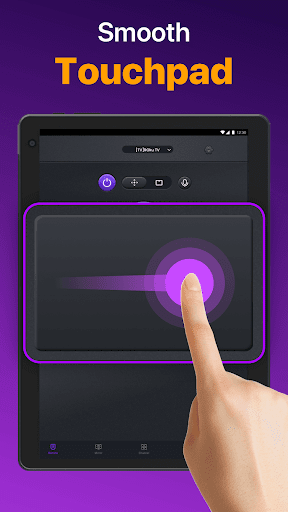
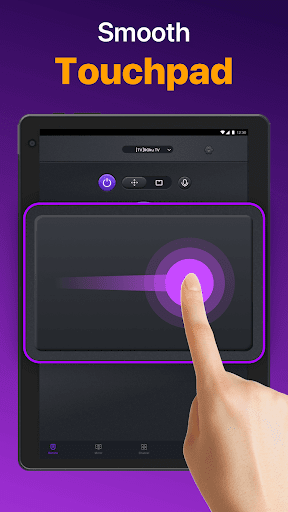
- Responsive Touchpad to control TV in an efficient way
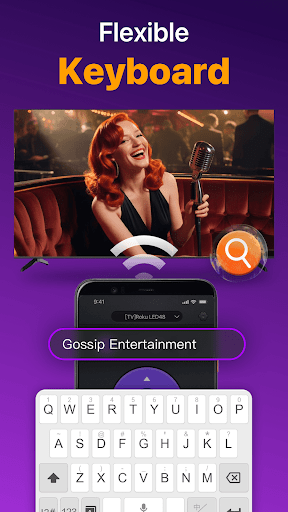
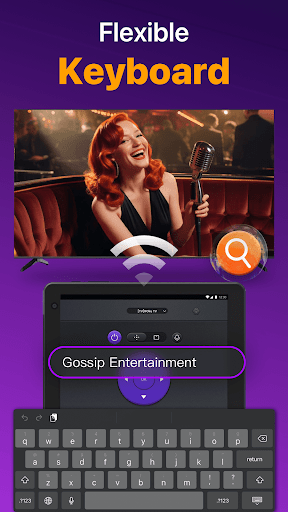
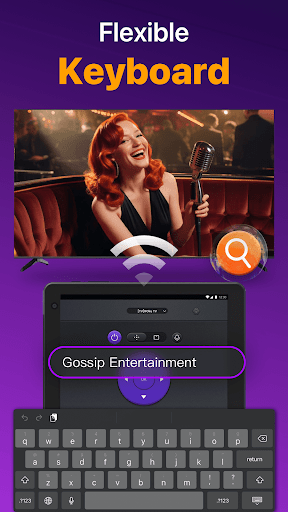
- Quick text input and search for finding your favorite shows or movies
- Power On/Off Smart TV from your phone/tablet for added convenience
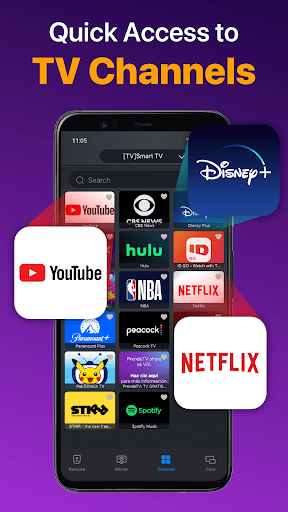
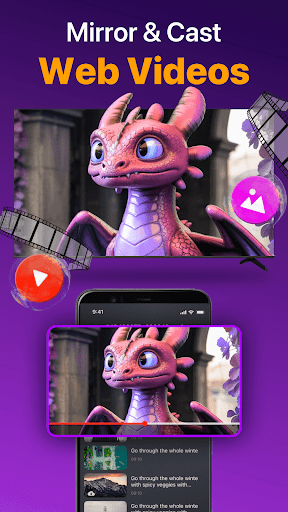
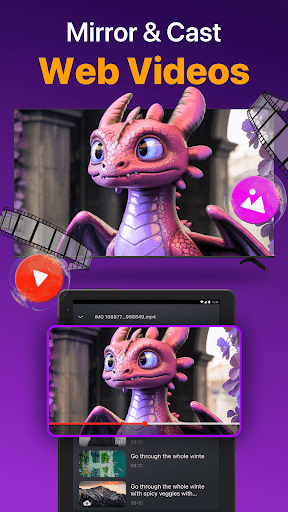
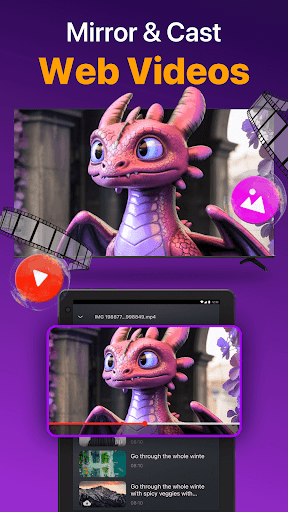
- Cast photos & videos from your local album with the TV control app
- Mirror your phone screen to big TVs with low latency
How to use TV Remote for Smart TV:
1.Download and install the universal replacement remote app
2.Click and select a TV brand or Stick.
3.Tap to connect the universal TV remote app to the Smart TV
4.Finish! TV Remote control is ready to use.
Troubleshoot:
• Both the Smart TV and Android devices must be under the same network to connect smoothly.
• Reinstall this smart remote app and reboot Smart TV will resolve most of the connecting issues.
• Try upgrading the television remote control to the latest version
• Change to another device and try again
Disclaimer: Universal TV Remote for All TV has been tested carefully on many TV models. However, we cannot test all TV models, we don’t guarantee the product works on ALL TV models.
Terms of Use: https://www.boostvision.tv/terms-of-use
Privacy Policy: https://www.boostvision.tv/privacy-policy
Visit Our Page: https://www.boostvision.tv/app/universal-tv-remote
Key benefits of the TV remote control app include:
- Auto-detect all the Smart TVs on the same WiFi network
- Quick remote control TV with Volume control, Reverse and Fast Forward
- Responsive Touchpad to control TV in an efficient way
- Quick text input and search for finding your favorite shows or movies
- Power On/Off Smart TV from your phone/tablet for added convenience
- Cast photos & videos from your local album with the TV control app
- Mirror your phone screen to big TVs with low latency
How to use TV Remote for Smart TV:
1.Download and install the universal replacement remote app
2.Click and select a TV brand or Stick.
3.Tap to connect the universal TV remote app to the Smart TV
4.Finish! TV Remote control is ready to use.
Troubleshoot:
• Both the Smart TV and Android devices must be under the same network to connect smoothly.
• Reinstall this smart remote app and reboot Smart TV will resolve most of the connecting issues.
• Try upgrading the television remote control to the latest version
• Change to another device and try again
Disclaimer: Universal TV Remote for All TV has been tested carefully on many TV models. However, we cannot test all TV models, we don’t guarantee the product works on ALL TV models.
Terms of Use: https://www.boostvision.tv/terms-of-use
Privacy Policy: https://www.boostvision.tv/privacy-policy
Visit Our Page: https://www.boostvision.tv/app/universal-tv-remote
User Reviews
4.35
161K+ Reviews
5
72%
4
12%
3
5%
2
1%
1
10%

Doaa Abdelfatah
Apr 29, 2026
too much ads

Carlos Ruiz
Apr 29, 2026
good

Thomas Mclarrin
Apr 28, 2026
trash

Bailey Stopher
Apr 28, 2026
3 day trial then paid.

Adnantp Adnan
Apr 28, 2026
too much ad canot control the tv

zarels
Apr 27, 2026
it works through wifi, but after every 10 clicks you get an ad...

Pooch Kip
Apr 27, 2026
locked behind purchase, if you dont buy, its just endless ads. trashcan

jon king
Apr 27, 2026
trash.

Shelia Slade
Apr 27, 2026
too many ads

C R
Apr 27, 2026
Not a usable app. Just a paywall. What happened to app stores.
You Might Like
Google Translate
4.27
1B+

ViruSweep - Antivirus & Clean
3.73
1M+

Vizo Lite
3.96
1M+

Brightest Flashlight Launcher
4.24
5M+
Find My Phone by Clap Launcher
4.26
1M+

Helix Cleaner Pro
4.11
10K+

VexPlayer
4.34
100K+

Samsung Smart Switch Mobile
3.83
1B+

Notepad - Notes and Notebook
4.21
10M+

KJV Bible Audio - Daily Verses
4.39
1M+