







LegendPeeps
Home Apps Video Players & Editors AirMirror: TV Cast via AirPlay
AirMirror: TV Cast via AirPlay

AirMirror: TV Cast via AirPlay

4.48
|
V1.4.8
|
1M+
AirMirror: TV Cast via AirPlay screenshot AirMirror: TV Cast via AirPlay screenshot AirMirror: TV Cast via AirPlay screenshot AirMirror: TV Cast via AirPlay screenshot AirMirror: TV Cast via AirPlay screenshot AirMirror: TV Cast via AirPlay screenshot AirMirror: TV Cast via AirPlay screenshot AirMirror: TV Cast via AirPlay screenshot AirMirror: TV Cast via AirPlay screenshot AirMirror: TV Cast via AirPlay screenshot AirMirror: TV Cast via AirPlay screenshot AirMirror: TV Cast via AirPlay screenshot AirMirror: TV Cast via AirPlay screenshot AirMirror: TV Cast via AirPlay screenshot AirMirror: TV Cast via AirPlay screenshot AirMirror: TV Cast via AirPlay screenshot AirMirror: TV Cast via AirPlay screenshot AirMirror: TV Cast via AirPlay screenshot AirMirror: TV Cast via AirPlay screenshot AirMirror: TV Cast via AirPlay screenshot

App Information

Category Video Players & Editors
Developer BoostVision
Version 1.4.8
Content Rating Everyone
Price Free
Min Android 6.0
Updated Jan 6, 2026

Description

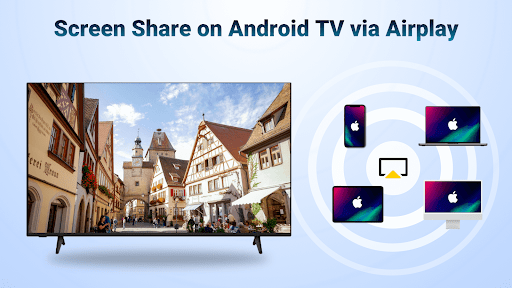
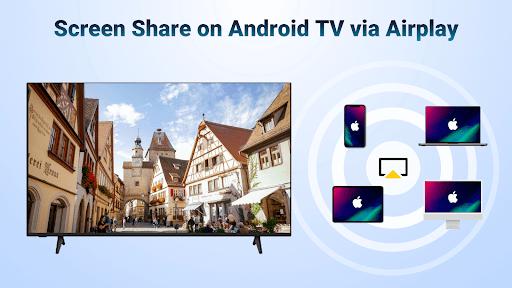
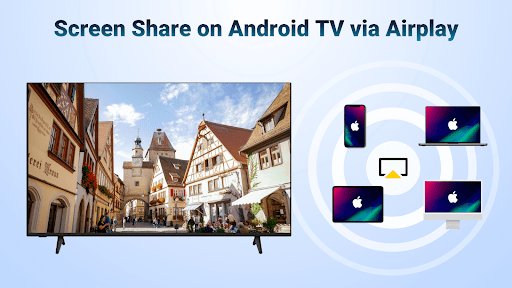
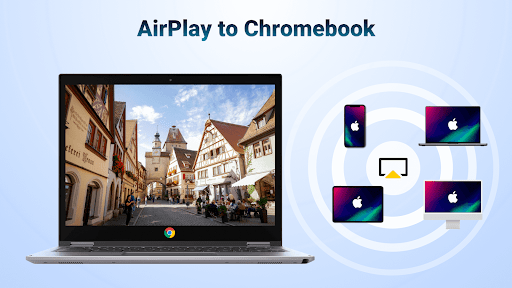
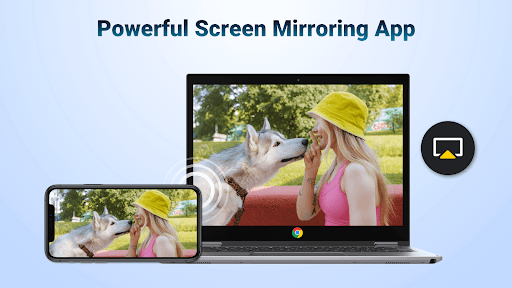
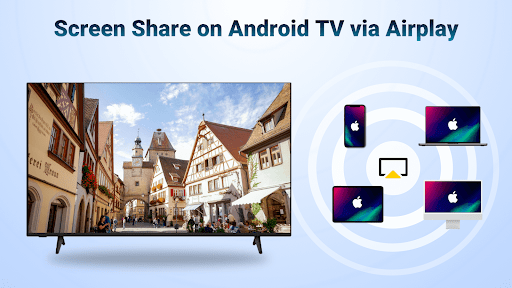
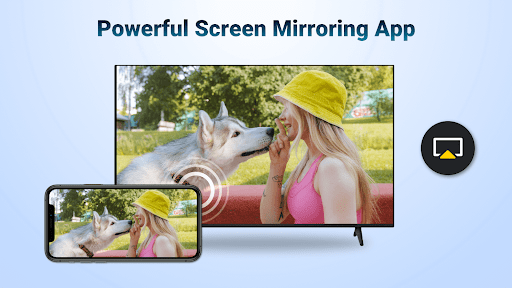
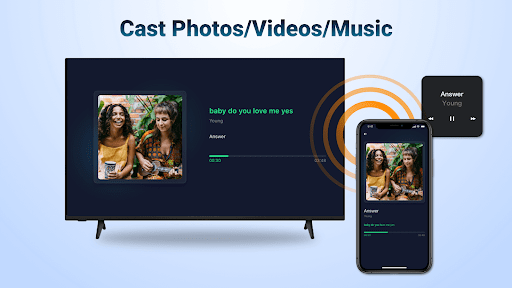
AirMirror receiver to Android TV is a wireless streaming receiver application which enables users to seamlessly mirror and cast from iPhone/iPad/Mac to Android TV over WiFi. With this helpful mirroring receiver app, you can directly mirror the screen or air cast photos, web videos and audios from iOS devices to Android TV without encountering the trouble of switching frequently from Apple to Android devices or paying to install any additional converters.

This Apple mirroring receiver can help you:
Screen mirror from your iOS device to share the teaching content on Android TV.
Screen share your presentation from iPhone on a big TV display during business meetings.
Share the relaxing game time with friends by mirroring screen of multiplayer game.
Share your happy travel experience with families by air casting travel photos to Android TV.
Exercise with the fitness instructor by airstreaming your fitness videos to Android TV.
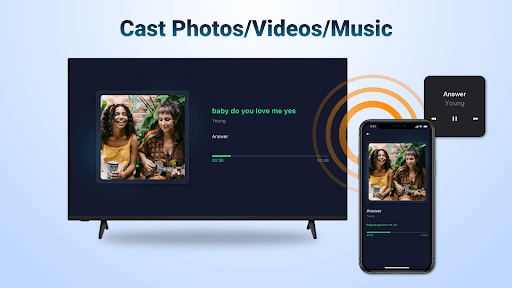
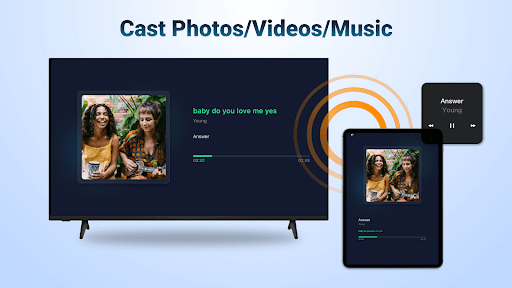
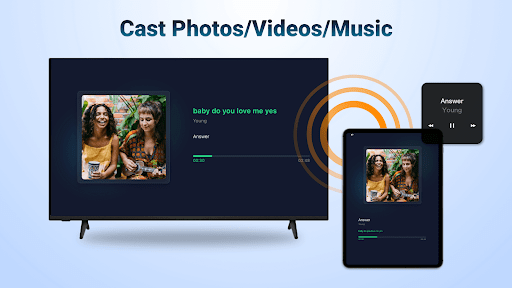
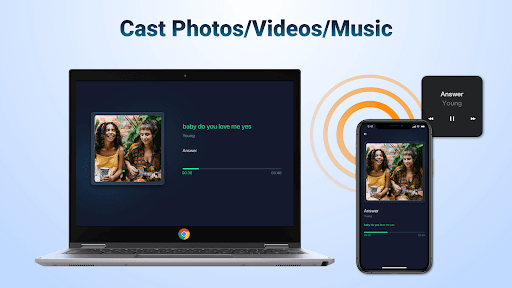
Stream iPhone/iPad music to Android TV with great sound quality to enjoy the beauty of music.
Discuss the plot with buddies by screen mirroring exciting movies to Android TV.

Key Features:
-Stream audio/video/photo from the devices enabled Airplay (itunes, iOS, ...)
-Screen cast video/music from streaming media (where DRM allows)
-Cast web videos via airplay, smooth & super fast
-Click Play/Pause/Stop directly on the receiving end enabled airplay
-You can switch between landscape and portrait on your own
-Simple connectivity and stable mirroring and screen casting

Steps to stream content from Apple devices with this media cast app:
Download the AirMirror Cast app on Android TV where you want to receive content
Make sure your iOS device and Android TV are connected to the same WiFi
Launch the mirroring receiver app and the name of Android TV will be shown (remember it)
Tap "Screen Mirroring" on the Apple device and choose the Android TV name to start streaming content

Note:
Your Android TV and the mirroring receiver app must be under the same WiFi
Most connection problems can be resolved by restarting the air screen receivers or Apple devices
The app does not work with DRM protected content like Netflix, paid iTunes videos, paid Google Movies etc

Terms of Use: https://www.boostvision.tv/terms-of-use
Privacy Policy: https://www.boostvision.tv/privacy-policy

Visit Our Page: https://www.boostvision.tv

Downloads

V1.4.8

Size: 16.24 MB

Updated: 2026-01-06

User Reviews

4.48
17K+ Reviews
5
78%
4
9%
3
3%
2
2%
1
8%
Alexandru Abaitanci
Apr 27, 2026

works a few minutes and then it forces you to pay. worst app ever

Paul Mwelwa
Apr 22, 2026

nice. am enjoying

Md Hakim
Apr 20, 2026

good

ARFAD Qureshi
Apr 18, 2026

nice

Akhtar Parvej
Apr 17, 2026

excellent

Kirk Campbell
Apr 16, 2026

it's very good app

Bechar Jajanvadiya
Apr 13, 2026

bast app

Anmol Gagan Hanjra
Apr 12, 2026

Good

Franco
Apr 4, 2026

This is a trial app that contains ads. Works for a few minutes and forces to pay to continue. It's not necessary to pay, just search airplay in the play store and try another app. This app adds nothing to it.

Achyutha Onti Srinivasan
Apr 3, 2026

stopped working recently, I have a yearly subscription but still doesn't work , device doesn't show up in mac . Have tried with 2 different devices , rebooting everything from tv , router to laptop, reinstalled app , ensured they are on the same wifi network. nothing works