LegendPeeps
Home Apps Personalization Pillow Chase Home App
Pillow Chase Home App

Pillow Chase Home App

4.51
|
V1.7
|
10M+
Pillow Chase Home App screenshot Pillow Chase Home App screenshot Pillow Chase Home App screenshot Pillow Chase Home App screenshot Pillow Chase Home App screenshot Pillow Chase Home App screenshot Pillow Chase Home App screenshot Pillow Chase Home App screenshot Pillow Chase Home App screenshot Pillow Chase Home App screenshot Pillow Chase Home App screenshot Pillow Chase Home App screenshot Pillow Chase Home App screenshot Pillow Chase Home App screenshot Pillow Chase Home App screenshot

App Information

Category Personalization
Developer Hadiz Studio
Version 1.7
Content Rating Teen
Price Free
Min Android 8.0
Updated Feb 26, 2026

Description

Welcome to Pillow Chase Home App!

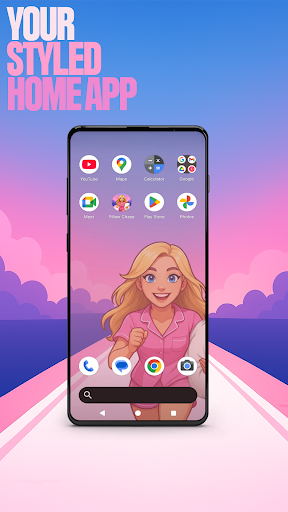
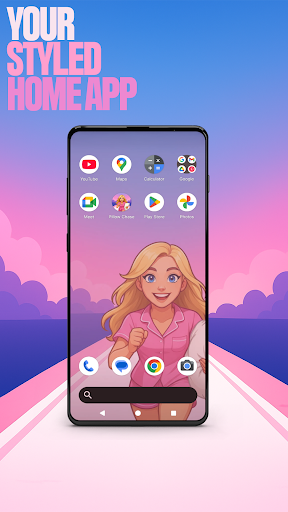
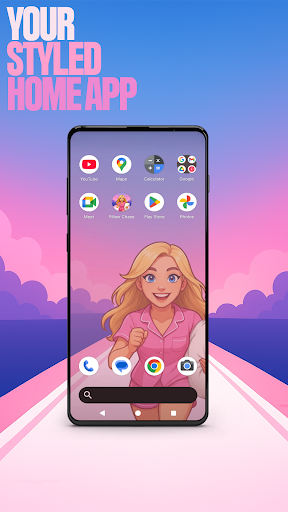
This launcher app lets you create a home screen that feels completely your own for a personal touch. You can fully customize the home screen layout, create folders, and choose colors. With a fresh style, it’s a launcher that keeps things exciting from the moment you start using it.

You can pick this app as the default choice via the "Default home app" setting to use this as your day-to-day launcher. You can switch back to your previous launcher anytime you choose.

⚡ Jump into the Pillow Chase Game! ⚡
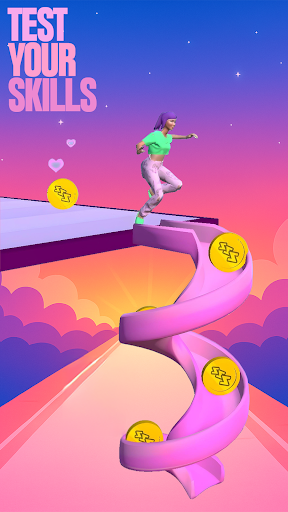
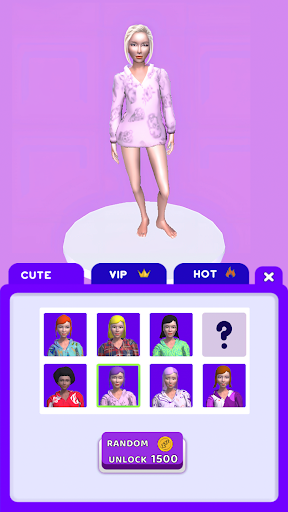
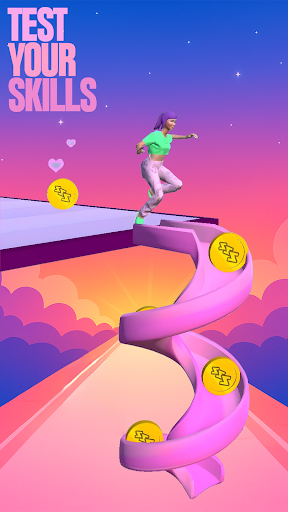
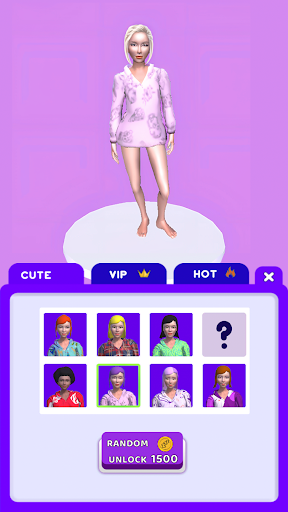
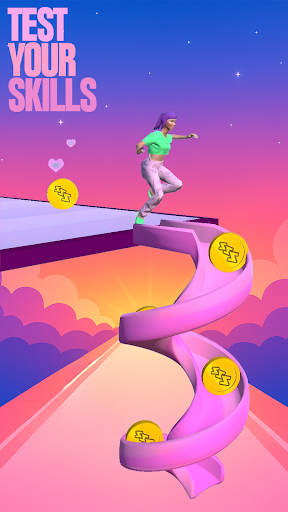
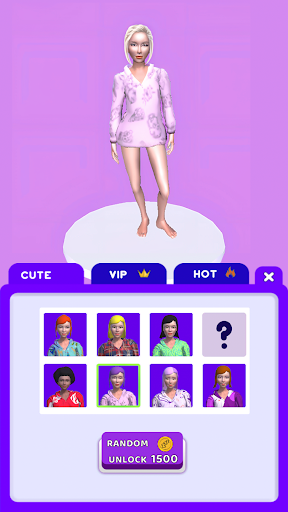
Run, dodge, and race your way to sweet dreams in Pillow Chase! Collect pillows, leap over alarm clocks, and avoid coffee cups that slow you down. It’s fast, funny, and full of surprises, the perfect game for quick breaks and endless fun.

Open via the game icon on your home screen.

🌙 Pillow Chase Home App Features: 🌙

The features listed below are available via your home screen. Long-press an empty area on your home screen to open the pop-up menu.

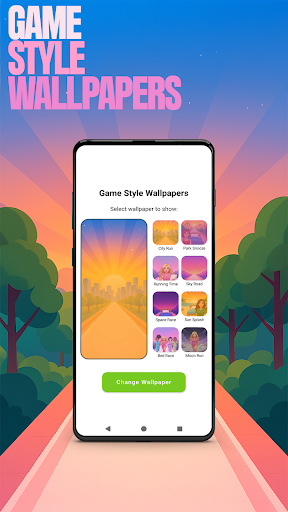
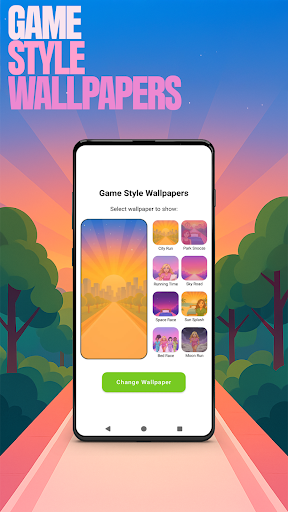
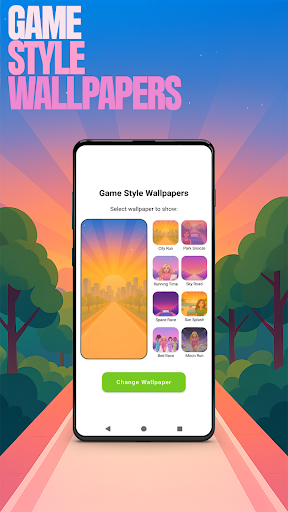
✅ Game Style Wallpapers – Add unique wallpapers inspired by the Pillow Chase game.
Long-press on home screen -> click "Game Style Wallpapers".

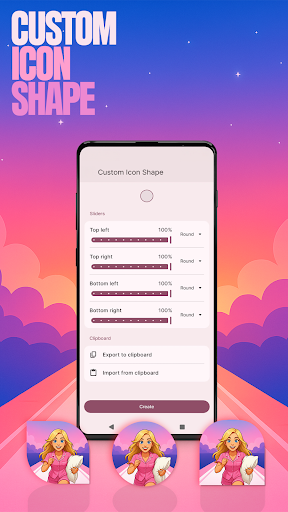
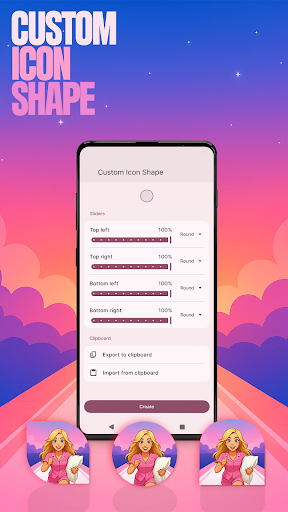
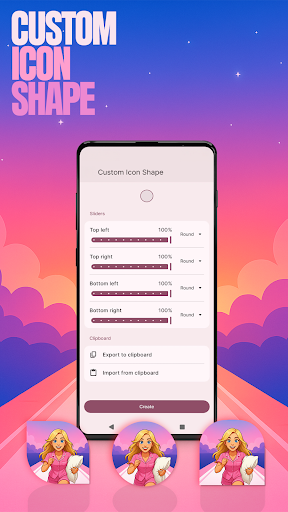
✅ Custom Icon Shape – Personalize your device with fun icon shapes and custom icon looks.
Long-press on home screen -> click "Custom Icon Shape".

✅ Custom Gestures – Swipe or tap to quickly open an app, settings or app drawer.
Long-press on home screen -> click "Home settings" -> Gestures.

✅ Hide Apps – Keep your private apps invisible while staying fully in control.
Long-press on home screen -> click "Home settings" -> "App drawer" -> "Hidden apps".

✅ Accent Color – Customize your home app colors. Use presets or create your own device style.
Long-press on home screen -> click "Home settings" -> General -> "Accent color".

Note: When using this home app, your home screen’s layout may be changed. You can customize the layout as you wish. Your previous home’s layout is not affected once you switch back.

User Reviews

4.51
48K+ Reviews
5
81%
4
7%
3
2%
2
1%
1
9%
Arya Numman
Apr 29, 2026

they should make the end a bit less inappropriate like you know the bit where she gets in the bikini

A. Jethin
Apr 28, 2026

this app changed everything on my phone worst app ever even the app was not on the home screen I have to go to the playstore to uninstall it

Lalpek hlua
Apr 28, 2026

this is the worst game ever

Consuelo Valencia
Apr 28, 2026

This game is adware

Topher Sulay
Apr 28, 2026

disgusting sounds and make my wallpaper disgusting

Mwila Mukasa
Apr 27, 2026

This DESTROYED MY HOME SCREEN!!!!! I DO NOT RECOMMEND 🤬🤬👎👎👎

anas jabir
Apr 27, 2026

It was very bad it changed my setting, it started to stuck and it take me very hard to delete it.

Hashem
Apr 27, 2026

DO NOT DOWNLOAD IT MIGHT BE A VIRUS. IT WILL CHANGE YOUR PHONE UI

Samkelo
Apr 27, 2026

Relevant games

Kalpana Gopinath
Apr 27, 2026

put ❤️❤️❤️❤️❤️❤️❤️ beauty's